In 2026, the manual slide builder is quickly becoming a relic of the past. As business teams face constant pressure to deliver data driven insights at lightning speed, the traditional way of building decks is no longer sustainable. Manually pushing pixels and formatting shapes takes too much time.
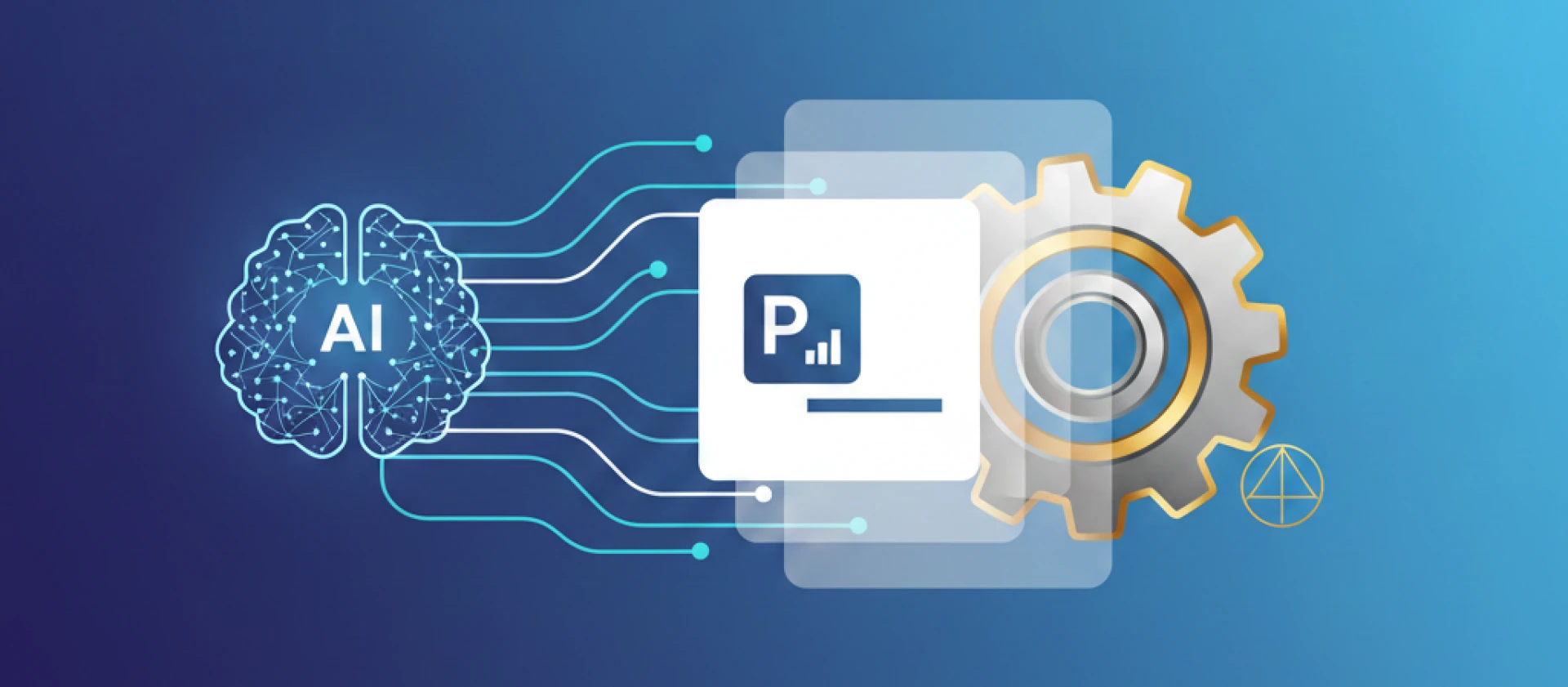
We have officially entered the era of presentation automation. This is not just about using AI to generate a few bullet points. It is a fundamental shift in how organizations handle visual communication.
Why PowerPoint Automation is Essential in 2026
The hidden cost of manual work is at an all time high. When a growth manager or a financial analyst spends three hours formatting a deck that should have taken thirty minutes, the company loses strategic momentum.
Automating these workflows offers several clear advantages.
Brand Governance You can ensure every deck across a large team uses the correct colors and fonts without manual oversight.
Real Time Data Integration You can stop copy pasting from spreadsheets because automated tools now sync live data directly into your slides.
Eliminating the Blank Page You can use AI to transform raw reports or meeting notes into structured drafts instantly.
The 2026 Tech Stack: AI Tools for Presentations
Not all AI for PowerPoint tools are created equal. To build a truly automated workflow, you need to look at how different tools handle your specific needs.
Generative Engines and Drafting Tools like Slidely AI (AI PowerPoint assistant) have moved far beyond basic text to slide features. In 2026, the best AI PowerPoint tools are context aware. They do not just generate generic slides. Instead, they ingest your specific PDFs and brand guidelines to create a bespoke presentation that sounds like your team.
Layout Automation This is where presentation automation saves the most hours. Instead of manually aligning boxes, these tools use smart layouts to ensure that the slide reorganizes itself perfectly as you add content.
Enterprise Integration For large teams, the best AI tools for presentations in 2026 must live where you already work. This means native add ins that work inside the PowerPoint app. This ensures security and ease of use for everyone.
Implementation Strategies for Professional Teams
Moving a team toward automation requires more than just a software subscription. It requires a clear strategy.
Start by defining your master assets. Upload your brand kit and core templates into your automation tool first. Automation is only as good as the guardrails you set.
Encourage a document first workflow. Teams should stop starting their work directly in PowerPoint. It is much more efficient to start in a brief or a data report and then use AI for PowerPoint to turn those insights into a deck.
Finally, audit your old materials. Use automation to scan existing decks and instantly update them to new brand standards. This eliminates the risk of using outdated styles.
Best Practices for the Modern Workflow
Focus on information gain. Do not let AI just summarize your notes. Use it to visualize complex data points that would take a human designer hours to build.
At the same time, you must maintain human oversight. Automation handles the labor, but the human provides the narrative. Use AI to do the heavy lifting so you can focus on the storytelling and the strategy.
It is also vital to choose a platform that scales with your demand. Select tools like Slidely that offer unlimited generation. This ensures that your team productivity is never capped by a monthly credit limit.
The Future is Specialized
The all in one design tools of the past are often failing the modern enterprise. Business teams need dedicated PowerPoint automation that understands the difference between a social media post and a board room strategy.
By adopting a presentation first AI strategy, you are not just making slides faster. You are giving your team the time back to focus on the work that actually grows the business.
Ready to see what true automation looks like? You can explore the Slidely AI by booking demo to see how it transforming enterprise presentation workflows.