Brand consistency sounds simple on paper. Use the right fonts. Stick to approved colors. Follow the template.
In reality, it’s one of the hardest things for teams to maintain—especially in PowerPoint.
As soon as multiple people touch a deck, small inconsistencies start creeping in. A different font on one slide. A slightly off-brand color on another. Layouts that don’t quite match. By the time the presentation is ready, the final review becomes a long list of “design fixes.”
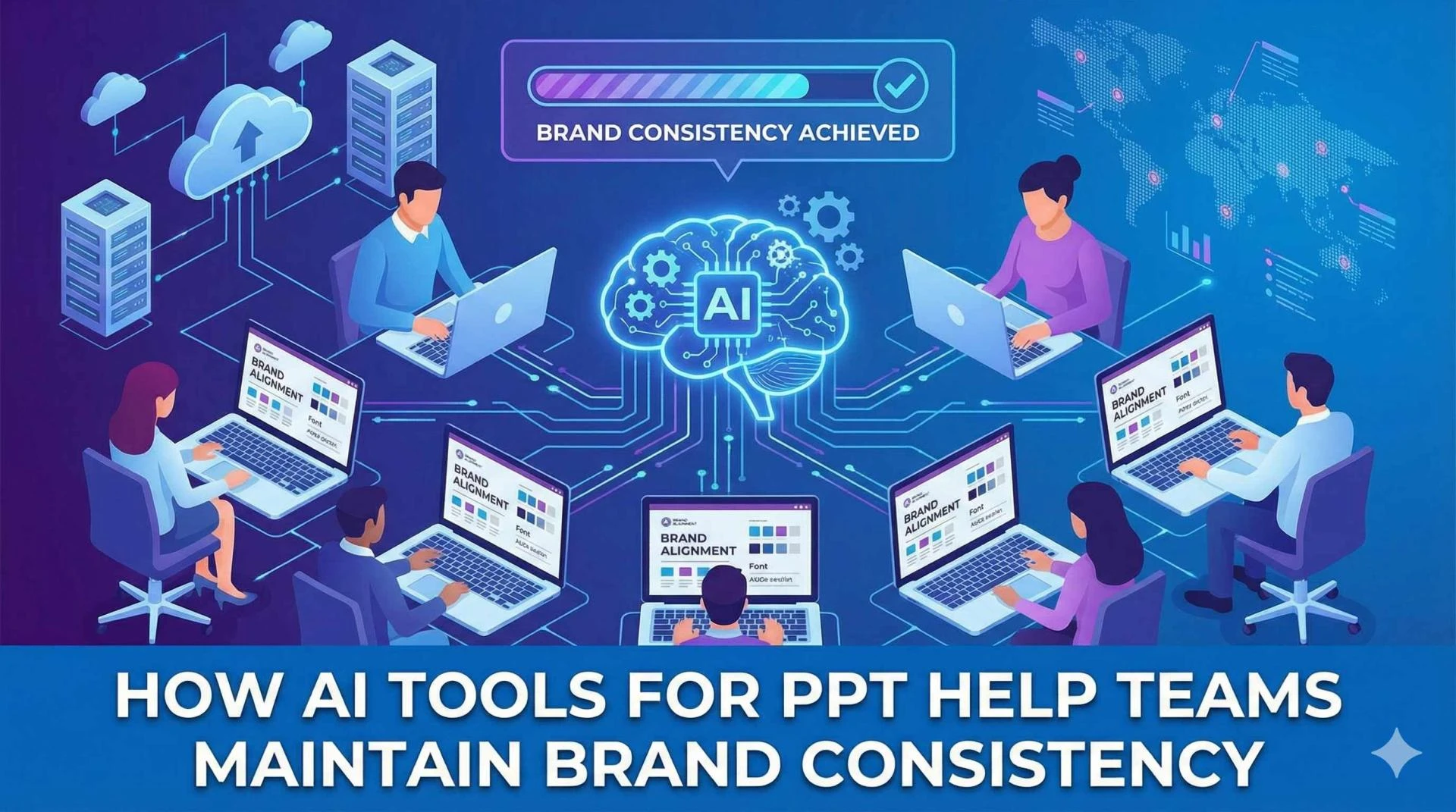
This is exactly where AI tools for PPT are changing how teams work.
Instead of relying on manual checks and last-minute corrections, teams are using AI to keep presentations on-brand from start to finish—without slowing down content creation.
Why Brand Consistency Breaks in Team Presentations
Even well-organized teams struggle with brand consistency. Common reasons include:
- Multiple contributors working on the same deck
- Reusing older slides created under previous brand guidelines
- Manual edits during tight deadlines
- Copy-pasting content from different sources
- Design changes made without full context
PowerPoint gives teams flexibility, but that flexibility also makes it easy for inconsistencies to slip in unnoticed.
What Are AI Tools for PPT?
AI tools for PPT are AI-powered solutions designed to assist users while creating and editing PowerPoint presentations.
Rather than focusing only on generating slides, these tools help teams with:
- layout consistency
- font and color accuracy
- alignment and spacing
- enforcing brand standards
- preserving design during content edits
The most effective tools work directly inside PowerPoint, where they understand slide structure, layouts, and native objects.
How AI Tools for PPT Maintain Brand Consistency
1. Detecting Font and Color Inconsistencies Automatically
One of the biggest advantages of AI tools for PPT is visibility.
AI can quickly scan a deck to:
- identify font mismatches
- flag off-brand colors
- spot inconsistencies across slides
Instead of manually reviewing every slide, teams can identify issues instantly.
2. Applying Brand Standards Across the Entire Deck
Once inconsistencies are identified, AI can help apply brand rules consistently.
This includes:
- enforcing approved fonts
- standardizing heading and body text styles
- aligning layouts with brand templates
This is especially useful when slides are created by different team members or reused from older presentations.
3. Preserving Branding During Content Edits
Brand issues often appear during revisions, not creation.
AI tools for PPT help by:
- maintaining layout integrity when text is rewritten
- adjusting spacing automatically when content length changes
- keeping visual hierarchy intact
This allows teams to edit content freely without breaking the design.
4. Standardizing Slides Created by Multiple Contributors
In large teams, everyone has their own way of working in PowerPoint.
AI helps normalize this by:
- aligning styles across slides created by different people
- reducing variation caused by individual formatting habits
- creating a unified visual look across the deck
The result is a presentation that looks cohesive, regardless of how many contributors were involved.
5. Reducing Last-Minute Brand Fixes
Many branding issues are only discovered during final reviews.
With AI assistance:
- inconsistencies are caught earlier
- fewer revision cycles are needed
- review time is significantly reduced
This helps teams move faster without compromising brand quality.
A Look at the AI Presentation Tool Landscape
There are several AI presentation tools available today, including options like SlidesAI, Plus AI, Gamma, Beautiful.ai, and Canva AI. These tools can be useful for quickly generating slides or exploring design ideas.
However, many of them:
- work outside PowerPoint
- rely on export-based workflows
- use generic layouts
- offer limited brand enforcement
- reduce editability once slides are imported
For teams that rely heavily on PowerPoint and existing templates, these limitations often create extra cleanup work rather than saving time.
Why PowerPoint-Native AI Makes a Difference
Brand consistency is much easier to maintain when AI understands PowerPoint itself.
A PowerPoint-native AI PowerPoint assistant works directly inside PowerPoint using native slide objects. This means:
- slides remain fully editable
- existing templates and add-ins continue to work
- brand standards are enforced without disrupting workflows
Instead of forcing teams to adapt to a new platform, AI adapts to how teams already work.
Where Slidely Fits into Team Workflows
Slidely is built specifically for teams that live in PowerPoint. It uses context—your ideas, your data, and your brand—to help create, edit, and improve slides while maintaining consistency.
Because it works inside PowerPoint, Slidely supports:
- brand-aware slide creation
- consistent formatting across edits
- native PowerPoint objects
- enterprise workflows where collaboration and compliance matter
AI becomes a practical assistant rather than a separate tool to manage.
AI Beyond Presentations: A Broader Shift
As teams adopt AI across workflows, presentations are just one piece of the puzzle. Solutions like Leaping AI are also gaining attention for helping enterprises automate and improve complex workflows using AI—especially where accuracy, reliability, and integration matter.
The common theme is clear: AI delivers the most value when it fits naturally into existing systems rather than forcing teams to start over.
Who Benefits Most from AI Tools for PPT?
AI tools for PPT are especially valuable for:
- Marketing teams managing brand identity
- Sales teams creating client-facing decks
- Consulting teams delivering polished presentations
- Enterprise teams with shared templates and standards
- Organizations where multiple teams create presentations daily
If brand consistency matters at scale, AI becomes a necessity—not a luxury.
Final Thoughts
Maintaining brand consistency across PowerPoint presentations has always been difficult, especially for teams. Manual processes don’t scale, and last-minute fixes slow everyone down.
AI tools for PPT help teams stay on-brand by detecting inconsistencies, enforcing design standards, and preserving layouts during edits. When AI works inside PowerPoint, it enhances existing workflows instead of disrupting them.
If your team relies on PowerPoint and cares about brand consistency, it’s time to see what a PowerPoint-native AI solution can do.
👉 Book a demo to see Slidely in action, or try for free and experience the difference firsthand.