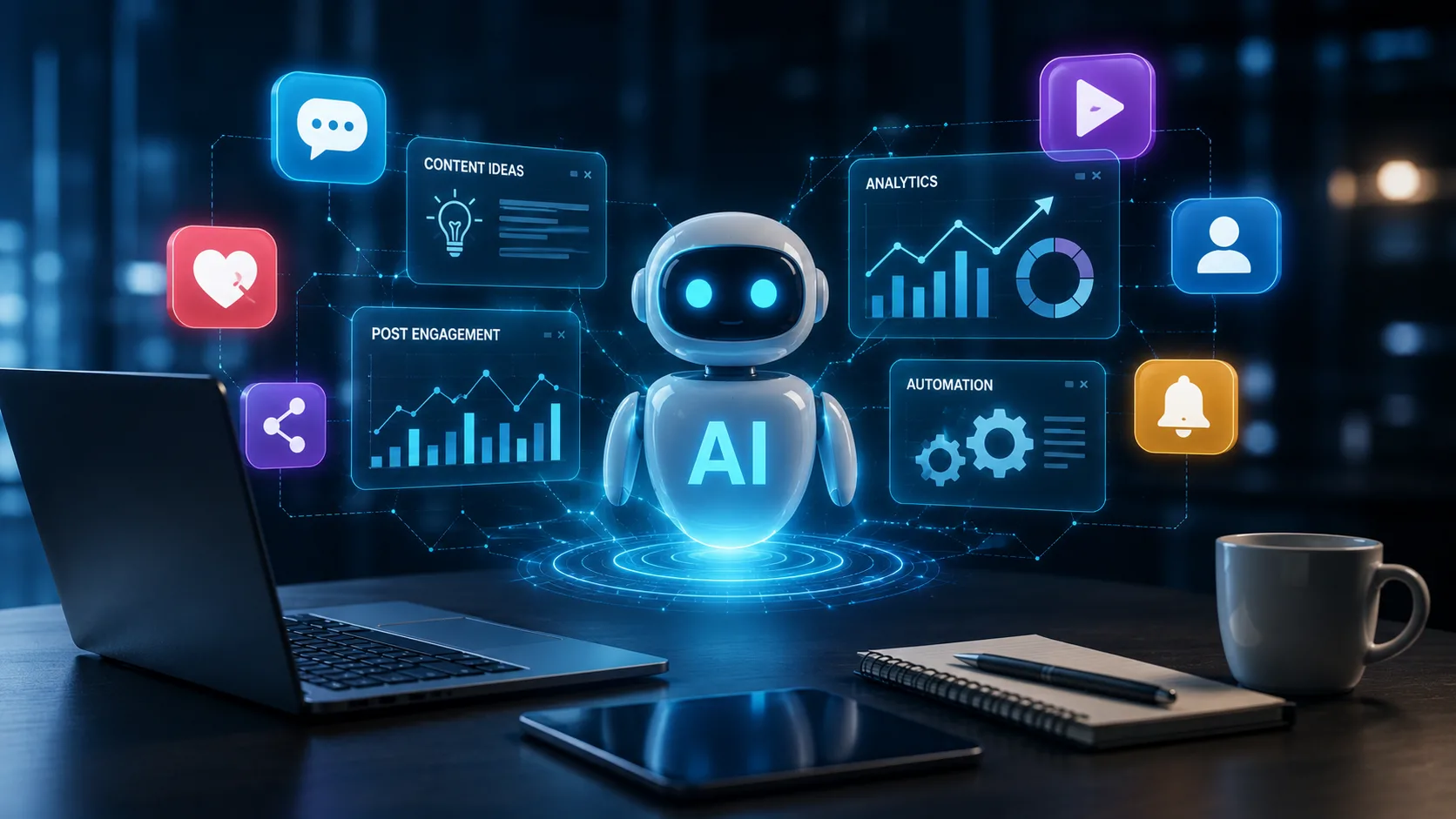
Most brands are still scheduling posts a week in advance and hoping the algorithm cooperates. Meanwhile, a smaller group has quietly rebuilt their entire social workflow around AI, and they're publishing more, engaging faster, and spending fewer hours doing it. The gap between those two groups is widening fast, and it comes down to which AI-powered social media tools you're actually using and how.
This isn't about chasing every new AI feature a platform bolts onto its dashboard. It's about identifying the tools that measurably change output, whether that's caption quality, posting consistency, or how quickly you catch a trend before it peaks. Below is a practical look at the AI-powered social media tools worth your time in 2026, organized by what they actually solve rather than what they claim to do.
What Makes a Social Media Tool 'AI-Powered' in Any Meaningful Sense
The label gets thrown around loosely. A genuinely useful AI-powered social media tool does at least one of three things well: it generates content faster than you could manually, it makes a decision you'd otherwise have to make by hand (like the best time to post or which caption variant will perform), or it surfaces a pattern in your data you wouldn't catch on your own. Anything short of that is just automation with a marketing label. Larger teams with specific workflow needs sometimes skip off-the-shelf tools altogether and go straight to custom AI tool development instead, building something tailored to how their content pipeline actually works.
AI Content Creation Tools for Social Media
Content creation is where AI-powered social media tools show up most visibly, mostly because the output is immediate and easy to judge. On the copy side, tools built on models like ChatGPT and Claude, along with dedicated platforms like Jasper and Copy.ai, have become the default first draft for captions, thread hooks, and ad copy. What separates a good AI caption generator from a mediocre one is whether it can hold your brand voice consistency across dozens of posts, not just produce grammatically clean sentences.
On the visual side, Canva's AI design features and Adobe Firefly now handle a huge share of everyday graphic work, and image generation has gotten specific enough that niche tools focused on a single platform have started to outperform general-purpose ones. For Instagram specifically, a new wave of AI Image Generation tools has emerged that generate on-brand feed visuals and Reels covers without needing a designer in the loop, which matters a lot for smaller teams that can't justify a full creative hire.
Video is the harder problem. AI-assisted repurposing, turning one long-form video into five platform-specific cuts, is currently the highest-leverage use of AI content creation tools for social media, because it solves a real production bottleneck rather than replacing a skill you already had.
Best AI Tools for Social Media Management: Scheduling and Automation
Social media automation with AI has moved well past "post this at 9am." Buffer, Hootsuite, and Sprout Social have all built AI scheduling engines that analyze your account's historical engagement rate and adjust posting windows automatically, rather than relying on generic best-time-to-post charts. Later and SocialPilot have taken a similar approach for smaller teams, layering AI-generated caption suggestions directly into the scheduling flow so you're not switching between four different apps to get one post out.
If you're evaluating best AI tools for social media management for a team rather than a solo account, the deciding factor is usually approval workflows and multi-brand support, not the AI features themselves. Most platforms in this tier now offer comparable content calendar automation; what varies is how well they handle client review cycles and audience segmentation across brands.
AI-Driven Social Media Analytics and Social Listening
This is the category most teams underuse. AI-driven social media analytics goes beyond likes and reach to actual sentiment analysis, tracking whether the tone of comments and mentions is shifting before a full-blown PR issue develops. Brandwatch and Sprinklr are the established players in AI social listening at the enterprise level, monitoring brand mentions across platforms and flagging spikes in negative sentiment or emerging trend detection well before it hits a trending page.
For most small and mid-size teams, the practical entry point is simpler: a performance analytics dashboard that can run A/B testing on caption variants and tell you, with actual statistical confidence, which version drove more saves or shares. That single capability, tested consistently, tends to move engagement rate optimization more than any single new posting trick.
AI Tools for Community Management and DM Handling
Chatbot-based DM management is quietly one of the fastest-growing categories here. Meta Business Suite's Advantage+ features now handle a meaningful share of routine DM triage, routing common questions to auto-replies while flagging anything that needs a human. TikTok Creative Center has taken a slightly different angle, focusing its AI tools on trend forecasting rather than direct message handling, which makes it more useful for content planning than for community management specifically.
The honest limitation here: AI tools for community management still struggle with tone in genuinely ambiguous situations, sarcasm, complaints disguised as jokes, and anything culturally specific. Most teams that use these tools well treat them as a first filter, not a replacement for a person who actually reads the comments.
Comparison: Where Each Tool Category Actually Wins
Content creation
Best for: Captions, visuals, and video repurposing
Examples: ChatGPT/Claude, Canva, Adobe Firefly, Jasper
Scheduling & automation
Best for: Posting cadence, content calendar automation
Examples: Buffer, Hootsuite, Later, SocialPilot
Analytics & listening
Best for: Sentiment tracking, trend detection
Examples: Sprout Social, Brandwatch, Sprinklr
Community management
Best for: DM triage, routine comment handling
Examples: Meta Business Suite, TikTok Creative Center
How to Actually Get Started
- Pick one bottleneck first. Don't adopt five AI-powered social media tools at once; solve the slowest part of your current workflow.
- Audit your brand voice before automating captions, so the AI caption generator has something consistent to match.
- Run A/B testing on AI-generated content against your own historical posts before assuming it performs better by default.
- Use social listening tools to catch sentiment shifts, not just to count mentions.
- Keep a human in the loop for community management until you've verified tone accuracy over a few weeks.
The broader shift toward AI-native workflows isn't limited to social media. For a wider look at how AI and no-code platforms are reshaping entire software categories, this piece on how AI and no-code tools are transforming SaaS in 2026 is a useful companion read, since a lot of the same forces are driving both trends.
Conclusion
The teams getting real value out of AI-powered social media tools aren't the ones using the most tools. They're the ones who picked two or three that solve an actual bottleneck, tested them against their own baseline, and kept a human checking the output before it goes live.
Frequently Asked Questions
What are AI-powered social media tools?
They're software platforms that use machine learning to generate content, schedule posts, analyze performance, or manage community interactions with far less manual effort than traditional social media management requires.
What are the best AI tools for social media management right now?
Buffer, Hootsuite, and Sprout Social lead for teams managing multiple brands, while Later and SocialPilot work well for solo creators and small businesses that want AI scheduling without a steep learning curve.
Can AI actually write good social media captions?
Yes, with the right setup. Tools built on ChatGPT or Claude, along with dedicated platforms like Jasper and Copy.ai, produce strong first drafts, but they need clear brand voice guidelines to avoid sounding generic across posts.
How do AI tools help with Instagram and TikTok growth specifically?
On Instagram, AI Instagram tools now generate on-brand visuals and Reels covers automatically. On TikTok, tools like TikTok Creative Center focus on trend forecasting, helping creators spot rising audio and formats before they saturate.
What are the limitations of AI social listening tools?
They're strong at detecting volume and broad sentiment shifts but weaker at nuance, sarcasm, and culturally specific context. Most teams use them as an early-warning system rather than a full replacement for manual monitoring.
Is AI-powered social media automation worth it for a small team?
Usually yes, starting with scheduling and caption generation, since those solve the most time-consuming parts of the job. Analytics and social listening tools become worth the investment once you're managing enough volume to need pattern detection.