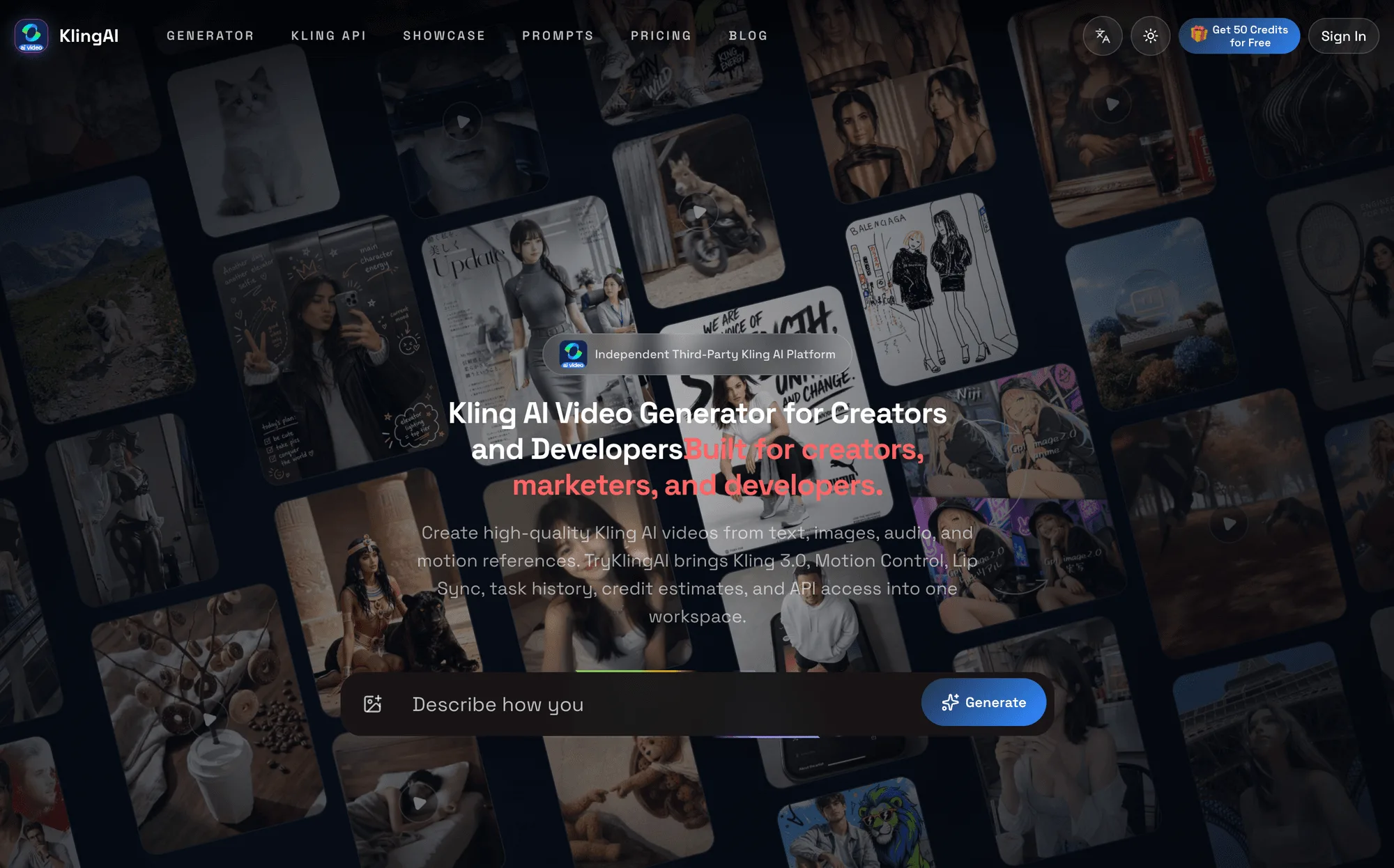
AI video creation is becoming more useful when the workflow connects ideation, production, review, and delivery in one place. TryKlingAI is an independent, browser-based Kling AI video generator designed for creators, marketers, filmmakers, ecommerce teams, and developers. It brings Kling 3.0, Turbo, Motion Control, Lip Sync, avatar, text-to-video, and image-to-video workflows into one workspace.
A practical project can begin with a text prompt, a source image, a starting frame, an ending frame, an audio track, or a motion reference video. The workspace supports configurable duration, resolution, aspect ratio, native audio, and quality settings, so a team can adapt the same concept for a social clip, an advertising idea, a product scene, a storyboard, or a creative previsualization. Built-in credit estimates help users understand a task before it is submitted.
For multimodal projects, Kling 3.0 supports multi-shot storytelling, subject consistency, synchronized sound, and videos of up to 15 seconds. That combination is useful when a short sequence needs continuity across shots or when the visual concept depends on more than a single text prompt. The workflow can stay focused on testing variations rather than moving files between several unrelated tools. Creators can review online previews, follow task history, and download results when a generation is ready.
Motion Control provides another route for directing a character. It transfers movement and expressions from a reference video to a character image, allowing the reference performance to guide the generated result. Lip Sync and native audio options can support projects that need a more complete presentation, while avatar workflows can help teams explore repeatable character-led content. These capabilities are relevant to campaign concepts, social media experiments, product demonstrations, and early-stage film planning.
Developers can also use TryKlingAI for repeatable workflows. The platform provides API access for creating video-generation tasks, polling their status, retrieving results, and integrating Kling AI workflows into SaaS products or internal tools. That makes it possible to connect generation to a broader content pipeline without losing the online previews and task tracking available in the browser workspace. The service is freemium, with the lowest listed price at $9.90, so teams can evaluate the workflow before deciding how deeply to integrate it.
The most useful way to evaluate an AI video tool is to start with a clear brief: define the subject, choose the source material, decide which movement or audio matters, and set a delivery format before generating. From there, compare variations against the same creative goal. For teams looking for a single workspace for prompts, images, motion references, short-form video, and API-based automation, TryKlingAI offers a focused starting point. It is an independent third-party platform and is not affiliated with, endorsed by, or authorized by Kuaishou or the official Kling AI service.