Small teams often need a steady stream of product images, campaign concepts, social graphics, and visual variations, but they rarely have the time or budget to build every asset from scratch. A thoughtful AI image workflow can help, provided it is treated as a production process rather than a magic button.
Start with the outcome, not the prompt
Before opening an image tool, define where the asset will be used. A product hero image has different requirements from a square marketplace listing, a vertical social post, or a wide banner. Write down the intended dimensions, the audience, the message, and the visual details that must remain consistent. This short brief makes it easier to evaluate results and reduces random prompt experimentation.
Use a reference image to protect consistency
Text-to-image generation is useful for exploring directions, but reference-image guidance is often more practical when a product, character, or brand style must remain recognizable. Start with a clear source image and describe the changes precisely: replace the background, adjust the lighting, revise a label, or extend the canvas. A good workflow separates what should change from what must stay the same.
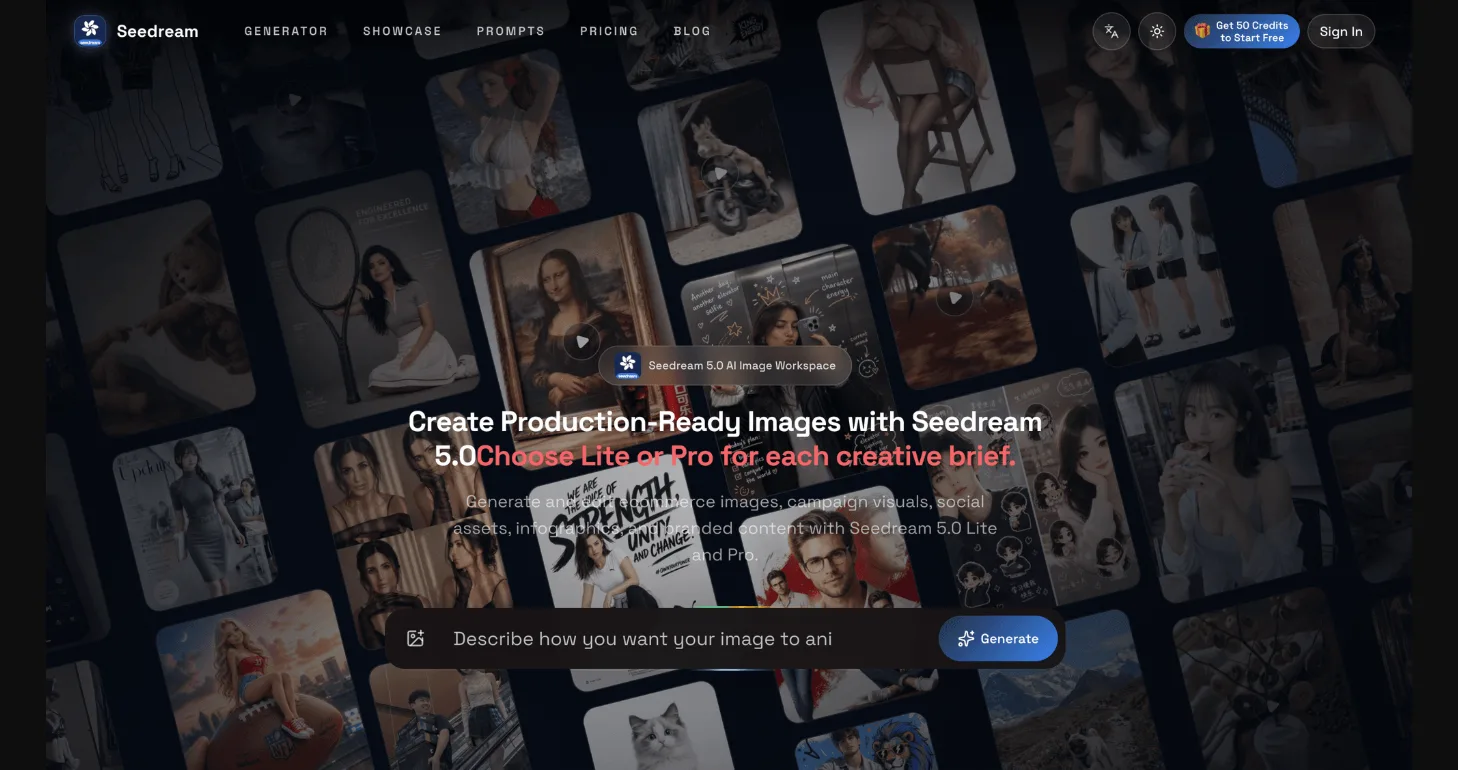
For example, Seedream 5.0 provides browser-based image generation and editing workflows for creators, designers, marketers, ecommerce teams, and developers. Its Pro and Lite options are designed for different production needs, and supported workflows include text-to-image creation, reference-image guidance, background and subject changes, text revisions, lighting adjustments, and style exploration. The specific controls available depend on the selected model and current platform support.
Review details before publishing
AI-generated visuals deserve the same review as any other marketing asset. Check product names, prices, logos, small typography, hands, edges, reflections, and visual continuity across a set. For ecommerce, compare the generated image with the real product so that packaging, colors, and proportions are not misleading. For campaigns, confirm that the composition leaves enough space for headlines, calls to action, and accessibility-friendly contrast.
Build a repeatable asset checklist
Once a useful workflow is found, capture it in a short checklist. Record the source-image requirements, prompt structure, preferred aspect ratios, review steps, naming convention, and export formats. This turns a one-off experiment into a process that another teammate can repeat. It also makes it easier to compare versions and spot where a result changed unexpectedly.
Plan for volume and handoffs
Free trial credits can be useful for testing a direction, while flexible credit plans may suit larger production volumes. Teams that need repeatable generation can also evaluate an API workflow, including how keys are managed, how jobs are monitored, and how credit usage is tracked. Even when a browser workflow is the best starting point, documenting these handoffs early prevents creative work from becoming a bottleneck later.
The best AI image workflow is controlled, reviewable, and grounded in a real brief. Use generation for exploration, editing for precision, and a clear checklist for quality. With that structure in place, small teams can produce more visual variations while keeping the final work aligned with the product, the brand, and the people who will see it.