
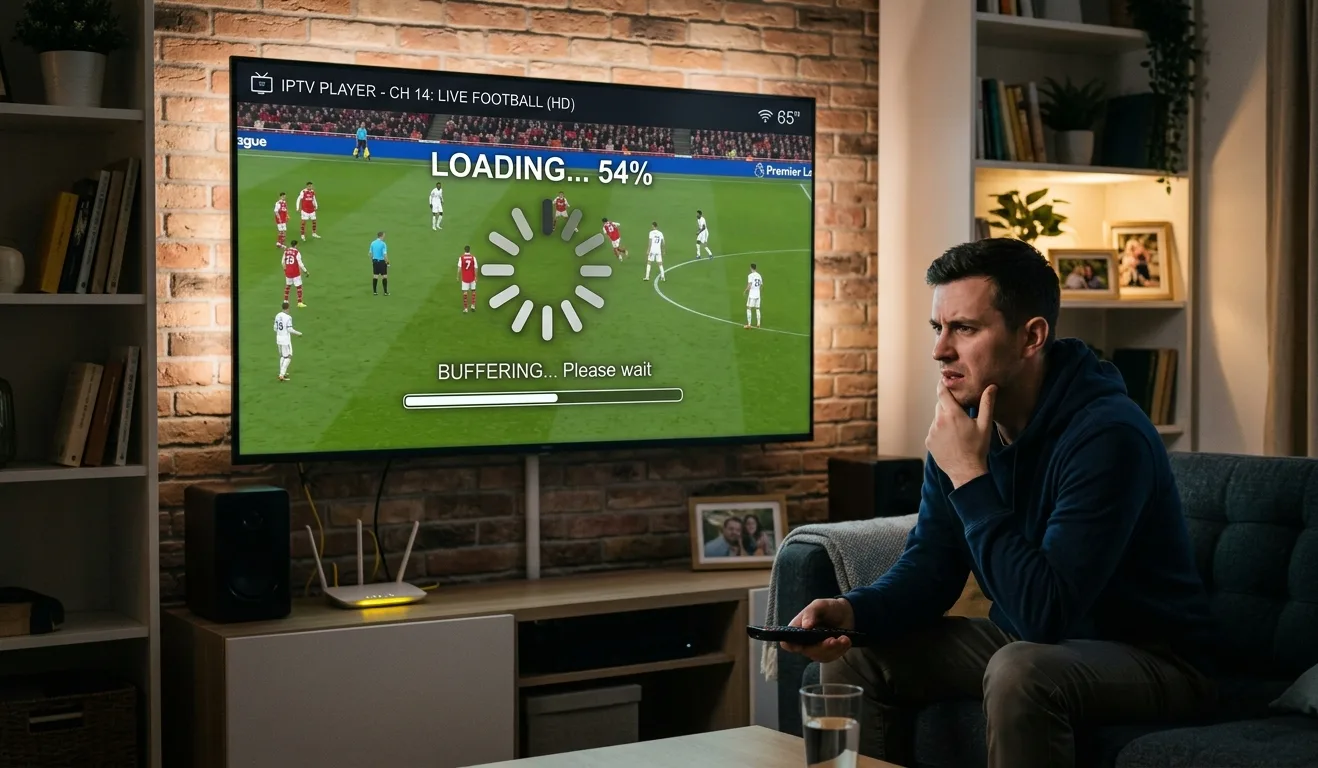
Few things are more frustrating than settling in for your favorite show, only to watch it freeze, pixelate, or spin endlessly in a loading loop. IPTV buffering is one of the most common complaints among streaming users — but the good news is that most causes are easy to diagnose and fix. Let's break down why it happens and how you can get back to uninterrupted viewing tonight.
What Actually Causes IPTV Buffering?
Before jumping to solutions, it helps to understand the root cause. Unlike traditional cable, IPTV delivers content over your internet connection in real time. That means anything disrupting your data flow — your router, your network speed, your device, or even your provider's server — can trigger that dreaded loading wheel.
The most common culprits include slow internet speeds, Wi-Fi interference, outdated hardware, overloaded servers, and poor network configuration. Identifying which one applies to your situation is the first step toward fixing it.
Fix 1: Test and Improve Your Internet Speed
IPTV streaming, especially in HD or 4K, demands a stable and reasonably fast connection. A general rule of thumb: HD streaming requires at least 10–15 Mbps, while 4K content can demand 25 Mbps or more — and that's per stream.
Run a quick speed test using tools like Speedtest.net. If your speeds are consistently lower than expected, contact your internet provider. If speeds are fine but buffering persists, the problem likely lies elsewhere.
Fix 2: Switch from Wi-Fi to a Wired Connection
Wireless connections are convenient but notoriously inconsistent. Walls, appliances, neighboring networks, and even microwave ovens can interfere with your Wi-Fi signal, causing packet loss and — you guessed it — buffering.
Connecting your streaming device directly to your router via an Ethernet cable is one of the fastest and most effective fixes available. If running a cable isn't practical, try moving your router closer to your TV or investing in a Wi-Fi extender or mesh network system to improve signal strength.
Users who rely on a quality IPTV service Canada providers recommend consistently report that switching to a wired connection eliminates most buffering issues overnight.Fix 3: Restart and Update Your Devices
It sounds simple, but restarting your router, modem, and streaming device clears cached data and refreshes your network connection. Many people leave their devices running for weeks without a restart — and performance degrades gradually as a result.
Additionally, check for firmware updates on your router and software updates on your streaming device or Smart TV. Outdated software can create compatibility issues and slow down performance considerably.
Clearing the cache on your IPTV app is also worth doing. On most Android-based devices, you can do this under Settings → Apps → [Your IPTV App] → Clear Cache.
Fix 4: Check Server Load and Timing
Sometimes the issue isn't on your end at all. IPTV servers can become overloaded during peak hours — typically weekday evenings and weekend afternoons when large numbers of users are streaming simultaneously.
If you're experiencing IPTV buffering mainly during specific times of day, this is likely the cause. Try streaming at off-peak hours to confirm. If the problem is consistent regardless of timing, it may indicate a reliability issue with your current provider.A quality provider maintains robust server infrastructure to handle high traffic without degrading stream quality. Always choose services with a strong track record of uptime and performance.
Fix 5: Choose a Reliable Local Provider
Not all IPTV providers are created equal. If you've tried every technical fix and still experience frequent interruptions, the provider itself could be the weak link. Many budget services cut corners on server capacity, content delivery networks, and customer support.
For viewers in the Greater Toronto Area specifically, choosing IPTV in Toronto services with local infrastructure can significantly reduce latency and improve reliability. Local providers often maintain servers closer to your physical location, which means faster response times and more consistent streams.IPTV Cable Canada is a trusted name among Canadian streamers, known for offering stable connections, a wide channel selection, and responsive support — exactly what you need when technical issues arise.Key Takeaways
- Speed matters: Ensure your internet plan meets the minimum requirements for your streaming quality.
- Go wired when possible: An Ethernet connection almost always outperforms Wi-Fi for IPTV.
- Restart regularly: Simple restarts and cache clears can resolve a surprising number of issues.
- Timing tells a story: Buffering only at peak hours points to server-side congestion.
- Your provider is the foundation: No amount of tweaking compensates for a low-quality IPTV service.
Buffering is fixable in most cases. Work through these steps one by one, and you'll likely identify the issue quickly. And if your provider keeps letting you down despite a solid home network setup, it might simply be time to upgrade to one that won't.