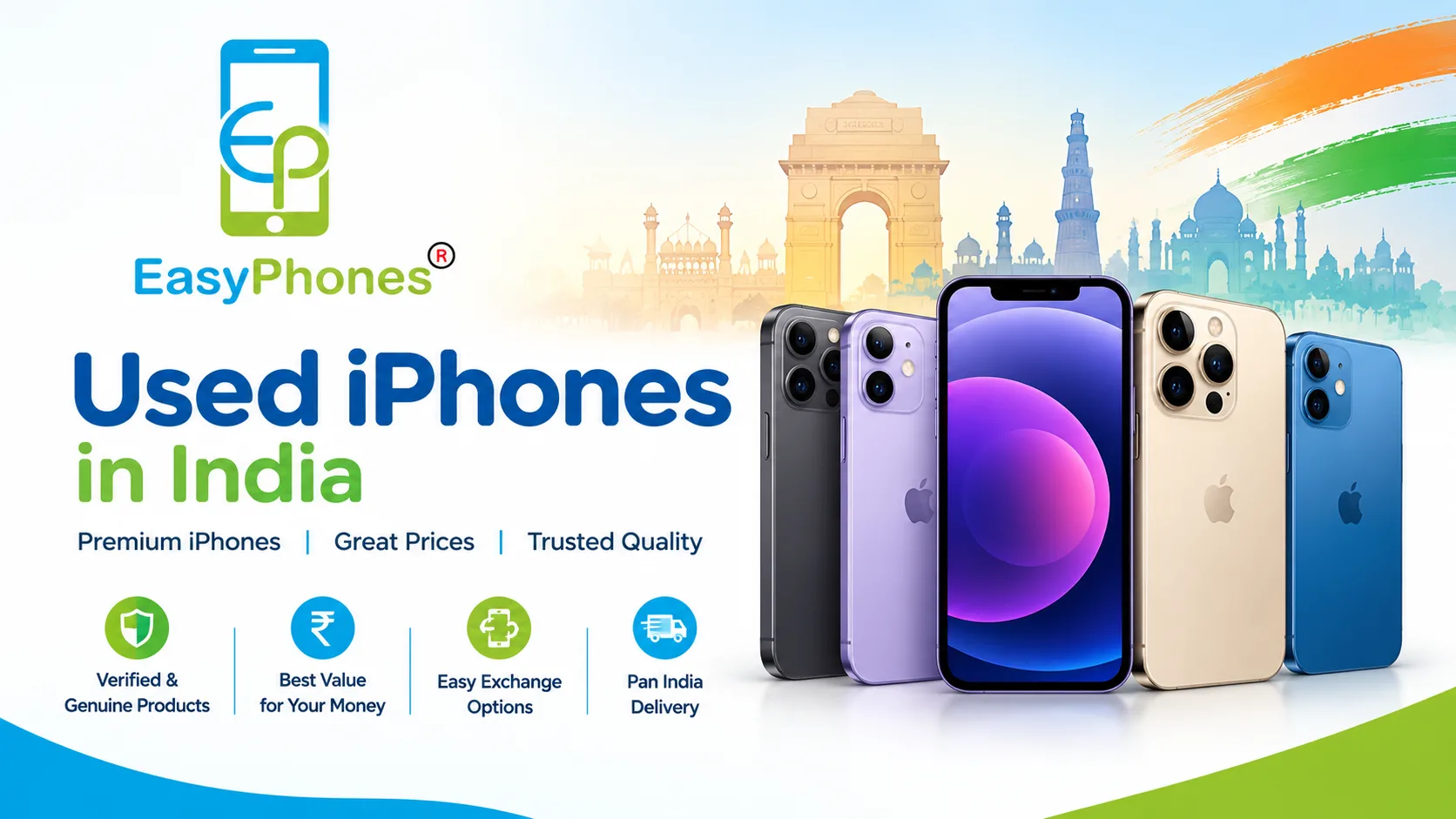
Used iPhones in India are popular because they can offer flagship performance at a lower price, but authenticity and condition matter just as much as the deal. If you are shopping with Easy Phones Udaipur, start with one simple rule: never rely on appearance or price alone. Compare the phone’s identifiers, software information, repair history, and physical condition before paying. You can also browse Used iPhones in India to compare available Apple models.
How to Verify Used iPhones in India Before Buying
A genuine iPhone should show consistent information across its hardware, software, and available purchase documentation. The safest approach is to verify several independent details rather than trusting a single serial-number or IMEI check.
1. Check the Model, Serial Number, and IMEI
Open Settings > General > About and check the Model Name, Model Number, Serial Number, IMEI, storage capacity, and iOS version. Apple confirms that these identifiers are available from the About section.
Compare these details with the seller’s listing and, where available, the original packaging or invoice. If important numbers do not match, stop and ask the seller for an explanation before proceeding.
2. Confirm the Exact iPhone Model
Use Apple’s official model-identification information to confirm that the model number corresponds to the iPhone being advertised. This is particularly useful when a seller claims a phone is a Pro or Pro Max model. Check the camera layout, buttons, connector, display features, storage options, and regional model number against the claimed generation. Apple maintains model information for different iPhone generations and regions.
A counterfeit phone may copy the exterior appearance, but inconsistencies in iOS, model information, menus, cameras, or hardware are strong warning signs.
Used iPhones in India: The Most Important Software Checks
Once the model appears correct, inspect the software carefully. These checks can reveal whether a phone is locked to another owner or has undergone repairs that affect its value.
3. Check for Activation Lock
Ask the seller to erase the iPhone properly and begin the setup process. If the device requests the previous owner’s Apple Account credentials, do not buy it until the seller removes the device from their account.
Activation Lock is part of Apple’s Find My security system and is designed to help prevent unauthorized use of a lost or stolen iPhone. A legitimate seller should be able to complete the handover without requiring you to use someone else’s Apple Account.
4. Review Parts & Service History
On supported iPhones running iOS 15.2 or later, go to Settings > General > About and look for Parts & Service History. Apple may show labels such as Genuine, Unknown, or Unverified, depending on the repair and component.
An “Unknown” message does not automatically mean the iPhone is counterfeit. It does, however, tell you that the device may have a replacement component or a repair that deserves closer inspection. Factor this into the price, expected reliability, and future service requirements.
5. Check Battery Health
Go to Settings > Battery > Battery Health & Charging and review the maximum capacity and any warnings. Battery health is not an authenticity test because genuine iPhones naturally lose battery capacity with use. However, it provides valuable information about the phone’s current condition.
If the battery is significantly degraded, ask whether it has been replaced and whether the replacement is genuine. A low battery health figure can also be useful when negotiating the final price.
Test the Hardware Before Paying
A genuine iPhone can still be a poor purchase if it has hidden damage or extensive repairs. Before completing the transaction, test Face ID or Touch ID, cameras, flash, speakers, microphones, vibration, buttons, touchscreen, Wi-Fi, Bluetooth, cellular connectivity, charging, and display quality.
Open the camera and test every available lens. Record a short video, test the microphone and speakers, and make a call if possible. Connect a known-good charger and check whether the charging port feels secure.
Inspect the display under bright light for dead pixels, discoloration, cracks, burn-in, or uneven brightness. Also check the frame and rear glass for signs of impact or major repairs. If the seller refuses a reasonable inspection, consider that a red flag.
For buyers comparing premium refurbished models, look beyond the model name and evaluate condition, warranty, accessories, and return terms. For example, Refurbished Apple iPhones 16 Pro should be assessed on its complete product details rather than appearance alone. This is where an established seller such as Easy Phones Udaipur can make the purchasing process more transparent.
Check the Purchase History and Seller Details
Ask for the original invoice or purchase proof when available. It can provide useful information such as the purchase date, seller, and product details. An invoice is not absolute proof of authenticity because documents can be altered, but it adds another layer of verification.
You should also review the seller’s return policy, warranty terms, grading standards, and customer support process. Avoid deals that pressure you to transfer money immediately or discourage basic checks. A trustworthy seller should be comfortable explaining the phone’s condition and what happens if a problem appears after purchase.
Quick Takeaway: A 7-Point Genuine iPhone Checklist
Before buying used iPhones in India, run through this checklist:
- Match the Model Name and Model Number.
- Compare the Serial Number and IMEI across available sources.
- Confirm the exact model using Apple’s support information.
- Make sure Activation Lock has been removed.
- Review Parts & Service History.
- Test battery health and major hardware functions.
- Check the invoice, warranty, return policy, and seller reputation.
If any major check fails, do not let an unusually low price override the warning. Walking away from a questionable deal is better than dealing with a counterfeit, locked, stolen, or heavily repaired device.
Why Verification Matters for Used iPhones in India
Buying pre-owned technology is ultimately about reducing uncertainty. A genuine iPhone with a clear history, working hardware, and transparent after-sales support can provide excellent value. A counterfeit or poorly repaired device can create problems with performance, security, resale value, and future servicing.
Easy Phones Udaipur can be a useful option for buyers who want a more structured purchasing experience, but wherever you buy, use the same verification discipline. Take a few minutes to inspect the device, verify its identifiers, and understand the seller’s terms before making payment.
Conclusion
The best way to verify used iPhones in India is to combine Apple’s device information with hands-on inspection. Check the serial number, IMEI, model details, Activation Lock status, Parts & Service History, battery condition, hardware, invoice, and seller policies. No single check is enough; several matching checks provide much stronger confidence.
If you are comparing newer refurbished models, you can also review Refurbished Apple iPhones 16 Pro Max and compare its listed condition and warranty details before deciding. For buyers in Rajasthan, Easy Phones Udaipur can make the buying process more convenient, but the smartest purchase is always one backed by verification, transparent terms, and a clear return or warranty policy.
FAQs
1. How can I check if an iPhone is genuine?
Check Settings > General > About, verify the model and identifiers, review Parts & Service History, confirm Activation Lock is removed, and test the hardware before purchasing.
2. Is an IMEI check enough to prove an iPhone is genuine?
No. An IMEI is useful for identifying a device, but it should be combined with model, software, repair-history, physical, and ownership checks.
3. What should I do if Activation Lock appears?
Ask the previous owner or seller to remove the iPhone from their Apple Account. Do not purchase a device that remains linked to someone else’s account.
4. Can a genuine iPhone have non-genuine parts?
Yes. A genuine iPhone may have been repaired using third-party components. Parts & Service History can provide useful clues about certain repairs.
5. What is the biggest red flag when buying a used iPhone?
A seller who refuses basic verification—especially checking device information, removing Activation Lock, or allowing hardware testing—should be treated cautiously.