
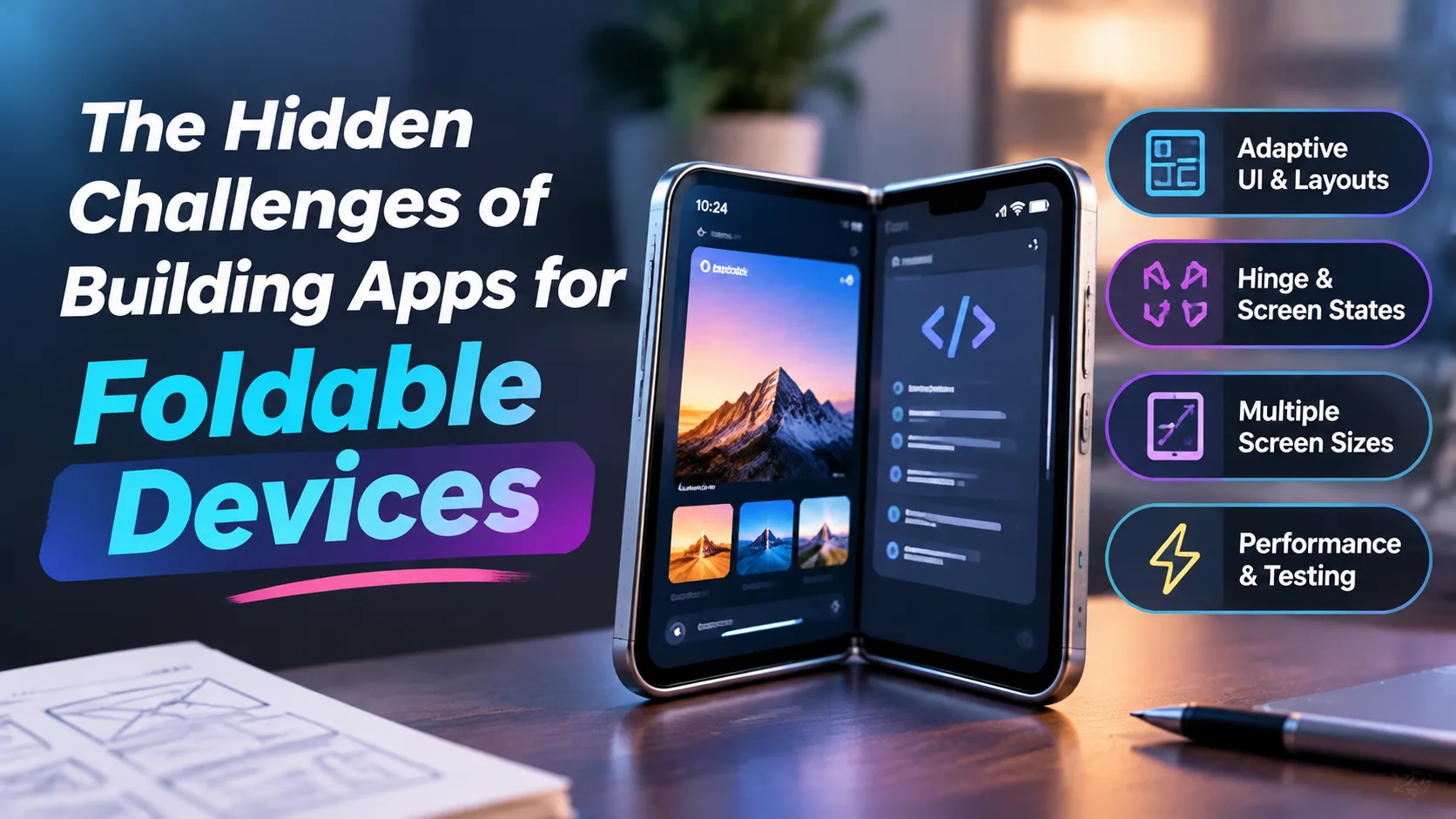
Foldables are easy to launch on and hard to get right. Here are the problems that are easy to miss.
A foldable phone looks like a small change for app developers. It's just a bigger screen, right?
Not quite. On a normal phone, your app gets one screen with one shape. On a foldable, the shape can change while someone is using the app. They open it, fold it, rotate it, or put another app next to yours, often in the middle of a task.
Apple's first foldable, the iPhone Duo, makes this very real for iOS teams. It went on sale on October 23, 2026, with a 5.4-inch outer display and a 7.6-inch inner one, and Apple said on November 6 that more than 100,000 apps built for it were already live on the App Store. Android teams have worked with foldables for years, but the Duo has put the question on a lot more iOS roadmaps.
The good news is that most apps will still run. The catch is that "runs" and "works well" are not the same thing. Here are the challenges that are easy to miss until a real user finds them.
1. Your app's size can change at any moment
Most apps read the screen size once, usually at launch, and build the layout from that. On a foldable, that's a trap. The size changes whenever the device folds or unfolds, even in the middle of a session, and it doesn't always match the physical screen.
Apple's guidance for the Duo is to stop sizing from the main screen, size from the view or window you are laying out, and read the size again whenever it changes.
Put size-dependent layout somewhere that runs again on every change, such as layoutSubviews or viewDidLayoutSubviews, not just once on launch.
2. Orientation stops telling you anything useful
Many of us are used to asking, "Is the phone in portrait or landscape?" and picking a layout from the answer. On the Duo's inner display, that signal can't be trusted. Apple says orientation doesn't tell you what shape your app is, and recommends comparing the width and height of the space you actually have.
The same goes for checks on specific device sizes. A condition like bounds.height == 844 won't match a device that didn't exist when the code was written.
3. State has to survive a fold
Folding is a UI event with real consequences. If someone starts reading on the outer screen and unfolds the phone, they expect to stay on the same line. They don't expect a reload, a reset scroll position or a fresh sign-in.
Think about what has to survive: scroll position, text selection, video playback position, half-filled forms and uploads that are still running. State that lives only inside a view is easy to lose when the layout is rebuilt, so keep it somewhere that outlives the view hierarchy, or on the server where that makes sense.
A simple readiness test: fold the device in the middle of a task and see whether the user can carry on without losing progress.
4. Navigation can move to a different part of the screen
On the iPhone Duo's inner display, toolbars and tab bars appear vertically, under the status bar, once an app is built with the iOS 27.1 SDK or later. Apple asks developers to make sure their content still works when those bars turn vertical.
Safe areas can be lopsided too. The left and right insets are often different, so code that doubles one inset to work out a width gives the wrong answer. Work with each side on its own instead.
Standard navigation containers handle a lot of this for you. Custom bars and hand-built layouts are where the extra work lands. Reworking navigation for a large inner screen is a design job as much as an engineering one, so plan time for both.
5. The hinge is part of your layout
When a foldable is partly open, the crease sits in the middle of your interface. On the Duo, Apple says to keep interactive elements away from the hinge as much as possible, with scrollable content as the exception. System components already nudge controls away from the center in that pose.
That means a centered button, modal or sheet might land in the worst possible spot. Decide which content moves, which stays, and what each half of the screen is for.
6. Your app might share the screen
On the Duo, Split View lets two apps run side by side, and Apple's developer guidance says all apps take part in multitasking. So your app can't assume it has the full width of anything. If your app has never been resized on an iPad or in a window, this is where hidden layout assumptions show up first.
7. Full-width media can lose the important part
Hero images and video that fill the frame can crop out key content on a wider display. Choose between fill and fit based on the space you have, or set a focal point so the important part stays visible.
The testing problem
Most teams don't have a foldable on every desk. Simulators cover a lot of the layout work, and for the Duo, Apple points to the iPhone Duo simulator in Xcode 27.1, Device Hub's resizable simulator and iPhone Mirroring on macOS 27. But a simulator won't tell you whether a fold animation feels janky, and that is what users notice.
Use the simulator to catch layout problems, then try a real device for how it feels. For the wider release process, this mobile app testing checklist is a useful starting point.
The business problem: nobody prioritizes it
Here is the hidden challenge that isn't technical. Foldables are still a small slice of the smartphone market, and a foldable-friendly layout takes real engineering time, so it often slips down the backlog. One recent analysis pointed out that apps nobody has updated for foldables end up letterboxed on iOS and Android alike.
A practical way to decide: rank your screens by how much time users spend on them, and start there. A quick single-task tool may not need more than a rebuild with the newer SDK.
Wrapping up
Foldables don't break well-built apps. They expose assumptions that were always there: a fixed screen size, a fixed orientation, state that lives in the wrong place. Fixing those also helps on tablets, windowed apps and whatever screen shape comes next.
If you are planning this kind of work and want a second opinion on where to start, a mobile app development company with iOS and Android experience can help you scope it before it becomes urgent.