
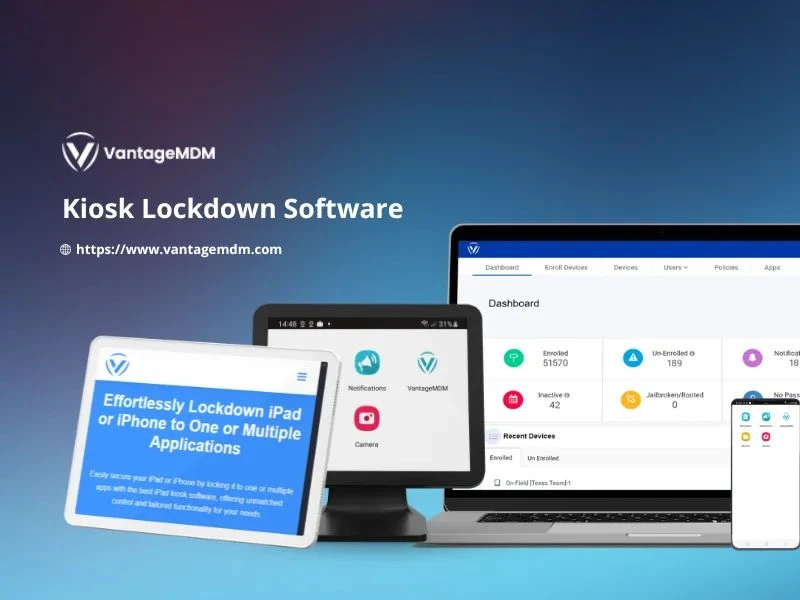
In today’s business world, mobile devices are essential tools for operations, customer service, and employee productivity. However, unrestricted device use can lead to distractions, data breaches, and inefficiency. This is where kiosk lockdown software comes into play. By transforming regular Android tablets or smartphones into dedicated, single-purpose devices, businesses can maintain control, reduce misuse, and improve security.
With the help of Android kiosk software and MDM software, organizations can restrict device functionality, lock applications, and monitor usage, ensuring devices serve their intended purpose.
What is Kiosk Lockdown Software?
Kiosk lockdown software is a solution that restricts Android devices to one or multiple selected applications. It ensures employees or customers can only use the apps intended for business, preventing unauthorized access or tampering.
This type of software is widely used in retail, hospitality, logistics, healthcare, education, and enterprises where devices are deployed in the field.
Key Features of Android Kiosk Software
- Single-App and Multi-App Mode
- Single-app mode locks the device to one application (e.g., a POS system).
- Multi-app mode allows access to a controlled set of apps.
- Remote Device Management
- Businesses can monitor, configure, and update devices remotely using MDM software integration.
- Device Security
- Restricts access to settings, blocks installations, and prevents users from uninstalling apps or altering configurations.
- Content Control
- Ensures only approved websites, apps, and files can be accessed.
- Custom Branding
- Allows organizations to display their logo, color themes, and personalized wallpapers for a professional look.
- Usage Analytics
- Provides reports on device usage, app performance, and user behavior.
Top Benefits of Using Kiosk Lockdown Software
- Improved Productivity
- Devices remain focused on work-related apps, reducing distractions.
- Enhanced Security
- Prevents data leaks, unauthorized app downloads, and misuse.
- Reduced Maintenance Costs
- Remote troubleshooting minimizes the need for physical servicing.
- Better Customer Experience
- Devices used in self-service kiosks run smoothly without interference.
- Scalability
- Centralized control makes it easy to manage hundreds of devices across locations.
Top Kiosk Lockdown Software Solutions
- Scalefusion
- Supports single and multi-app modes.
- Strong integration with MDM software.
- Remote device monitoring and analytics.
- SureLock by 42Gears
- Flexible lockdown options.
- Content filtering and security controls.
- Widely used in logistics and retail industries.
- Hexnode MDM
- Complete Android kiosk software solution.
- Offers geofencing, app whitelisting, and detailed reporting.
- Esper
- Provides app deployment and kiosk lockdown.
- Cloud-based MDM software features.
- Ideal for businesses scaling device operations quickly.
- ManageEngine Mobile Device Manager Plus
- Robust kiosk mode with device restrictions.
- Advanced security configurations.
- Works well for large enterprises with global device fleets.
Industries Benefiting from Kiosk Lockdown Software
- Retail – Tablets used as POS systems or digital catalogs.
- Healthcare – Devices for patient check-ins or telehealth services.
- Logistics – Field devices for tracking deliveries and communication.
- Education – Tablets for learning apps, ensuring no distractions.
- Hospitality – Self-check-in kiosks and digital concierge services.
Investing in the right kiosk lockdown software ensures Android devices are secure, focused, and business-ready. With robust Android kiosk software and the added benefits of MDM software, organizations can manage devices seamlessly, reduce risks, and maximize ROI. Whether you are running a retail chain, managing a logistics fleet, or deploying devices in education, kiosk lockdown ensures control and efficiency.
Recommendation: Evaluate kiosk lockdown solutions based on scalability, integration, and security.
Next step: Shortlist top providers and request a demo to match your business needs.