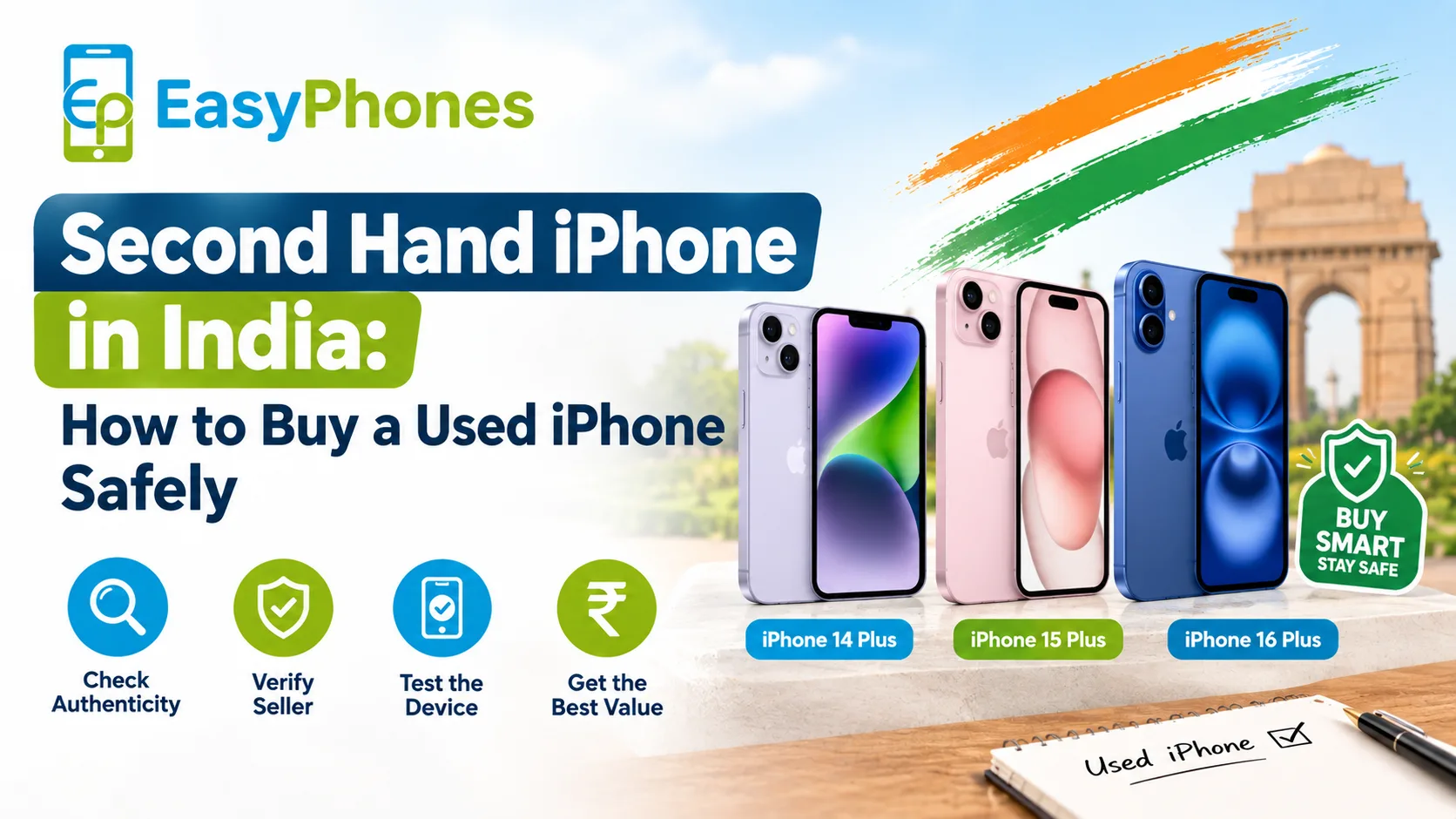
Buying a second hand iPhone in India can be a smart way to get premium Apple features without paying the price of a brand-new device. However, battery health, physical condition, display quality, camera performance, and authenticity should be checked carefully before you buy. At Easy Phones Udaipur, customers can focus on verified device condition and practical checks before making a purchase. Whether you are considering an older iPhone or a renewed model, knowing what to inspect can help you avoid hidden problems and choose a device that delivers reliable everyday performance.
Second Hand iPhone in India: What to Check First
Before paying for a second hand iPhone in India, inspect both its software information and physical condition. A phone that looks almost new can still have a significantly worn battery or other internal issues, so a complete inspection is essential.
1. Check Battery Health
The battery is one of the most important components to examine. On an iPhone, go to:
Settings → Battery → Battery Health & Charging
Look for Maximum Capacity, which indicates the battery's capacity compared with when it was new. A higher percentage generally means the battery can hold more charge, although battery health alone does not determine the phone's overall condition.
Also check whether iOS displays any important battery messages. If the device indicates that battery service is recommended, factor the potential replacement cost into your buying decision.
2. Inspect the Exterior
Examine the iPhone under good lighting. Check the:
- Screen for cracks, deep scratches, dead pixels, or unusual discoloration
- Frame and corners for dents
- Back glass for cracks
- Camera lenses for scratches or cracks
- Charging port for visible damage
- Buttons for proper operation
Minor cosmetic marks may be normal on a used device, but significant damage can indicate a history of drops or improper handling.
3. Test the Display and Touchscreen
Open different apps and move your finger across the entire display. Make sure touch input works consistently from edge to edge.
You should also test brightness, True Tone where supported, auto-brightness, and the display for unusual lines or spots. A replacement display is not necessarily a problem, but buyers should understand what they are purchasing.
Second Hand iPhone in India: How to Test Battery and Performance
Battery percentage is only one part of the assessment. A practical test can reveal how the phone behaves during everyday use.
Test Battery Drain
Start with a reasonable charge level and use the phone for several minutes. Browse websites, play a video, open the camera, and switch between applications. Watch for unusually rapid battery drain, excessive heat, or unexpected shutdowns.
Keep in mind that battery consumption varies according to brightness, mobile network strength, background activity, app usage, and iOS version. A short test cannot perfectly predict long-term battery life, but it can identify obvious problems.
Check Charging
Connect a compatible charging cable and verify that the phone recognizes the charger. If possible, test both wired charging and other supported charging features. Loose connections, intermittent charging, or excessive heat during charging deserve further investigation.
Verify Performance
Open several apps and check whether the phone responds smoothly. Test the camera, speakers, microphone, Wi-Fi, Bluetooth, mobile data, Face ID or Touch ID, and vibration.
For buyers comparing renewed models, options such as Refurbished Apple iPhones 14 Plus can provide a useful benchmark for understanding how a professionally renewed device is presented. Easy Phones Udaipur can also be considered when looking for renewed and pre-owned Apple devices with clearer condition information.
Check the iPhone's Authenticity and History
A thorough inspection should go beyond appearance. Open Settings → General → About and review the device information, including the model name, storage capacity, serial number, and IMEI where displayed.
The model number can also provide information about the device type. Buyers should verify that the phone's stated specifications match the listing or seller's description.
Check for Activation Lock
Never purchase an iPhone that remains linked to another person's Apple Account. The previous owner should properly sign out and erase the device before the sale is completed. If Activation Lock prevents setup, the seller needs to resolve it before you proceed.
Review Parts and Service Information
On supported iPhone models and iOS versions, Settings → General → About may show Parts and Service History. This can indicate whether certain components have been replaced and, in some cases, whether the system recognizes them as genuine Apple parts or identifies an issue.
This information can be valuable when assessing a used device because repairs and replaced components may affect your expectations about the phone's condition.
What Battery Health Percentage Is Good for a Used iPhone?
There is no single battery percentage that guarantees a good purchase. As a practical rule, a battery with 90% or higher Maximum Capacity is generally relatively lightly used, while 80%–89% can still be perfectly usable depending on the phone's age, price, and your usage needs.
A figure below 80% deserves closer consideration because the battery may provide noticeably less runtime and could eventually require replacement.
However, do not judge the phone solely by this number. A device with 88% battery health and excellent overall condition may suit a buyer better than one with 96% battery health but significant physical damage.
Compare Condition, Price and Warranty
When comparing a second hand iPhone in India, consider the complete value rather than focusing only on the selling price. Ask whether the device comes with a warranty, return policy, tested components, and clear information about its condition.
Renewed devices can also be worth considering. For example, Refurbished Apple iPhones 15 Plus may appeal to buyers who want a newer generation while still looking for a pre-owned or renewed purchase.
Quick Buying Checklist
Before completing the purchase, confirm:
- Battery health and charging performance
- Screen and touchscreen condition
- Cameras, speakers and microphone
- Face ID or Touch ID
- Wi-Fi, Bluetooth and mobile connectivity
- IMEI and device information
- Activation Lock status
- Parts and Service History, where available
- Physical condition
- Warranty or return terms
- Storage capacity and model details
Final Takeaway
Buying a second hand iPhone in India can offer excellent value when you evaluate the device systematically. Battery health should be checked alongside physical condition, performance, charging, authenticity, service history, and account status. Avoid rushing into a purchase simply because the price looks attractive. A transparent seller, clear device information, and a suitable warranty can make the buying process more reassuring.
For buyers exploring renewed Apple devices, Easy Phones Udaipur offers another option to consider, including Refurbished Apple iPhones 16 Plus. Taking a few minutes to verify battery health and essential functions can help you make a more informed purchase and get better long-term value from your iPhone.
FAQs
1. How do I check battery health on an iPhone?
Go to Settings → Battery → Battery Health & Charging and check the Maximum Capacity percentage and any service recommendations.
2. Is 80% battery health good for a used iPhone?
It can still be usable, but battery capacity has declined significantly from new. Consider the phone's price, age, overall condition, and potential battery replacement cost.
3. How can I check whether a used iPhone has been repaired?
Go to Settings → General → About and look for Parts and Service History on supported models and software versions.
4. What should I check besides battery health?
Test the display, cameras, speakers, microphone, charging port, Face ID or Touch ID, connectivity, buttons, and physical condition. Also verify Activation Lock and device information.
5. Should I buy a used or renewed iPhone?
Compare the device's condition, battery, price, warranty, return policy, service history, and seller transparency. A renewed device with clearly stated condition and warranty may offer additional reassurance.