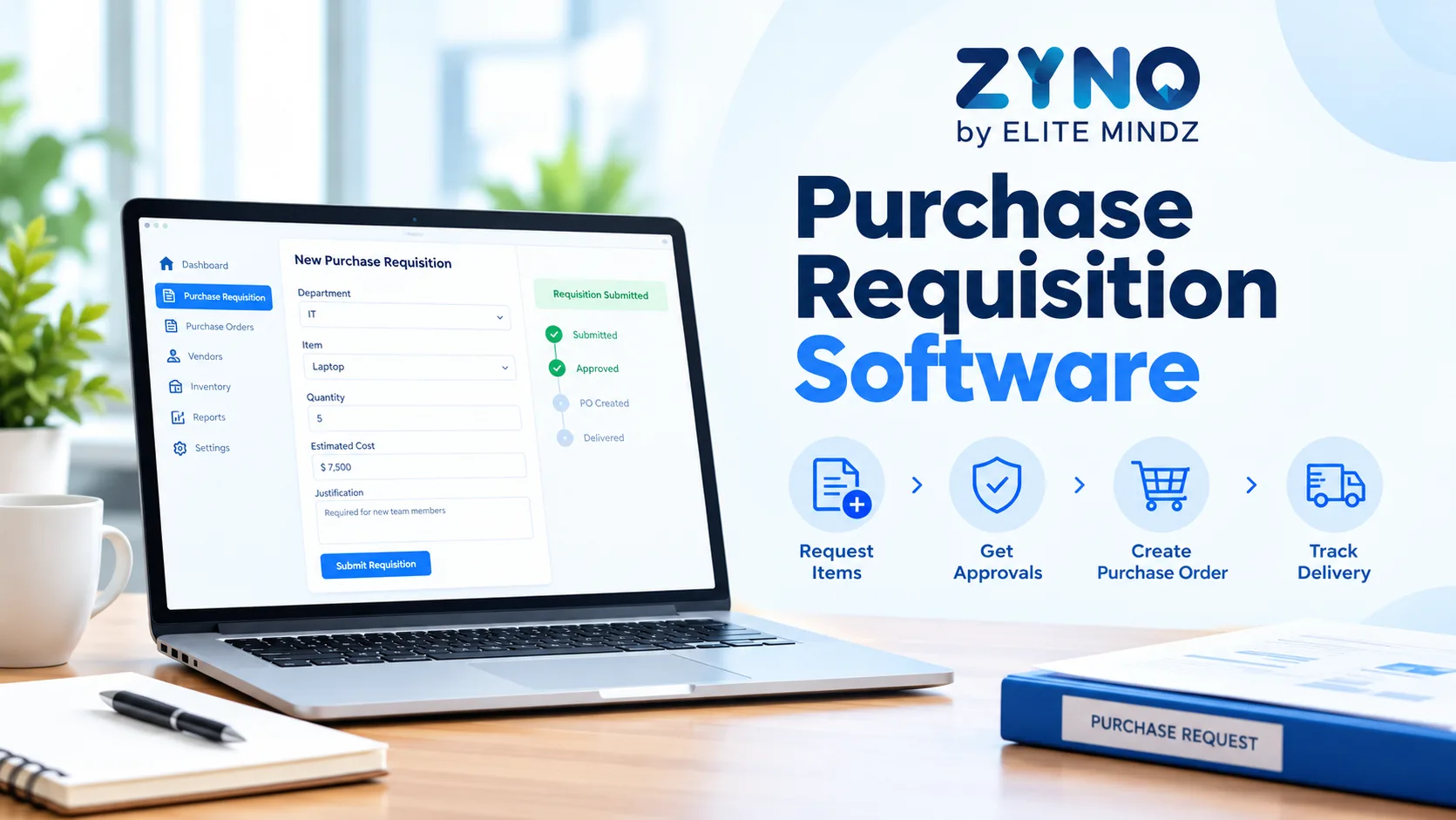
Managing purchase orders manually can create challenges for Indian businesses, especially when procurement teams handle multiple suppliers, departments, branches, and projects. Spreadsheets, email approvals, and disconnected records can lead to delayed orders, data-entry errors, limited spending visibility, and difficulty tracking supplier commitments.
Purchase Order Management Software in India helps businesses create, approve, issue, and track purchase orders through a centralized digital system. When connected with purchase requisitions, vendor management, inventory, and accounting workflows, it can improve purchasing visibility and help organizations maintain better control over procurement activities.
In this guide, we explore the key features, benefits, types of purchase order systems, and factors Indian businesses should consider when comparing software solutions.
What Is Purchase Order Management Software?
Purchase Order Management Software is a digital solution that helps businesses manage the purchase order lifecycle, from order creation and internal approval to supplier communication, delivery tracking, and recordkeeping.
A purchase order (PO) is a formal document issued by a buyer to a supplier. It typically contains item descriptions, quantities, agreed prices, delivery details, payment terms, and other applicable conditions.
Instead of preparing and tracking purchase orders manually, businesses can use Purchase Order Software to standardize documentation, automate approval workflows, monitor order status, and maintain centralized records.
For example, a manufacturing company may need to order raw materials from multiple suppliers. Its procurement team can create purchase orders, route them for approval, share approved orders with suppliers, and monitor delivery progress through the system.
Why Indian Businesses Need Purchase Order Management Software
Indian businesses often manage purchasing across multiple vendors, locations, departments, and cost centres. As operations expand, maintaining accurate purchase order records becomes increasingly important.
Here are some common challenges that purchase order management software can help address.
1. Manual Purchase Order Creation
Preparing purchase orders in spreadsheets or word-processing documents can result in inconsistent formats, repeated data entry, and incorrect item details.
A centralized system helps standardize PO creation and maintain consistent order information.
2. Delayed Purchase Order Approvals
When approvals depend on emails and manual follow-ups, purchase orders may remain pending for longer than expected.
Configurable approval workflows can route orders to the relevant managers according to purchasing policies and authorization limits.
3. Limited Supplier and Order Visibility
Procurement teams may struggle to identify which orders have been approved, issued, partially delivered, or completed.
A purchase order tracking system provides a centralized view of order status, helping teams identify pending actions.
4. Duplicate or Unauthorized Purchases
Without clear purchasing controls, different departments may place overlapping orders or make purchases without following internal procedures.
Approval rules, purchase records, and requisition-to-order workflows can help businesses improve purchasing oversight.
5. Difficulty Matching Orders, Invoices, and Deliveries
Finance and procurement Software need reliable records to check whether supplier invoices correspond with approved orders and received goods or services.
Where supported, integration with goods receipt and invoice processing can help businesses perform two-way or three-way matching. The availability and exact rules depend on the software configuration.
Top 10 Features of Purchase Order Management Software in India
When comparing purchase order management solutions, evaluate the following capabilities against your business requirements.
1. Automated Purchase Order Creation
The software should help teams generate purchase orders using standardized templates and structured item information.
Useful capabilities include:
- Automatic PO numbering
- Supplier and item details
- Quantity and price fields
- Delivery address and expected date
- Payment terms and applicable taxes
- Attachments and supporting documents
Some systems also allow approved purchase requisitions or quotations to be used as the basis for purchase order creation, reducing repeated data entry.
2. Purchase Order Approval Workflows
Purchase orders may require approval based on their value, department, project, or internal authorization policy.
Look for configurable workflows that can support multiple approvers, approval limits, status tracking, and escalation rules where available.
For example, a high-value equipment order may require approval from both the department head and finance manager, while a routine purchase may follow a simpler process.
3. Real-Time Purchase Order Tracking
A good PO management system should make it easier to monitor orders from creation to closure.
Look for statuses such as:
- Draft
- Pending approval
- Approved
- Issued to supplier
- Partially received
- Fully received
- Closed or cancelled
The exact status options vary by platform. Clear tracking helps teams identify delayed approvals, outstanding deliveries, and orders requiring follow-up.
4. Supplier and Vendor Management
Purchase orders depend on accurate supplier information.
Evaluate whether the software can maintain supplier profiles, contact information, payment terms, product details, and relevant purchasing records.
Integration with vendor management, quotation management, and request-for-quotation workflows can also help businesses maintain continuity between sourcing and ordering.
5. Purchase Requisition Integration
Purchase requisitions and purchase orders perform different functions.
A purchase requisition is an internal request to authorize a purchase, while a purchase order is the formal order sent to the supplier.
Connecting these processes can help businesses maintain a traceable workflow from employee request to approved order.
Enterprises should check whether the software supports requisition conversion, approval checks, and links between related documents.
6. Inventory and Goods Receipt Integration
Purchase order management becomes more effective when order information is connected to receiving and inventory processes.
Depending on the system, teams may be able to compare ordered quantities with received quantities, record partial deliveries, and update stock records after goods receipt.
Businesses should confirm whether the platform supports goods receipt notes (GRNs), inventory integration, and handling of over-deliveries or short deliveries.
7. Invoice Matching and Financial Controls
Finance teams need to verify supplier invoices against purchase orders and, where relevant, goods receipt records.
Some procurement platforms support:
- Two-way matching between purchase orders and invoices
- Three-way matching between purchase orders, goods receipts, and invoices
- Price and quantity variance checks
- Exception handling for mismatches
- Integration with accounting or ERP systems
These capabilities can help improve financial oversight, but businesses should verify which matching rules and accounting integrations are included.
8. Reporting and Procurement Analytics
Reporting helps managers understand purchasing activity and identify areas that need attention.
Useful reports may include:
- Purchase order value by supplier
- Orders by department or project
- Pending approvals
- Open and overdue purchase orders
- Supplier delivery performance
- Purchase order cycle time
- Order and invoice discrepancies
Confirm whether these reports are available by default, customizable, or dependent on additional modules.
9. Role-Based Access and Audit Trails
Businesses need to control who can create, approve, edit, or cancel purchase orders.
Look for role-based permissions, approval histories, timestamps, and records of important changes. These features can support accountability and make it easier to review purchasing decisions.
Security, retention, and access requirements should also be assessed with the organization's IT and compliance teams.
10. Integration and Scalability
Growing businesses may need purchase order software to connect with ERP, accounting, inventory, warehouse, or supplier systems.
Before choosing a platform, evaluate its integration options, available APIs, implementation effort, customization, and ability to support multiple business units or locations.
For Indian enterprises, also review how the overall purchasing process supports applicable tax, accounting, and documentation requirements. Do not assume that every PO tool includes GST reporting or accounting compliance functionality.
Benefits of Purchase Order Management Software
The right purchase order management solution can improve procurement operations in several ways.
Improved Process Efficiency
Standardized templates and automated workflows can reduce repetitive administrative tasks and manual follow-ups.
Better Purchasing Visibility
Centralized records help procurement teams monitor order status, supplier commitments, and outstanding deliveries.
Stronger Spending Control
Approval rules and purchasing records can help organizations review orders before commitments are made.
Fewer Manual Errors
Using structured data and reusable supplier or item records can reduce repeated data entry. The actual impact depends on implementation and data quality.
Better Supplier Coordination
Consistent purchase order documentation helps communicate order quantities, delivery expectations, and agreed terms to suppliers.
Easier Document Retrieval
A centralized system makes it easier to locate order records and related documents when reviewing a transaction.
Improved Coordination Across Departments
Connecting requisitions, purchase orders, receiving, and finance workflows can help teams work with consistent information.
More Useful Procurement Reporting
Purchase order data can help managers identify bottlenecks, track supplier performance, and evaluate purchasing patterns.
Purchase Order Management Software vs. Manual PO Processing
Comparison FactorManual PO ProcessingPurchase Order Management SoftwarePO creationDocuments or spreadsheetsStructured digital templatesApproval processOften email-basedConfigurable digital workflowsOrder trackingManual status updatesCentralized order statusRecordkeepingFiles stored across locationsCentralized records, depending on setupError preventionDepends heavily on manual checksValidation and standardized fields where supportedReportingManual compilation may be neededBuilt-in or configurable reportsRequisition integrationMay require repeated data entryCan connect requisitions with purchase ordersInvoice matchingOften performed separatelyMay support integrated matchingScalabilityMore manual coordination as volume growsCan support larger workflows based on configurationThe main difference is process centralization and visibility. Software does not eliminate every error automatically, but well-configured workflows can help reduce repetitive manual work.
Purchase Order Software vs. Purchase Requisition Software
These two solutions are related but serve different stages of the purchasing process.
FactorPurchase Requisition SoftwarePurchase Order SoftwarePurposeManages internal requests to purchaseManages formal orders to suppliersMain usersEmployees, department heads, financeProcurement teams and purchasing managersMain documentPurchase requisitionPurchase orderPrimary activityRequest review and approvalOrder creation, issuance, and trackingSupplier involvementOften limited at the initial request stageCentral to order executionWorkflow connectionStarts the purchasing processFollows authorization and sourcing stepsBusinesses with more complex procurement requirements may prefer a platform that connects both workflows rather than managing them in separate systems.
How to Choose the Best Purchase Order Management Software in India
Choosing the right software requires understanding your current process, technical environment, and future needs.
Step 1: Identify Your Procurement Requirements
Document your current PO process, including who creates orders, who approves them, how suppliers are selected, and how deliveries and invoices are checked.
Identify the most significant problems before comparing vendors.
Step 2: Check Essential Features
Prepare a checklist of required features, such as automated PO creation, multi-level approvals, order tracking, supplier records, goods receipt integration, reporting, and invoice matching.
Separate essential capabilities from optional features.
Step 3: Evaluate Ease of Use
Employees and procurement teams should be able to create, review, and track purchase orders without unnecessary complexity.
Ask vendors to demonstrate common workflows and exception scenarios using realistic examples.
Step 4: Review Integration Requirements
Check compatibility with your current ERP, accounting, inventory, and other business systems.
Ask whether integrations are standard or require additional configuration, third-party tools, or development work.
Step 5: Compare Pricing and Total Cost
Consider subscription or licence fees, implementation, training, integrations, support, maintenance, and additional modules.
The lowest advertised price may not represent the lowest total cost for your business.
Step 6: Assess Security and Governance
Review user permissions, audit trails, data backup, hosting options, retention policies, and access management.
Involve IT, finance, and compliance stakeholders before making a final decision.
Step 7: Run a Product Demonstration or Pilot
Test how the software handles a typical purchase order, a multi-level approval, a partial delivery, a supplier price change, and an invoice mismatch.
Where possible, run a pilot and compare approval time, processing effort, outstanding orders, and error rates against your current process.
Types of Businesses That Can Benefit from PO Management Software
Manufacturing: Manage purchase orders for raw materials, components, spare parts, and maintenance supplies.
Construction and EPC: Track orders for building materials, equipment, subcontractor services, and project-specific purchases.
Healthcare: Organize orders for medical supplies, consumables, equipment, and facility requirements.
Retail and Distribution: Coordinate supplier orders for products, packaging, warehouse supplies, and store operations.
IT and Technology: Manage orders for hardware, software licences, cloud services, and technology accessories.
Education and Corporate Offices: Standardize purchasing for furniture, stationery, IT equipment, and administrative requirements.
The ideal solution depends on purchasing volume, supplier relationships, approval complexity, and the organization's existing systems.
Why Consider ZYNO Procurement?
Businesses looking for a centralized procurement platform can evaluate ZYNO Procurement against their purchase order management requirements.
During a product demonstration, ask the team to show how the proposed configuration handles purchase requisitions, purchase order workflows, supplier records, approval controls, reporting, and integration with your existing systems.
Confirm which capabilities are included in the selected package, which require configuration, and whether any additional implementation or integration work is needed.
Looking to streamline purchase orders and improve procurement visibility?
Explore ZYNO Procurement or contact the team to discuss your business requirements.
Frequently Asked Questions
1. What is purchase order management software?
Purchase order management software helps businesses create, approve, issue, track, and maintain records of purchase orders. Depending on the solution, it can also connect purchasing with suppliers, inventory, receiving, and finance workflows.
2. Which features are important in purchase order software in India?
Important features include automated PO creation, approval workflows, supplier management, order tracking, requisition integration, reporting, access controls, and integration with inventory or accounting systems.
3. Can purchase order management software reduce manual errors?
It can help reduce errors through standardized templates, data validation, centralized records, and reduced duplicate data entry. Results depend on configuration, data quality, and user adoption.
4. Can purchase order software integrate with inventory management?
Some solutions support integration with inventory and goods receipt processes. Businesses should confirm whether the system supports GRNs, partial deliveries, stock updates, and the required inventory platform.
5. What is the difference between purchase order software and procurement software?
Purchase order software focuses on creating, approving, issuing, and tracking purchase orders. Broader procurement software may also support requisitions, sourcing, vendor management, quotations, contracts, spend analysis, and other purchasing activities.
6. Is purchase order management software suitable for small businesses?
Yes. Small businesses can benefit from standardized order records and approval controls. The right solution depends on transaction volume, budget, supplier requirements, and the need for integration.
7. How much does purchase order management software cost in India?
Pricing varies according to features, user count, deployment model, implementation requirements, integrations, and support. Businesses should request a quote based on their actual workflows and compare the total cost of ownership.
8. Can purchase orders be connected to purchase requisitions?
Yes, many procurement systems support workflows in which an approved purchase requisition is used to create a purchase order. Confirm whether the solution supports the required conversion, approvals, and document traceability.
Conclusion
Purchase Order Management Software in India can help businesses standardize purchasing, improve order visibility, strengthen approval controls, and connect procurement activities with supplier, inventory, and finance workflows.
Before choosing a platform, compare essential features, test real purchasing scenarios, verify integrations, and assess the total cost of ownership. The best solution is one that fits your organization's current requirements while supporting future growth.
For businesses evaluating procurement platforms, ZYNO Procurement is worth considering based on its demonstrated capabilities and fit with your purchasing workflows.