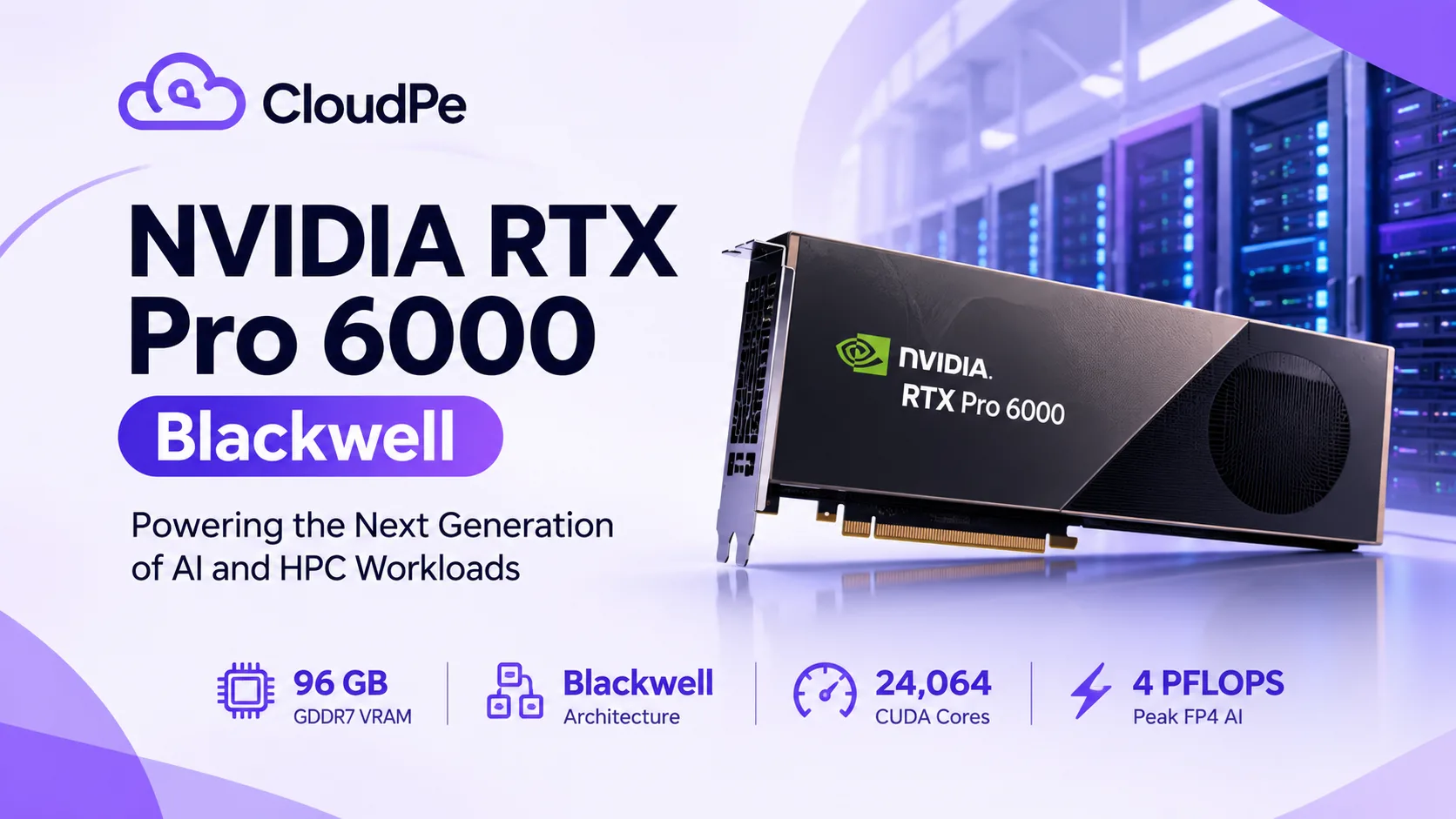
Every few years a GPU comes along that changes what a single card can do. The rtx pro 6000 is one of those cards. It is built on NVIDIA's Blackwell architecture, and the headline number is hard to ignore: 96GB of GDDR7 memory with ECC on one GPU. If you have ever watched a training job crash with an out-of-memory error at 2 a.m., you already know why that matters.
But specs on a page don't tell you whether a GPU is right for your work. So let's talk about what this card actually is, what it is good at, and who should be looking at it.
What makes this GPU different
Most professional cards before this one forced you to make a trade-off. You either had a lot of compute with limited memory, or a lot of memory on a much more expensive data-center part. The nvidia rtx pro 6000 sits in a sweet spot between the two.
Here is what you get on the Blackwell workstation version:
- 96GB of GDDR7 memory with error correction
- Around 24,000 CUDA cores
- Fifth-generation Tensor Cores with FP4 support
- Fourth-generation RT Cores for ray tracing
- Memory bandwidth of roughly 1.8 TB/s
- PCIe Gen 5 connectivity
The tensor core upgrade is the part AI teams care about. FP4 and FP8 support means you can run modern quantized models faster and fit more of them into memory. The RT cores matter just as much if your day job is rendering, simulation or digital twins.
Memory is the real story
Think about a 70-billion-parameter language model. In 16-bit precision it needs roughly 140GB just to load the weights. That is two or three cards on older hardware. Quantize it to 8-bit and you are near 70GB, which fits inside 96GB with some room left for context. Quantize to 4-bit and you are around 35-40GB, leaving plenty of space for long prompts and batching.
That is the practical value of the rtx pro 6000. A model that used to need a multi-GPU setup, with all the networking and sharding headaches that come with it, can sit on a single card. Fewer moving parts means fewer things to break.
Where it shines
AI inference. Serving large language models, vision models and speech pipelines is where the big memory pays off right away. You can run bigger models, or run more copies of a smaller one on the same card.
Fine-tuning. Parameter-efficient methods like LoRA and QLoRA work comfortably on a single 96GB GPU, even for models that would be painful on a 24GB or 48GB card.
3D rendering and VFX. Large scenes with heavy textures often spill out of memory on smaller GPUs. With 96GB, studios can load complex scenes without constant optimization tricks.
Simulation and engineering. CAD, CFD and digital twin workflows benefit from both the memory and the ray tracing hardware.
Data science. GPU-accelerated analytics on large datasets runs far better when the whole dataset fits in memory.
The catch with buying hardware
Here is the honest part. A card like this is a serious purchase, and it is only half the story. You also need a workstation or server that can power and cool it, since the top configuration draws up to 600W. You need someone to maintain it. And you need enough work to keep it busy, otherwise it sits idle while depreciating.
That is why a lot of teams skip the purchase and rent the GPU instead. You get the same hardware, billed for the time you actually use, with no cooling bills and no procurement wait. You can see how that works on the dedicated nvidia rtx pro 6000 page at CloudPE.
Is it right for you?
A quick gut check. This GPU makes sense if:
- Your models or scenes keep running out of memory on smaller cards
- You want to avoid the complexity of multi-GPU setups
- You need professional-grade reliability, including ECC memory
- Your workloads are bursty, and you would rather pay for hours than own hardware
It probably does not make sense if you only run small experiments that fit easily on a consumer card.
A quick real-world picture
Imagine a small AI startup building a document-search product. Their language model is too big for the 24GB cards they started on, so they split it across two GPUs and spend a week fighting sharding bugs. Moving the same workload to a single 96GB card removes that whole category of problem. Nobody has to debug cross-GPU communication, and the team gets back to improving the product. That is the kind of everyday win this GPU is built for.
Final thoughts
The rtx pro 6000 is not hype. For teams hitting memory walls, it removes a real bottleneck. Whether you buy or rent is a separate decision, and for most people running variable workloads, renting wins on flexibility. Take a look at your current projects, check how much memory they really need, and the answer usually becomes obvious.
FAQ
1. How much memory does the RTX PRO 6000 have? The Blackwell version comes with 96GB of GDDR7 memory with ECC support.
2. Is the RTX PRO 6000 good for AI? Yes. The large memory and fifth-generation Tensor Cores make it well suited to inference, fine-tuning and running large quantized models on a single GPU.
3. Can I rent it instead of buying? Yes. Cloud GPU providers like CloudPE let you use it on a pay-for-what-you-use basis, so there is no upfront hardware cost.
4. Who should use this GPU? AI developers, 3D artists, engineers, researchers and data scientists whose work needs a lot of GPU memory.