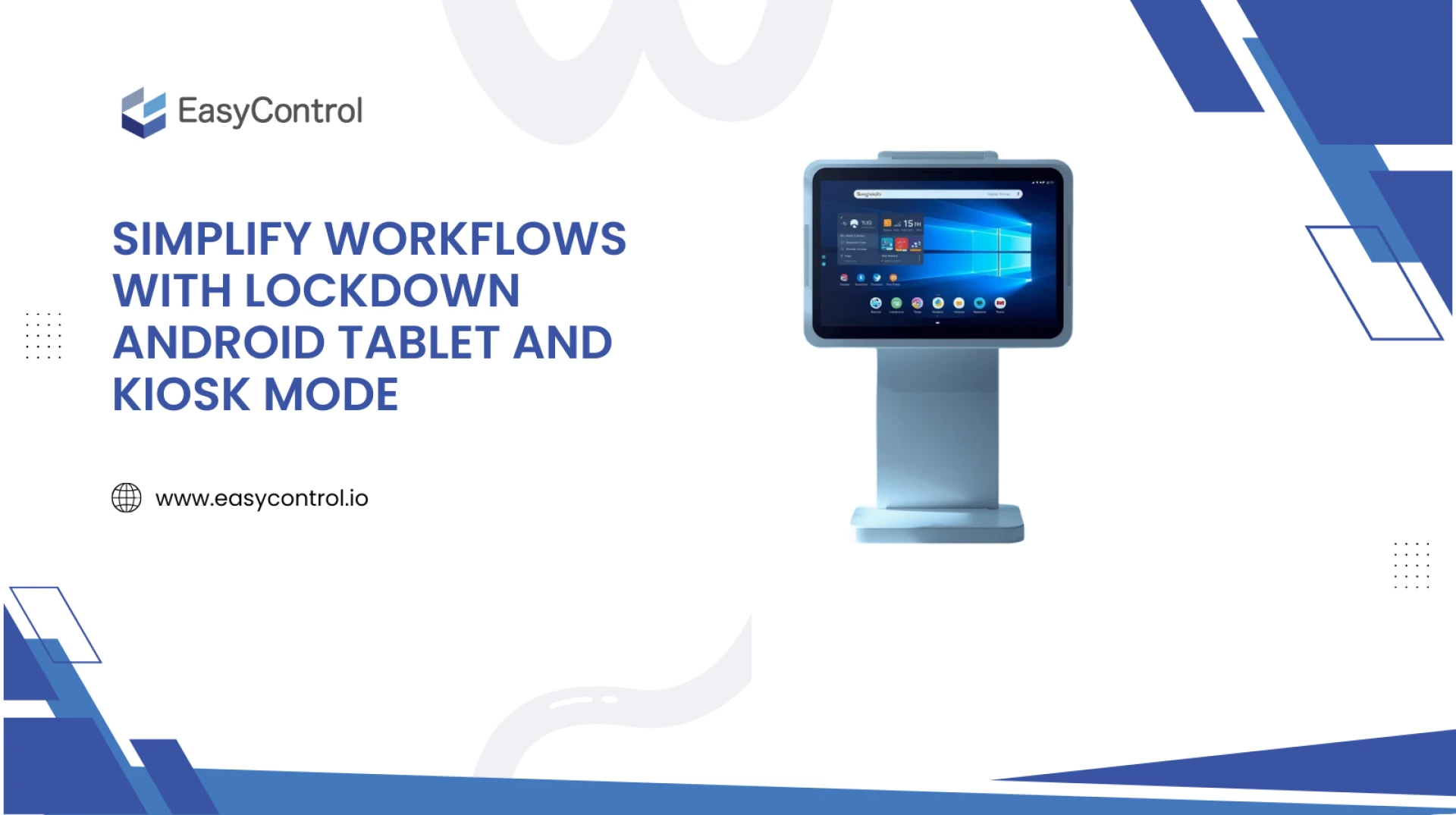
Tablets have become a vital part of everyday operations, whether it’s for displaying products, collecting data, or managing on-the-go tasks. But as useful as they are, unmanaged devices can easily become a source of distraction, data leaks, or even misuse. That’s where lockdown mode and kiosk mode for Android tablets come in.
These features help businesses take full control of their devices, ensuring that employees and customers only use them for their intended purpose. Let’s explore how locking down Android tablets and enabling kiosk mode can make business operations more secure, productive, and professional.
What Does It Mean to Lock Down an Android Tablet?
Locking down an Android tablet simply means restricting it to run only specific apps or functions that are necessary for work. Once locked, users can’t access settings, download new apps, or visit unwanted websites.
For example, a retail store might lock a tablet to display only a product catalog app. A logistics company might use a single delivery app on all devices. By doing this, businesses can prevent misuse, improve security, and ensure every tablet serves its exact purpose.
This is usually done through Mobile Device Management software, which allows IT teams to remotely configure, control, and monitor all company tablets from one dashboard.
What Is Kiosk Mode on Android Tablets?
Kiosk mode takes device lockdown to the next level. It allows a tablet to run just one app (single-app mode) or a few selected apps (multi-app mode) in a secure environment.
When kiosk mode is activated:
- The home screen, notifications, and settings are hidden.
- Users can’t exit the allowed app(s).
- The device becomes focused on one specific task — like taking orders, checking attendance, or displaying digital signage.
This setup is perfect for retail stores, restaurants, hospitals, educational institutions, and logistics companies where devices are shared among employees or exposed to customers.
Benefits of Locking Down Android Tablets for Business
Enhanced Security
Locking down devices ensures that employees or customers can’t access confidential data or install unsafe apps. It minimises the risk of data breaches and protects your business network.
Improved Productivity
Distractions like social media, games, and entertainment apps are completely blocked. Employees stay focused only on the tools they need for their job.
Consistent User Experience
In customer-facing scenarios, kiosk mode provides a clean, professional interface. Whether it’s a self-service kiosk or digital display, users interact only with what’s relevant.
Centralised Device Management
Using an MDM solution, businesses can remotely update apps, push settings, or instantly lock/wipe lost devices—no need to handle each tablet manually.
Reduced Maintenance Effort
With limited access and consistent configurations, the chances of device errors or misuse go down dramatically — saving IT teams valuable time.
Use Cases of Android Kiosk Mode
- Retail: Display product catalogues or enable self-checkout systems.
- Hospitality: Allow guests to check in, place room service orders, or view menus.
- Healthcare: Provide patient registration kiosks or doctor scheduling apps.
- Education: Use tablets for online tests or classroom learning apps only.
- Logistics: Equip drivers with tablets locked to navigation or delivery apps.
In all these cases, MDM with kiosk mode ensures tablets remain focused, secure, and easy to manage.
How to Set Up Kiosk Mode on Android Tablets
Most businesses use MDM software to enable kiosk mode easily. The steps usually include:
- Enrol the tablet in your MDM dashboard.
- Choose the apps you want to allow.
- Enable Single App or Multi-App Kiosk Mode.
- Apply restrictions like disabling the power button, volume control, or notifications.
- Save and deploy the configuration to all tablets instantly.
Once set, each device automatically switches to kiosk mode whenever it’s powered on — ensuring consistent operation without manual setup.
Why Businesses Prefer MDM Solutions for Tablet Lockdown
While you can manually restrict tablets, MDM platforms make it effortless to manage hundreds of devices at once. They also offer advanced features like:
- Remote troubleshooting
- Real-time location tracking
- App version control
- Policy scheduling and reporting
This gives IT administrators complete visibility and control — from anywhere.
Locking down Android tablets and using kiosk mode isn’t just about control; it’s about creating a secure, focused, and reliable work environment. Whether your business runs in retail, logistics, healthcare, or education, these tools ensure that every tablet works exactly as intended — nothing more, nothing less.
With the right MDM solution, businesses can save time, reduce risks, and deliver a smooth digital experience for both employees and customers. In short, lockdown Android tablet for business is the smart way to turn simple devices into powerful, purpose-built tools.