Contracts and approvals are essential to almost every business, but the processes behind them are not always efficient. A document may need to be created, reviewed, approved, signed by several people, and finally stored for future reference.
When these steps depend heavily on emails, manual follow-ups, and separate systems, even a simple agreement can take longer than necessary.
An esignatures api can help businesses connect digital signing with their existing applications and automate parts of this document lifecycle. Instead of treating signing as a standalone activity, organizations can make it part of a broader contract and approval workflow.
The Problem With Manual Contract Workflows
A traditional contract process often involves several disconnected steps.
A team creates a document and sends it to another department for review. After approval, the document is sent to the customer, vendor, employee, or business partner for signing. Once the signed document is received, someone may need to verify it, update the internal system, and store the final copy.
When the number of contracts increases, this approach can create several challenges:
- Manual follow-ups
- Delayed approvals
- Unclear document status
- Repeated data entry
- Multiple document versions
- Difficulty tracking completed agreements
Automation can help reduce some of these repetitive activities.
What Is an eSignatures API?
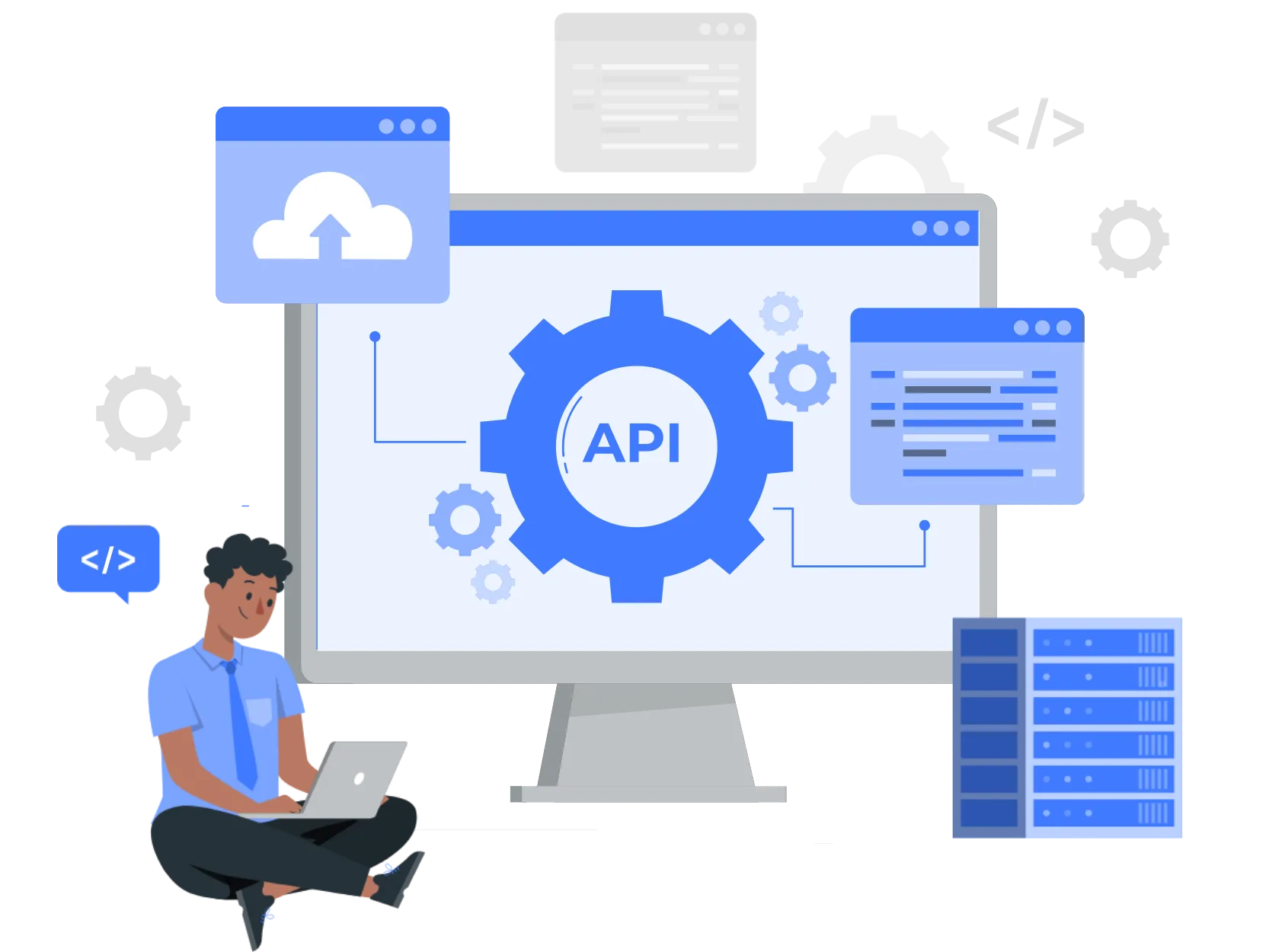
An API allows different software applications to communicate with each other.
In digital document workflows, an eSignatures API can connect a business application with an electronic signing service. This allows organizations to initiate signing activities from their existing systems instead of manually moving documents between platforms.
For example, a contract management application can generate a document and trigger a signing request when the internal approval process is complete.
The signing stage then becomes part of the existing business workflow.
How API-Based Signing Can Automate Contract Processes
A connected contract workflow can follow several stages.
Document Creation
The process begins when a contract or agreement is generated.
This could happen inside a CRM, contract management platform, lending application, HR system, or another business application.
Internal Review
Before a document reaches the external signatory, it may need approval from legal, finance, management, or another department.
The workflow can be designed so that signing begins only after the required internal approvals are complete.
Signing Request
Once the document is ready, the business application can initiate the signing process through the API.
This removes the need for an employee to manually download and upload the document to a separate signing platform.
Signatory Action
The relevant parties receive the document and complete the required signing process.
Depending on the business requirement, multiple people may need to sign the same document.
Status Update
Once the signing process reaches a particular stage, the application can receive the relevant status information and continue the workflow.
For example, a completed agreement could automatically move to the next stage of the organization's process.
Automating Multi-Party Approvals
Many business documents require more than one signature.
Consider a vendor contract that requires approval from procurement, finance, and an authorized business representative.
If the process is managed manually, employees may need to send reminders and monitor each stage separately.
A digital workflow can define the required sequence or signing structure in advance.
This can help businesses establish a consistent process for documents that involve multiple stakeholders.
Connecting Signing With Existing Business Applications
One of the strongest use cases for API-based signing is integration with systems businesses already use.
For example:
CRM: A sales team can initiate a contract signing process after an opportunity reaches the required stage.
HR systems: Employee documents can move into a signing workflow after onboarding information has been completed.
Lending platforms: Agreements can be generated and sent for signing after an application reaches the appropriate stage.
Procurement systems: Vendor agreements can be routed for signing after internal approval.
Contract management platforms: Approved documents can automatically enter the signing stage.
This type of integration can reduce the need for employees to switch between multiple applications.
Reducing Manual Follow-Ups
Manual follow-ups are a common part of contract management.
An employee may need to check whether a document has been opened, remind a customer to sign, or ask another department about a pending approval.
When signing status can be connected with the organization's workflow, teams can gain better visibility into pending actions.
This does not mean every follow-up has to be automated. Instead, businesses can use status information to identify where action is actually required.
Supporting Faster Business Decisions
Contracts often represent the final step before a business relationship, transaction, or internal decision can move forward.
A delay in signing can therefore affect more than the document itself.
For example, a vendor may not begin work until an agreement is completed. A customer may not be onboarded until required documentation is signed. An employee may not complete a process until the necessary forms are finalized.
Connecting signing with approvals can help reduce unnecessary waiting between these stages.
Important Considerations Before Automating Signing
Automation should be designed carefully.
Businesses should consider:
Workflow Logic
Clearly define what should happen before and after signing.
Authentication
Determine how signatories will be authenticated and whether the method meets the organization's requirements.
Error Handling
A reliable workflow should account for failed transactions, incomplete signing, rejected documents, and other exceptions.
Security
Contracts can contain confidential information, so organizations should evaluate data protection, access controls, and document integrity.
Auditability
Businesses may need records showing relevant events throughout the document lifecycle.
Integration Maintenance
APIs are part of a broader technology environment. Teams should consider documentation, versioning, monitoring, and ongoing maintenance.
Where Automation Can Create the Most Value
API-driven signing is particularly useful for organizations that process documents repeatedly.
A company signing a handful of contracts each month may not need extensive automation. However, a lender processing hundreds or thousands of agreements, an enterprise managing large vendor networks, or an HR team onboarding employees at scale can benefit more significantly.
The greater the document volume and the number of stakeholders involved, the more valuable a structured automated workflow can become.
From Digital Signing to End-to-End Document Automation
The long-term opportunity is larger than automating the signature itself.
Businesses can gradually connect different stages of the document lifecycle:
Create → Review → Approve → Sign → Track → Store
When these stages communicate with each other, organizations can reduce repetitive administrative tasks and gain better visibility into the overall process.
This is where API-based signing becomes particularly useful. It allows businesses to treat signing as one connected component within their broader digital infrastructure.
Platforms such as Meon's Aadhaar eSign API can support businesses looking to integrate digital signing capabilities into their existing applications and document workflows.
Conclusion
An esignatures api can help businesses connect electronic signing with contracts, approvals, customer journeys, and internal applications. Instead of manually moving documents between systems, organizations can build workflows where signing becomes a connected step in the overall process.
For businesses managing high document volumes, multiple approvals, or distributed stakeholders, this approach can reduce manual coordination and improve process visibility.
The key is to design automation around the actual business workflow, with appropriate attention to authentication, security, error handling, integration, and audit requirements. When implemented thoughtfully, API-based signing can become an important part of efficient digital contract management.