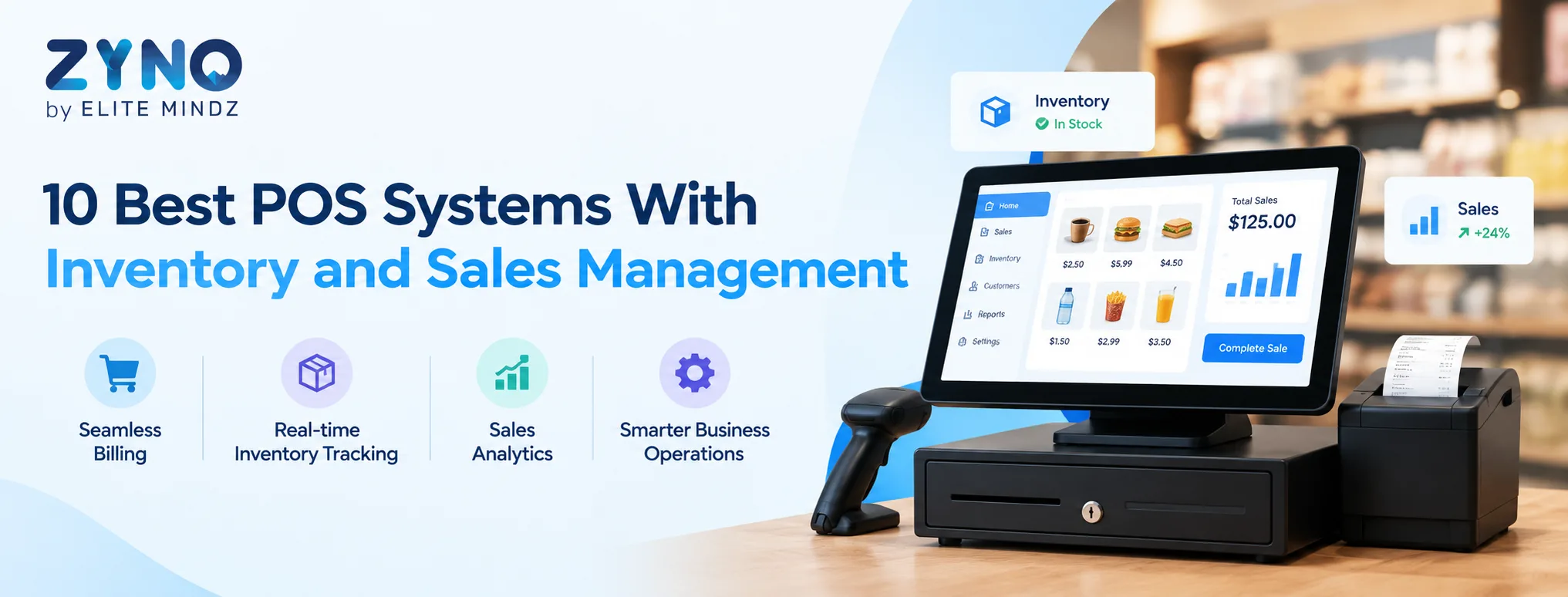
Managing sales and inventory at the same time can be challenging for small and growing businesses. Using spreadsheets or separate tools for billing, stock tracking, and sales reporting often creates duplicate work and makes it harder to get an accurate view of business performance.
A POS system with inventory and sales management brings these functions together. Businesses can process transactions, update inventory, monitor sales, manage products, and generate reports from a single platform.
Whether you run a retail store, grocery shop, restaurant, pharmacy, or multiple outlets, choosing the right POS software can make everyday operations more organized.
In this guide, we compare 10 POS systems with inventory management and sales management features and explain what to look for before choosing one.
What Is a POS System With Inventory Management?
A POS system, or Point of Sale system, is software used to process customer transactions and manage sales. Modern POS software goes beyond billing by connecting sales transactions with inventory records.
When a product is sold, the POS system can automatically update its stock level. This helps businesses monitor available inventory, identify fast-moving products, track stock movements, and reduce manual data entry.
A complete POS inventory management system may include product catalogs, barcode scanning, purchase tracking, low-stock alerts, stock adjustments, sales reports, customer management, and multi-store inventory control.
10 Best POS Systems With Inventory and Sales Management
1. ZYNO POS
ZYNO POS combines POS billing, inventory management, sales tracking, customer management, and business analytics in one platform. It can support retail stores, grocery businesses, restaurants, and other businesses that need integrated point-of-sale management.
Key features include:
- POS billing and invoicing
- Inventory management
- GST billing
- Multi-store management
- Customer loyalty management
- Sales analytics
- Expense tracking
- Retail POS capabilities
- Restaurant POS functionality
For businesses managing multiple products or locations, connecting sales and inventory data can provide better visibility into daily operations.
2. Shopify POS
Shopify POS connects physical store sales with Shopify's ecommerce platform. It can be useful for businesses selling through both online and offline channels.
Features include inventory synchronization, product management, customer profiles, sales reporting, and payment processing.
Retailers can use Shopify POS to maintain a connection between their online store and physical sales operations.
3. Square POS
Square POS provides point-of-sale tools for small businesses and retailers. Its platform supports sales processing, product management, inventory tracking, reporting, and customer management.
It can be suitable for businesses looking for a straightforward POS system that combines payment processing with basic business management.
4. Lightspeed Retail
Lightspeed Retail is designed for retailers that require POS and inventory management capabilities. It provides tools for product catalogs, inventory tracking, customer management, reporting, and sales operations.
Businesses with larger product catalogs may benefit from features designed to provide greater visibility across inventory and sales.
5. Loyverse POS
Loyverse is a POS solution aimed at small retail and hospitality businesses. It offers features for sales management, inventory tracking, customer loyalty, employee management, and analytics.
Its combination of POS billing and inventory management makes it relevant for cafés, restaurants, convenience stores, and small retailers.
6. GoFrugal POS
GoFrugal offers POS and business management solutions for different industries, including retail, supermarkets, restaurants, and pharmacies.
Its capabilities can include:
- POS billing
- Inventory management
- Barcode management
- Sales reporting
- Customer management
- Multi-store management
- Business analytics
Industry-specific functionality can be important for businesses with specialized inventory or billing requirements.
7. Clover POS
Clover combines POS hardware and software for different types of businesses. Its platform can support payment processing, sales tracking, inventory management, employee management, and customer-related features.
It can be used by retailers, restaurants, and service businesses that need a connected POS environment.
8. Toast POS
Toast is primarily focused on restaurants and food-service businesses. Its POS platform provides tools for order management, payments, menu management, reporting, and restaurant operations.
For restaurants, a specialized restaurant POS system can help connect customer orders, billing, payments, and sales data.
9. Vend by Lightspeed
Vend was a retail POS platform that became part of Lightspeed. Lightspeed's retail platform now provides tools for point-of-sale operations, inventory management, customer management, reporting, and retail analytics.
Businesses comparing retail POS solutions should evaluate the current Lightspeed product and pricing rather than relying on older Vend plans or product information.
10. SumUp POS
SumUp provides payment and point-of-sale solutions for small businesses. Its offerings can help businesses process transactions and manage sales while keeping the setup relatively simple.
It may be relevant for smaller retailers and service businesses that prioritize straightforward payment and POS functionality.
Key Features of POS Software With Inventory and Sales Management
When comparing POS systems, look beyond basic billing. The following features can make a significant difference in daily operations.
Inventory Tracking
A good POS inventory management system should automatically update stock after sales. Businesses should also be able to monitor stock levels, product movements, and low-stock items.
Sales Management
POS software should provide real-time sales information and allow businesses to monitor transactions, revenue, discounts, returns, and product performance.
Barcode Management
Barcode scanning can speed up checkout and reduce manual product entry. It is particularly useful for grocery stores, supermarkets, clothing stores, and other retail businesses with many products.
GST Billing
For businesses in India, GST billing software can help calculate applicable taxes and generate compliant invoices. Businesses should verify the provider's current GST features before implementation.
Sales Reports and Analytics
POS analytics can help business owners understand which products sell the most, identify sales trends, compare periods, and monitor overall business performance.
Multi-Store Management
A multi-store POS system allows businesses to manage sales and inventory across multiple locations. Centralized reporting can make it easier to compare store performance and monitor stock.
Customer Management
Customer profiles, purchase history, loyalty programs, and personalized offers can help businesses manage customer relationships and encourage repeat purchases.
Cloud-Based Access
A cloud POS system can allow authorized users to access sales and business information from different locations, depending on the provider's architecture and permissions.
Benefits of Using POS Software for Inventory and Sales
A connected POS system can provide several operational benefits.
1. Reduced manual work: Sales transactions can automatically update inventory records.
2. Better stock visibility: Businesses can quickly check available inventory and identify products that need replenishment.
3. Faster billing: Barcode scanning and automated calculations can reduce checkout time.
4. Fewer errors: Automated pricing, tax, discounts, and inventory updates can reduce manual mistakes.
5. Better sales insights: Reports can show product performance, revenue, transaction volume, and sales trends.
6. Centralized management: Billing, inventory, customer, and sales information can be maintained in one system.
How to Choose the Right POS System
The right POS software depends on your business type and operational requirements. Before purchasing, consider:
- Number of products
- Number of users
- Number of business locations
- Inventory complexity
- Billing requirements
- GST and tax requirements
- Payment methods
- Hardware compatibility
- Reporting requirements
- Customer loyalty features
- Ecommerce integrations
- Accounting integrations
- Customer support
- Pricing and transaction fees
A grocery store may prioritize barcode scanning and inventory tracking, while a restaurant may require table management and kitchen order functionality. A growing retailer may need multi-store inventory and centralized sales reporting.
Final Thoughts
A POS system with inventory and sales management can help businesses connect their checkout process with stock and sales information. Instead of managing billing, inventory, and reports separately, businesses can use POS software to bring these activities into one system.
Solutions such as ZYNO POS, Shopify POS, Square, Lightspeed, Loyverse, GoFrugal, Clover, Toast, and SumUp offer different combinations of POS, inventory, payment, and sales-management features.
Before choosing a POS system, compare the features, pricing, hardware, integrations, scalability, and support to find a solution that matches your business's current needs and future growth.
FAQs
1. What is the best POS system for inventory management?
The suitable POS system depends on business size, industry, product volume, number of stores, and required features. Look for POS software that provides real-time inventory tracking, sales integration, barcode support, and reporting.
2. Can POS software automatically update inventory?
Yes. Many modern POS systems automatically reduce inventory when a product is sold and can update stock when purchases, returns, or adjustments are recorded.
3. Is POS software useful for small businesses?
Yes. Small businesses can use POS software for billing, inventory tracking, sales reports, customer management, and payment processing without relying heavily on spreadsheets.
4. What is a POS inventory management system?
A POS inventory management system connects sales transactions with inventory records. It helps businesses track products, stock levels, sales, and inventory movements from one platform.
5. Can POS software manage multiple stores?
Yes. Many multi-store POS systems allow businesses to manage sales, inventory, products, and reports across multiple locations.
6. Does POS software support GST billing?
Many POS solutions designed for Indian businesses provide GST billing functionality. Always confirm current GST and invoicing capabilities with the provider before purchasing.
7. What is the difference between POS software and inventory software?
POS software primarily manages sales and transactions, while inventory software focuses on stock management. Modern POS systems often combine both capabilities so that sales automatically affect inventory.
8. Can a POS system generate sales reports?
Yes. Most modern POS systems provide sales reports covering revenue, transactions, products, discounts, returns, and other business metrics.
9. Is cloud POS software suitable for retail businesses?
Cloud POS can be suitable for retailers that need centralized data, remote access, multi-store management, and easier system updates. The right choice depends on the retailer's operational requirements.
10. What should I consider before buying POS software?
Compare billing, inventory management, sales reporting, payment support, GST functionality, barcode scanning, multi-store capabilities, integrations, hardware compatibility, security, support, and total cost.