A website has three jobs. It has to stay safe, load quickly, and turn visitors into customers. Most WordPress sites manage one of these at best. A site might look polished but load in six seconds. Another might be fast but hacked twice a year. A third might be secure and speedy but have a layout that never persuades anyone to call, buy, or book.
Getting all three right takes more than a theme and a handful of plugins. Many businesses choose to hire professional wordpress developers who treat security, speed, and conversion as connected engineering goals from the first day of the project. This guide explains how each one works in practice, and what to demand from any team building your site.
Why These Three Goals Belong Together
Security, speed, and conversion are often treated as separate checklists, but they influence each other constantly.
A hacked site loses visitor trust and search rankings overnight. A slow site frustrates users before they read a single word, and Google measures that frustration through Core Web Vitals. A site that converts poorly wastes whatever traffic it earns, no matter how secure or fast it is.
Consider the chain. Faster pages keep more visitors, which gives your conversion design a bigger audience. Secure pages display HTTPS padlocks and avoid browser warnings, which protects the trust conversion depends on. Clean, lean code helps both speed and security, since fewer plugins mean fewer vulnerabilities and less bloat. Treat the three as one system and each improvement multiplies the others.
Building a Secure WordPress Website
WordPress core is well maintained, yet the platform is a constant target simply because of its popularity. Most breaches come from outdated plugins, weak credentials, or poorly configured hosting rather than the core software.
Update discipline. Core, themes, and plugins should be updated on a regular schedule, tested first on a staging copy so that an update never breaks the live site.
Smart plugin selection. Every plugin adds code and potential risk. Choose actively maintained options with strong reviews, remove anything unused, and avoid “nulled” premium plugins, which frequently carry hidden malware.
Strong authentication. Enforce unique passwords, enable two-factor authentication for administrators, limit login attempts, and give each user only the permissions their role needs.
Firewall and malware scanning. A web application firewall blocks malicious traffic before it reaches your site, while scheduled scans catch infections early.
HTTPS everywhere. SSL encryption should cover the entire site, not only checkout or contact pages.
Reliable backups. Automatic, off-site backups with tested restores turn a disaster into a minor interruption.
Hardened configuration. Disable file editing in the dashboard, change default database prefixes, restrict access to sensitive files, and choose hosting with server-level protections.
Security is a process, not a launch task. A maintenance plan with monitoring and rapid response costs a fraction of what recovery from a compromised site does.
Building a Fast WordPress Website
Speed shapes first impressions, search rankings, and revenue. Even small delays measurably increase bounce rates, particularly on mobile connections. Google’s Core Web Vitals formalize this by measuring loading speed, interactivity, and visual stability.
The biggest gains usually come from a handful of practices.
Lean themes. A lightweight, purpose-built theme outperforms a heavy multipurpose template loaded with features you never use.
Image optimization. Serve correctly sized images in modern formats like WebP or AVIF, and lazy-load anything below the fold. Images are often the largest contributor to page weight.
Caching. Page caching, browser caching, and object caching reduce server work and deliver pages almost instantly to repeat visitors.
Code efficiency. Minify CSS and JavaScript, defer non-critical scripts, and remove render-blocking resources.
Quality hosting and a CDN. A fast server with a content delivery network places your assets physically closer to visitors, cutting latency worldwide.
Third-party script audits. Chat widgets, tracking pixels, and social embeds each add load time. Keep only the ones that earn their place.
Database upkeep. Clearing old revisions, transients, and spam keeps queries fast as the site grows.
Measure results with PageSpeed Insights and Search Console, and test on real mid-range phones, since that is what many of your customers actually use.
Building a Website That Converts
Speed and security get visitors in the door. Conversion design decides what they do next. A conversion-focused WordPress site starts with a clear question: what single action should each page prompt?
Clear value proposition. Within a few seconds, a visitor should understand what you offer, who it is for, and why it is better than the alternatives.
Strong calls to action. Buttons should be visible, specific, and repeated at logical points. “Get a free quote” outperforms vague labels like “Submit.”
Trust signals. Testimonials, client logos, case studies, certifications, and review ratings reduce hesitation, especially near forms and pricing.
Simple navigation. Fewer menu items and a logical hierarchy help visitors find what they need without effort.
Short, friction-light forms. Every extra field lowers completion rates. Ask only for what you truly need.
Mobile-first layouts. With most traffic arriving on phones, tap-friendly buttons, readable text, and click-to-call links directly influence conversions.
Persuasive content structure. Scannable headings, concise paragraphs, benefit-led copy, and relevant visuals guide readers toward the next step.
Testing and iteration. Heatmaps, session recordings, and A/B tests reveal where visitors hesitate. Small changes to headlines or button placement often produce meaningful gains.
Conversion Tracking: Measure What Matters
A site that converts can only improve if you can see what is working. Set up Google Analytics 4 with conversion events for form submissions, phone clicks, purchases, and key button interactions. Connect Search Console to understand which queries bring visitors, and use call tracking where phone leads matter.
Review the data monthly. Look at conversion rate by device, traffic source, and landing page, then prioritize fixes where traffic is high but results are weak. Without this measurement layer, redesigns become guesswork.
WordPress Ecommerce Considerations
For businesses selling products, conversion and trust carry even higher stakes. WooCommerce gives WordPress stores deep flexibility, but it demands careful performance and security management as catalogs and order volumes grow. Product pages need fast load times, clear imagery, transparent pricing, and frictionless checkout.
Not every store belongs on WordPress, though. Merchants who prefer a hosted platform with managed security, built-in payments, and a streamlined admin often decide to hire professional shopify developers rather than maintain a self-hosted store. Shopify handles infrastructure and updates for you, which suits fast-growing catalogs and teams without dedicated technical staff, while still allowing extensive theme and app customization. The right platform depends on your product complexity, content strategy, and in-house skills, and an honest development partner will recommend what fits rather than what is convenient to build.
When Your Project Outgrows a CMS
WordPress covers a huge range of business needs, but some projects require application logic that no content management system should be stretched to deliver. Customer portals, multi-role dashboards, complex booking engines, custom reporting, and deep integrations with internal systems are common examples.
For these requirements, professional laravel website development services offer a stronger foundation. Laravel is a modern PHP framework known for clean architecture, built-in security features, and efficient development of custom web applications. Many companies pair the two technologies, using WordPress for the marketing site and blog where editors need easy publishing, and Laravel for the secure application behind the login. Planning that division early prevents performance and security problems that appear when one platform is forced into a role it was not designed for.
The Development Process That Delivers All Three
Reliable agencies follow a structured workflow so that security, speed, and conversion are designed in rather than patched on.
- Discovery. Define goals, audience, competitors, and the specific conversion actions that matter.
- Architecture and wireframes. Map page structure and user journeys before visual design begins.
- Design. Create layouts that are on-brand, mobile-first, and focused on guiding action.
- Development. Build a lightweight custom or framework theme, limit plugins, and write clean, secure code on a staging environment.
- SEO and tracking setup. Configure metadata, schema, redirects, analytics, and conversion events.
- Quality assurance. Test speed, security, forms, accessibility, and behavior across browsers and real devices.
- Launch and monitoring. Use a launch checklist, then watch performance, uptime, and indexing closely.
- Training and ongoing support. Hand over documentation and maintain the site with updates, backups, and optimization.
Red Flags When Hiring a WordPress Team
Be cautious of agencies that cannot explain how they handle security beyond “we install a plugin.” Watch for portfolios of slow, heavy sites, unwillingness to discuss page speed metrics, and proposals with no mention of conversion goals or tracking. Vague ownership terms, hidden hosting lock-in, and no post-launch maintenance option are also warning signs. Finally, be skeptical of extremely low quotes, which often rely on pre-built templates with little customization or testing.
Final Thoughts
A WordPress website earns its keep when it stays protected, loads in a blink, and gives visitors a clear reason to act. Those outcomes come from deliberate decisions: lean code, disciplined updates, mobile-first design, persuasive structure, and constant measurement. Treat security, speed, and conversion as one connected strategy, and the site becomes a reliable engine for leads and sales instead of a digital brochure.
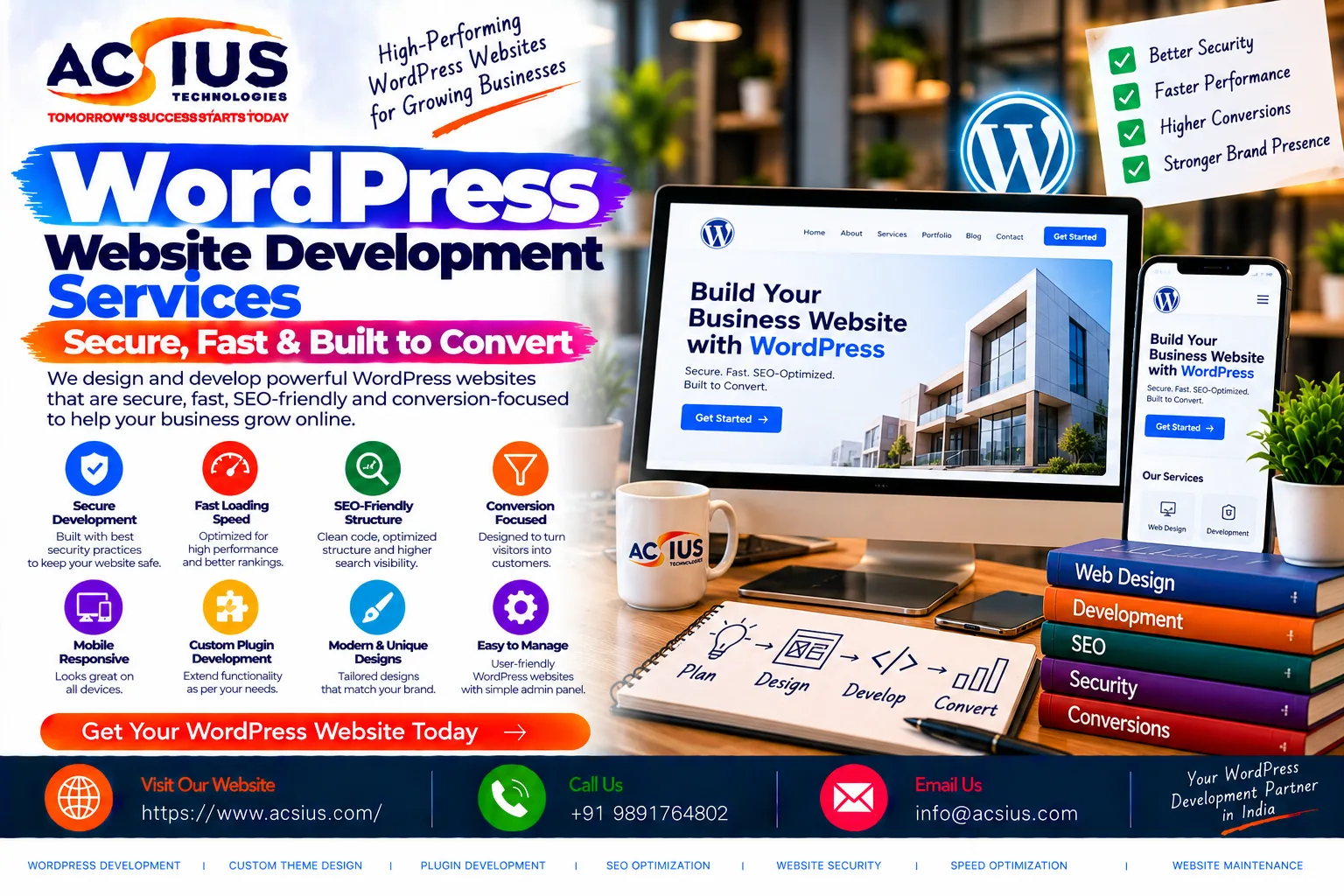
If you are ready for a website that performs on all three fronts, ACSIUS delivers WordPress development built around strong security, fast performance, and conversion-focused design, helping businesses launch sites that protect their reputation, satisfy search engines, and turn visitors into customers.