Most business owners think of a website as a one-time project: build it, launch it, and move on. But a WordPress website is more like a physical shop. It needs regular upkeep, or things start to break down quietly in the background, sometimes without you even noticing until it's too late.
Here's why ongoing WordPress maintenance matters more than most business owners realise.
Your Website is Built on Software That Keeps Changing
WordPress core, along with every theme and plugin on your site, gets updated regularly, often for security fixes, bug fixes, or new features. If you never update, you're running increasingly outdated software that becomes more vulnerable and more likely to break as time passes.
Security Threats Don't Wait
Outdated WordPress sites are one of the most common targets for hackers, simply because known vulnerabilities in old plugin or theme versions are publicly documented. A neglected website can get hacked, used to send spam, redirect visitors to malicious sites, or have its content defaced, often without the owner noticing for weeks.
Slow Websites Lose Customers and Rankings
Over time, unused plugins, bloated media files, and an unoptimized database can quietly slow your website down. Since page speed affects both user experience and Google rankings, a website that hasn't been maintained in months often loses visitors before they even see your content.
Broken Features Hurt Trust
Contact forms that stop submitting, broken links, or plugin conflicts that break page layouts are all common issues that appear silently over time. A visitor who encounters a broken form or a page that doesn't load correctly rarely gives your business a second chance; they simply move on.
Backups Save You When Things Go Wrong
Even with the best precautions, things can still go wrong: a bad plugin update, a hosting issue, or an attempted hack. Regular backups mean you can restore your website quickly instead of losing content, design work, and time rebuilding from scratch.
What Regular Maintenance Actually Involves
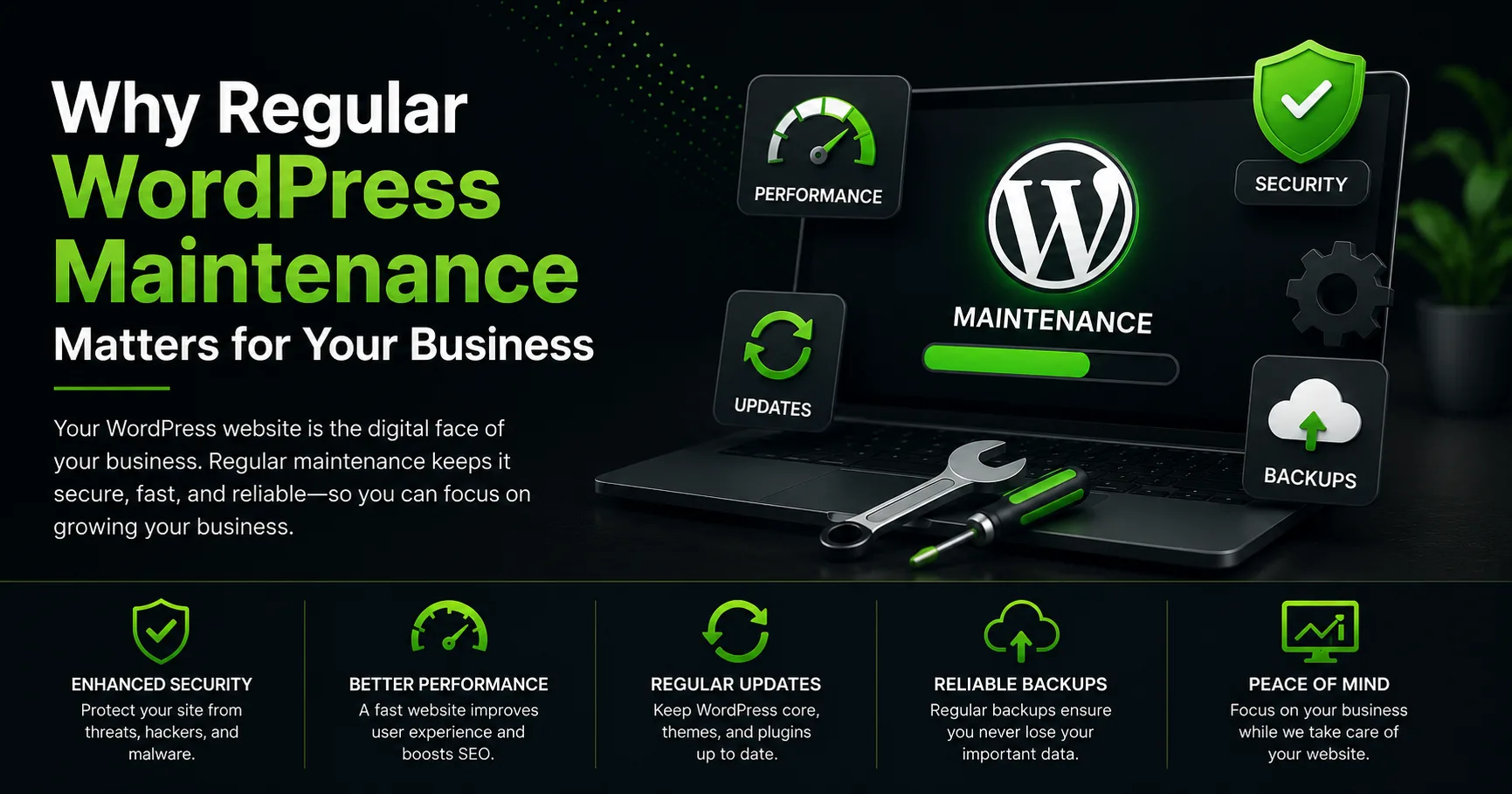
A proper WordPress maintenance routine typically includes:
- Updating WordPress core, themes, and plugins
- Running regular backups, stored securely off-site
- Monitoring uptime and fixing downtime issues quickly
- Checking for broken links and fixing them
- Reviewing site speed and performance periodically
- Scanning for malware or security vulnerabilities
Frequently Asked Questions
How often should WordPress maintenance be done?
Core and plugin updates should ideally be checked weekly, with a fuller review, including backups, security scans, and performance checks, done monthly.
Can I just update everything myself whenever I remember?
You can, but irregular updates often mean several versions pile up at once, increasing the chance of compatibility issues. A consistent schedule is safer than sporadic updates.
What happens if I never maintain my website?
Over time, the site becomes more vulnerable to security threats, slower to load, and more likely to have broken features, all of which can quietly hurt your business without an obvious warning sign.
Is maintenance different from hosting?
Yes. Hosting keeps your website online, while maintenance covers updates, backups, security, and performance- tasks your hosting provider generally doesn't handle for you.
Final Thoughts
A WordPress website isn't something you build once and forget. Regular maintenance protects your investment, keeps your site secure, and ensures visitors have a smooth experience every time they land on your page.
If you'd like help setting up a reliable WordPress maintenance routine, get in touch here, or learn more about working with a WordPress developer in Calicut.