
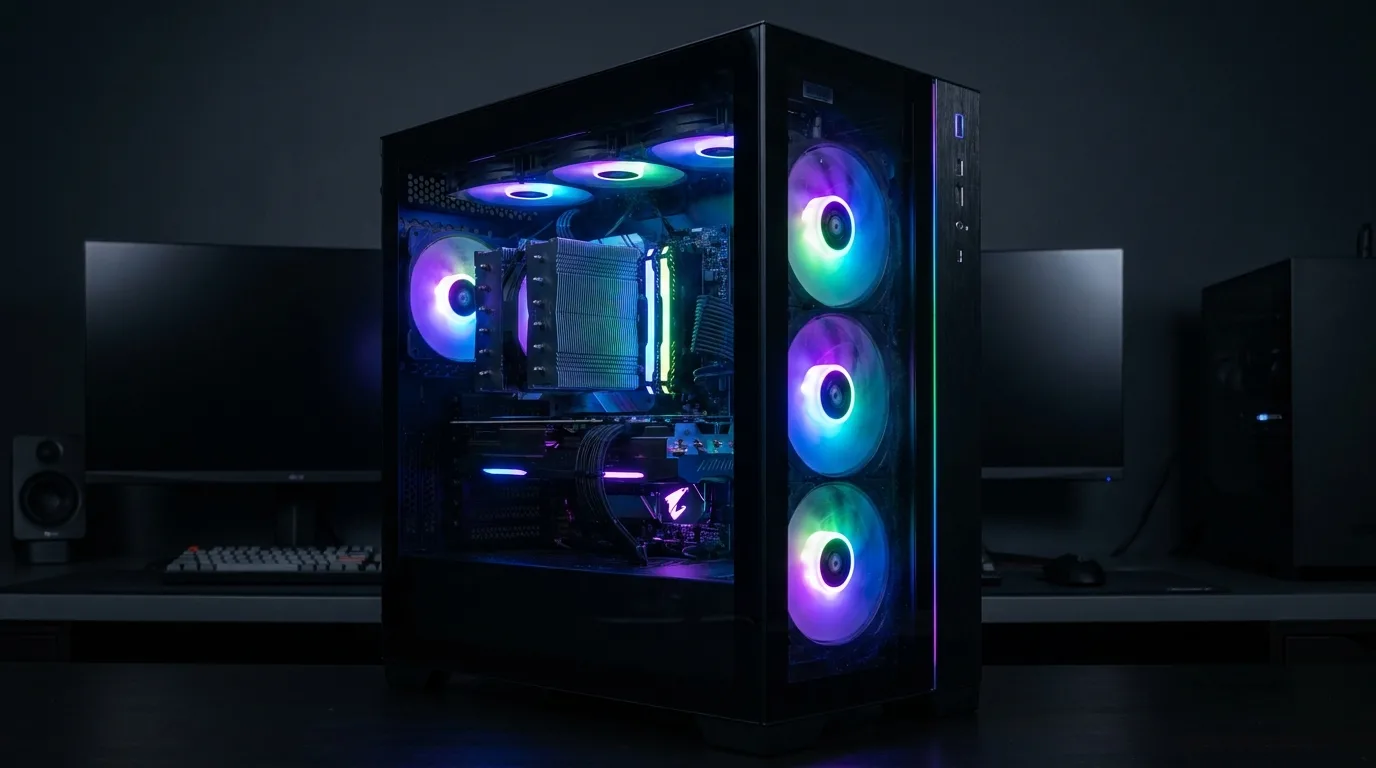
Modern games can push a gaming PC surprisingly hard. High frame rates, demanding graphics settings, and long gaming sessions place continuous loads on the processor and graphics card. Without proper cooling, temperatures can climb and affect how consistently the system performs.
Choosing the right fans heatsinks & cooling components can help a gaming PC manage that heat more effectively. Cooling is not just about keeping temperatures low. It also helps hardware maintain stable performance during extended gameplay.
Why Gaming Creates So Much Heat
Games place significant workloads on the CPU and GPU, particularly at higher resolutions and frame rates. More workload generally means more power consumption, which produces more heat.
During a short gaming session, temperatures may remain manageable. Several hours of continuous gameplay can tell a different story, especially inside a case with limited airflow.
The Role of PC Fans
Case fans help move cool air into the system and push warm air out.
A good airflow layout can prevent hot air from collecting around the CPU, GPU, and other components. The number of fans matters, but their placement and airflow direction matter too.
Too many poorly positioned fans can create turbulence without improving cooling significantly, so balanced airflow is usually more useful than simply filling every available mounting point.
Why Heat Sinks Matter
Heat sinks provide a larger surface area for transferring heat away from components.
CPU coolers commonly combine a heat sink with a fan, allowing heat to move from the processor into the fins and then into the surrounding airflow. Larger or more efficient designs can be useful for processors that generate substantial heat during gaming and other demanding workloads.
Cooling Can Affect Performance
Modern processors and graphics cards can adjust their behavior when temperatures become too high.
When a component reaches thermal limits, it may reduce operating speeds to control heat. For gamers, this can mean less consistent performance during demanding scenes or long sessions.
Effective cooling helps maintain more stable operating conditions, which is especially valuable for high-performance gaming builds.
Keep the Entire System in Mind
Good cooling starts with more than the CPU cooler.
Case design, fan placement, GPU airflow, cable management, room temperature, and dust buildup can all influence thermal performance. Even an excellent heat sink cannot compensate for a case with severely restricted airflow.
Regular cleaning is also important. Dust can accumulate on fan blades, filters, and heat sink fins, gradually reducing cooling efficiency.
Build for Long Gaming Sessions
A gaming PC should be designed around the way it will actually be used.
Players who regularly spend hours gaming at high settings should pay particular attention to airflow and cooling hardware. Choosing suitable fans, an effective CPU heat sink, and a case with sensible ventilation can create a more dependable setup.
Cooling may not be the most glamorous part of a gaming PC, but it quietly determines how comfortably the rest of the hardware can perform. A well-cooled system is better prepared for the sustained workloads that modern gaming demands.