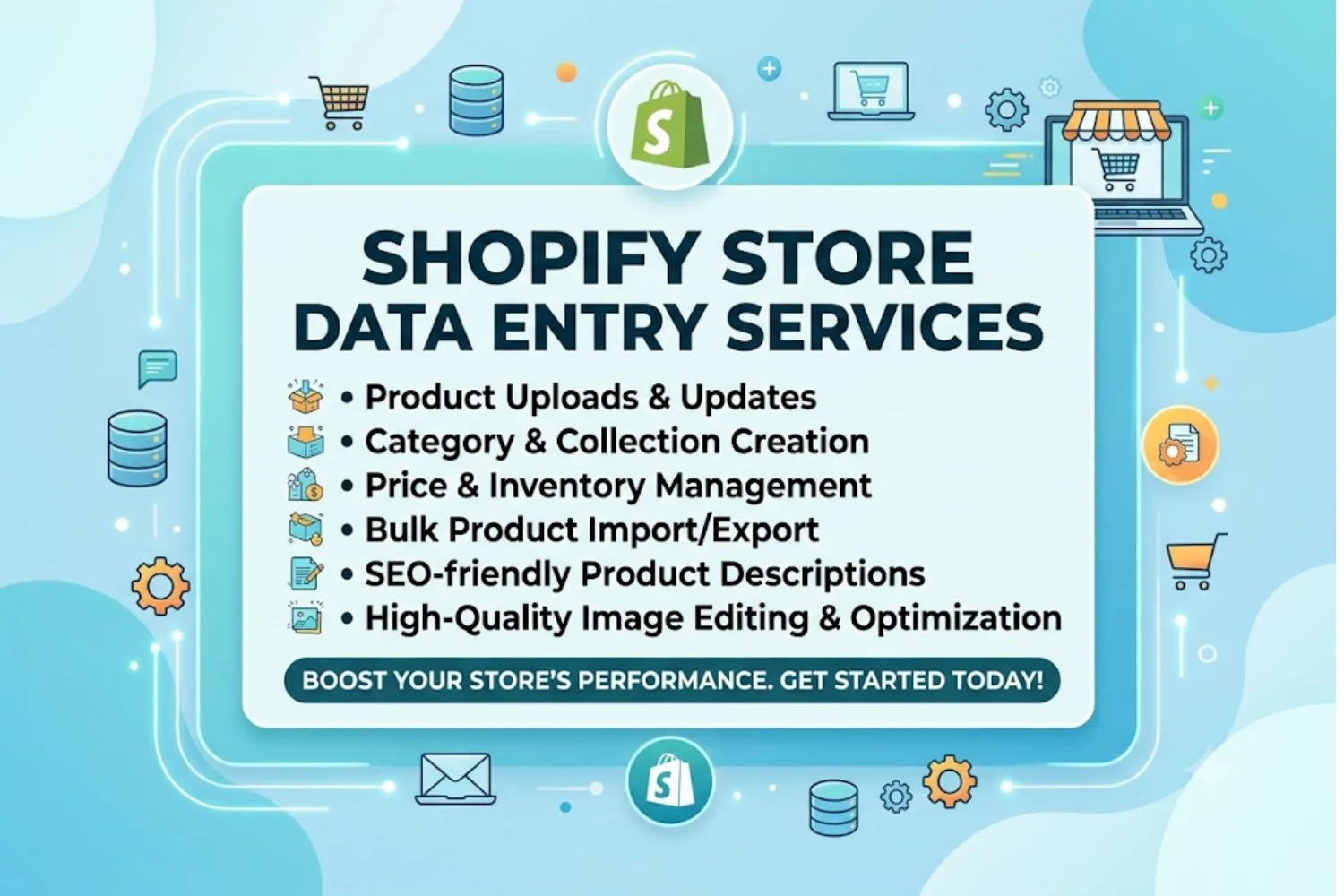
Managing an online storefront requires constant attention to catalog accuracy, product updates, inventory counts, and SEO metadata. For growing e-commerce businesses, handling bulk product uploads, variants, pricing, and tag management in-house can quickly become a major operational bottleneck.
If you are wondering where to find reliable Shopify Store Data Entry Services to streamline your store management, this guide covers the top sourcing channels, essential evaluation criteria, key benefits, and actionable best practices to keep your catalog clean and accurate.
Why Outsource Shopify Data Entry?
Manual data entry takes time away from strategic marketing, product sourcing, and customer acquisition. Outsourcing your catalog updates to dedicated specialists offers several key advantages:
• Time Efficiency: Speed up bulk catalog imports, seasonal inventory updates, and multi-channel synchronization.
• Data Accuracy: Reduce costly errors in SKUs, variant options, pricing, inventory quantities, and shipping information.
• Enhanced SEO: Ensure product titles, alt text, meta descriptions, tags, and URLs follow SEO best practices for improved search visibility.
• Cost Savings: Pay per project, per product, or per hour instead of maintaining additional full-time administrative staff.
Where to Find Shopify Data Entry Experts
You can source Shopify data entry professionals through three main channels:
1. Specialized E-commerce Support Agencies
Dedicated e-commerce support agencies provide trained data entry specialists, structured quality assurance processes, and scalable support teams. They can handle large product catalogs, complex variants, bulk updates, inventory management, product categorization, and ongoing store maintenance.
This option is particularly useful for businesses that need consistent support or manage hundreds or thousands of products.
2. Freelance Marketplaces
Freelance marketplaces provide access to independent Shopify data entry specialists and e-commerce virtual assistants.
You can compare candidates based on their experience, previous work, client reviews, pricing, availability, and knowledge of Shopify product management.
Freelancers are often suitable for smaller projects, one-time catalog uploads, product updates, and ongoing hourly support.
3. Shopify Specialist Networks
For more complex requirements such as large-scale migrations, custom metafield configurations, advanced catalog restructuring, or integrations, consider working with experienced Shopify specialists.
Specialists with strong technical knowledge can assist with bulk imports, CSV restructuring, product mapping, inventory feeds, and other complex catalog management tasks.
Key Features to Look for in a Service Provider
FeatureWhat to Look ForWhy It MattersPlatform KnowledgeExperience with Shopify Admin, CSV templates, bulk editing tools, spreadsheets, and metafieldsPrevents product data errors and incorrect store configurationsSEO CapabilitiesProduct titles, tags, alt text, meta descriptions, and URL optimizationImproves search visibility and product discoverabilityImage HandlingImage resizing, cropping, compression, background cleanup, and proper file organizationCreates a consistent storefront and supports faster page loadingQuality ControlMultiple review stages and dedicated quality checksReduces pricing errors, incorrect variants, missing images, and broken linksSecurity StandardsRestricted account permissions, confidentiality agreements, and secure data handlingHelps protect store information and business dataScalabilityAbility to handle increasing product volumes and recurring updatesMakes it easier to support long-term business growthHow to Successfully Onboard a Data Entry Team
1. Define Clear Guidelines
Create a Standard Operating Procedure that documents your preferred product title structure, capitalization rules, descriptions, tags, collections, image specifications, variant naming conventions, and SEO requirements.
Clear instructions reduce inconsistencies and make quality control easier.
2. Grant Restricted Access
Create individual staff or collaborator accounts and provide only the permissions required for the assigned work.
Avoid sharing your primary Shopify login credentials. Restrict access according to responsibilities such as Products, Inventory, Collections, or other necessary store functions.
3. Run a Paid Test Project
Start with a small batch of approximately 10 to 20 products.
Evaluate:
• Data accuracy
• Formatting consistency
• Variant setup
• Image handling
• SEO implementation
• Turnaround time
• Communication
• Ability to follow instructions
A test project helps you identify potential issues before assigning a large catalog.
4. Establish Feedback Loops
Schedule regular reviews during the initial stage of the project. Discuss recurring issues such as missing supplier information, unusual product variants, pricing differences, incomplete images, or inconsistent tagging.
Once the workflow becomes stable, establish a recurring maintenance schedule for new products, inventory changes, and catalog updates.
Frequently Asked Questions
What is included in Shopify data entry services?
Standard services can include adding new products, creating variants such as size, color, and material, uploading product images, formatting product descriptions, assigning categories and collections, creating metafields, adding tags, and updating inventory information.
How much do Shopify data entry services cost?
Pricing varies depending on catalog size, product complexity, required skills, turnaround time, and the level of ongoing support. Providers may charge hourly rates, per-product fees, project-based pricing, or monthly packages.
Can data entry specialists assist with store migration?
Yes. Experienced Shopify data entry teams can assist with migrations from platforms such as WooCommerce, Magento, BigCommerce, Etsy, and other e-commerce systems. They can help restructure CSV files, map product attributes, organize variants, transfer images, and identify missing information.
How do I protect my store's confidential data?
Use individual staff or collaborator accounts with limited permissions. Avoid sharing your primary account credentials and consider using a Non-Disclosure Agreement when sharing confidential supplier information, pricing data, business documents, or other sensitive materials.
Is it better to use bulk CSV uploads or manual entry?
For large catalogs, bulk uploads are generally more efficient. However, bulk imports should be followed by manual quality checks to verify product information, images, variants, metafields, collections, and formatting.
Streamline Your E-commerce Catalog Operations
Clean, structured, and search-optimized product data is essential for creating a professional shopping experience and supporting online sales.
Outsourcing Shopify data entry allows your internal team to spend more time on marketing, product sourcing, customer acquisition, inventory planning, and revenue growth.
Whether you are launching a new Shopify store, expanding a dropshipping catalog, managing a growing DTC brand, or updating thousands of SKUs, professional data entry support can help maintain an accurate and conversion-ready catalog.
Define your requirements, establish clear data standards, test your chosen provider with a small project, and implement a reliable quality-control process. With the right workflow in place, Shopify Store Data Entry Services can become a scalable part of your e-commerce operations.