
Introduction
The Allen Bradley MicroLogix 1400 1766-L32AWAA PLC is one of the most commonly used programmable logic controllers (PLCs) for small to mid-sized automation projects. It’s valued for its reliability, compact design, and ability to handle a variety of industrial tasks such as machine control, system monitoring, and process management.
Like many network-enabled devices, this controller comes with default login credentials that are used during the initial setup or when troubleshooting. While these credentials make it easy to get started, they also pose a security risk if left unchanged.
In this guide, we’ll cover the default login details for the MicroLogix 1400, show you exactly where they can be found in Rockwell Automation’s official manuals, and explain why updating them is critical for protecting your system.
MicroLogix 1400 Default Credentials
When accessing the embedded web server of a MicroLogix 1400, the following login details are typically required:
- Username: administrator
- Password: ml1400
There’s also a guest account with more limited access:
- Username: guest
- Password: guest
These logins are case-sensitive and have been standard in most firmware revisions. However, starting with firmware version 21.006 and higher, Rockwell requires users to set a new password during the very first login. This was introduced as part of stronger security measures to protect against unauthorized access.
It’s worth noting that some older manuals and firmware releases list different combinations, such as administrator/ml1100. Because of these variations, always double-check the documentation specific to your PLC’s firmware version to avoid login issues.
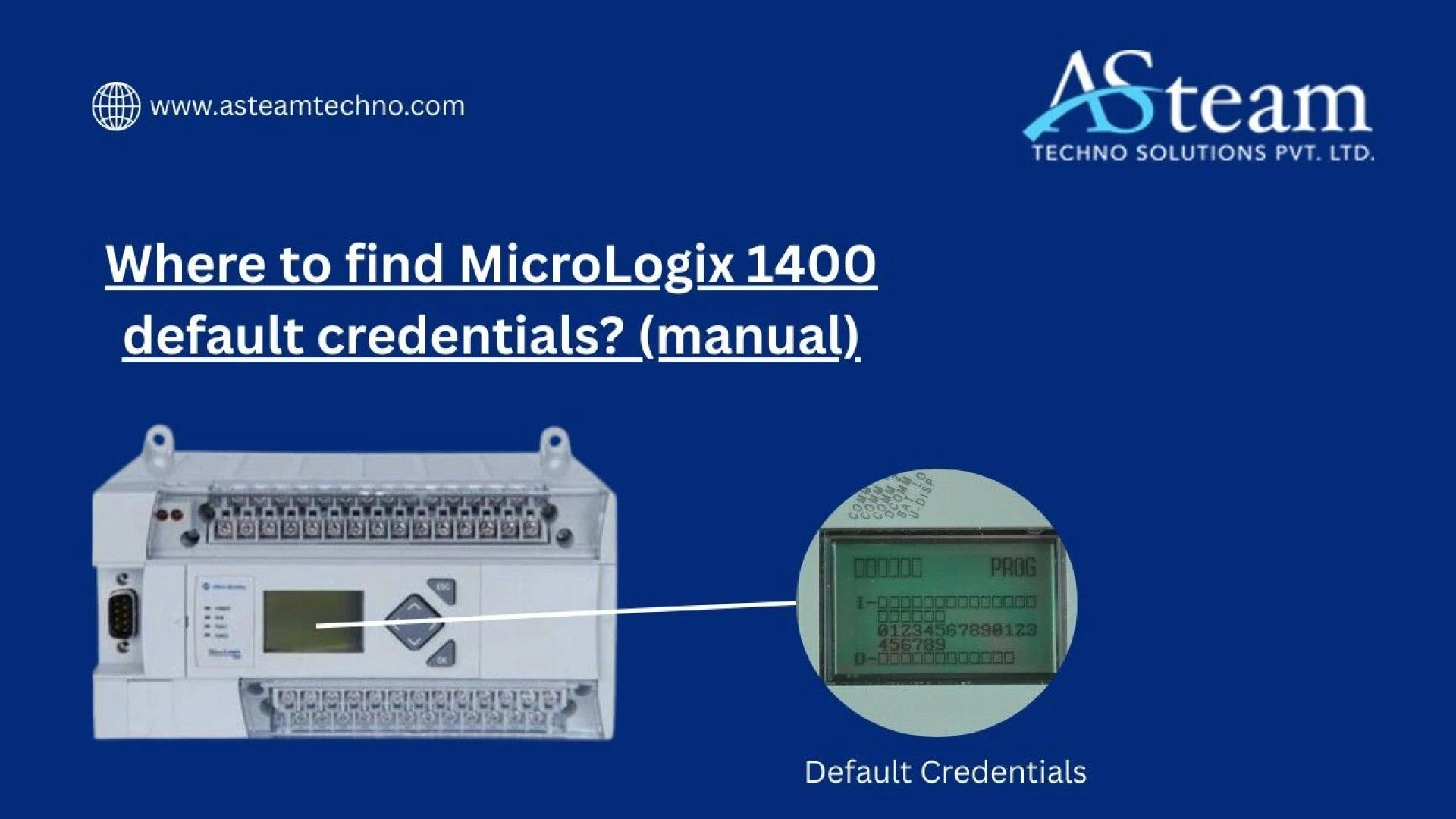
LCD Panel Default Password
Aside from the web server, the MicroLogix 1400 also has a built-in LCD panel that allows you to adjust certain settings directly from the device. This feature is especially useful when you need to configure or update the IP address without connecting external software.
The LCD panel uses the following default password:
- 1234
This password acts as the master key for editing network settings, but it does not provide access to the PLC’s program logic or control functions. In other words, it’s only for hardware-level configuration, not programming access.
Where to Find Default Credentials in Manuals
Rockwell Automation provides several official resources where these default credentials are documented:
- MicroLogix 1400 User Manual (1766-UM001): Covers the overall controller functions, setup, and configuration.
- Embedded Web Server User Manual (1766-UM002): The main reference for web server logins and related details.
- Rockwell Knowledgebase Articles: Confirm the LCD panel’s default password (1234) for IP address configuration.
- Firmware Release Notes (1766-RN001): Provide details about changes in password handling, such as mandatory updates in later firmware versions.
- Community Discussions (Reddit, industrial forums, user guides): While not official, these sources often provide practical insights and confirm how credentials behave across different firmware revisions.
If you’re ever unsure, the safest option is to rely on the official Rockwell manuals and release notes since they provide the most accurate information for your exact firmware version.
Importance of Changing Default Credentials
Leaving the default username and password in place is a serious security risk. Anyone familiar with the MicroLogix 1400 could easily log in, change settings, or even stop your system.
To prevent this, Rockwell recommends:
- Changing default credentials as soon as the device is set up.
- Using strong, unique passwords that are difficult to guess.
- Keeping login records secure and accessible only to authorized staff.
- Restricting access to individuals who truly need it.
With newer firmware, this is no longer optional—Rockwell requires you to create a new password during your first login session.
Security and Firmware Considerations
As industrial systems become more connected, cybersecurity has become a top priority. Older firmware versions allowed users to keep default credentials indefinitely, but this left critical infrastructure vulnerable.
In response, Rockwell now enforces stricter practices through firmware updates. Regularly updating firmware ensures your PLC benefits from the latest security patches, password rules, and protections. Failing to update or manage credentials properly can leave your system exposed to unauthorized access or cyber threats.
Conclusion
The default login credentials for the MicroLogix 1400—administrator/ml1400 for the web server and 1234 for the LCD panel—are clearly outlined in Rockwell Automation’s official manuals, knowledgebase articles, and firmware notes. While these make setup easy, they should only be used temporarily.
For long-term security and reliability, always update your credentials, keep records safe, and stay current with firmware updates. Think of the defaults as a convenient starting point, not a permanent solution.
FAQs
Q1. What are the default login credentials for the MicroLogix 1400 web server?
The default username is administrator and the default password is ml1400. A guest account is also available with the login guest/guest.
Q2. Where can I find official information on MicroLogix 1400 default credentials?
You can find this information in Rockwell’s 1766-UM002 Embedded Web Server Manual, the 1766-UM001 User Manual, firmware release notes, and Rockwell Knowledgebase articles.
Q3. Is it safe to keep using default credentials on the MicroLogix 1400?
No. Default credentials should be changed immediately after setup. In fact, newer firmware versions require you to update the password during first login to help prevent unauthorized access.
Reach Us
Asteam Techno Solutions Pvt. Ltd. is AVEVA (Formerly Wonderware) Registered System Integrator providing sale/service/support and executing the HMI/SCADA, Historian/MES Solutions to End-user & OEM/System Integrator community for their diverse needs.
Leading single-source supplier & solution provider for industrial automation hardware and software solutions needed.