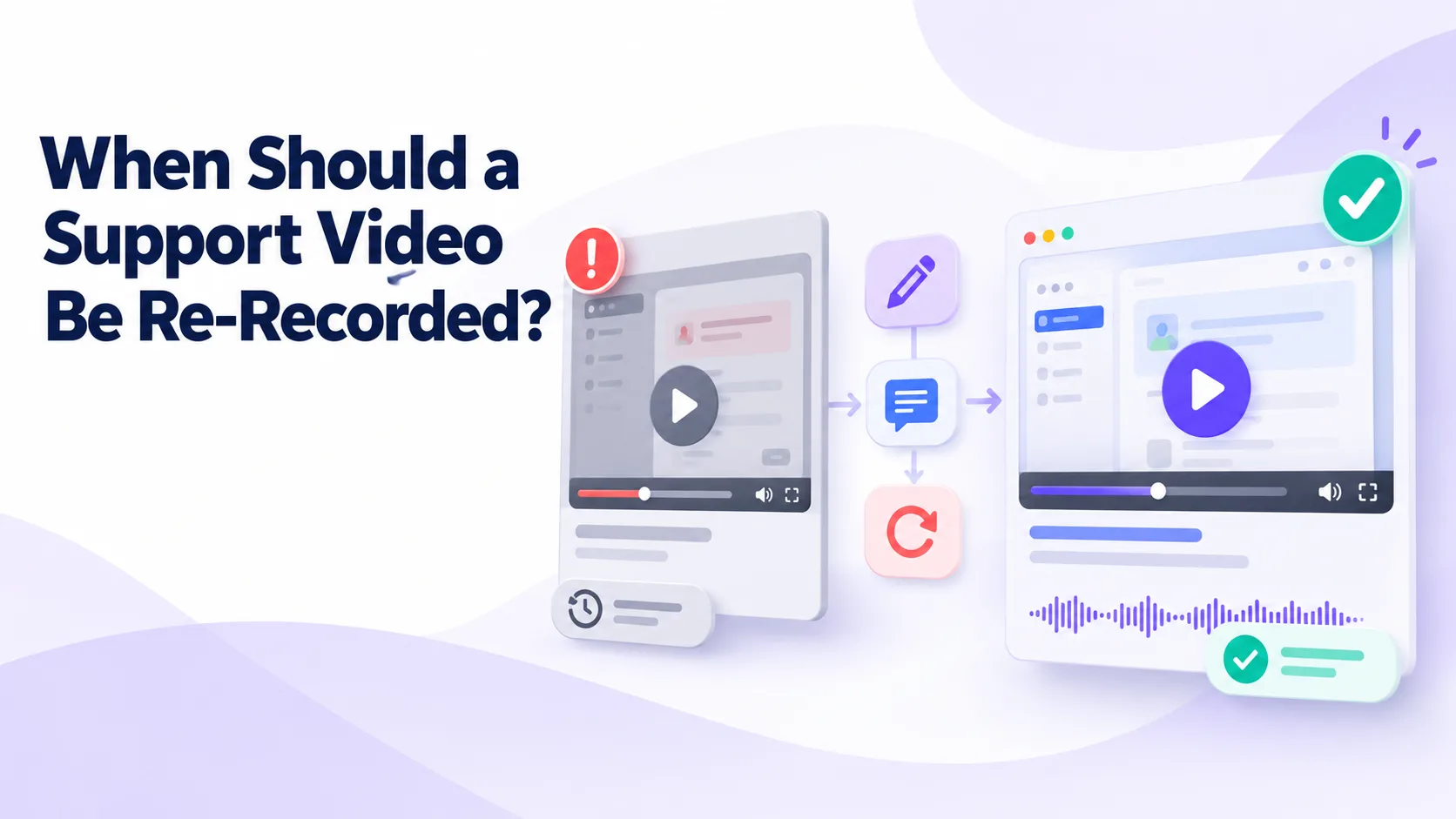
Support videos can remain useful long after they are published, but product changes eventually create differences between the recording and the current user experience. A button may move, a workflow may change, or an entire feature may be redesigned.
Not every small change requires a new recording. Re-recording too often uses time that could be spent improving higher-priority content. Waiting too long, however, can leave customers following instructions that are confusing, ineffective, or unsafe.
The decision should depend on whether the existing video can still help viewers complete the task accurately.
Re-Record When the Workflow Changes
A support video should usually be replaced when the sequence of actions required to complete the task has changed.
For example, a revised setup process may introduce an additional verification step, move configuration controls to another page, or remove an option shown in the recording. Even if the final outcome remains the same, customers may be unable to follow the old demonstration.
A short written note is rarely enough when several steps have changed. Re-recording provides a clearer experience and reduces the risk of customers combining instructions from different product versions.
Replace Videos With Incorrect Technical Guidance
A recording must be updated when it contains incorrect commands, configuration values, permissions, security requirements, or troubleshooting steps.
Technical inaccuracies are more serious than visual differences. A customer may copy an outdated command, change the wrong setting, or expose information that should remain protected.
Remove or restrict the video while the replacement is being prepared if following it could cause data loss, security problems, service interruption, or other significant consequences.
Review Videos After Interface Redesigns
An interface change does not always require re-recording. If a button has moved slightly but remains easy to recognize, a written note may provide enough clarification.
Re-record when the new interface makes the old demonstration difficult to follow. This commonly happens when navigation changes, controls are renamed, screens are combined, or important settings move to a different product area.
Ask someone unfamiliar with the update to follow the old video in the current interface. If they regularly pause, search for missing controls, or complete the wrong action, the recording should be replaced.
Update Videos When Terminology Changes
Product terminology helps customers connect video instructions with what they see on the screen. When feature names, roles, or menu labels change, outdated language can make a recording appear unreliable.
A minor name change may be addressed through an updated title, description, transcript, or note. Re-recording becomes more appropriate when the old term is used throughout the narration or when it now refers to a different function.
Terminology should remain consistent across the video, transcript, written procedure, help-center search, and support responses.
Re-Record When the Intended Audience Changes
A video created for one audience may no longer be suitable when the product or support strategy changes.
For example, a procedure previously completed by administrators may become available to general users. An internal troubleshooting process may later be adapted for customers. A feature may also move from an advanced plan to broader availability.
The new recording should use the appropriate level of technical detail and clearly state the required permissions, prerequisites, and expected result.
Replace Recordings That Expose Sensitive Information
Support recordings sometimes capture customer names, email addresses, internal URLs, access tokens, account identifiers, private messages, or other sensitive information.
If confidential information appears in the recording, remove access immediately and determine whether editing can resolve the problem. Re-recording is generally safer when sensitive content appears throughout the video or when redaction would be incomplete.
Before publishing a replacement, use a test account and review the full recording frame by frame. Notifications, browser tabs, saved credentials, and background applications can expose information unintentionally.
Re-Record When Audio or Video Quality Blocks Understanding
A technically accurate recording may still require replacement if viewers cannot understand it.
Poor audio, unreadable text, excessive background noise, low resolution, and rapid cursor movement can make troubleshooting difficult. These problems are particularly serious when the video contains commands, error messages, or small interface details.
Captions can improve accessibility but cannot fully repair unclear explanations or an unreadable screen. If the production quality prevents users from completing the task, re-record the video.
Use Support Data to Find Problematic Videos
Customer behavior can show when a recording is no longer working.
Repeated tickets after viewing, frequent questions about steps covered in the video, negative feedback, and increased escalations may indicate that the explanation is unclear or outdated. Search terms can also reveal differences between current customer language and the terminology used in the recording.
Teams using Cincopa can review engagement data for support videos. If viewers repeatedly leave before an important step or replay one section several times, the content may need closer examination. Engagement alone does not prove that a video is inaccurate, but it can help prioritize reviews.
Consider Editing Before Re-Recording
Not every issue requires producing an entirely new video.
A short outdated introduction may be removable. Captions can correct a spoken term, and a title or description can clarify which version the recording covers. An annotation may explain a small interface change without interrupting the overall process.
Editing is appropriate only when the main workflow remains accurate. If several corrections are needed, the edited video may become harder to understand than a clean replacement.
Always verify chapters and timestamps after editing because changes to the video length may break existing links.
Keep Legacy Videos When They Still Serve Users
An outdated video is not always useless. Customers may still use an older product version, interface, operating system, or integration.
Instead of deleting the recording, label it clearly with the applicable version and keep it separate from current guidance. The title, description, thumbnail, tags, and opening section should make its status visible.
A video platform such as Cincopa can help teams organize recordings by product version or audience. Access and search settings should prevent legacy guidance from appearing as the default answer for customers using the current product.
Connect Every Video to an Approved Procedure
Written documentation is generally faster to update than video. It should act as the controlled reference for the supported process.
Connect each recording to a written procedure containing the prerequisites, exact steps, warnings, configuration values, and escalation conditions. The article should link to the video, and the video description should link back to the current article.
When the procedure changes, the content owner can compare it with the recording and decide whether editing, adding a note, or re-recording is necessary.
This connection also gives customers access to accurate written guidance while a new video is being prepared.
Build Video Review Into Product Releases
Support teams should not discover outdated recordings only after customers report them.
Include video review in the product-release process. When a feature changes, identify the related recordings, articles, screenshots, transcripts, saved responses, and internal procedures.
Classify the impact of the change:
- A low-impact change may require only a metadata or transcript update.
- A moderate change may require editing or adding a visible note.
- A high-impact change may require the recording to be replaced before release.
The product team should provide enough information for content owners to understand what changed and which audiences are affected.
Assign Ownership and Review Dates
Every support video should have an owner. That person or team is responsible for checking whether the recording remains accurate and deciding when it should be replaced.
Record the product area, intended audience, applicable version, approval status, publication date, and next review date. High-risk procedures should be reviewed more frequently than general educational content.
Cincopa titles, tags, descriptions, and galleries can be used to organize recordings for review. Consistent metadata helps teams locate videos related to a changed feature rather than relying on individual memory.
Preserve Useful Knowledge From the Old Video
Replacing a recording does not mean that every part of the original must be discarded.
The old video may contain a clear explanation, useful troubleshooting context, or information still relevant to legacy customers. Review it before retirement and transfer valuable details to the new script or written procedure.
If the recording needs to remain available internally, mark it as archived and explain why it was replaced. This prevents support agents from sharing it accidentally as current guidance.
Validate the Replacement Before Publishing
A new recording should be tested in the same way as written documentation.
Ask someone who did not create the video to follow it in the current product. Confirm that the interface, terminology, permissions, and expected result match the actual experience.
Review captions and transcripts for errors, especially commands, product names, error codes, and technical terms. Check every link, chapter, and timestamp.
If the replacement is hosted through Cincopa, preserve relevant metadata and update connected pages so customers and agents reach the new recording. Do not assume that replacing the file automatically fixes links or references stored in other systems.
Measure Whether the New Recording Helps
After publishing the replacement, review whether it improves the support experience.
Look at ticket volume, repeat contacts, customer feedback, completion of the supported task, video engagement, and escalation rates. Compare these results with the performance of the previous recording when possible.
If customers continue to struggle, the problem may not be the video itself. The written procedure, product interface, permissions, or search experience may also require improvement.
Final Thoughts
A support video should be re-recorded when its differences from the current product prevent viewers from completing the task accurately and safely.
Major workflow changes, incorrect technical guidance, security concerns, new audience requirements, and poor production quality usually justify replacement. Small visual or terminology changes may be handled through editing, updated metadata, or a clear written note.
Cincopa can help teams organize support recordings, maintain transcripts and metadata, control access, and review video engagement. The decision to re-record still requires human review of the content and the current product experience.
A practical review process helps organizations replace videos when necessary without treating every minor interface change as a complete production project.