

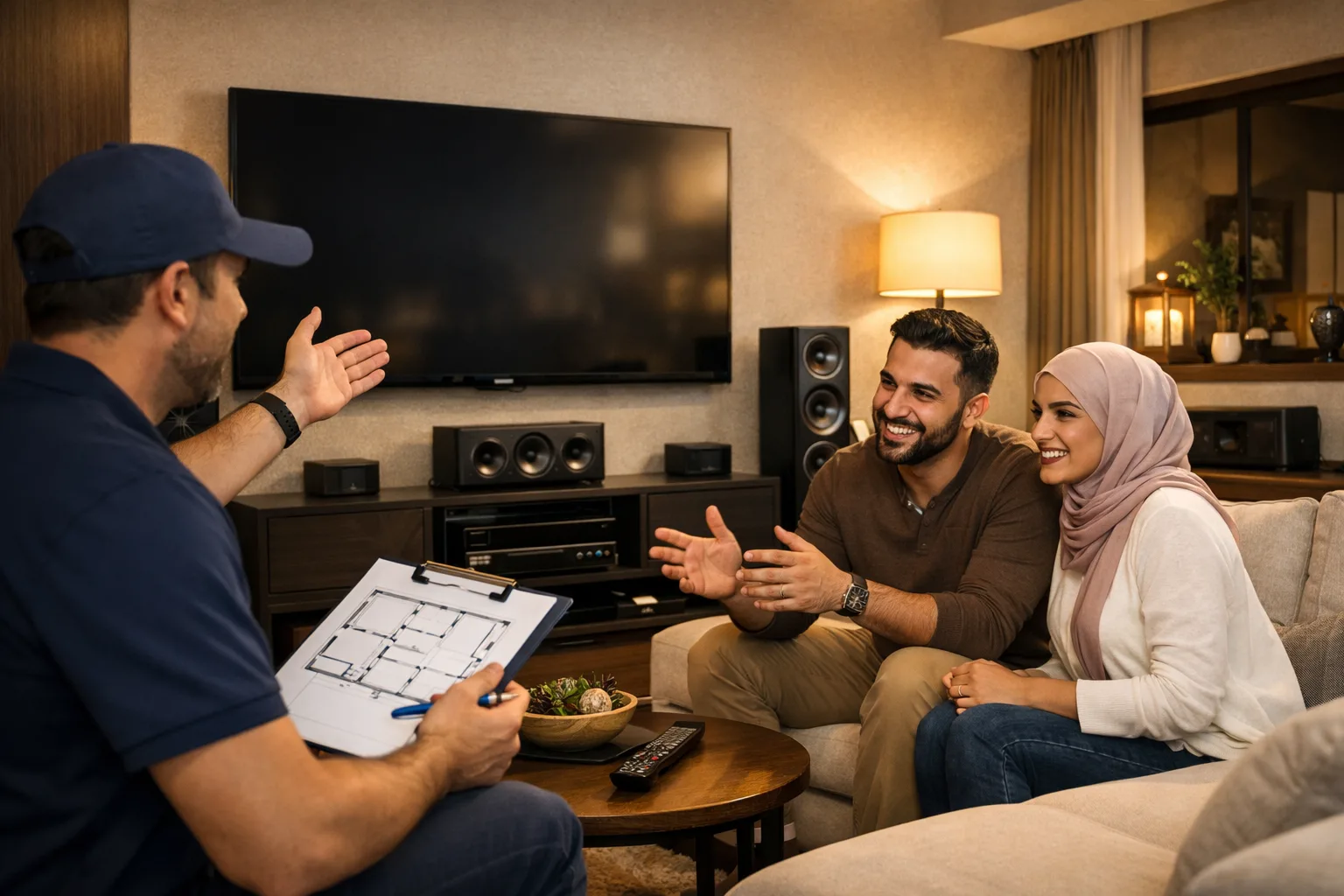
A good home theatre installation can improve the way people enjoy movies, sports, music, and games at home. But before the system is installed, some preparation is important. Planning the room, checking power points, arranging seating, and understanding sound placement can help avoid problems later. Proper preparation also helps the system work smoothly and keeps the room comfortable for daily use.
Choose the Right Room
The first step is selecting the best room for the setup. Some people use a living room while others prefer a separate entertainment room. The room size can affect sound quality, speaker placement, and viewing comfort.
A quiet room is usually better because outside noise can disturb the experience. Rooms with fewer windows may also help reduce glare on the screen. Before starting the setup, it is useful to measure the room carefully. This helps in deciding the screen size and seating distance.
The shape of the room also matters. Very small rooms may create sound reflections, while very large rooms may need stronger speakers. Planning the room early can help create a balanced viewing experience.
Plan the Screen Position
Screen placement is an important part of the setup. The screen should be easy to watch without causing neck or eye strain. It is usually best to place the screen at eye level from the main seating area.
The viewing distance should match the screen size. Sitting too close can feel uncomfortable, while sitting too far may reduce picture detail. Wall space should also be checked before installation begins.
Lighting in the room should be considered as well. Bright light directly facing the screen may reduce picture clarity. Curtains or soft lighting can help create a better viewing environment.
Check the Sound System Layout
Speaker placement plays a big role in sound quality. Before installation, it helps to decide where speakers will be placed in the room. A standard system may include front speakers, surround speakers, and a subwoofer.
Furniture placement should not block the speakers. Clear sound paths help improve audio quality. It is also useful to think about cable routing before installation starts.
Some people prefer hidden wiring for a cleaner look. In this case, planning cable paths inside walls or ceilings may be necessary. Preparing these details early can make the installation process easier.
Arrange Comfortable Seating
Comfortable seating improves the home theatre experience. The seating layout should allow everyone to view the screen clearly. Sofas, recliners, or theatre-style chairs can be selected based on room size and personal preference.
The distance between the seating area and screen should be balanced. Enough walking space should also remain around the furniture. Crowded layouts may reduce comfort and affect sound flow.
Soft seating materials can also help reduce sound reflection inside the room. This may slightly improve the listening experience during movies or music sessions.
Make Sure Power Supply Is Ready
A home theatre system usually includes several electronic devices. These may include speakers, amplifiers, projectors, streaming devices, and gaming consoles. Because of this, enough power outlets should be available in the room.
Extension cords placed across the floor may create safety issues. It is better to plan outlet locations before installation. Surge protectors can also help protect equipment from sudden power changes.
Internet access is another important point. Smart TVs and streaming systems often require stable internet connections. Checking Wi-Fi signal strength or preparing wired internet access can help avoid connection problems later.
Think About Room Lighting
Lighting can affect both comfort and screen quality. Bright ceiling lights may create reflections on the display. Soft wall lighting or dimmable lights are often more suitable for entertainment rooms.
Natural sunlight should also be managed properly. Curtains or blinds may help reduce unwanted brightness during daytime viewing. Lighting placement should support both safety and viewing comfort.
Some people also use smart lighting systems that adjust brightness automatically during movies. Even simple lighting changes can improve the overall atmosphere of the room.
Keep Ventilation in Mind
Electronic equipment can produce heat during long use. Proper ventilation is important to keep devices working safely. Cabinets or shelves holding equipment should allow enough airflow.
Projectors, amplifiers, and gaming systems especially need space around them. Blocking air vents may reduce device performance over time. Preparing open space for cooling can help maintain equipment condition.
The room temperature should also stay comfortable for long viewing sessions. Air conditioning or fans may help maintain airflow and comfort inside the room.
Prepare Storage Space for Equipment
Many home theatre setups include multiple devices and accessories. Remote controls, gaming consoles, media players, and cables all need proper storage space.
TV units, cabinets, or wall shelves can help organize equipment neatly. Organized storage also makes cleaning easier and keeps cables from looking messy.
Before installation begins, it is useful to decide where each device will be placed. This can help avoid unnecessary movement or rewiring later.
Plan Future Upgrades
Technology changes over time, and some people may upgrade their systems later. Leaving extra space for future speakers, streaming devices, or larger screens can be helpful.
Additional power outlets and cable paths may also support future changes. Planning ahead can reduce future installation work and help the room stay flexible for new equipment.
A well-prepared room makes the overall setup process smoother and more comfortable. Careful planning helps avoid common issues and improves long-term usability. Proper preparation before a home theatre installation can help create a more organized and enjoyable entertainment space at home.


