
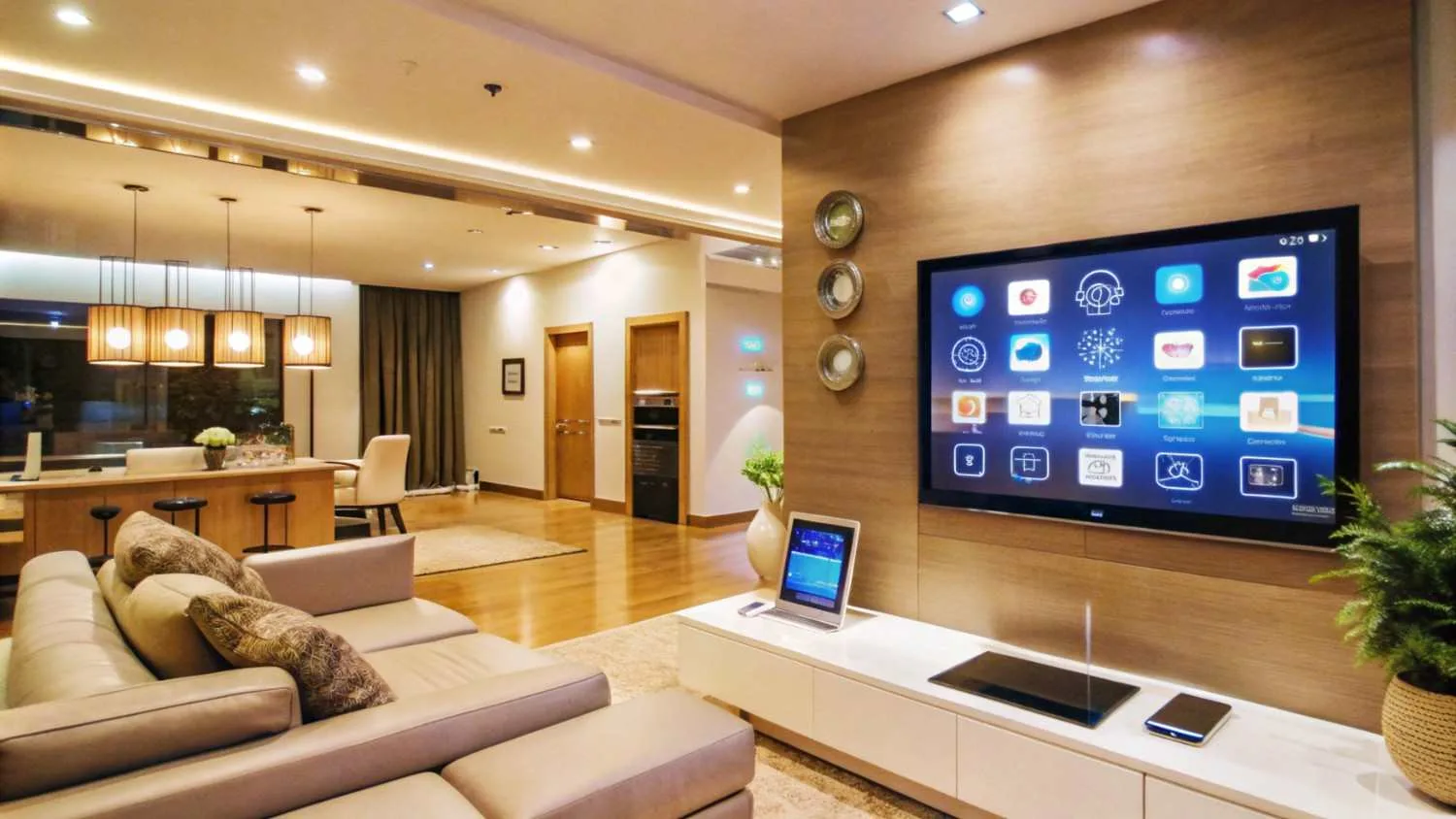
Installing a home theatre requires more than choosing a large screen and speakers. Before starting, it is useful to understand the room, equipment, wiring, lighting, and seating needs. People researching home theatre Solutions dubai may also want to check these details first so they can plan a system that fits their space and daily use.
Check the Room Size and Shape
The size and shape of the room can affect the home theatre setup. A small room may not need a very large screen or many speakers. A larger room may need stronger audio equipment and a bigger display.
Room shape also matters because sound can behave differently in open, narrow, or irregular spaces. Measure the room before selecting equipment. Check the wall where the screen will be placed and make sure there is enough space for the viewing area.
It is also useful to check doors, windows, columns, and other fixed objects. These can affect where the screen, speakers, and seats can be placed.
Decide Where the Screen Will Go
The screen should be placed where everyone can see it comfortably. Check the wall size and viewing distance before choosing the screen size.
A screen that is too large for a small room may make viewing uncomfortable. A very small screen in a large room may not provide the viewing experience people expect.
The screen height should also be considered. Ideally, viewers should not need to look too far up or down while watching a movie. Check the seating position before fixing the screen permanently.
Plan the Speaker Positions
Good sound depends on more than the quality of the speakers. Their position also matters. Front, centre, surround, and subwoofer speakers may each have different placement requirements.
Before installation, decide where each speaker will go. Avoid placing speakers where furniture or curtains will completely block them. The listening position should also be considered when planning the speaker layout.
A subwoofer may need some testing because low-frequency sound can behave differently depending on its location. Moving it slightly can sometimes change how the bass sounds in the room.
Check the Wiring Requirements
Wiring should be planned before installation work begins. HDMI cables, speaker wires, power cables, network cables, and other connections may be needed depending on the system.
If cables need to run inside walls or ceilings, their paths should be decided before the surfaces are closed. This can help reduce visible wires and make future maintenance easier.
It is also helpful to leave enough access for repairs or equipment changes. Technology can change over time, so a flexible wiring plan can make future upgrades easier.
Consider Lighting and Windows
Room lighting can affect picture quality. Direct sunlight or strong indoor lights can create reflections on the screen and make dark scenes harder to see.
Check the location of windows and other light sources before installing the display. Curtains or blinds may help control natural light when required.
Lighting should also be comfortable for people sitting in the room. Very bright lights near the screen can be distracting, while some soft lighting can make it easier to move around without disturbing the viewing experience.
Think About Seating Distance
Seating should be planned along with the screen and speakers. The distance between the seats and screen affects viewing comfort.
Avoid placing seats too close to a large display. At the same time, seats that are too far away may make smaller details difficult to see.
For multiple seats, make sure people on the sides can also view the screen clearly. Speaker placement should be checked from the main seating positions rather than from an empty room.
Check Ventilation and Power
Home theatre equipment produces heat, especially receivers, amplifiers, gaming systems, and media devices. The equipment should have enough space around it for proper airflow.
Do not place electronic equipment inside a completely closed cabinet unless it has suitable ventilation. Poor airflow can cause equipment to become hot and may affect its operation.
Power requirements should also be checked before installation. Make sure there are enough suitable power outlets near the equipment area. Avoid creating a setup that depends on overloaded extension boards.
Think About Future Equipment
A home theatre system may change over time. You may later add a gaming console, streaming device, extra speakers, or another media source.
Planning for future equipment can make the room easier to update. Extra HDMI connections, network access, and suitable cable routes can be useful later.
It is also worth checking whether the receiver or other central equipment has enough inputs for the devices you currently use. This can prevent unnecessary changes when adding another device.
Check the Room's Sound Conditions
Hard surfaces such as glass, tile, and bare walls can reflect sound. Large amounts of sound reflection may make dialogue less clear.
Soft furnishings such as curtains, carpets, and fabric furniture can help reduce some reflections. The room does not always need major acoustic changes, but its existing materials should be considered during planning.
Before installation, listen to the room and identify areas where sound may echo. This simple check can help when deciding on speaker placement and room treatment.
Review Everything Before Installation
Before any equipment is fixed in place, check the room measurements, screen position, seating, speaker locations, wiring routes, power points, lighting, ventilation, and future equipment needs. A careful plan can reduce changes during installation and help the system work well with the room. These checks are also useful when comparing home theatre Solutions dubai for a particular home or room.