
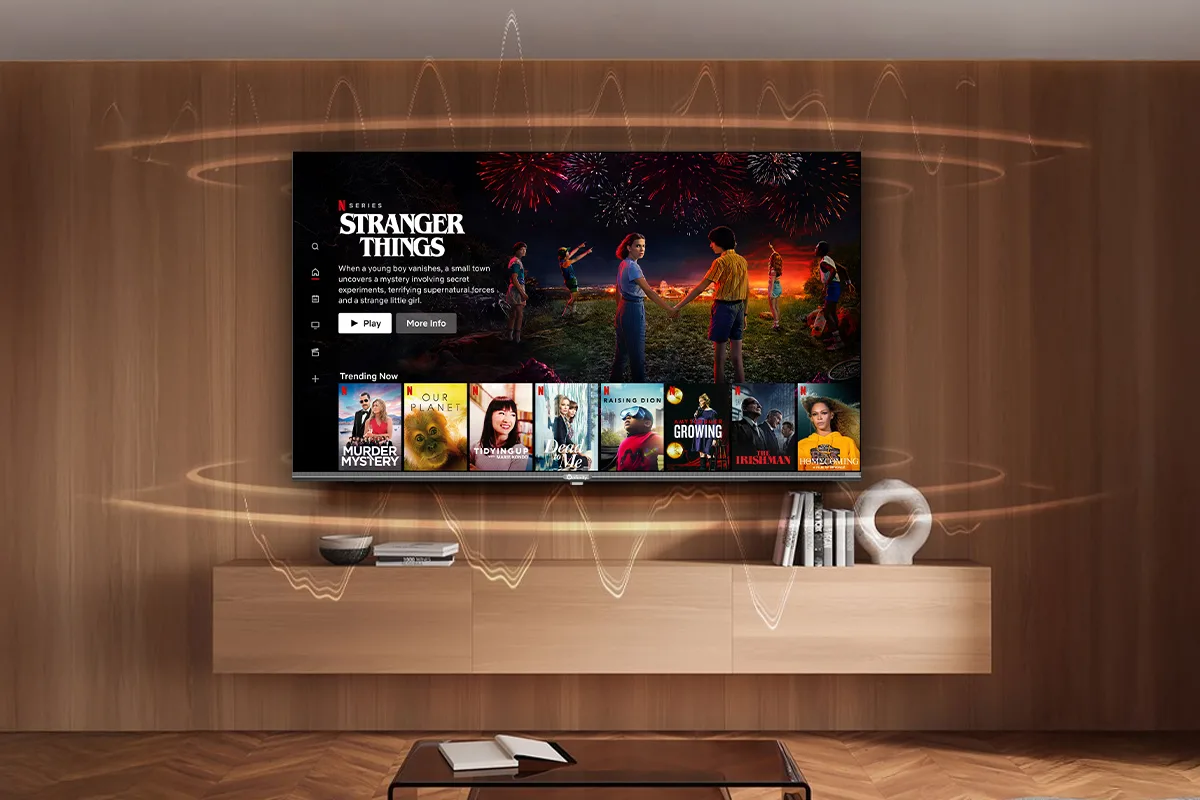
Meetings are easier to follow when everyone can see the information being discussed. Whether a team is reviewing a presentation, discussing project updates, or joining a video conference, the right display can make everyday communication more effective.
However, choosing a television for a meeting room involves more than picking a large screen. Businesses need to consider room size, viewing distance, connectivity, screen clarity, audio quality, and how employees will use the display.
Before installing a new TV, it helps to understand what the room actually needs and which features will make a practical difference.
1. Choose a Screen Size That Suits the Room
A television that looks impressive in a showroom may not be the right fit for a meeting room. The screen should be large enough for everyone to read presentation slides, spreadsheets, charts, and shared documents without straining their eyes.
Start by considering the room's dimensions, the number of people attending meetings, and the distance between the screen and the furthest seat. A small meeting room may work well with a moderately sized display, while a larger conference room might need a bigger screen.
Think about placement, too. Mounting height and viewing angles affect how comfortably people can follow the discussion. Ideally, everyone should have a clear view without constantly turning or leaning to see the content.
2. Consider Whether 4K Resolution Is Necessary
Presentation slides, detailed diagrams, spreadsheets, and product visuals often contain small text or fine details. A higher-resolution display can help make this information clearer, particularly on larger screens or when participants sit farther away.
A 4k smart tv can be a practical option for businesses that need a display for presentations, compatible video content, and general meeting-room use. With a resolution of 3840 × 2160 pixels, 4K provides four times as many pixels as Full HD.
Still, resolution alone does not determine the viewing experience. Screen size, viewing distance, content quality, and display settings also matter. Businesses should consider how employees will use the screen rather than assuming that a higher resolution automatically makes every meeting better.
3. Check Connectivity and Device Compatibility
A meeting-room display should work smoothly with the devices employees already use. If connecting a laptop becomes a lengthy process, even a good screen can create unnecessary frustration.
Before buying a television, check its available HDMI and USB ports, wireless connectivity options, and compatibility with the team's laptops and other equipment. Businesses that regularly use video conferencing should also consider how the display will connect to their cameras, microphones, and conferencing systems.
Wireless screen sharing can be convenient, but compatibility and network reliability are important. A wired connection may still be preferable for presentations where a stable connection is essential.
It is worth checking these requirements before installation, especially when several departments or visitors will use the room.
4. Pay Attention to Picture Quality and Room Lighting
Meeting rooms do not always have ideal lighting conditions. Natural light from windows, overhead lights, and reflections from glass walls can make content difficult to see.
Look for a display with brightness and screen characteristics suited to the room. If the television will be installed opposite a window, consider how reflections might affect visibility throughout the day.
Picture settings also deserve attention. Text and diagrams should remain easy to read, while videos and images should look natural. A quick test with an actual presentation can reveal problems that may not be obvious when viewing a demonstration video.
5. Don't Overlook Audio Quality
Visuals are only part of a successful meeting. When employees watch training videos, join remote calls, or share recorded presentations, clear audio matters just as much.
Check the television's built-in speaker specifications and consider whether they will be sufficient for the room. Larger spaces or rooms with several participants may benefit from an external soundbar or a dedicated conferencing audio system.
For video meetings, confirm that the television works with the chosen camera, microphone, and conferencing platform. A smart television does not automatically provide every feature required for professional video conferencing, so compatibility should be verified before purchasing additional equipment.
6. Think About Smart Features and Ease of Use
Modern smart televisions can provide access to supported streaming applications, network connectivity, and convenient ways to display content. These features may be useful for training sessions, demonstrations, and presentations that rely on online material.
However, businesses should focus on features they will actually use. Check the operating system, supported applications, software update arrangements, and ease of switching between inputs.
A straightforward interface can make a difference when multiple employees share the same room. The display should be simple to operate without requiring someone to troubleshoot settings before every meeting.
7. Plan the Installation and Long-Term Costs
The purchase price is only one part of the overall expense. Wall mounts, cables, electrical connections, installation labour, and any additional audio or conferencing equipment can increase the budget.
Check that the wall can support the television and that the mounting position allows adequate ventilation. Cable management is another practical consideration, particularly in frequently used rooms where loose wires can become a safety hazard.
Businesses should also review the warranty, service availability, and manufacturer's maintenance recommendations. These details can help them plan for the display's ongoing use rather than focusing solely on the initial investment.
8. Match the Display to Your Business Needs
Not every meeting room requires the same setup. A small team discussing weekly targets may need a straightforward display, while a conference room used for remote collaboration may require additional equipment and more advanced connectivity.
Before making a decision, list the room's main uses, the devices that need to connect, the number of regular participants, and the features employees genuinely need. This makes it easier to compare products on relevant specifications rather than unnecessary extras.
Businesses exploring display options can review the smart television range from Onfinity Technologies Pvt. Ltd. to understand the available features and specifications. The final choice should depend on the requirements of the room and the compatibility of the selected model with the intended setup.
Final Thoughts
A well-planned meeting-room display can make presentations easier to follow and everyday collaboration more convenient. The best choice comes down to practical considerations: suitable screen size, clear visuals, reliable connectivity, adequate audio, simple operation, and a sensible installation budget.
By evaluating these requirements before purchasing, businesses can choose a television that fits their workspace and supports the way their teams work.