Scroll through Instagram, YouTube, or even LinkedIn for five minutes, and you’ll notice something. Almost everything is video now. Product launches, tutorials, wedding memories, office updates, even job application videos have quietly become the default way people communicate online.
Behind almost every video you enjoy, there’s an editor who made it work someone trimmed the boring parts, dropped in the right music at the right second, and made sure it didn’t feel like a raw phone recording.
That’s video editing. And in 2026, with AI speeding up parts of the process and short-form content eating everyone’s attention span, it’s turned into one of the more practical skills a beginner can pick up whether the goal is a job, freelance income, or just better Reels for your own brand.
What Is Video Editing?
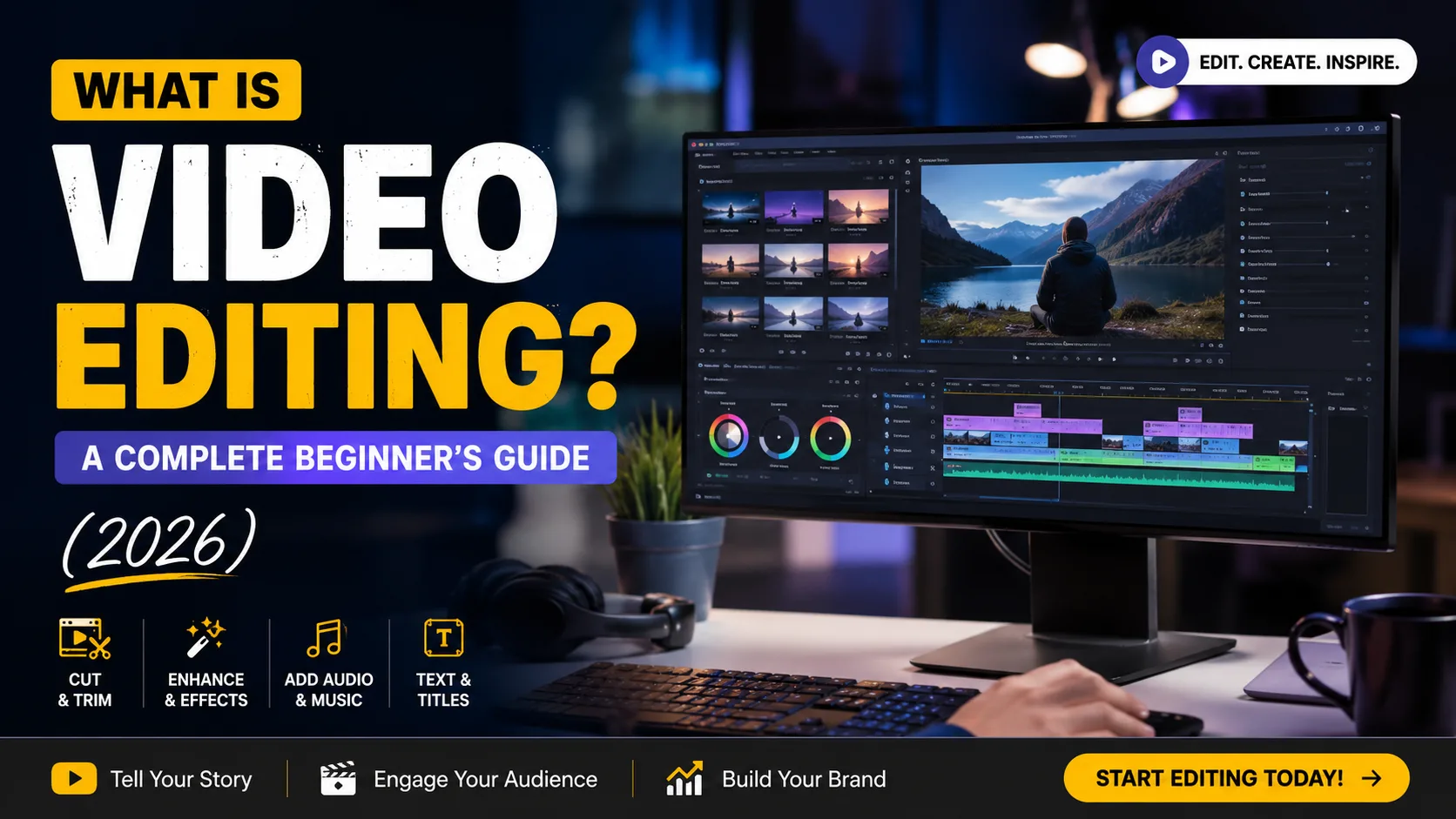
Video editing is the process of taking raw video and audio clips and arranging, trimming, and enhancing them into a finished piece that tells a clear story. Cutting unwanted footage, adding transitions, correcting colours, mixing sound, exporting the file in the right format all of it. Put simply, it’s the difference between a pile of random clips and a video someone actually wants to watch till the end.
Video by the Numbers
[Suggested visual: Stat cards “500 hrs/min uploaded to YouTube,” “82% of internet traffic is video,” “91% of businesses use video marketing”]
More than 500 hours of video get uploaded to YouTube every single minute, a pace that’s held fairly steady for years now. Video makes up roughly 82% of all internet traffic, according to Cisco’s widely cited research. Wyzowl’s 2026 State of Video Marketing report found that 91% of businesses use video as a marketing tool, and 82% of the marketers who use it say it’s given them a good return.
None of that happens on its own. Every uploaded hour, every business video, every Reel that looks intentional somebody sat down and put it together. That’s really the opportunity buried in these numbers.
Why Learn Video Editing in 2026?
AI is doing more of the grunt work these days rough cuts, auto-captions, basic colour matching but someone still has to guide it and make the creative calls, so the job hasn’t gone anywhere. It’s just shifted.
The creator economy also keeps expanding. YouTube alone has around 2.7 billion monthly users, and a good chunk of them are creators who need someone to edit their footage, even part-time. Most editors work remotely too, which is a nice bonus if you don’t want an office job. And freelancing is genuinely doable here weddings, small businesses, YouTubers, agencies all need editors, so a decent portfolio tends to keep you booked. With 91% of businesses already leaning on video, the ones still catching up are hiring or outsourcing right now, not later.
What Does a Video Editor Actually Do?
A lot of people assume editing is just cutting the boring bits out. It’s more than that. An editor decides what stays and what gets thrown away raw footage almost always has more material than the final cut needs and then arranges the scenes in an order that actually makes sense, since footage rarely gets shot in the sequence it’s meant to be watched.
Then comes the polish: transitions, colour correction so skin tones and skies look right, sound editing so background noise doesn’t wreck an otherwise good take. Bigger projects need motion graphics too lower thirds, animated text, logo reveals and pretty much everything needs subtitles now, since most people watch with the sound off. Once all that’s done, the video gets exported in the right resolution and format for wherever it’s headed.
Types of Video Editing
YouTube editing tends to be fast and jumpy, with lots of on-screen text. Social media editing for Reels or Shorts is quicker still you’ve basically got two seconds to hook someone before they scroll past. Wedding editing goes the opposite direction: slow, emotional, heavy on colour grading and music sync. Film editing is its own career, built around pacing across hours of footage.
There’s also documentary editing, which leans on interviews and archival material; commercial ads, short and built around a call-to-action; and corporate videos, polished without being flashy. Educational content needs clarity above everything, gaming videos sync fast cuts to gameplay, podcast editing is mostly clean audio, and event or music videos bring their own rhythm. Most editors end up specializing in one or two of these.
The Workflow, Step by Step
[Suggested visual: Horizontal workflow diagram — Planning → Import → Organize → Rough Cut → Fine Cut → B-roll → Music → Sound Cleanup → Color → Motion Graphics → Titles → Subtitles → Export → Upload]
It starts with planning — a script, a shot list, or at least a rough idea of what the video should feel like. Footage gets imported and organized into folders, because nothing eats up time like hunting for one clip in a messy project. From there, editors build a rough cut, refine it into a fine cut, layer in B-roll and music, and clean up the audio. Colour correction fixes the technical stuff; colour grading is the creative pass that gives footage its mood.
After that comes motion graphics if needed, titles, subtitles, then export and upload. Skip a step, and it shows raw footage is shaky with dead air and mismatched audio, while an edited version has trimmed pacing, matched colours, and a soundtrack that actually fits.
Essential Skills Every Beginner Needs
Technically, you’ll want timeline editing, basic audio work, colour correction, and eventually motion graphics. Keyboard shortcuts sound like a small thing until you realize how much time they save once they’re second nature, and export settings matter too get them wrong and the video ends up blurry or out of sync.
The harder part to teach is the creative side: knowing what to cut so the video actually says something, timing that’s especially crucial for comedy or music-driven content, a sense for what looks good together, and honestly, just being able to figure out what a client wants when they can’t quite explain it themselves.
For a broader look at how these pieces fit into an actual career, Skills to Become A Professional Video Editor is worth a read ; it walks through how learners typically build this out, matched against what studios and agencies actually expect.
Best Video Editing Software in 2026
SoftwareBest ForPaid/FreeDifficultyAdobe Premiere ProProfessional & YouTube editingPaidModerateDaVinci ResolveColor grading, all-around editingFree (Paid Studio version)Moderate–AdvancedFinal Cut ProMac users, fast workflowsPaid (one-time)ModerateCapCutBeginners, mobile & socialFree (with paid features)EasyFilmoraBeginners, quick editsFreemiumEasyAdobe After EffectsMotion graphics & VFXPaidAdvancedCapCut or Filmora are the least intimidating if you're just starting. DaVinci Resolve is the one editors quietly recommend most the free version is surprisingly capable, though it does take longer to get comfortable with.
Free vs Paid Software
Free tools like DaVinci Resolve or CapCut are genuinely good enough for practice, and even client work in a lot of cases. You might run into watermarks, fewer effects, or limits on 4K exports, but that’s usually it. Paid software like Premiere Pro or After Effects buys you more plugins, faster rendering, and better support. If you’re a hobbyist, free is plenty. Once clients start expecting specific formats and quick turnarounds, paid tools start earning their cost.
Basic Terms Every Beginner Should Know
The timeline is where your clips sit in sequence. Frame rate is frames per second 24fps for that cinematic feel, 30 or 60fps for smoother motion. Resolution is the pixel size, like 1080p or 4K, and aspect ratio is the shape of the frame 16:9 for YouTube, 9:16 for Reels. B-roll is supplementary footage that plays over narration. A jump cut is an abrupt cut between similar shots. Colour grading shapes mood, while colour correction just fixes technical colour problems. Rendering is the software processing your edits, export is producing the final file, a codec compresses the video data, and bitrate affects file size and quality.
Equipment Needed
You don’t need a studio to start. A laptop with a decent processor, 16GB RAM, and an SSD handles most beginner editing fine. A GPU helps once you’re working with 4K footage or heavy effects, but it’s not something to worry about on day one. A decent monitor matters for accurate colours, and headphones are non-negotiable laptop speakers lie about how audio actually sounds. An external hard drive becomes useful once footage piles up, which happens faster than you’d think. Most editors upgrade gear gradually, as the work demands it.
The Beginner Roadmap
[Suggested visual: Vertical roadmap graphic with six connected steps]
Learn the basics first timeline, cuts, export settings before anything advanced. Pick one software and actually get good at it rather than dabbling in three. Practice daily, even if it’s just 20 or 30 minutes. Once you’ve got decent clips, put together a small portfolio three to five projects is plenty. From there, small freelance gigs are the natural next step, and bigger clients tend to follow once you’ve got a track record.
There’s no fixed timeline for any of this. Some people freelance within two months, others take a year. What actually matters is not skipping the portfolio step, since that’s usually what decides whether the freelance step happens at all.
Career Opportunities
Once you’re reasonably comfortable, there’s more than one direction to take this: agency work, YouTube editing for creators, motion graphics design, social media editing, corporate video work, or film editing for long-form projects. Wedding editing has its own dedicated market, and freelancing means juggling multiple clients instead of one employer. A lot of editors eventually turn into content creators themselves, since the skill makes producing their own videos easier too.
Building a Portfolio That Gets You Hired
A portfolio does more for you than a certificate ever will, honestly. Clients want to see what you can do, not just hear about it.
Variety beats volume a YouTube-style edit, a short social reel, one storytelling piece will show more range than five clips that all look the same. Three to five strong pieces genuinely beat fifteen average ones. Behance works well for motion graphics, YouTube for full edits, Instagram Reels doubles as a portfolio if you specialize in short-form, and a personal website ties it all together once you’re serious about freelancing.
Video Editor Salary in Kolkata (2026)
[Suggested visual: Bar chart comparing fresher, mid-level, senior, and freelance ranges]
Experience LevelApproximate Monthly SalaryFresher₹15,000 – ₹25,000Mid-level (2–4 years)₹30,000 – ₹55,000Senior (5+ years)₹60,000 – ₹1,00,000+FreelancerVaries, often ₹500–₹5,000+ per projectFor more context on how these numbers break down by role and city, this Video Editor Salary in Kolkata breakdown goes deeper. Freelance income is genuinely hard to average out — a wedding editor with a strong reputation can charge more per project than a fresher earns in a month at an agency. It mostly comes down to portfolio and client base.
Is Video Editing a Good Career in 2026?
Demand’s high and it’s not slowing down. For the fuller picture, this Video Editing Career Guide breaks down the options in more depth.
AI has changed the workflow, sure — auto-captioning, AI-assisted rough cuts, automated colour matching are all common now, and they’ve taken over a chunk of the repetitive work. But that hasn’t replaced editors; it’s just shifted what they’re expected to know. Storytelling, pacing, understanding what a client actually wants that’s still human work. Remote work is common, freelancing is viable with a decent portfolio, and the creator economy keeps generating steady demand for people who can turn raw footage into something worth watching.
Common Myths, Busted
A mid-range laptop with 16GB RAM and an SSD handles most beginner and intermediate work fine - you don’t need an expensive machine to start. AI isn’t going to replace editors either; it’s automating repetitive stuff like captions and colour matching, not creative decisions. And it’s not just the film industry hiring ; YouTube channels, small businesses, wedding studios, and agencies all hire editors, often more consistently than film houses do.
You also don’t need to master every piece of software out there - most working editors are genuinely strong in just one or two tools. And freelancing being unstable? It can be unpredictable at first, but editors with a steady portfolio and a few repeat clients often find it more reliable than expected.
How to Learn Faster
Trying to learn five programs at once is probably the single biggest reason beginners burn out. Pick one - DaVinci Resolve or CapCut are solid starting points and get comfortable before adding another.
Practice daily, even for 20 minutes. Recreate edits you like from YouTube or Instagram - reverse-engineering someone else’s work teaches more than most tutorials do. Start a portfolio early, take feedback seriously, and get on real projects as soon as you can. Editing a friend’s event or a small business’s product video teaches things tutorials just can’t.
Common Mistakes Beginners Make
Overusing transitions is probably the most common one - not every cut needs a flashy wipe. Ignoring audio quality is a close second, since viewers forgive average visuals more easily than bad sound. Messy project files waste hours down the line, skipping backups is how entire projects get lost to a corrupted drive, and exporting with the wrong settings ruins otherwise good work. Trying to learn too many tools at once rounds out the list.
Latest Trends in 2026
AI-assisted editing now handles rough cuts, auto-captions, and basic colour matching. Vertical, short-form content is still dominant thanks to Reels and Shorts. Motion graphics are showing up in smaller projects too, now that templates have made them accessible, and auto-captions are standard practice at this point, not an extra. 4K and 8K editing are becoming normal for higher-end work, and cloud tools let teams work on the same project from different locations entirely.
Who Should Learn Video Editing?
Students wanting a practical skill outside their main degree, job seekers after an edge in marketing or media, freelancers looking to add another service, business owners who’d rather edit their own product videos than outsource every one. It’s just as useful for YouTubers, influencers, and digital marketers, since editing makes almost every other content format easier to pull off.
How to Choose the Right Course
Look for a syllabus that’s actually kept current, since software and trends move fast and outdated material shows quickly. Trainers with real industry experience matter more than trainers who just teach well, and live projects beat recorded lectures alone, since editing is hands-on. Portfolio support, placement help, and certification are worth asking about too, and smaller batch sizes usually mean you actually get individual feedback.
If you’d like a sense of what a structured program covers, this Video Editing Course in Kolkata lays out the curriculum details, live projects, and placement support.
FAQs
What is video editing? Cutting, arranging, and enhancing raw footage into a finished, watchable video.
Is it difficult to learn? The basics take a few weeks. Storytelling and pacing take a lot longer to actually get good at.
Which software is best for beginners? CapCut and Filmora are the easiest. DaVinci Resolve is a strong free option once you want more control.
Can I learn for free? Yes, YouTube tutorials plus free software like DaVinci Resolve are enough to get going.
How long does it take? A few weeks for the basics, several months of real project work before it feels natural.
Do I need a powerful laptop? Not really. 16GB RAM and an SSD handle most beginner work fine.
Is it a good career choice? Yes demand stays strong across YouTube, social media, businesses, and film.
Can I freelance? Definitely, once you’ve got a solid portfolio and a few regular clients.
Will AI replace editors? It’s automating repetitive tasks, but creative decisions still need a person behind them.
What skills are required? A mix of technical skills like timeline editing and colour correction, plus storytelling and timing.
Which course is best? Look for an updated syllabus, live projects, and placement support, not just the lowest price.
Can students learn alongside their studies? Yes, plenty do, and many end up freelancing on the side.
Is certification important? It helps for entry-level roles, but a strong portfolio carries more weight.
What’s the average salary in India? Freshers start around ₹15,000–₹25,000 a month, seniors earn ₹60,000 or more.
How much can freelancers earn? Anywhere from a few hundred to several thousand rupees per project, depending on niche and reputation.
Final Thoughts
Video editing isn’t just a technical skill anymore. It’s turned into one of the more dependable ways to build a career or a side income in 2026, whether that’s through a job, freelancing, or your own content. Video makes up most of internet traffic now, most businesses depend on it, and demand for people who can tell a story through footage hasn’t dropped one bit.
If you’re serious about turning this into something more structured, a proper Video editing course can save a lot of the trial and error that comes with figuring it all out on your own.
If you want to have a complete idea of this role, then you can read a detailed guide on Skills to Become A Professional Video Editor. This helps learners match what they’re practising against what the industry actually expects.
If you have more doubts or want to get complete guidance, just connect with W3 Web School’s team of professionals to avoid any missed opportunities in 2