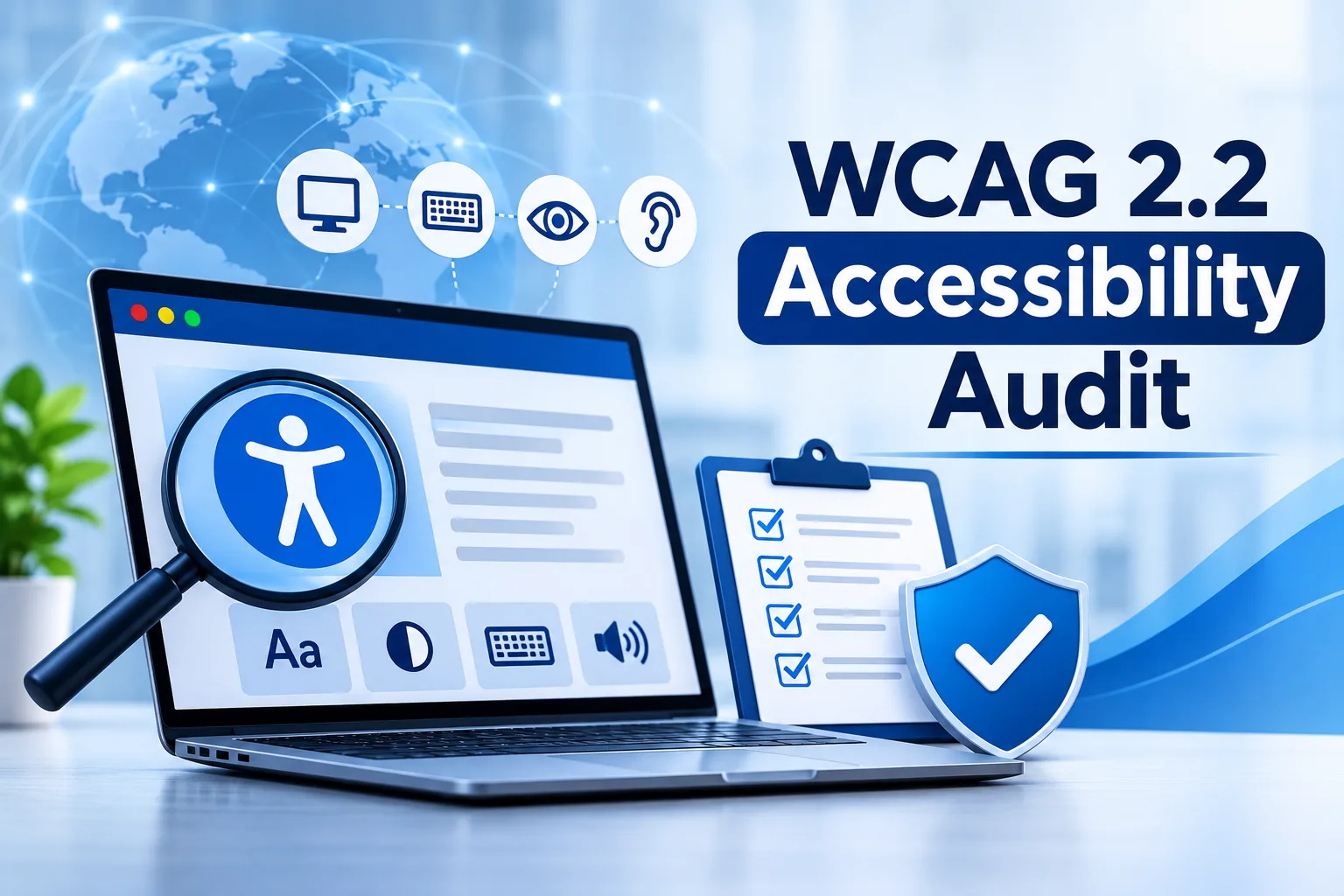
The most common problems found in a WCAG 2.2 accessibility audit include missing text alternatives, keyboard traps, weak colour contrast, unlabeled form fields, hidden focus indicators and tiny tap targets. Businesses should fix these first, because they block real users and carry the highest legal and reputational risk.
Why Should Your Business Care About These Issues?
Inaccessible websites turn away customers who cannot see, hear, use a mouse or process dense content easily. A WCAG accessibility audit helps you spot these barriers before they become complaints, lost sales or formal notices. Many fixes also improve mobile usability and search performance.
Which Issues Appear Most Often?
Missing or vague image descriptions affect screen reader users most, so describe purpose rather than appearance. Hidden focus hurts keyboard users, so sticky elements should never cover it. Small tap targets trouble people with tremors, so buttons need more size and spacing. Forms without clear labels or announced errors challenge screen reader users. Repeated data entry and difficult login steps burden people with memory challenges, so allow pasting, password managers and remembered information.
What Is New in WCAG 2.2 That Businesses Overlook?
Version 2.2 added criteria older checklists never covered. Focus must not be hidden by banners or chat widgets. Draggable actions need a simple alternative. Help options should appear in a consistent place. Login should not force users to solve puzzles or memorise codes. Because these items are newer, a digital accessibility audit is often the first time they are noticed.
How Does an Issue Look in Real Business Operations?
Imagine an anonymized training provider whose automated report showed few warnings. A manual review told a different story. The sign in page blocked pasting into the password field, locking out password manager users. A cookie banner covered the enrolment button during keyboard navigation. Videos had no captions, and a drag and drop scheduler had no alternative. Support tickets had quietly increased, yet nobody linked them to accessibility. After the team allowed pasting, moved the banner, added captions and built a button based scheduler, complaints dropped and support staff could focus on real queries.
How Should You Prioritise Fixes?
Start with barriers that stop a task entirely, such as inaccessible checkout, sign in or contact forms. Then address problems that make tasks difficult, followed by polish items. Rank each issue by how many people it affects and how essential the journey is to your business, assign an owner and retest after every release.
When Do You Need Accessibility Audit Services?
Bring in accessibility audit services when your site is large, handles transactions, serves regulated sectors or has changed heavily recently. Specialists bring assistive technology skills internal teams rarely have time to build. A web accessibility compliance audit also provides documented evidence of effort.
Ready to Fix What Is Holding Your Website Back?
Every unresolved barrier is a customer you may be losing today. Begin with the Tranistics Data Technologies accessibility checker tool to surface visible problems quickly, then follow with an expert evaluation.
Tranistics Data Technologies Private Limited offers dependable WCAG accessibility audit support that blends smart automation with careful manual and assistive technology testing. Our team delivers clear, prioritised recommendations your developers can act on right away. Contact Tranistics Data Technologies Private Limited today to book your accessibility audit and turn your website into an experience everyone can use with confidence.
Frequently Asked Questions
What is the difference between automated and manual accessibility testing?
Automated testing uses software to catch code level failures quickly, such as missing labels or empty links. Manual testing involves specialists using a keyboard, screen readers and zoom to judge real user experience. Both are needed, because automation cannot decide whether content is understandable.
How often should a business run a digital accessibility audit?
Run one before a major launch, after significant redesigns and regularly as content changes. New plugins, campaign pages and widgets can introduce fresh barriers at any time.
Can small businesses benefit from accessibility audit services?
Yes. Smaller sites often have simpler structures, so fixes are faster and more affordable. Early attention prevents costly rework later. It also helps you reach customers who might otherwise leave.