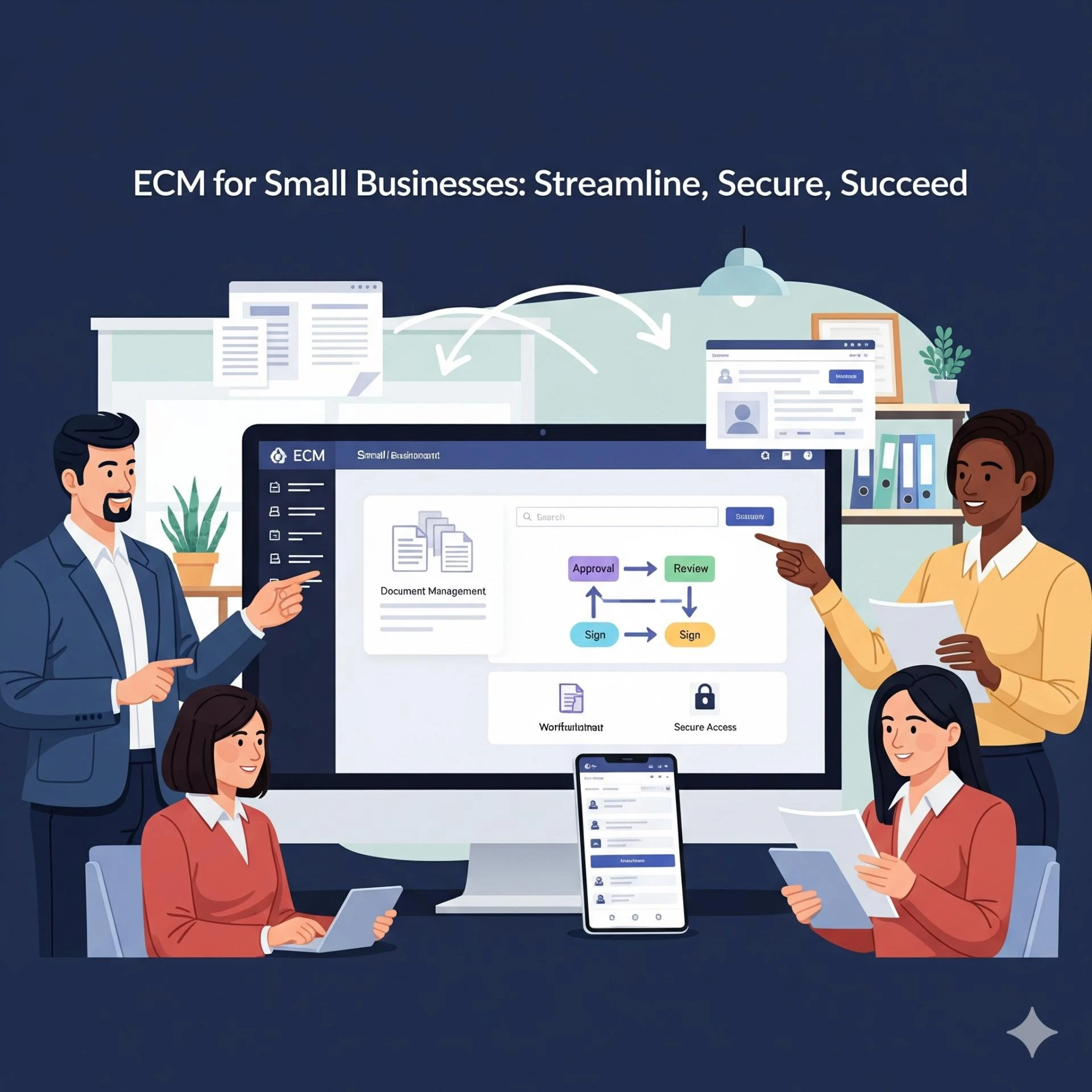
In today’s fast-paced business environment, small businesses are managing more data and documents than ever before. Emails, invoices, contracts, customer records, and digital files can quickly become overwhelming. This is where Enterprise Content Management (ECM) software comes in. With the right ECM solution, small businesses can streamline operations, stay compliant with regulations, and boost productivity across the team.
Why Small Businesses Need ECM Software
Many small businesses start with basic file storage, spreadsheets, or cloud drives. While this may work initially, it often leads to content chaos—files scattered across multiple platforms, version conflicts, and difficulty finding critical documents.
An effective ECM software solves these problems by:
- Centralizing all documents and records in a secure repository
- Automating routine workflows, like invoice approvals or contract reviews
- Ensuring compliance with regulations such as GDPR, HIPAA, or ISO standards
- Improving collaboration across remote or hybrid teams
By adopting ECM early, small businesses can avoid wasted time, compliance issues, and unnecessary costs.
Key Features to Look for in Small Business ECM Software
When choosing ECM software for small businesses, focus on features that enhance productivity while maintaining security and compliance. Here are the must-have capabilities:
1. Content Capture and Organization
Good ECM software can capture documents from multiple sources—emails, PDFs, scanned files, and cloud storage—and automatically organize them with metadata and tags. This ensures that employees can quickly locate the information they need.
2. Workflow Automation
Automation reduces manual work. For example, invoices can be routed to the right department automatically, contracts can follow predefined approval paths, and reminders can be sent for pending tasks.
3. Security and Compliance
Small businesses handle sensitive data too. ECM solutions provide role-based access, encryption, and audit trails to meet compliance requirements and reduce the risk of data breaches.
4. Collaboration Tools
Modern ECM platforms support real-time collaboration. Teams can co-author documents, leave comments, and track changes—all from a centralized system—reducing version conflicts and email clutter.
5. Reporting and Analytics
Built-in analytics help business owners understand document usage, workflow efficiency, and compliance performance. This insight can inform strategic decisions and improve overall productivity.
Benefits of ECM for Small Businesses
Investing in ECM software provides tangible benefits:
- Boosted Productivity: Employees spend less time searching for documents and more time on meaningful tasks.
- Enhanced Compliance: Automated retention schedules, audit trails, and secure access reduce regulatory risk.
- Improved Collaboration: Teams work together more efficiently, whether in-office or remote.
- Cost Savings: Reduces paper usage, storage needs, and errors caused by manual handling.
- Scalability: Cloud-based ECM grows with your business, supporting new departments or locations easily.
Top ECM Software Options for Small Businesses
Here are some highly recommended ECM software solutions for small businesses:
- M-Files – Known for metadata-driven document management and workflow automation.
- DocuWare – Offers secure cloud storage, automated workflows, and compliance tools.
- Nintex – Focuses on low-code workflow automation integrated with content management.
- Laserfiche – Provides document capture, records management, and reporting dashboards.
- Zoho WorkDrive – Affordable, cloud-based, and great for small teams looking to centralize content.
Each solution comes with unique strengths, but all support productivity improvement and regulatory compliance, making them suitable for small business needs.
How to Get Started with ECM in Your Small Business
- Assess your current content management practices – Identify pain points, compliance gaps, and redundant processes.
- Select a pilot department – Start with a single team or workflow to test the software.
- Set measurable goals – Track efficiency, compliance adherence, and cost reduction.
- Train your team – Ensure employees understand the new system and workflows.
- Scale gradually – Expand ECM adoption to other teams or departments once success is proven.
Conclusion
For small businesses, managing content efficiently isn’t optional—it’s essential. Enterprise Content Management software helps organize, secure, and automate document handling, which directly boosts productivity and ensures compliance. Choosing the right ECM solution can transform the way your team works, reduce risk, and position your business for growth.
If your small business is still juggling spreadsheets, shared drives, and scattered documents, now is the perfect time to explore ECM software and take control of your content.