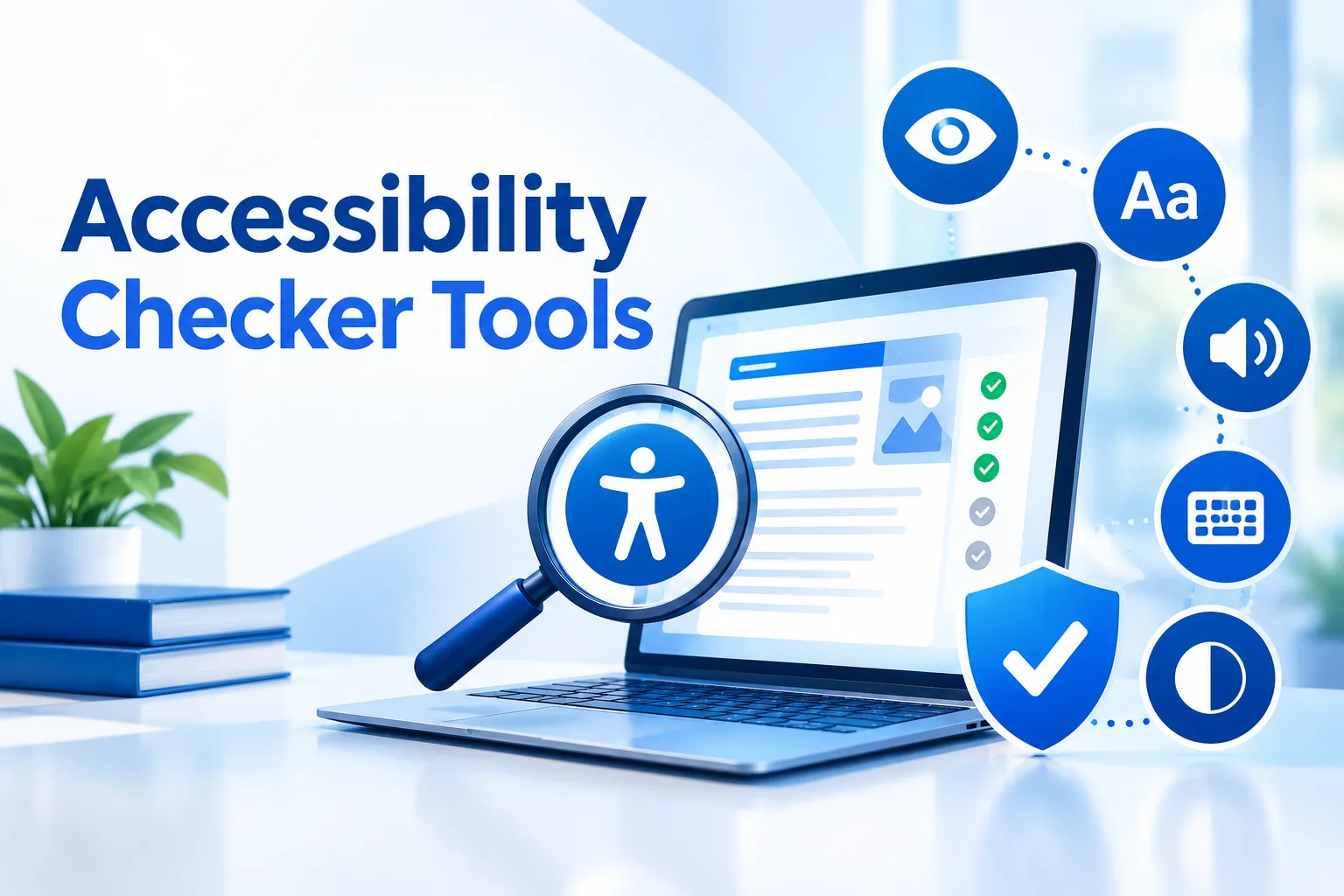
What is an accessibility checker tool? An accessibility checker tool is software that scans web pages for barriers that block people with disabilities, compares the findings with WCAG guidelines, and reports each issue with a suggested fix. Accessibility Checker Tools help businesses catch low contrast text, missing alt text, and keyboard traps before they hurt visitors or create legal risk.
Millions of people browse with screen readers, captions, voice control, or keyboards alone. If your site ignores them, you lose customers and credibility. The features below show what to look for.
Why Every Website Needs a Web Accessibility Checker
Websites change constantly. A new blog post, product image, form, or plugin can introduce a barrier without anyone noticing. A web accessibility checker scans in the background and flags problems as they appear, which gives your team a clear to-do list instead of guesswork. It also lowers the risk of complaints and lawsuits.
What Features Should a Website Accessibility Checker Include?
The points below connect each core feature to what it checks and why it matters.
- Full site scanning: Checks every page, including checkout, forms, and older posts, so there are no hidden barriers after updates.
- WCAG mapping: Covers Levels A, AA, and AAA, making audits and compliance reports easier.
- Contrast and alt text: Checks text color ratios and image descriptions, giving low vision users better readability.
- Keyboard and screen reader checks: Reviews focus order, labels, heading structure, and link text, so pages work with assistive technology.
- Prioritized reports: Groups issues by severity and page, so the right team can fix them faster.
- Continuous monitoring: Runs scheduled rescans with progress tracking, which keeps compliance lasting over time.
How an Accessibility Checker Finds Real Problems
Consider a retailer that launches a seasonal banner. The designer uses light grey text on a white background and uploads product photos without descriptions. A visitor with low vision cannot read the offer, and a screen reader user hears only file names. A website accessibility checker catches both issues during its next scan, shows the exact elements, and explains how to correct them. A fix that takes minutes avoids weeks of complaints.
What a Good Accessibility Report Looks Like
A long list of errors helps nobody. The best reports name the failed element, explain the issue in plain language, and link it to the relevant WCAG guideline. Grouping by severity lets developers handle serious blockers first, while writers and designers handle content fixes in parallel. Downloadable reports also help you show progress to leadership, clients, and legal teams.
Are Accessibility Checker Tools Free Enough?
Many teams start with Accessibility Checker Tools Free options to learn how big the problem is. That is a sensible first step, but a basic free scan usually covers only one page or a limited set of pages, gives a one time result, and offers a short summary. A complete accessibility checker tool covers the entire website, rescans on a schedule, and produces detailed reports your whole team can share. A free scan shows you where you stand. A complete tool helps you stay there.
Easy Use for Non Technical Teams
Marketers, content managers, and business owners should not need a developer to start. They should be able to enter a web address, run a scan, and read results in simple language. Clean dashboards turn accessibility into a shared responsibility instead of a bottleneck for the engineering team.
What to Look for Before Choosing a Tool
Ask four things. Does it scan the whole site? Does it follow current WCAG standards? Are the reports clear enough for every team to act on? Can it monitor your site as content grows? If the answer to all four is yes, the tool can support a long term accessibility program rather than a one time cleanup.
Start Today With the Tranistics Accessibility Checker Tool
If you want a more inclusive, searchable, and trustworthy website, start with the Tranistics Data Technologies accessibility-checker-tool. It combines full site scanning, WCAG based reporting, contrast and keyboard checks, and easy to read insights in one place, so you can find barriers fast and fix them with confidence.
Do not wait for a complaint or a lost customer to take action. Run a scan today, see where your website stands, and give every visitor a better experience. Tranistics Data Technologies Private Limited helps businesses build accessible digital experiences that work for everyone. Try the Tranistics Data Technologies accessibility-checker-tool now and turn accessibility into your competitive advantage.