
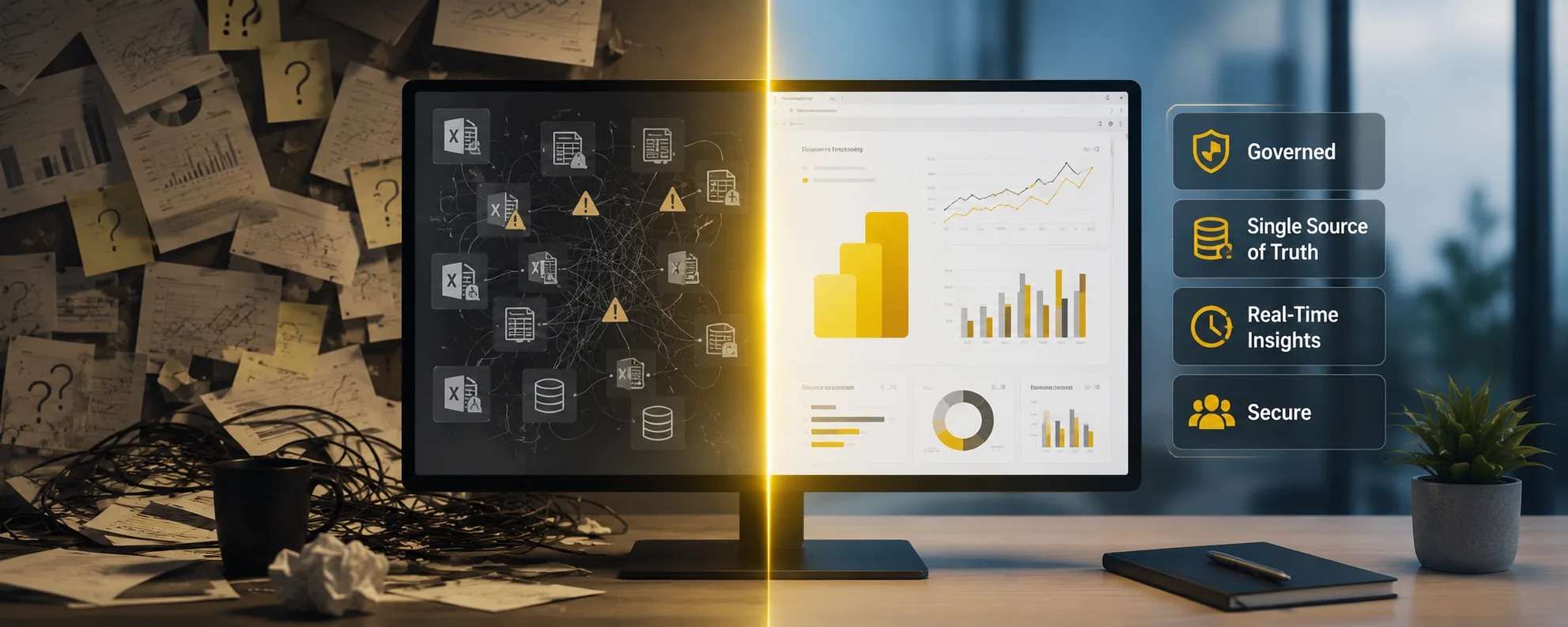
Most enterprises license Power BI the way they license any other piece of software. Someone signs off on the tier, IT provisions accounts, and a handful of power users start building reports within a week. It works, right up until it doesn't. The tool itself was never the problem. The problem is what happens when an organization skips power bi implementation services and treats a platform meant to run enterprise reporting like a departmental app that anyone can spin up on a Tuesday afternoon.
The cost of that shortcut rarely shows up on day one. It shows up eight months later, when finance and operations present two different revenue figures in the same board meeting, both pulled from Power BI.
A Tool Becomes a System the Moment More Than One Team Uses It
A single analyst building reports for their own team can get away with an unstructured approach. Formulas live inside individual workbooks, data gets refreshed manually when someone remembers, and access control is whoever the analyst decides to share a link with. None of that scales past one person.
The moment a second department starts pulling from the same data, Power BI stops being a personal tool and starts being organizational infrastructure. Infrastructure needs the things personal tools don't:
- A shared semantic model so two teams aren't calculating "active customers" two different ways
- Workspace governance so access follows actual job function instead of who asked first
- A refresh schedule that reflects business need rather than convenience
- A single source of truth for core metrics that every downstream report inherits
This is precisely where enterprise power bi strategy consulting earns its keep, because it forces the architecture conversation before the reporting sprawl makes it exponentially harder to fix.
Why Self-Built Dashboards Eventually Hit a Ceiling
Internal teams are often perfectly capable of building an individual report. What they usually lack is the bandwidth to build the layer underneath it properly. A single dashboard doesn't need a documented data model. Fifty dashboards across twelve departments absolutely do.
This is the gap that power bi development consulting is meant to close. It isn't about building reports faster than an internal team could. It's about building the underlying structure so that report thirty is as fast, accurate, and maintainable as report one. In practice, that means:
- DAX measures written once and reused, rather than copy-pasted with small inconsistencies into every new workbook
- Star schema models instead of flat tables that slow down as data grows
- Documentation so the person who inherits the environment in two years doesn't have to reverse-engineer it from scratch
- Version-controlled deployment pipelines instead of manual publishing from someone's desktop
Enterprises that skip this step usually find out the hard way, when a report that took two seconds to load with test data takes forty seconds once real production volume hits it.
Real Time Reporting Requires Rethinking the Data Path, Not Just the Refresh Button
There has been a noticeable jump in enterprises requesting power bi real time business intelligence consulting services, mostly from organizations whose scheduled refreshes, once every few hours, no longer match the speed at which decisions actually need to get made. A supply chain team watching inventory levels, a fraud team monitoring transaction patterns, or a trading desk tracking market movement all need something closer to live data than a report that updates at 6am and 6pm.
Getting there is not a matter of changing a refresh interval in settings. It requires rethinking how data physically travels from source to report. Microsoft Fabric's Direct Lake mode, built on OneLake, has made a meaningful difference here by letting Power BI query data close to where it lives instead of importing and duplicating it into a separate model. But wiring this correctly takes real architectural planning around how data lands, how it's structured, and how Fabric and Power BI are connected from the outset. Bolting real time expectations onto an environment that was designed for scheduled batch refreshes tends to produce more frustration than results.
What Separates Serious Agencies From the Rest
Enterprises comparing the best power bi implementation agencies for enterprise clients often start by looking at portfolio dashboards, which is a reasonable instinct but the wrong signal. A polished dashboard says very little about whether an agency can secure row-level access for a healthcare client, migrate a decade of Tableau reports without losing calculation logic, or design a workspace structure that survives an org restructure.
The better signal is whether an agency asks architecture questions before touching a single visual, such as:
- Where does the data actually live, and how many systems does it need to be pulled from
- Who should see what, and how will that access be enforced as teams change
- What happens to this environment when the company doubles its headcount or adds three new business units
- How will legacy reporting logic be validated once it's migrated into Power BI
Dream IT's Power BI consulting services are structured around exactly that sequence, treating governance, data modeling, and Microsoft Fabric integration as the foundation the dashboards get built on top of, rather than an afterthought bolted on once reports are already in production. That approach, backed by real migration work including moving legacy platforms onto Microsoft Fabric OneLake, is a more reliable indicator of enterprise readiness than any single report screenshot.
The Case for a Dedicated Relationship Instead of a One-Time Project
Many enterprises approach Power BI as a project with a defined end date: implementation happens, go-live is celebrated, and the vendor relationship winds down. Dedicated power bi consulting services take a different view, treating the environment as something that needs continued attention the same way a production application does.
This matters because the conditions that made an implementation work on day one don't hold static:
- New departments join and need access mapped to their specific roles
- Data volume grows, and DAX measures that performed fine on a smaller dataset can quietly slow down as tables reach into the millions of rows
- Compliance requirements shift, especially in regulated industries
- A workspace structure designed for three business units comes under strain when a fourth and fifth get added
Without an ongoing relationship, these issues tend to accumulate silently until performance or trust in the numbers breaks down noticeably.
An ongoing engagement also means faster resolution when something does go wrong, because the consulting team already understands the environment's history instead of starting an investigation from zero.
Building for the Next Fifty Reports, Not Just the First Five
The organizations that get the most value out of Power BI over the long run share a common trait: they stopped treating it as a reporting tool early on and started treating it as enterprise infrastructure. That shift changes the questions asked at the start of a rollout, the priorities during implementation, and the kind of consulting partner worth bringing in.
Dashboards will always be the visible outcome of a Power BI investment, and they're what most stakeholders will judge the project by. But the dashboards that actually hold up under enterprise scale, security requirements, and real time expectations are the ones built on a foundation that was designed for scale from the very first workspace, not retrofitted after the fifth department joined and the numbers stopped matching.