When it comes to e-commerce, getting traffic is only half the job. The real challenge is turning that traffic into paying customers—and that’s where most stores struggle.
A major reason? A complicated or slow checkout experience.
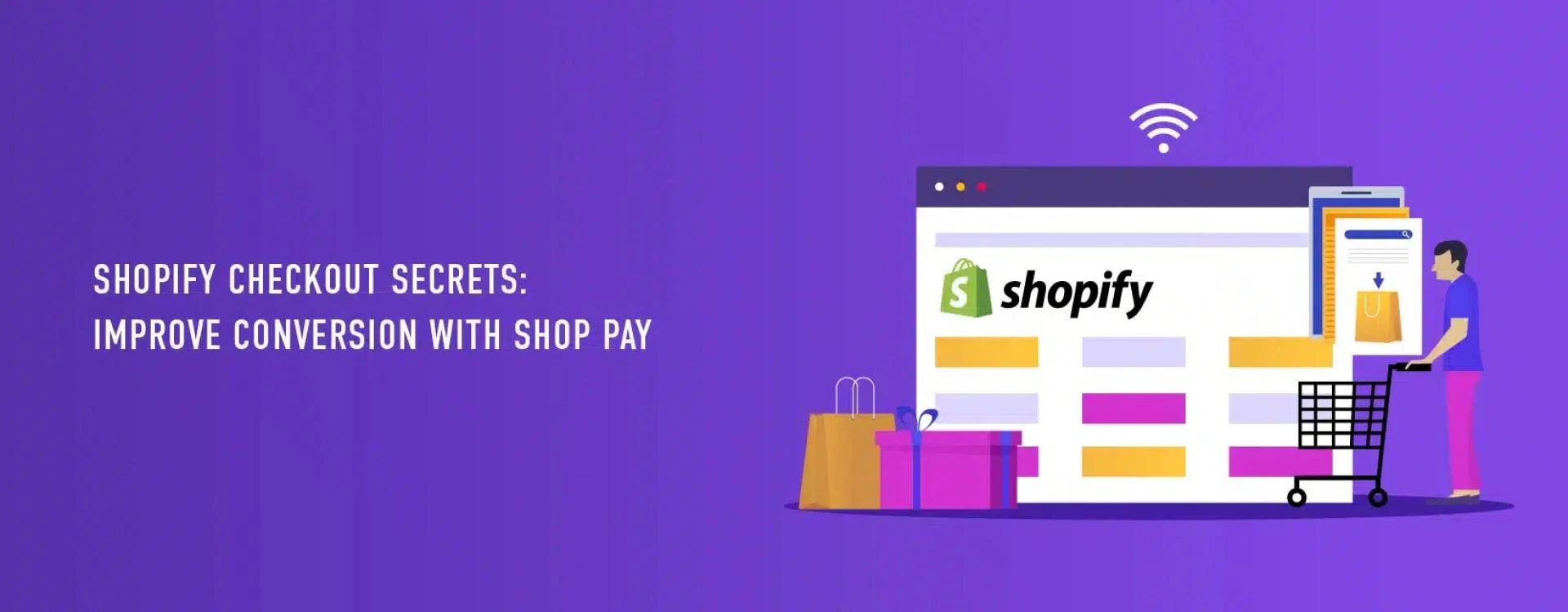
On Shopify, even small improvements in the checkout process can make a noticeable difference in conversions. One of the most effective ways to simplify checkout and reduce drop-offs is by using Shop Pay.
In this guide, we’ll break down how Shop Pay works, why it matters, and how you can use it to improve your store’s conversion rate.
What is Shop Pay?
Shop Pay is an accelerated checkout option that makes purchasing faster and easier for customers.
Instead of entering their shipping and payment details each time, customers can save their information securely. On their next purchase, checkout takes just a few clicks.
This is especially helpful for mobile users, where typing details repeatedly can be frustrating and lead to abandoned carts.
Why Shop Pay Improves Conversion Rates
A long or complicated checkout process is one of the biggest reasons customers leave without completing their purchase. Shop Pay helps solve this problem by removing friction.
Here’s how it improves conversions:
1. Faster Checkout Experience
Customers can complete their purchase in seconds, which reduces the chances of second thoughts or distractions.
2. Reduced Form Fatigue
No need to fill out multiple fields every time. Saved details make the process effortless.
3. Better Mobile Experience
With most users shopping on mobile devices, a quick checkout flow can significantly impact sales.
4. Built-In Trust
Customers are more likely to complete purchases when they recognize a secure and familiar checkout option.
How to Enable Shop Pay in Shopify
Setting up Shop Pay is simple and doesn’t require technical expertise.
Follow these steps:
- Go to your Shopify admin dashboard
- Navigate to Settings → Payments
- In the Shopify Payments section, enable Shop Pay
- Save your changes
Once activated, Shop Pay will automatically appear as an option during checkout.
Shopify Checkout Optimization Tips
While Shop Pay is powerful, combining it with other checkout improvements can boost your results even further.
Keep your checkout simple
Remove unnecessary fields and only ask for essential information.
Enable guest checkout
Not every customer wants to create an account. Make it optional.
Be transparent with costs
Unexpected shipping fees are a major reason for cart abandonment. Show them early.
Use clear call-to-action buttons
Buttons like “Buy Now” or “Complete Order” perform better than vague labels.
Optimize for mobile users
Ensure your checkout is fast, responsive, and easy to navigate on smaller screens.
Build trust with visual cues
Security badges, payment icons, and clear return policies can reassure customers.
Increase your Sales with Shop Pay Installments
One feature many store owners overlook is Shop Pay Installments.
This allows customers to split their payments into smaller amounts over time. Instead of paying the full amount upfront, they can choose flexible payment options.
Real-World Scenario
Imagine a customer browsing your store on their phone. They add a product to the cart but hesitate at checkout because entering details feels like a hassle.
With Shop Pay enabled, the same customer can complete the purchase in seconds using saved information.
That small difference can be the deciding factor between an abandoned cart and a successful sale.