
At one mid-sized components manufacturer, the production supervisor described her Monday mornings. She worked with three separate spreadsheets, one WhatsApp group with the shop floor, and still was not able to find out if Friday’s shortage was fixed or not.
This was not a technology failure, but a failure caused due to the fact that the business was running on disconnected tools rather than a system that talks to itself.
Why Do Manufacturing Companies Struggle Without an Integrated ERP System?
Manufacturing is a game of timing. Just one missed reorder point, an incorrect bill of materials, or a production schedule which is based on the data of yesterday’s inventory can delay the process for hours. Manufacturers mostly don’t lose productivity because they don’t put in the effort, but because their system is unable to share data in real-time.
What are the Most Common Shop-Floor Productivity Challenges in Manufacturing?
There are a number of common issues that come up on the shop floor of small and mid-sized manufacturers, irrespective of what they produce. These issues are:
- Inventory blind spots – The stock displayed in the system does not match what is actually there which leads to overstocking or understocking at the last moment
- Manual production scheduling – The planners make schedules in spreadsheets which may become outdated if a machine breaks down or when a supplier is late
- Disconnected quality data – The defect and rework data remains in paper records, so it does not reach the planning team
- Delayed cost visibility – The actual cost of production is unknown until the entire batch is finished and at that point pricing decisions have already been made
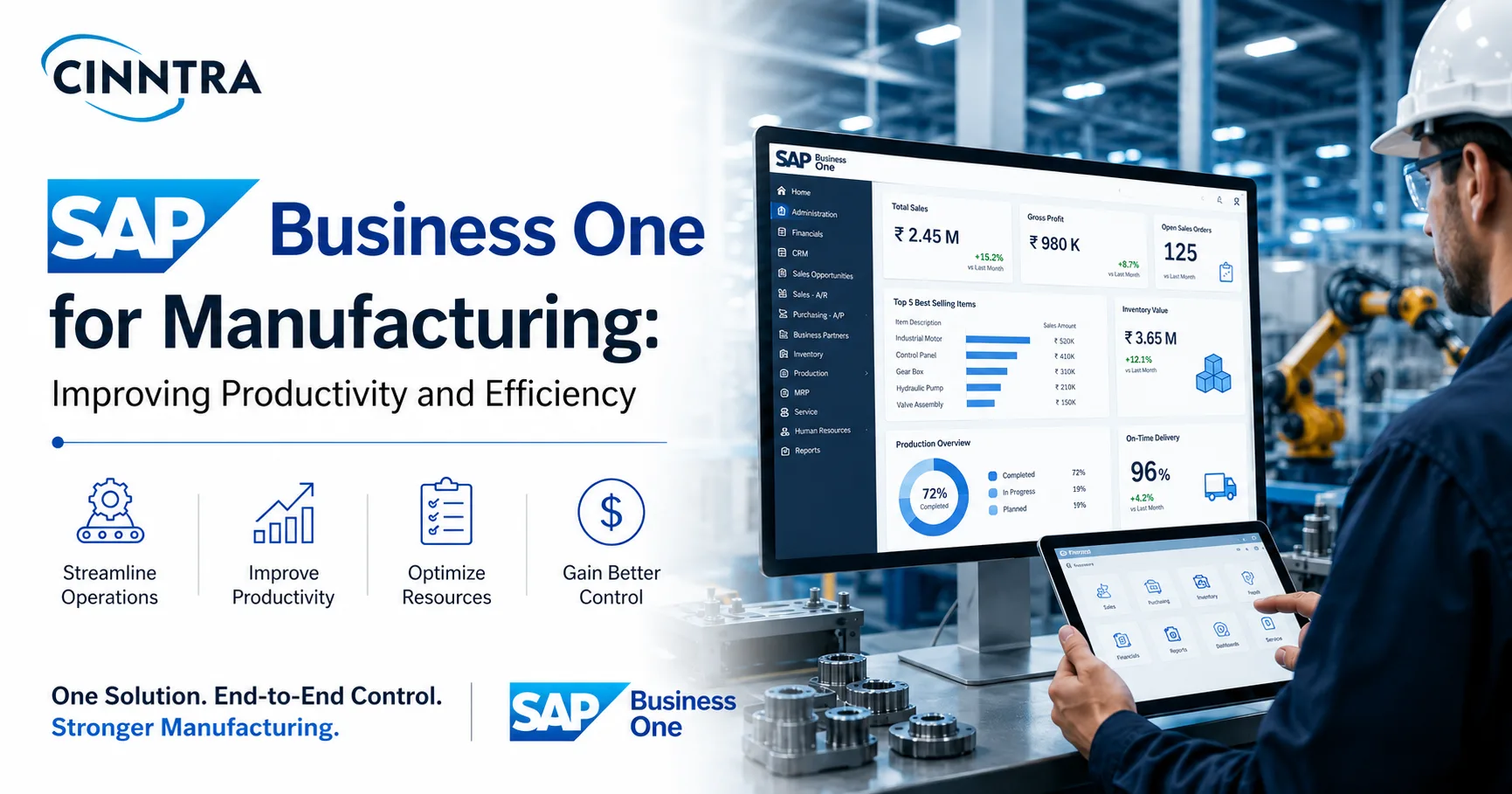
The problems mentioned in the section above are caused because of data first and become an operations problem later. SAP Business One solves these issues by putting inventory, production, purchasing, and finance on a single platform rather than on four disconnected platforms. When a component is used on the shop floor, the inventory record is updated automatically and does not have to be updated manually in the next cycle count. This makes the next purchasing decision based on what’s actually there in the stock and not what the outdated spreadsheet says.
How Does Poor Shop-Floor Visibility Increase Manufacturing Costs?
When a plant is not able to see the real production costs until the month-end closing of books, it is essentially pricing the new orders based on guesses. A manufacturer who uses SAP Business One ERP gets the cost data simultaneously while production takes place. The labor, materials, and overhead for the actual work is not an estimate which will be reconciled some weeks later.
This small difference can completely change how a business makes quoting and margin decisions.
How Does SAP Business One Improve Manufacturing Productivity?
SAP Business One manufacturing functionality is based on three major areas that affect the throughput directly. These are: material planning, production execution, and shop floor visibility.
Function What it replaces Productivity impact Material Requirements Planning (MRP) Manual reorder spreadsheets Purchase orders generated from actual demand, not guesswork Multi-level Bill of Materials (BOM) Static BOM documents in Excel Sub-assemblies and components tracked automatically through production Production order tracking Paper travelers and status calls to the floor Real-time status on every open order from a single screen Batch and serial tracking Manual logbooks Full traceability for recalls, warranty claims, and compliance
For example, a mid-sized auto parts supplier might have four different production lines with common component requirements. If the MRP is not connected with live inventory, planners may over-order safety stock to avoid stockouts or the risk of delayed production. SAP Business One’s MRP module generates purchase suggestions based on actual demand and lead times so that the supplier can cut down the safety stock without a risk of shortage.
How Is AI Used in SAP Business One for Modern Business Operations?
AI in SAP Business One does not have very vast capabilities like it does in SAP S/4HANA deployments, but it's there in practice. SAP has verified AI-powered document extraction through SAP BTP, which lets manufacturers retrieve data from supplier invoices and receipts automatically instead of adding it by hand.
SAP has also talked about continued investment in extensibility so that partners can build AI-driven automation such as demand alerts, exception flagging, and anomaly detection in the production costs. This is on top of the core platform as an add-on feature. In short, for manufacturers, SAP Business One’s structured and single database environment makes this AI adoption a realistic option. AI tools need only clean and interconnected data to work properly, and that is what a well implemented ERP provides.
What Should Manufacturers Expect During an SAP Business One Implementation?
For a manufacturer, an SAP Business One Implementation is a different project than a distribution or a services firm. The data of production, routing, and costing needs to be mapped well before go-live. This means:
- Auditing existing BOMs and routings will be done before migration for accuracy
- Defining production order workflows happens according to the actual shop floor practice and not according to the software's default
- Testing the MRP system with past demand data before using it for actual purchasing decisions
- Training the planners and shop floor supervisors separately because they use the system differently from each other
Skipping even one of these steps will make an implementation technically correct but not practically usable after six months. The software works just fine, but the planners also keep a spreadsheet at the same time because nobody completely trusts the migrated data to let go of the old processes.
The production supervisor who was working with three spreadsheets and a WhatsApp group didn't need any more effort from her team, but she did need a system where inventory, production, and purchasing are all on a single platform. This is exactly what a properly implemented SAP Business One environment gives a manufacturer – a clear picture of what is happening and what has already happened.
Cinntra works with manufacturers on SAP Business One implementation and support, helping them get from disconnected spreadsheets to a system that actually reflects the shop floor.