

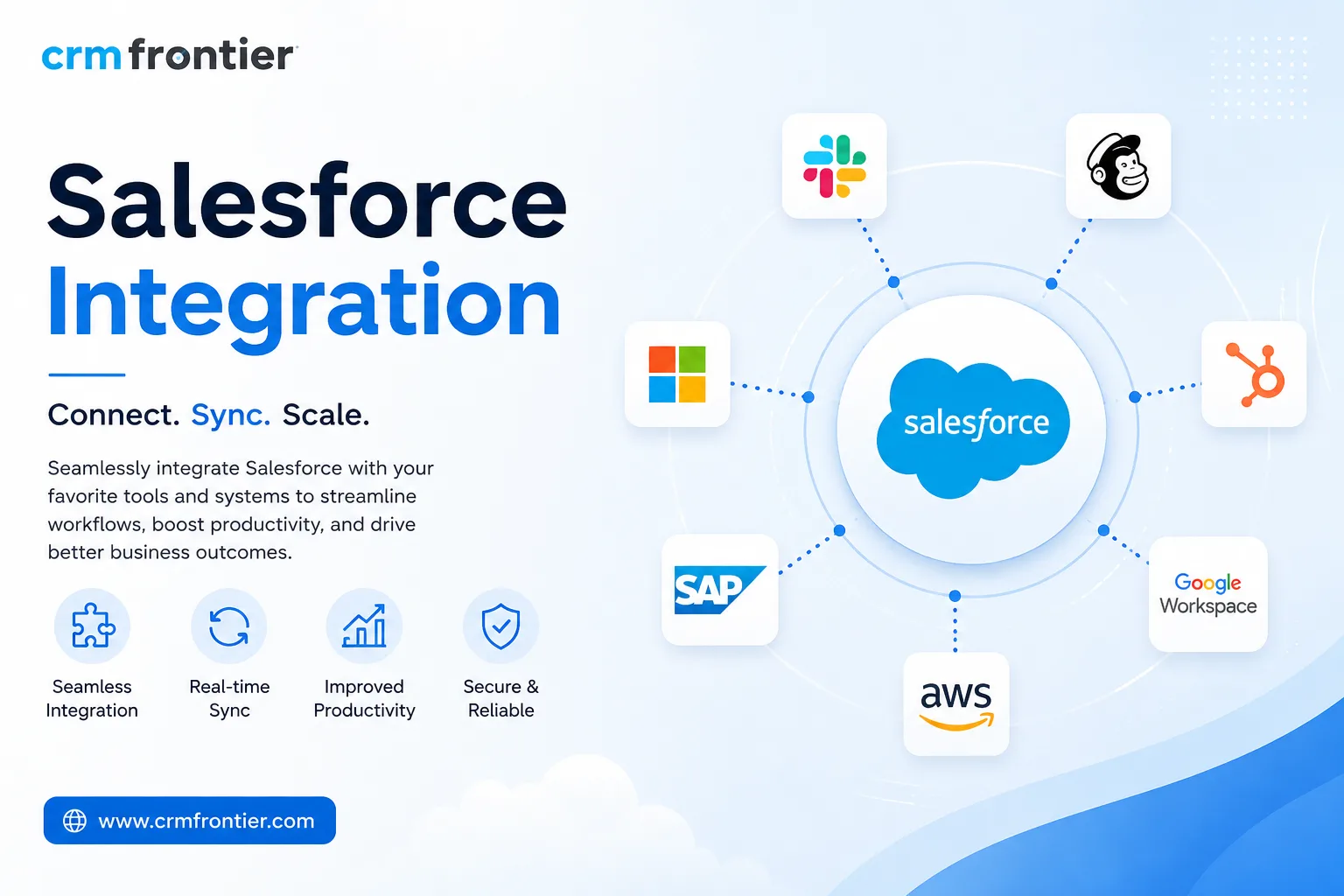
Salesforce is a powerful CRM platform for managing leads, customer relationships, sales pipelines, and business data. However, its full value can be limited when it operates separately from the other systems your business uses every day. Sales teams may need information from an ERP, finance teams may rely on accounting software, marketers may use separate automation platforms, and customer service teams may work from another support system.
This is where Salesforce integration services become important.
Integration connects Salesforce with the systems your business depends on, allowing data to move automatically between platforms. Instead of switching between multiple applications or manually entering the same information, teams can work with connected and consistent data from one place.
What Do Salesforce Integration Services Include?
Salesforce integration is not limited to connecting two applications. The scope depends on your technology stack, business processes, and the amount of manual data transfer involved.
A complete integration project can include several areas:
API Integration: APIs allow Salesforce and external applications to exchange information in real time. For example, when a deal is closed in Salesforce, relevant information can automatically be sent to an accounting system to initiate invoicing.
Backend Integration: Salesforce can connect with ERP, inventory, order management, and supply chain platforms. This gives sales teams better visibility into inventory, orders, production schedules, and other operational information without leaving the CRM.
Data Integration: Customer, contact, account, and transaction data can be synchronised between Salesforce and other business systems. This helps reduce duplicate records, inconsistent information, and conflicting customer histories while creating a more reliable 360° customer view.
User Interface Integration: External information can also be displayed within Salesforce. Customer service representatives, for example, can access billing details, support tickets, and purchase information without constantly switching between different platforms.
Common Salesforce Integrations
Businesses use Salesforce integrations across multiple departments and industries. Some of the most common connections include:
Salesforce + ERP: Platforms such as SAP, NetSuite, Oracle, and Microsoft Dynamics 365 can be connected with Salesforce to synchronise customer accounts, pricing, inventory, and order information. This reduces manual handoffs between sales and operations.
Salesforce + Marketing Automation: Integrations with HubSpot, Marketo, Pardot, and Mailchimp can connect marketing activity with sales processes. Sales teams can access prospect engagement information, while marketing teams can better understand which campaigns contribute to business opportunities.
Salesforce + Accounting: Connecting Salesforce with QuickBooks, Xero, or Sage can make invoice status, payment information, and account balances more accessible to sales teams. This reduces the need for manual reconciliation between CRM and accounting data.
Salesforce + Customer Support: Integrations with Zendesk, ServiceNow, and Freshdesk can provide service teams with customer information, open cases, purchase history, and account details in one environment. Sales teams can also identify unresolved customer issues before contacting an account.
Salesforce + Telephony: Platforms such as Amazon Connect, Genesys, and RingCentral can integrate calling functionality into Salesforce. Calls can be logged automatically, recordings can be associated with customer records, and relevant customer information can appear when a call is received.
How Does the Salesforce Integration Process Work?
A successful integration should begin with understanding the business rather than immediately writing code.
The first stage is discovery. This involves reviewing existing systems, identifying manual processes, understanding data flows, defining business requirements, and determining what the integration needs to achieve. This stage also helps establish the required middleware, data mapping, integration architecture, and testing approach.
Next comes the configuration and development phase. Connections between systems are built, fields are mapped, data transformation rules are configured, and error-handling processes are established. Depending on the complexity of the environment, businesses may use point-to-point integrations, MuleSoft, or third-party iPaaS platforms such as Workato, Boomi, or Informatica.
Testing is another critical stage. Integration teams can begin with sample data, move to sandbox testing, and then conduct user acceptance testing with actual business users. Thorough testing helps identify synchronisation problems and data-quality issues before the integration reaches production.
After deployment, the integration should continue to be monitored. Logs, synchronisation errors, performance, and system behaviour should be reviewed to ensure everything works reliably under real business conditions.
Choosing the Right Salesforce Integration Partner
The quality of your integration depends heavily on the expertise of the partner you choose. A reliable Salesforce integration partner should have strong experience connecting Salesforce with different business platforms and should understand both technical requirements and business workflows.
Look for relevant Salesforce certifications, integration experience, knowledge of platforms in your technology stack, and a clear approach to monitoring and support. Ask how integration failures are detected, how errors are handled, how quickly issues are escalated, and what support is available after launch.
Data security should also be a key consideration. Integrations may transfer sensitive business and customer information between systems, so authentication, encryption, access controls, and audit logging should be addressed during the planning stage.
Why Salesforce Integration Matters
The benefits of integration go beyond simply connecting software. Every manual data-entry task takes time that employees could spend on more valuable activities. When teams have access to accurate, real-time information, sales processes can become more efficient, marketing performance can be measured more effectively, and customer service teams can resolve issues with greater context.
Connected systems also help leadership make decisions using consistent information rather than outdated or duplicated data.
CRM Frontier: Your Salesforce Integration Partner
CRM Frontier is a dedicated Salesforce integration partner helping businesses connect Salesforce with the systems they rely on. From planning and system mapping to development, testing, deployment, and ongoing monitoring, CRM Frontier helps organisations streamline workflows, improve data visibility, and maximise the value of their Salesforce investment.
A well-planned Salesforce integration is more than a technical connection. It creates the foundation for connected operations, better customer experiences, and a CRM environment that can support your business as it grows.


