
We spend more hours than ever glued to our workstations. Between typing reports, reviewing dense spreadsheets, attending video calls, and unwinding with intricate evening crafts, our eyes are under continuous stress. We readily invest in supportive office chairs, standing desks, and wrist-saving keyboards, yet we routinely neglect the single most direct factor influencing our daily visual comfort: the light shining across our desk.
Bad lighting operates like a silent thief of energy. By the end of a long workday, many professionals and crafters suffer from dry eyes, blurred vision, tension headaches, and neck stiffness. While we often blame screen time, the primary culprit is frequently poor ambient contrast and harsh, low-quality task lighting. Understanding how artificial light interacts with eye muscle fatigue is the first step toward building a healthier workspace. In an age dominated by screen glare, finding the best desk lamp for eyes isn't just about raw brightness—it’s about how smoothly and accurately that light reaches your retina.
The Hidden Mechanisms of Visual Fatigue
When you work at a desk, the tiny ciliary muscles inside your eyes are constantly adjusting. They contract to focus on fine text and relax when you look into the distance. Standard room lighting forces these muscles to work in overdrive due to three distinct physical flaws in conventional light bulbs:
1. Invisible High-Frequency Flickering
Inexpensive LED drivers power lights using rapid Pulse Width Modulation (PWM), causing the bulb to turn on and off hundreds of times per second. Although your conscious mind cannot see this high-speed flashing, your brain and optical nerves still process it. This continuous micro-pulsing leads directly to eye fatigue, mental sluggishness, and tension headaches.
2. Low Color Fidelity (CRI Deficit)
Standard household bulbs distort the visible spectrum, casting a dull yellow or artificial blue tint across your workspace. When light lacks full-spectrum accuracy (measured by Color Rendering Index, or CRI), your eyes struggle to differentiate fine contrast, force-reading text on paper or subtle thread hues in craft projects.
3. Screen Glare and High Contrast
When a single bright bulb reflects off a glossy computer screen or white paper, it creates harsh "hot spots." Surrounding these hot spots with dark, unlit corners forces your pupils to dilate and constrict repeatedly as your sight shifts across your desk.
The Pillars of Optical Health in Task Lighting
To shield your vision from strain and support sustained focus, professional task lighting must adhere to strict visual health standards:
Full-Spectrum Color Accuracy
A high Color Rendering Index (CRI 90+) mimics natural sunlight. Under high-CRI light, text on printed pages stands out with sharp, dark contrast, and subtle colors appear vibrant and true to life. This reduces the need to lean forward or squint while reading fine print or performing detailed handwork.
Tri-Spectrum Adaptability
Our eyes react differently to light temperatures depending on the time of day and the task at hand:
- Cool Daylight (5000K–6000K): Boosts morning focus, suppresses melatonin, and delivers high visual contrast for detailed work or reading dark print.
- Pure Neutral White (4000K): Balances contrast for mid-day computer work and document review without harsh glare.
- Warm Amber (2800K–3000K): Softens visual contrast for late-evening sessions, relaxing your optical muscles and preserving your natural sleep cycle.
Smooth, Continuous Dimming
Lighting should adapt seamlessly to changing natural light throughout the day. Having multi-level tactile brightness controls allows you to dial in the exact output needed to balance ambient window light or room fixtures.
Workspace Setup: Positioning Your Light for Maximum Comfort
Even the most advanced light fixture requires proper positioning to perform effectively. Apply these three rules to optimize your desk layout:
- Deflect Glare Away from Your Line of Sight: Angle the light head downward toward your working surface so the bare LEDs remain hidden beneath your direct eye level. Never point the light source directly at your monitor or face.
- Eliminate Hand Shadows: Position the lamp base on the side opposite your dominant writing hand (e.g., on your left if you are right-handed). This prevents your hand and pen from casting dark shadows over your notebook or tablet.
- Maintain Balanced Room Lighting: Avoid working in a pitch-black room with a single isolated beam of desk light. Keep soft, ambient room lighting active so your eyes don't suffer from extreme contrast when looking up from your desk.
Prioritize Your Long-Term Visual Health
Your eyes are your most critical daily tool. Expecting them to perform flawlessly under dim ceiling fixtures or cheap, flickering desk lamps inevitably leads to discomfort, fatigue, and lower productivity.
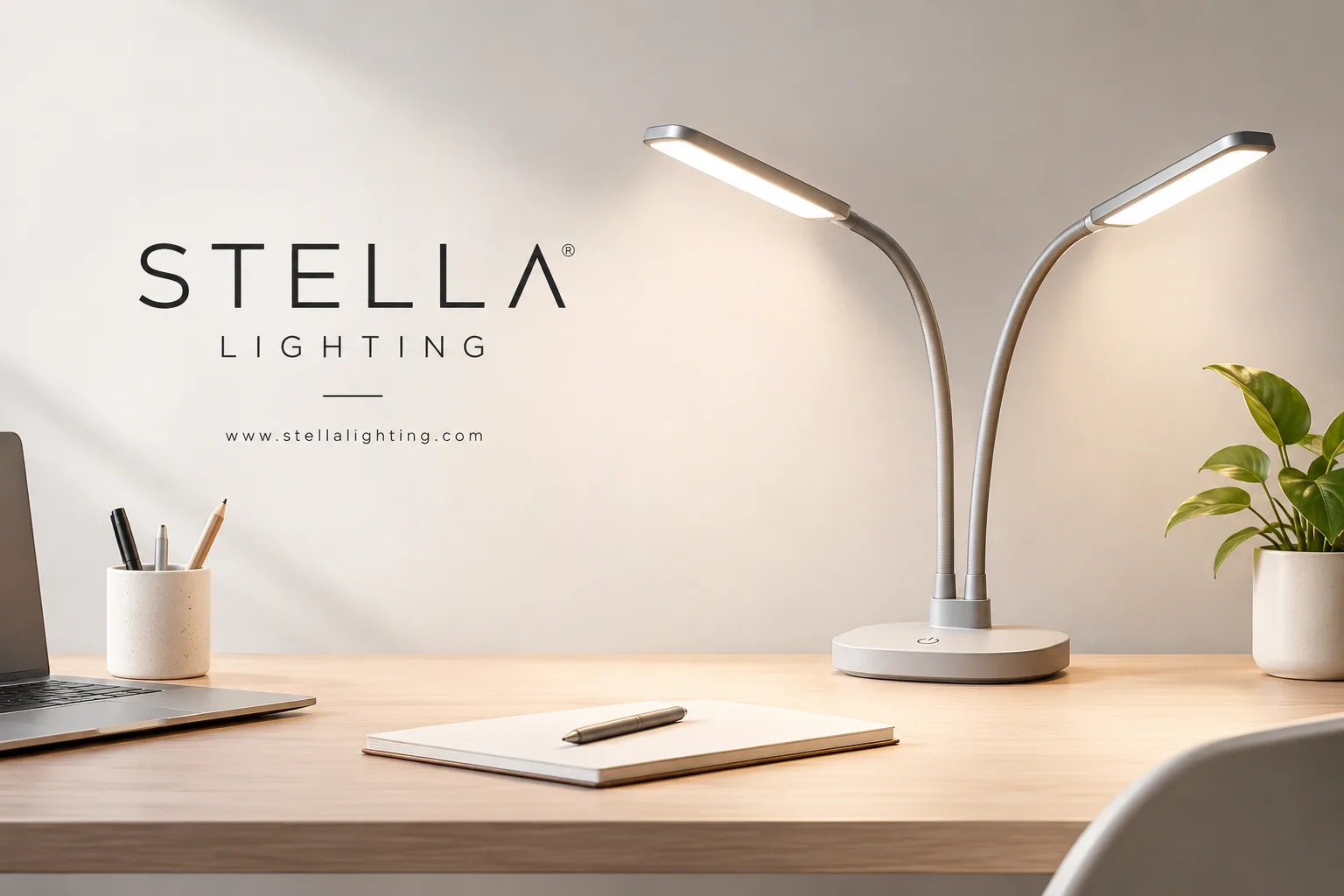
Upgrading your workspace with purposeful, high-performance illumination is an essential investment in your everyday well-being. By delivering flicker-free direct current, high-definition CRI 90+ color rendering, and an ultra-flexible gooseneck arm, investing in the stella two desk lamp gives you the precise control, full-spectrum optics, and ergonomic flexibility required to safeguard your vision and work comfortably for hours on end.