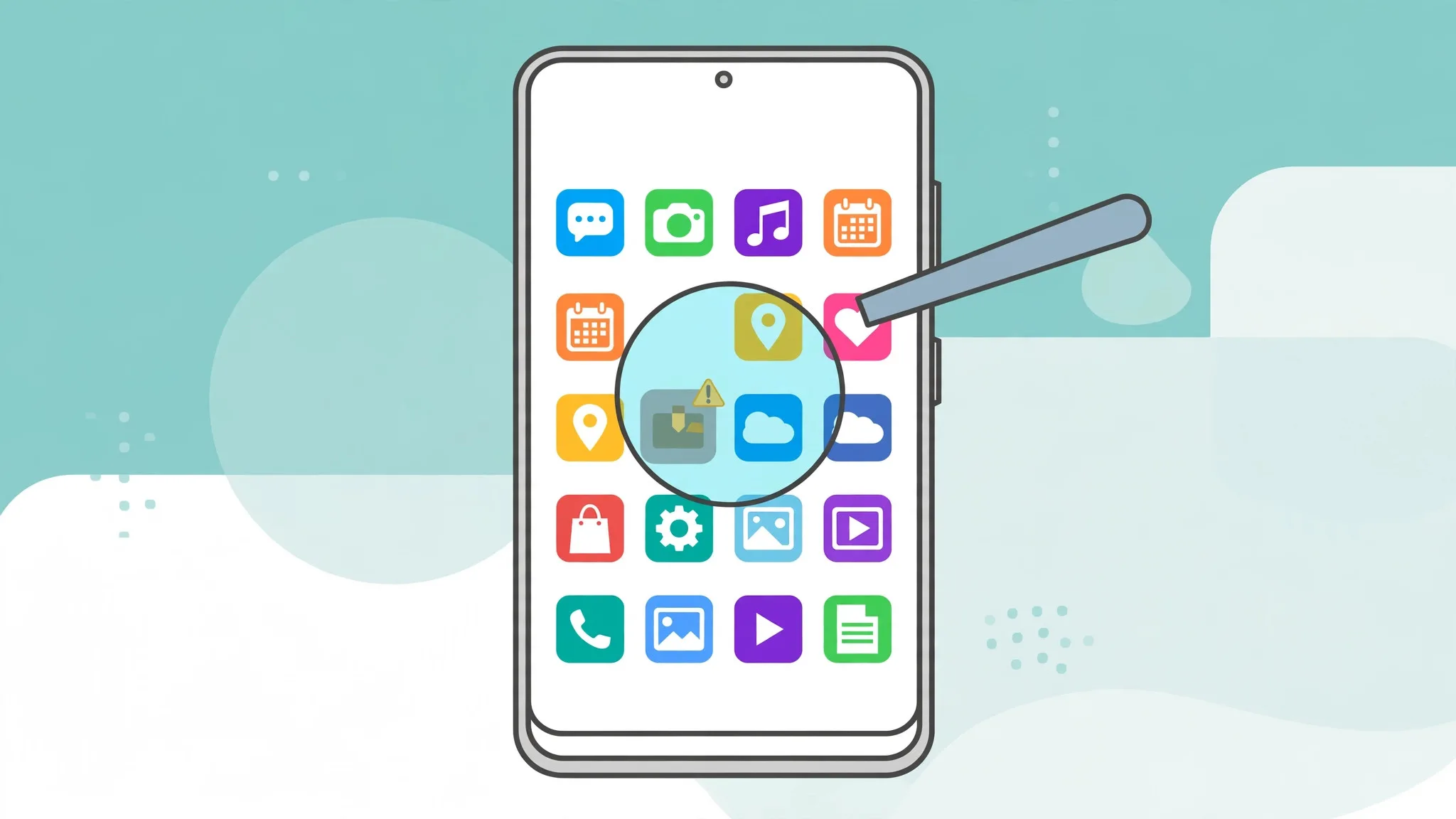
Every Android user knows the moment. An app you use every day shows an update badge, and you hesitate: the current version works fine, so why risk it? Other times you are stuck on an old release that keeps nagging you to upgrade. Choosing between an old version and a new one is not guesswork — a few simple checks make the decision easy.
When the new version is the right choice
Security is the strongest reason to update. Developers patch holes in new releases, and an old version with a known flaw stays exposed no matter how well it runs. The same goes for compatibility: as Android itself moves forward, older app versions slowly lose support, crash more often, or stop connecting to the services they rely on.
New versions also fix the bugs you have been quietly tolerating — the freeze on launch, the battery drain, the login that fails every second time. If your problem matches something users complained about recently, there is a good chance the latest release already solves it. This is why keeping a source of updated APK versions for Android phones matters: you can read the version number, release date and changelog before you commit to the change.
When holding back makes sense
Newer is not automatically better. A fresh release occasionally arrives with its own bugs, a redesigned interface you dislike, or heavier resource demands that an older phone struggles with. If an app is critical to your day — banking, work chat, your bus ticket — waiting a few days and reading early reviews from other users is a reasonable strategy.
There is also the storage question. Some updates grow the app significantly. On a phone with 32 GB, a version that doubles in size for features you never use is a genuine downgrade in practice, whatever the version number says.
A simple decision checklist
First, read the changelog. “Bug fixes and performance improvements” is vague, but specific notes about crashes, security or compatibility tell you exactly what you gain. Second, check the size and the Android version required — if the new release drops support for your phone's Android version, the decision is made for you. Third, look at recent reviews sorted by newest, and filter by your device if the store allows it. Fourth, before updating anything important, note your current version number; if the new release misbehaves, knowing what you had makes rolling back far easier.
One habit ties all of this together: get your versions from a source that shows the developer, the version history and the file details openly. Old or new, the right release is the one you chose on purpose — not the one an unknown site chose for you.