
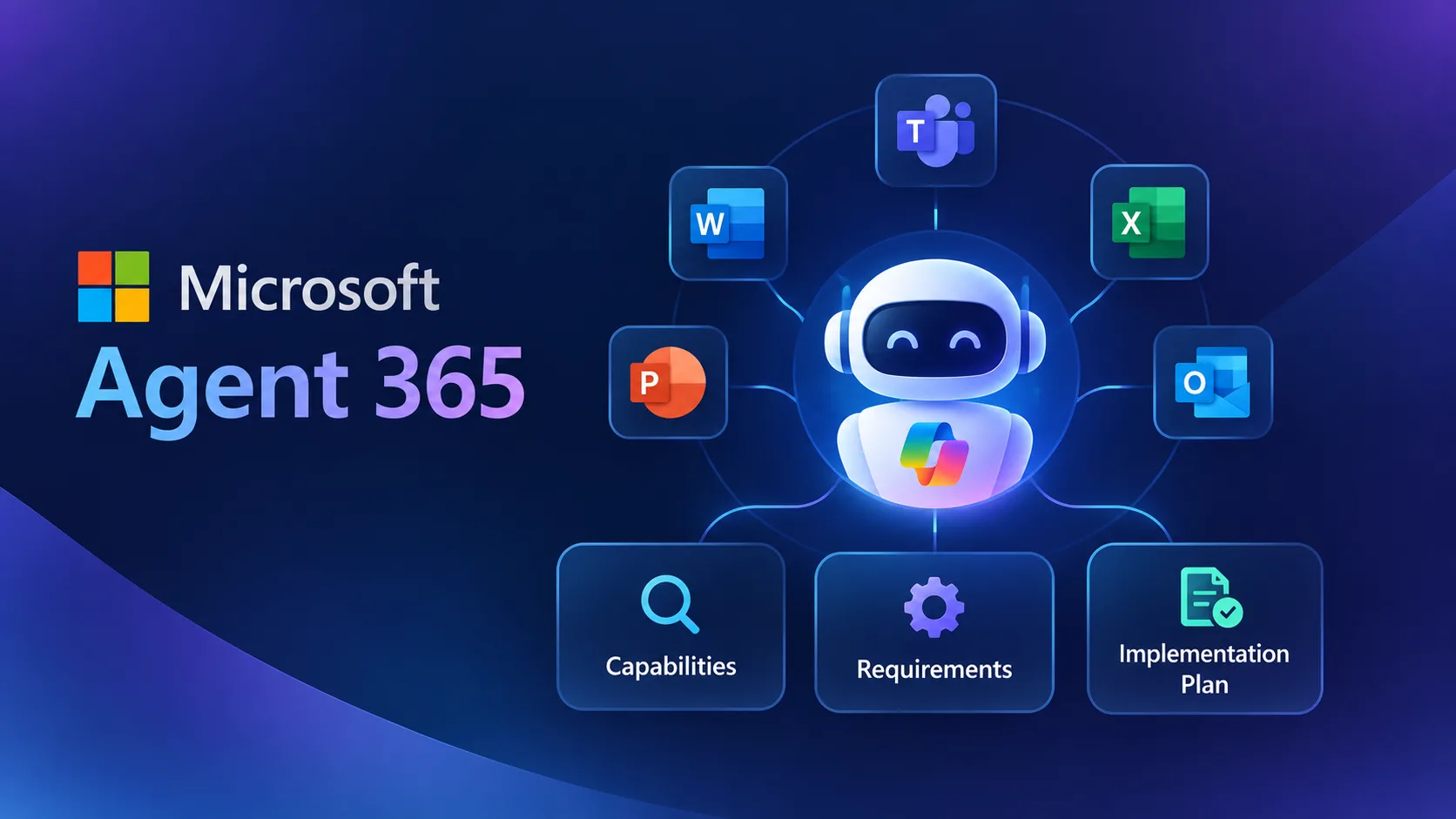
Terminology is often the first obstacle when a new platform arrives. Microsoft Agent 365 brings together ideas from identity management, data governance, security operations, and AI development, and each group tends to use its own vocabulary. This reference guide defines the core concepts, explains how they relate to one another, and shows where each one matters during a Microsoft 365 implementation.
Where Agent 365 Sits in the Microsoft Stack
Microsoft offers several products related to AI agents, and it helps to separate what each one does.
- Microsoft 365 Copilot is an assistant that helps people work inside apps such as Word, Excel, Outlook, and Teams.
- Copilot Studio is a low-code environment for building custom agents.
- Microsoft Foundry is a platform for developers building AI applications and agents.
- Agent 365 is the management layer that governs agents, regardless of which of the above, or which open-source framework, was used to create them.
In short, the first three are about building and using AI. Agent 365 is about oversight. For any Microsoft agent 365 enterprise rollout, this distinction explains why the platform is relevant even for organizations that already have a preferred way to build agents.
Core Concepts, Defined
Control plane. A central point from which administrators manage and observe something distributed. In this case, it is the single place to oversee agents across a Microsoft 365 tenant, instead of checking each build tool separately.
Tenant. The dedicated instance of Microsoft 365 services that belongs to an organization. Agent 365 operates inside it, which is why existing licenses, security settings, and data form the foundation of any rollout.
Agent identity. A distinct identity assigned to an agent so that its access can be defined, monitored, and revoked on its own terms. This is managed through Microsoft Entra and prevents agents from silently borrowing the broad permissions of the person who created them.
Least privilege. The practice of granting only the access a task requires. For agents, it means limiting which sites, files, and systems each one can reach.
Agent registry. An inventory of agents, including who owns them and what they are for. It supports record-keeping and is the starting point for answering the basic question of how many agents exist.
Observability. The ability to see what an agent is doing, including which resources it touches and how its behavior changes over time. It turns governance from a one-time review into an ongoing activity.
Lifecycle management. Handling an agent from request through retirement, including approval, change review, and removal when it is no longer needed.
Policy. A written rule that defines what agents may do, such as which data classifications they can access. Microsoft provides the framework to enforce policies, but the organization decides what they say.
Sensitivity label. A Microsoft Purview classification attached to content, such as confidential or internal, that drives protection rules. Consistent labeling directly affects what an agent can safely retrieve.
Software development kit (SDK). A set of tools developers use to connect their own agents to a platform. The Agent 365 SDK allows custom-built agents to participate in the same governance model.
The Four Microsoft Services Behind Agent 365
Agent 365 draws its controls from four existing Microsoft services. Understanding their roles clarifies why existing security teams can adopt it without learning an entirely new discipline.
ServiceContribution to agent managementMicrosoft EntraIdentity, authentication, and access control for agentsMicrosoft DefenderThreat detection and response related to agent activityMicrosoft PurviewData classification, retention, compliance, and governanceMicrosoft IntuneManagement of the devices and endpoints involvedBecause these services are already familiar to most enterprise IT teams, the learning curve centers on applying known controls to a new type of identity, the agent.
What Makes Agents Different from Traditional Software
Governance of agents is not identical to governance of ordinary applications, and the differences explain why a dedicated platform exists.
- Autonomy. Agents can decide how to complete a task, not just follow a fixed script.
- Breadth of access. A single agent may read email, query documents, and call external systems in one workflow.
- Variable behavior. The same request may be handled differently depending on context, which makes monitoring more important.
- Rapid creation. Low-code tools let non-developers build agents quickly, which increases the number of agents faster than traditional approval processes can track.
These characteristics call for visibility, identity controls, and regular review, which are exactly the areas Agent 365 addresses.
Preparing the Environment: What the Concepts Mean in Practice
Each concept above corresponds to preparation work in a real M365 implementation plan.
- Identity points to a review of Entra roles, conditional access, and how privileged accounts are handled.
- Data governance points to checking that sensitivity labels and retention policies in Purview are applied consistently.
- Content structure points to cleaning up SharePoint permissions so agents retrieve only what they should.
- Registry and lifecycle point to creating an inventory of existing agents and assigning an owner to each.
- Policy points to documenting who approves new agents and how often they are reviewed.
Completing these tasks before agents multiply is considerably easier than retrofitting them later. A practical walkthrough of these steps is available in this Microsoft Agent 365 implementation guide, which covers architecture, governance, and deployment in more detail.
Compliance Terms to Know
Regulation adds its own vocabulary. The EU AI Act, fully applicable from 2 August 2026, uses concepts such as risk management, data governance, transparency, human oversight, and post-market monitoring. Several Agent 365 capabilities, including agent records, Purview controls, and Entra access management, relate directly to these themes.
Having a platform capability is not the same as being compliant. Organizations must still map their own agents and use cases to the relevant requirements and document how controls are applied. GDPR and ISO 27001 follow the same logic, since each requires evidence that controls exist and are operating.
Frequently Asked Questions
Is Agent 365 a replacement for Copilot? No. Copilot assists users. Agent 365 governs agents and works alongside it.
Does it require a new tenant? No. It operates within the existing Microsoft 365 tenant.
How long does enablement take? Because it is delivered as a service connected to Microsoft 365, enabling the platform is generally quick. Policy design, data preparation, and adoption planning usually take longer.
Who should own it? Responsibility is usually shared among IT, security, and compliance, with business leaders approving use cases.
When Specialist Guidance Is Useful
Understanding the terminology is the first step. In any Microsoft Agent 365 implementation, turning it into working policy is the harder part, particularly when several departments are building agents at once. Microsoft Agent 365 consulting is commonly used to assess readiness, design governance, map regulatory requirements, and plan a phased rollout. A good advisor explains trade-offs clearly and leaves the internal team able to run the program on its own.
Summary
Agent 365 is a control plane for AI agents, built on identity, protection, data governance, and device management services that most enterprises already use. Knowing the key concepts, from agent identity and least privilege to observability and lifecycle management, makes it easier to plan a Microsoft 365 implementation that treats agents as accountable participants in the organization rather than unmanaged tools.