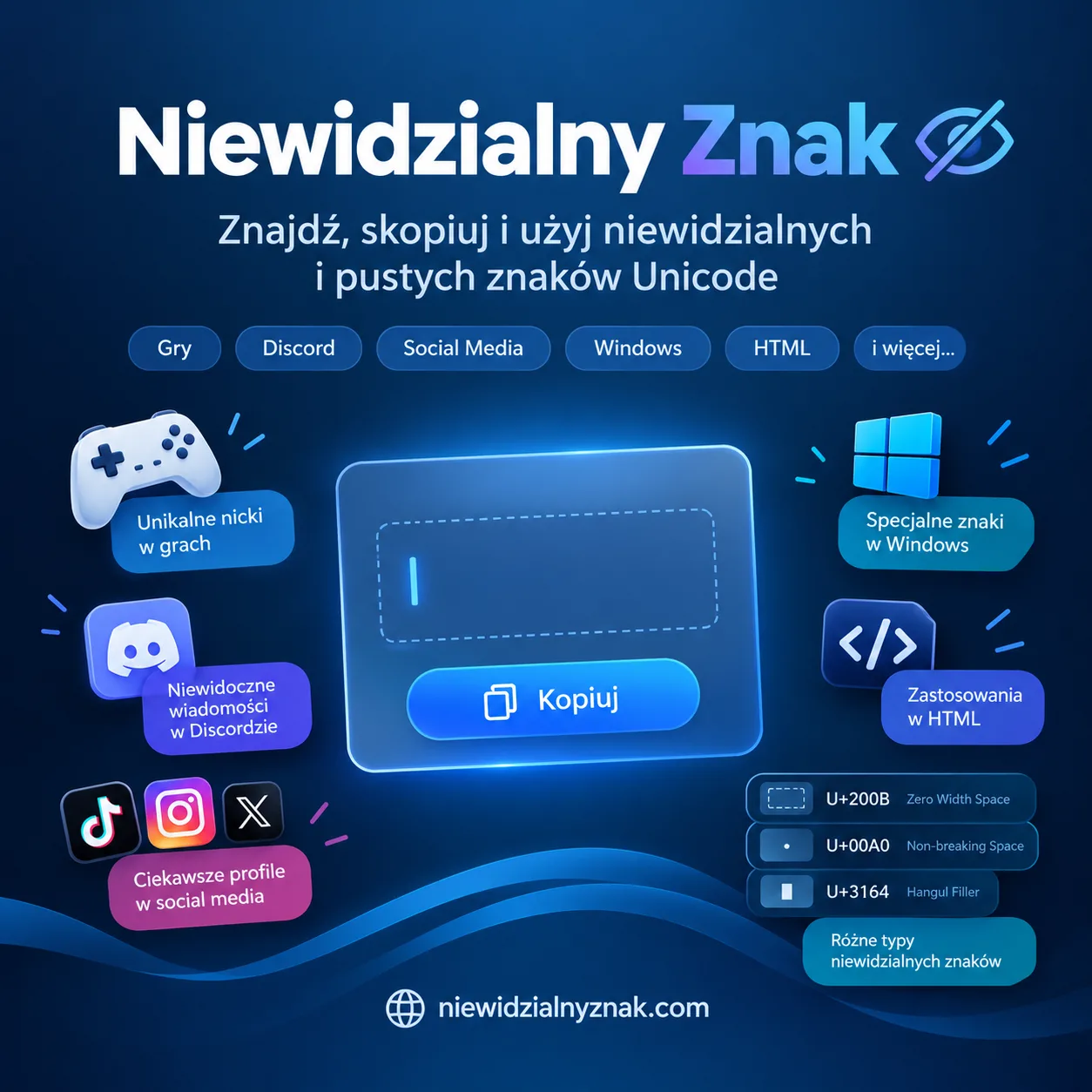
Not every character that exists in a piece of text is visible on the screen. Unicode contains many special characters that may appear as an empty space or may have no visible symbol at all. These characters can be useful in messaging apps, social media, games, documents, and other digital environments.
What Are Invisible Characters?
An invisible character is a text character that a computer recognizes even though the user may not see anything on the screen. Depending on the character, it can occupy some space or have zero width.
For example, U+200B is known as Zero Width Space, while U+3164 is called Hangul Filler. U+00A0 is a non-breaking space that can look similar to an ordinary blank space.
This is why pressing the regular spacebar does not always produce the same result as inserting a special Unicode character.
What Can Invisible Characters Be Used For?
One common use is creating unusual usernames and nicknames in games. Some platforms accept particular Unicode characters, allowing users to create names that look different from ordinary usernames.
They can also be useful for text formatting, testing how applications process Unicode, and creating specific spacing effects in documents or online content.
If you need a ready-to-copy character, you can use an invisible character generator to obtain the character you need without manually entering its Unicode code.
Invisible Characters in Games
Gamers often experiment with special Unicode characters when creating unique usernames. Games such as PUBG, Free Fire, Among Us, and Roblox may accept certain invisible characters, although their rules can change over time.
For many of these games, U+3164, also known as Hangul Filler, is one of the characters commonly used for invisible nicknames. However, compatibility depends on the individual game and its current filtering system.
Invisible Characters on Social Media
Special characters can also be useful in social media profiles, descriptions, and messages. Their behavior depends on the platform and the specific field where they are inserted.
Some services automatically remove invisible Unicode characters, while others continue to support particular characters. Testing the character before using it in an important profile is therefore a good idea.
Why Doesn't a Normal Space Always Work?
Many applications automatically remove extra spaces. A message containing only ordinary spaces may therefore be treated as empty.
A special Unicode character is interpreted differently. In some situations, it can be recognized as actual text even though it has no visible appearance.
How to Copy an Invisible Character
The easiest approach is to use a ready-made tool that provides tested invisible characters and lets you copy them directly. You can then paste the character into a game, chat, document, or other supported platform.
This is particularly useful when you do not want to memorize Unicode codes or manually enter special characters.
Final Thoughts
Invisible characters are an interesting part of Unicode and can have practical uses in gaming, messaging, social media, documents, and text experiments. However, not every invisible character works everywhere.
The best approach is to choose a suitable Unicode character, copy it, and test it on the platform where you intend to use it.