
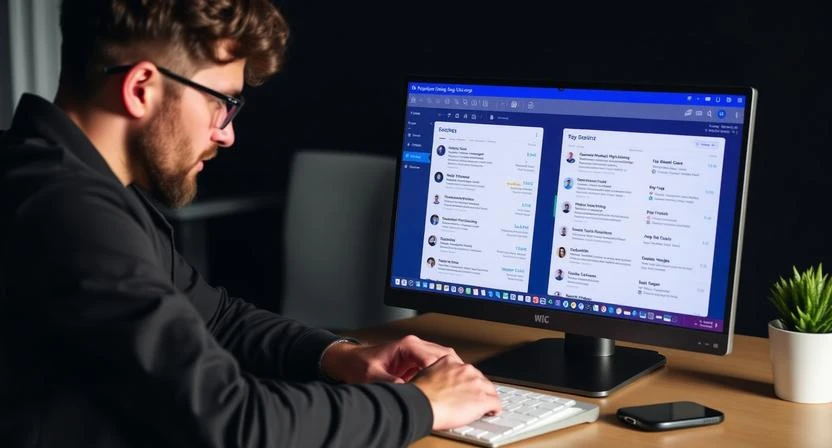
If you’re a beginner wondering how to organize an email inbox for beginners, the best place to start is by using simple tools like folders, labels, filters, and unsubscribe options to reduce clutter and keep important messages easy to find. Email organization is not complicated—you just need a clear system to sort messages, remove distractions, and automate the flow of emails so your inbox stays clean every day. Once you apply a few basic techniques, you’ll save time, avoid stress, and never miss important messages again.
How to Organize an Email Inbox for Beginners? Step-by-Step Guide
1. Start With a Quick Cleanup
Before creating your new organization system, you need to clear out the existing clutter.
Easy cleanup steps for beginners:
- Delete obvious junk like promotions, offers, and expired newsletters
- Remove old notifications you no longer need
- Empty your spam and trash folders
- Archive messages that you may need but don’t require immediate attention
Most email providers (Gmail, Outlook, Yahoo) allow bulk selection so you can delete hundreds of emails at once. Aim to reduce your inbox to a manageable number.
Read More: How to Organize Email Inbox for Beginners?