
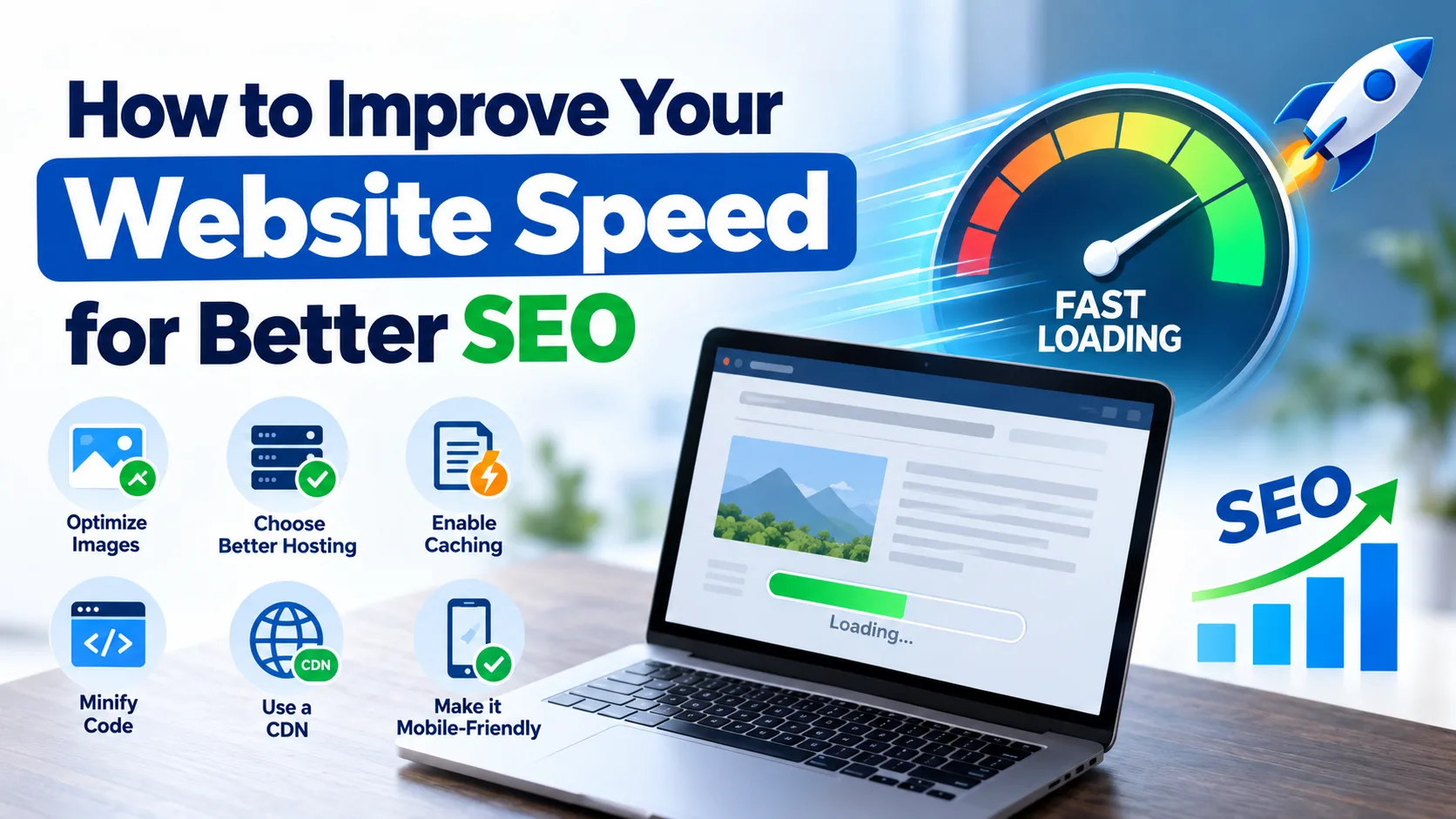
Website speed is one of the most important parts of a good website experience. When a website loads quickly, visitors can find information easily, explore different pages, and take action without waiting. A slow website can frustrate users and make them leave before reading your content or contacting your business.
Website speed also matters for search engine optimization (SEO). Google considers page experience and Core Web Vitals among the factors that can support better search performance. However, website speed alone cannot guarantee higher rankings. Quality content, relevant keywords, backlinks, and technical SEO are also important.
In this guide, we will explain how to improve website speed for better SEO using simple and practical methods.
Why Is Website Speed Important for SEO?
Website speed affects how visitors interact with your website. If a page takes too long to load, users may leave and visit another website. This can reduce engagement and the chances of getting leads or sales.
A fast website offers several benefits:
- Better user experience: Visitors can access information without unnecessary delays.
- Improved mobile experience: Users can browse your website more easily on smartphones.
- Better Core Web Vitals: Speed optimization can help improve important page experience metrics.
- More conversions: A smooth website experience can encourage visitors to contact you, submit a form, or purchase a product.
- Support for SEO performance: A good page experience can contribute to search visibility when combined with relevant, helpful content.
Google recommends providing a good overall page experience rather than focusing only on one ranking factor.
1. Test Your Website Speed
Before making changes, check your website's current speed. A speed test helps you identify problems that may be affecting page performance.
You can use these free tools:
- Google PageSpeed Insights: Measures website performance and provides suggestions for improvement.
- Google Search Console: Shows Core Web Vitals issues affecting your website's pages.
- GTmetrix: Helps identify slow-loading resources and other performance problems.
Test your important pages separately, including your homepage, service pages, and blog posts. Also, check mobile and desktop performance because the results can be different.
Do not focus only on the overall performance score. Read the recommendations and identify which changes are likely to have the biggest impact.
2. Optimize Images for Faster Loading
Large images are a common reason for slow websites. High-quality images improve the appearance of a page, but oversized image files can take longer to load.
You can optimize images by following these steps:
- Compress images before uploading them.
- Use modern image formats such as WebP or AVIF where suitable.
- Resize images according to the space they occupy on the page.
- Avoid uploading large images when a smaller version is sufficient.
- Enable lazy loading for images that appear below the visible part of the page.
For example, if a blog image is displayed at 800 pixels wide, uploading a much larger image may waste bandwidth without improving its appearance.
Remember not to lazy-load the main image that visitors see immediately when opening a page. That image may need to load quickly to improve the page's loading experience.
3. Choose Reliable Web Hosting
Your hosting service plays an important role in website performance. If your server responds slowly, visitors may experience delays even when your images and other files are optimized.
Choose a hosting provider that offers good server performance, reliable uptime, suitable resources, and effective support.
If your target audience is mainly in the United States, consider hosting or a content delivery network (CDN) that can serve visitors efficiently in that region.
Changing hosting providers is not always necessary. First, check server response times, caching settings, and resource usage. If the server remains slow after optimization, upgrading your hosting plan or moving to a better provider may help.
4. Enable Browser Caching
Browser caching allows a visitor's browser to store certain website files, such as images, CSS, and JavaScript, for future visits.
When the visitor returns to your website, the browser may reuse these saved files instead of downloading everything again.
This can reduce loading time and improve the browsing experience for returning visitors.
If your website uses WordPress, you can explore caching plugins such as WP Rocket, W3 Total Cache, or LiteSpeed Cache, depending on your hosting setup.
Configure caching carefully and test your website after making changes to ensure that important updates still appear correctly.
5. Minify CSS, JavaScript, and HTML
Websites use HTML, CSS, and JavaScript to display content and provide interactive features. Unnecessary code, large files, and unused scripts can increase loading time.
Minification removes unnecessary characters, spaces, and comments from code without changing its intended function.
To improve performance:
- Minify CSS and JavaScript files.
- Remove unused CSS where possible.
- Reduce unnecessary JavaScript.
- Delay non-essential scripts until they are needed.
- Avoid installing too many plugins that load extra resources.
Be careful when combining or delaying scripts. Some websites depend on specific scripts for menus, contact forms, tracking, or other functions. Test these features after every major optimization.
6. Improve Your Website's Core Web Vitals
Core Web Vitals are Google's key metrics for measuring loading performance, responsiveness, and visual stability.
The three main metrics are:
Largest Contentful Paint (LCP): Measures how quickly the main content becomes visible. Aim for 2.5 seconds or less.
Interaction to Next Paint (INP): Measures how quickly a page responds to user interactions. Aim for 200 milliseconds or less.
Cumulative Layout Shift (CLS): Measures unexpected movement of page content. Aim for a score of 0.1 or less.
These targets are evaluated at the 75th percentile of real user visits. You can review your website's performance using PageSpeed Insights and Google Search Console.
To improve these metrics, optimize the main image, reduce unnecessary scripts, improve server response time, and reserve space for images and advertisements so that page elements do not move unexpectedly.
7. Use a Content Delivery Network (CDN)
A content delivery network stores copies of website resources on servers in different locations. When someone visits your website, the CDN can deliver certain files from a server closer to that visitor.
This can reduce the distance data needs to travel and improve loading times, especially for websites serving users across different countries.
A CDN can be particularly useful if your business targets customers in multiple regions, such as India, the United States, or the United Kingdom.
Before setting up a CDN, check whether your hosting provider already includes one. Configure caching rules carefully to avoid problems with dynamic content or updated pages.
8. Make Your Website Mobile-Friendly
Many people use mobile phones to search for products, services, and information. If your website loads slowly or is difficult to use on a smartphone, visitors may leave without taking action.
To improve mobile performance:
- Use a responsive website design.
- Keep images and page elements appropriately sized.
- Reduce unnecessary pop-ups and animations.
- Make buttons and links easy to tap.
- Keep menus simple and easy to navigate.
- Avoid loading unnecessary content before the main information appears.
Test your important pages on different screen sizes. A website that looks good on a desktop may still have speed or usability problems on mobile devices.
9. Reduce Unnecessary Plugins and Third-Party Scripts
Plugins can add useful features to a website, but too many plugins may increase server load or add extra CSS and JavaScript.
Review your installed plugins regularly and remove those you no longer need. Update the remaining plugins and check whether they affect loading time.
Also review third-party tools such as chat widgets, advertising scripts, tracking codes, and external fonts. Some may delay rendering or make the page less responsive.
Do not remove important tools without checking their purpose. Instead, keep only the features your website needs and load non-essential resources when appropriate.
10. Keep Monitoring Website Performance
Website speed optimization is not a one-time task. New plugins, website redesigns, large images, and changes in hosting can affect performance over time.
Follow a simple monitoring routine:
- Test your main pages using PageSpeed Insights.
- Review the Core Web Vitals report in Google Search Console.
- Identify pages with repeated performance problems.
- Fix the most important issues first.
- Test the website again after making changes.
- Monitor organic traffic, conversions, and user engagement.
Keep a record of your results so you can understand whether your improvements are working.
Common Website Speed Optimization Mistakes to Avoid
While improving website performance, avoid these common mistakes:
- Uploading uncompressed images.
- Installing multiple plugins that perform the same task.
- Using too many animations and third-party scripts.
- Lazy-loading the main image at the top of the page.
- Choosing cheap hosting without checking its performance.
- Focusing only on a perfect PageSpeed score instead of real user experience.
- Making technical changes without testing the website afterward.
The best approach is to focus on practical improvements that make your website faster, easier to use, and more reliable.
Before starting SEO, we should prepare a complete website audit report to check the website’s current performance. The audit includes technical SEO issues, website speed, indexing status, on-page SEO, keyword usage, broken links, mobile-friendliness, and existing content. This report helps identify problems, understand improvement opportunities, and create an effective SEO strategy to achieve better search engine rankings.
Conclusion
Improving website speed is an important part of technical SEO. A fast website helps visitors access information quickly, supports a better mobile experience, and can improve Core Web Vitals.
Start by testing your website, optimizing images, checking your hosting, enabling caching, reducing unnecessary code, and improving mobile usability. Continue monitoring performance through Google PageSpeed Insights and Google Search Console.
Remember that website speed is only one part of SEO. Combine technical improvements with helpful content, proper keyword targeting, internal linking, and quality backlinks to build a stronger website and support long-term organic growth.
If you want to improve your website's search performance, start by identifying the biggest speed issues and fixing them one by one.