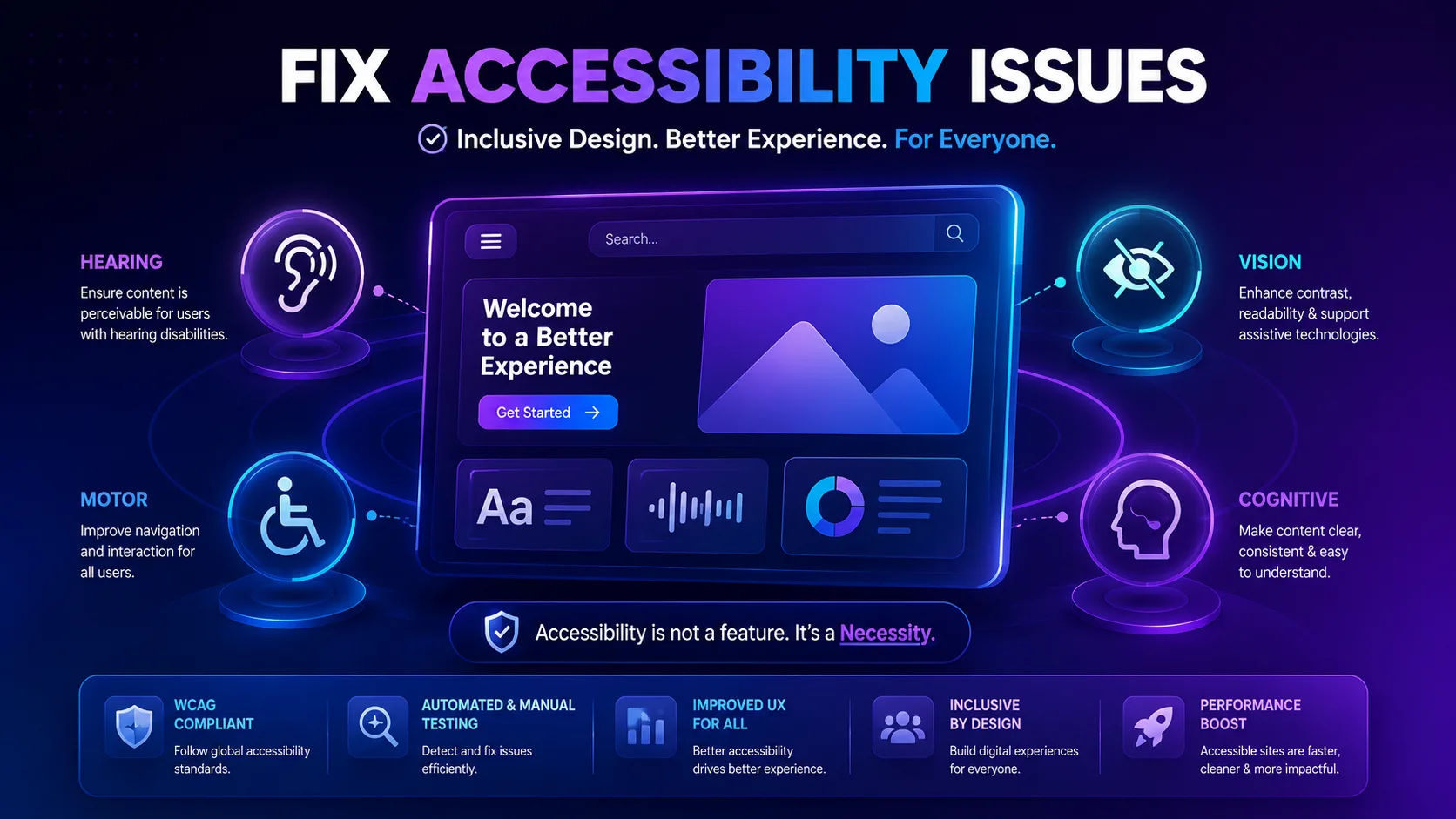
Web accessibility is no longer optional. Every business with a digital presence must ensure their website works for everyone, including people with visual, auditory, motor, or cognitive impairments. Yet many organizations only discover accessibility gaps after a user complaint or a legal notice arrives. The smarter approach is to fix accessibility issues proactively, long before they affect real users or damage your brand reputation.
Why Accessibility Cannot Be an Afterthought
When accessibility is treated as a final checklist item, problems slip through. A missing alt tag, a low contrast button, or a form field without a label might seem minor, but for someone relying on a screen reader or keyboard navigation, these small oversights become major barriers. Addressing accessibility early in the design and development process saves time, reduces costs, and prevents frustrating experiences for your visitors.
Common Website Accessibility Issues to Watch For
Understanding the most frequent problems helps teams know where to focus their attention. Some recurring website accessibility issues include:
Images without descriptive alt text, making content meaningless to screen reader users Poor color contrast that makes text difficult to read for people with low vision Forms lacking clear labels or instructions, leading to confusion during submission Non-keyboard-friendly navigation, which locks out users who cannot use a mouse Missing captions or transcripts for video and audio content Inconsistent heading structure that disrupts logical page flow for assistive technology
Recognizing these patterns is the first step toward building a more inclusive website.
How to Identify Accessibility Issues Effectively
Spotting problems manually can be time consuming and inconsistent, especially across large websites with hundreds of pages. To identify accessibility issues thoroughly, teams need a structured process that combines manual review with automated scanning. Manual testing helps catch usability nuances, such as how content reads aloud or how intuitive the navigation feels. Automated scanning, on the other hand, quickly flags technical violations like missing attributes, contrast failures, or broken ARIA roles across an entire site.
Combining both methods gives a complete picture. Manual reviewers understand context and user experience, while automated checks provide speed and consistency at scale. Together, they form a reliable foundation for accessibility issue resolution that does not rely on guesswork.
Steps for How to Fix Accessibility Issues
Once problems are identified, resolving them requires a clear action plan. Here is a practical approach for how to fix accessibility issues efficiently:
Prioritize issues based on severity, starting with barriers that completely block access Assign fixes to the right team members, whether developers, designers, or content writers Update code and content simultaneously, since accessibility often spans both areas Test fixes with real assistive technology, not just automated tools Document changes so future updates do not reintroduce the same problems Schedule regular audits instead of treating accessibility as a one-time project
This structured cycle ensures issues do not just get patched temporarily but are resolved in a way that holds up over time.
Making Accessibility Issue Resolution Part of Your Workflow
The most successful organizations do not separate accessibility from regular development work. Instead, they build it into every sprint, every content update, and every design review. This mindset shift transforms accessibility issue resolution from a reactive scramble into a consistent, manageable practice. Training teams to recognize issues early, setting internal accessibility standards, and reviewing new features before launch all contribute to a website that remains compliant and user friendly as it grows.
Take Action Before Issues Reach Your Users
Waiting for users to report accessibility problems is a risky strategy that can cost you customers, trust, and even legal standing. The better path is continuous monitoring and timely fixes. This is exactly where Tranistics Data Technologies Private Limited can help. Our accessibility-checker-tool is built to scan your website thoroughly, highlight issues clearly, and guide your team toward faster resolution, so problems get caught and corrected long before they ever reach your users. Do not let accessibility gaps hold your website back. Reach out to Tranistics Data Technologies Private Limited today and start building a website that truly works for everyone.