There's nothing more frustrating than pressing the power button on your computer, only to be greeted by an endless loading screen or a cryptic error message. Boot failures and operating system crashes have become increasingly common issues that can disrupt your productivity and leave you feeling helpless. Whether you're dealing with repeated restart loops, unexpected shutdowns, or a system that won't start at all, these problems can significantly impact your daily workflow. The causes behind these issues are often varied and complex, ranging from corrupted files to hardware failures, software conflicts, or outdated drivers. For residents and businesses in Melbourne seeking reliable solutions to their computing problems, understanding how to diagnose and fix these issues is invaluable. In fact, many people across the city turn to professional computer repairs Aberfeldie for assistance when standard troubleshooting fails. This comprehensive guide will walk you through the most effective methods to identify the root cause of your boot problems and implement practical solutions to get your system running smoothly again. By the end of this article, you'll have the knowledge and confidence to tackle many of these issues independently or know when it's time to seek professional help.
Why Melbourne's Tech Users Face Boot Issues
In a bustling city like Melbourne, where technology drives business and personal productivity, computer reliability is paramount. With the city's growing tech industry and increasing reliance on digital infrastructure, understanding common system failures has become essential knowledge. Boot failures don't discriminate—they affect everyone from small business owners to corporate enterprises throughout the Melbourne metropolitan area. Recognizing the signs early and understanding the underlying causes can save you time, money, and considerable stress.
Understanding the Root Causes of Boot Failures
Boot failures rarely occur without warning. Your computer typically displays signs that something is amiss before a complete system failure. Common indicators include slow startup times, unexpected freezing, periodic restart loops, and error messages related to disk or memory issues. These symptoms often point to specific underlying problems. Hardware failure is one of the primary culprits behind boot issues. Your hard drive, solid-state drive, or RAM might be degrading, preventing Windows or macOS from loading essential system files. Additionally, corrupted system files—often resulting from improper shutdowns, malware infections, or failed updates—can prevent your operating system from initializing properly. Software conflicts, particularly after installing incompatible applications or updates, frequently trigger boot failures. Outdated or corrupted device drivers can also wreak havoc on system stability, especially graphics drivers and chipset drivers that are critical during the boot process.
Practical Solutions for Boot Problems
Before panicking or assuming your computer is permanently damaged, try these proven troubleshooting methods. First, attempt a safe mode boot. Restart your computer and repeatedly press F8 (or Command-S on Mac) to access safe mode, which loads only essential drivers and services. If your system boots successfully in safe mode, the problem likely involves a recently installed application or driver. Uninstall any suspicious software or update problematic drivers. Second, perform a disk check using built-in system tools. On Windows, open Command Prompt as administrator and type "chkdsk /f" to scan for and repair corrupted files. Mac users can run Disk Utility to verify and repair the startup disk. Third, reset your BIOS or UEFI settings to defaults. Sometimes, incorrect firmware settings can prevent proper boot sequences. Access these settings during startup (usually by pressing Delete or F2) and restore default values. Fourth, consider performing a clean boot to identify conflicting software. Disable unnecessary startup programs through System Configuration to determine if a specific application is causing the problem.
Advanced Solutions and When to Seek Professional Help
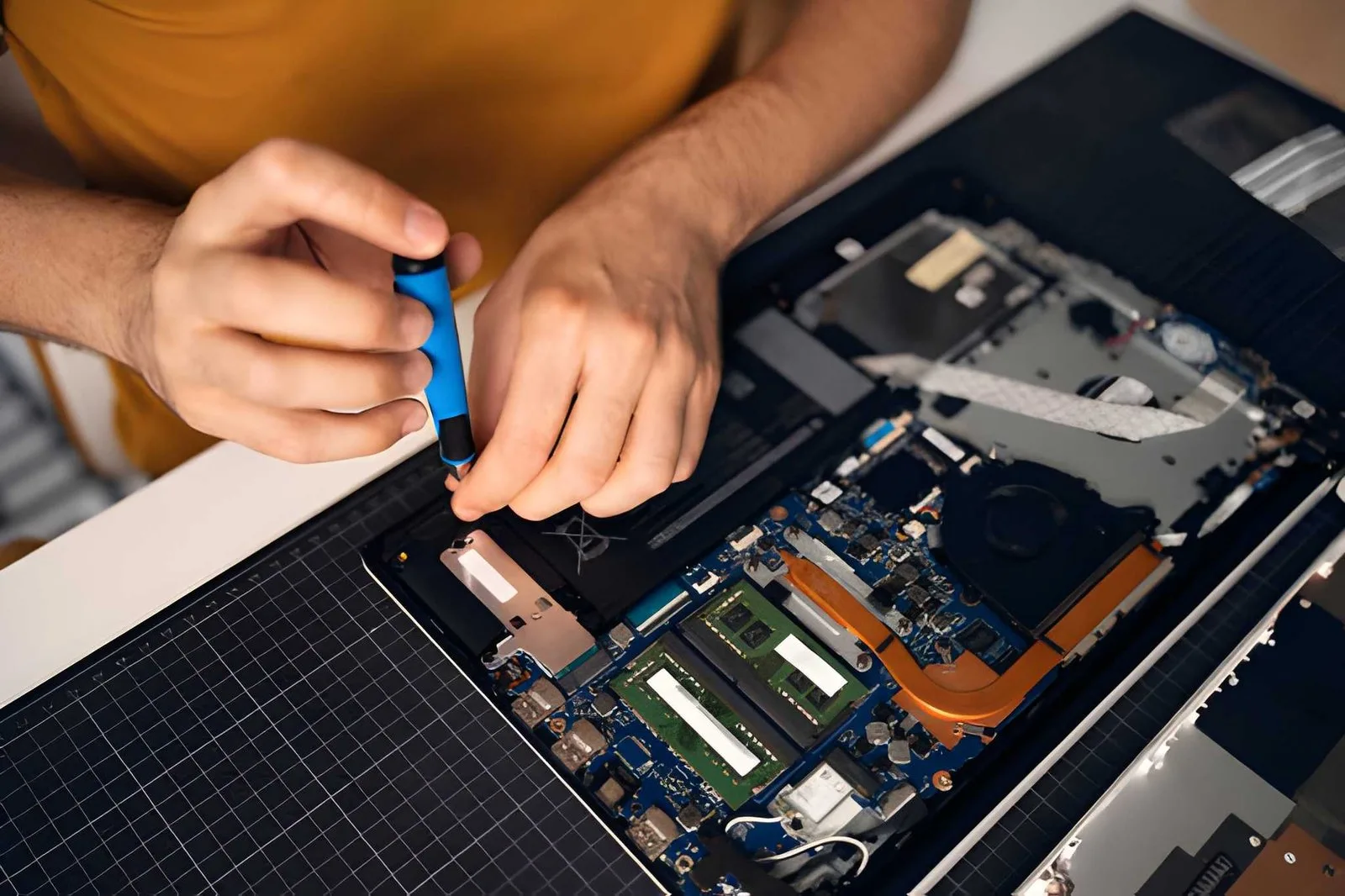
If basic troubleshooting doesn't resolve your boot issues, more advanced techniques may be necessary. Reinstalling your operating system is often effective but requires backing up your data first. You'll need installation media and patience for the process. Alternatively, use recovery tools provided by your operating system—Windows System Restore or Mac Recovery Mode—to revert your system to a previous stable state. Malware infections frequently cause boot failures, so running comprehensive antivirus scans in safe mode is essential. However, some persistent malware requires specialized removal tools. If you've tried these solutions without success, hardware failure is likely the culprit. Failing hard drives, defective RAM, or power supply problems require professional diagnosis and replacement. This is where experienced technicians become invaluable. Many residents and businesses in the Melbourne area rely on specialized computer repairs Aberfeldie services when issues exceed DIY capabilities. Professional technicians have diagnostic equipment, replacement parts, and expertise to resolve even the most stubborn boot problems efficiently.
Conclusion
Persistent boot failures and operating system crashes are serious issues that demand prompt attention. By understanding the common causes and implementing the troubleshooting steps outlined in this guide, you can often resolve these problems independently. However, recognizing when professional intervention is needed is equally important. Whether you're experiencing hardware failure, corrupted system files, or complex software conflicts, don't hesitate to contact experienced technicians. For Melbourne residents facing persistent boot issues, reliable computer repairs Aberfeldie services provide professional solutions when standard fixes fall short. Take action today to restore your system's stability and protect your valuable data.