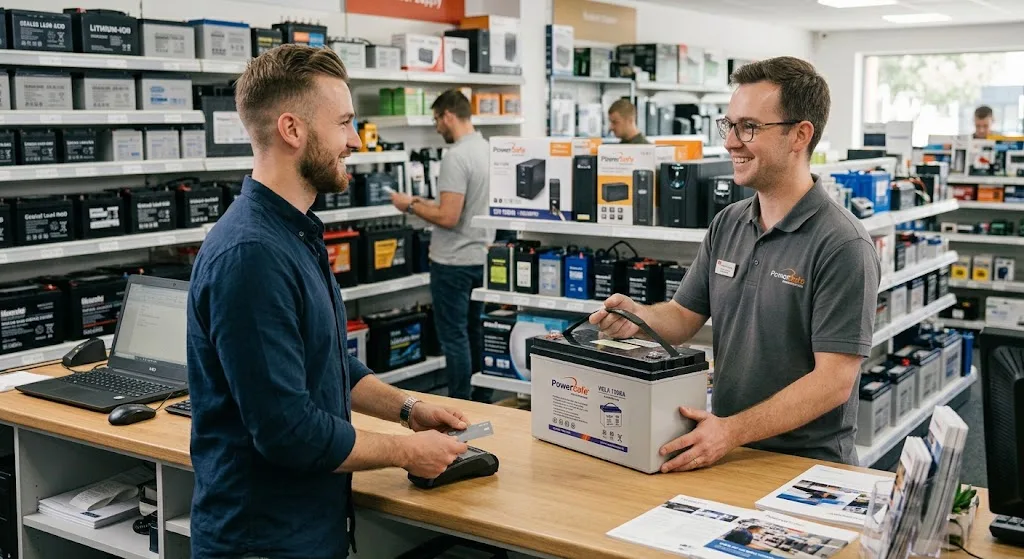
A UPS (Uninterruptible Power Supply) is an important device for protecting computers, servers, networking equipment, medical devices, and other sensitive electrical systems. However, like any electronic equipment, a UPS requires proper maintenance and care to perform reliably and last longer.
Following a few simple maintenance practices can help extend the lifespan of your UPS, reduce unexpected failures, and prevent unnecessary replacement costs.
1. Keep the UPS in a Suitable Environment
Temperature and humidity have a direct impact on UPS performance and battery life. Place the UPS in a clean, dry, and well-ventilated area. Avoid exposing it to direct sunlight, excessive heat, moisture, or dusty environments.
High temperatures are particularly harmful to batteries and can significantly reduce their expected service life.
2. Avoid Overloading the UPS
Every UPS has a specific power capacity. Connecting too many devices can overload the system and put unnecessary stress on its components and batteries.
Check the total power consumption of connected equipment and make sure it remains within the recommended capacity of the UPS. Leaving some additional capacity is also a good practice for future equipment upgrades.
3. Maintain the UPS Battery Properly
The battery is one of the most important components of a UPS. Even when the UPS itself is functioning correctly, an old or damaged battery can prevent it from providing backup power during an outage.
Regularly check the battery condition and replace it when its performance noticeably decreases. The exact battery lifespan depends on factors such as temperature, usage, charging cycles, and battery quality.
4. Perform Regular UPS Testing
Periodic testing helps identify potential problems before they become serious. Check whether the UPS switches to battery mode correctly when the main power supply is interrupted.
Regular tests can also reveal problems such as reduced battery runtime, unusual alarms, or charging issues.
5. Keep the UPS Clean
Dust can accumulate around ventilation openings and prevent proper airflow. Over time, poor ventilation can increase the internal temperature of the UPS and negatively affect its components.
Clean the exterior and ventilation areas regularly, while following the manufacturer's safety recommendations. Always disconnect the UPS from the power source before performing any maintenance that requires access to the device.
6. Avoid Frequent Deep Battery Discharges
Repeatedly draining a UPS battery completely can reduce its overall lifespan. Whenever possible, avoid unnecessary deep discharges and make sure the UPS is properly charged after a power outage.
If your equipment requires long backup times, selecting a UPS with an appropriate battery capacity is better than continuously operating a smaller UPS beyond its intended runtime.
7. Use the Correct UPS Capacity
Choosing the right UPS from the beginning can have a significant impact on its lifespan. A UPS that constantly operates close to its maximum capacity may experience more stress and generate additional heat.
When considering خرید ups, calculate the power requirements of your equipment and select a model with sufficient capacity for both current and future needs.
8. Follow the Manufacturer's Maintenance Guidelines
Different UPS models may have specific maintenance requirements. Always follow the manufacturer's recommendations regarding battery replacement, inspection intervals, ventilation, load capacity, and operating conditions.
Professional inspection may also be necessary for larger UPS systems used in server rooms, data centers, industrial facilities, and other critical environments.
Conclusion
Extending the life of a UPS does not require complicated procedures. Proper installation, suitable operating conditions, regular cleaning, battery maintenance, avoiding overloads, and periodic testing can significantly improve the reliability and service life of a UPS.
A well-maintained UPS not only provides better protection during power failures but can also reduce maintenance costs and help prevent unexpected downtime. Choosing the right model based on your equipment and power requirements is the first step toward achieving reliable long-term performance.