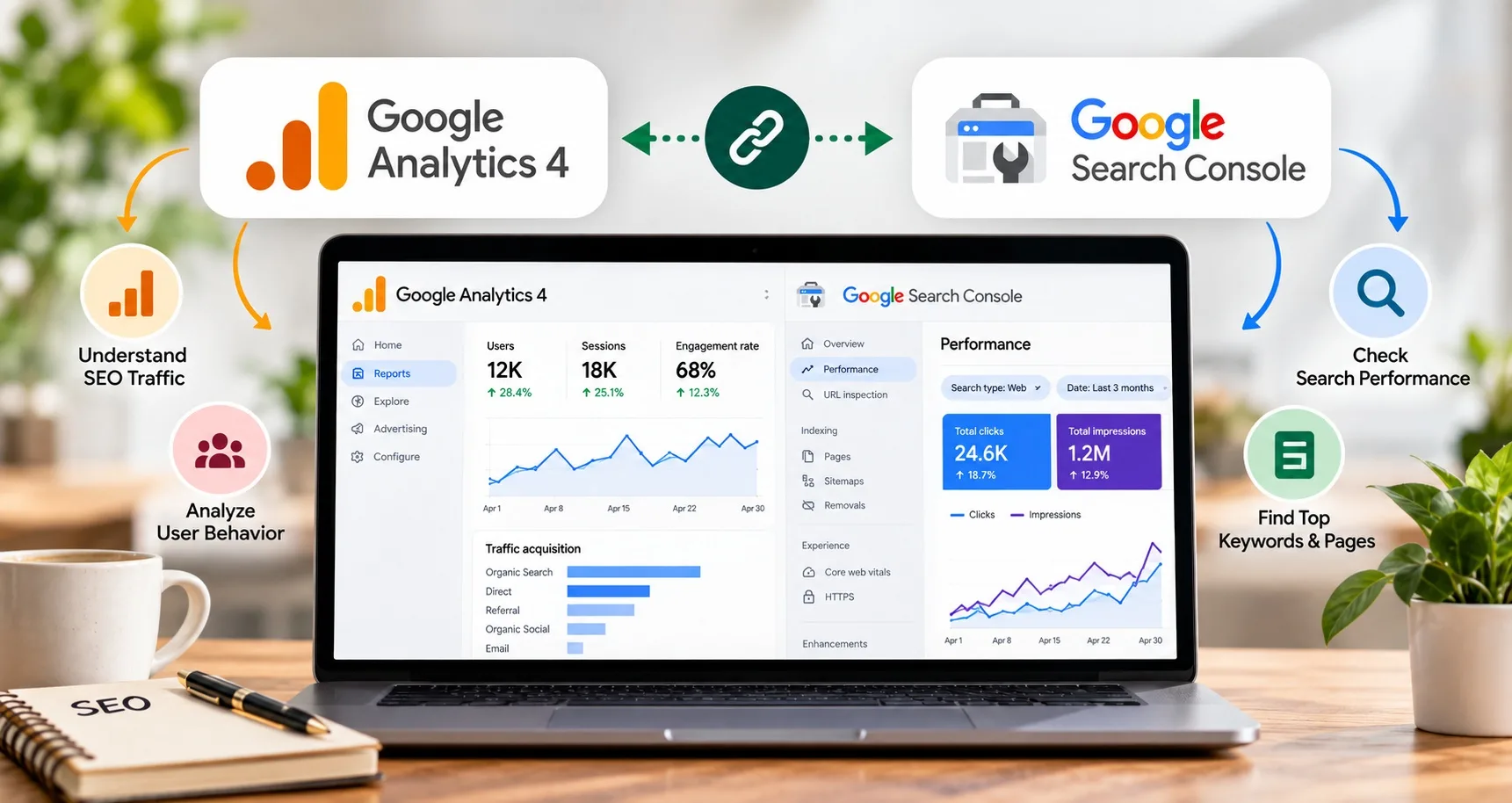
If you work in SEO, you probably spend a lot of time looking at Google Search Console and Google Analytics 4.
But there is a common problem.
You check Search Console for clicks and impressions. Then you open GA4 to check users and engagement. You move between the two platforms and try to figure out what is actually happening.
It can get confusing.
Connecting Google Search Console with GA4 makes this process easier. You can bring search performance and website behaviour into a more connected reporting workflow.
Search Console helps you understand how people discover your website through Google Search. GA4 helps you understand what happens after people reach your website.
When you look at both, you can ask better SEO questions.
Which pages get search visibility but few clicks?
Which queries bring visitors who engage with your website?
Which landing pages attract organic users?
Are your SEO efforts bringing traffic that actually matters to the business?
For students and professionals learning SEO, this is an important skill. A good digital marketing institute in Nagpur should teach analytics alongside keyword research, content, technical SEO, and reporting.
What Is Google Search Console?
Google Search Console is a free Google tool that helps website owners understand their performance in Google Search.
You can use it to check:
- Search clicks
- Search impressions
- Average position
- Click-through rate
- Search queries
- Top-performing pages
- Indexing issues
- Core Web Vitals
- Mobile usability and other search-related reports
One of its most useful features is the Performance report.
For example, imagine you published a blog about "best digital marketing courses in Nagpur."
Search Console might show that the page receives thousands of impressions but very few clicks.
That tells you something.
People are seeing the page in search results, but the title, snippet, ranking position, or search intent may not be strong enough to generate clicks.
What Is Google Analytics 4?
Google Analytics 4, usually called GA4, helps you understand what visitors do after they arrive on your website.
You can use it to study:
- Users
- Sessions
- Engagement
- Landing pages
- Events
- Conversions
- Traffic sources
- User journeys
- Referral traffic
- Organic search traffic
GA4 answers a different question from Search Console.
Search Console asks:
"How is my website performing in Google Search?"
GA4 asks:
"What are users doing on my website?"
That difference is important.
Why Connect GA4 and Search Console?
Search Console and GA4 provide different types of information.
Search Console gives you data about Google Search.
GA4 gives you data about website activity.
When you use both, you can get a clearer picture of your organic search performance.
For example:
Search Console shows:
- 20,000 impressions
- 1,200 clicks
- Average position of 8
GA4 can help you understand what happens after those users arrive.
Do they read another article?
Do they fill out a contact form?
Do they visit a service page?
Do they leave quickly?
That information can help you decide whether your SEO strategy needs a change.
How to Connect Google Search Console With GA4
Before starting, make sure you have the right access to both properties.
You will generally need access to the relevant GA4 property and Search Console property.
The exact interface can change as Google updates its products, so do not worry if your screen looks slightly different from an older tutorial.
Step 1: Open Google Analytics
Sign in to your Google Analytics account.
Select the GA4 property for the website you want to connect.
Make sure you have selected the correct website.
This sounds obvious, but it is an easy mistake when you manage several clients or websites.
Step 2: Open Admin
Inside GA4, open the Admin section.
Look for the property-level settings and the area related to product links.
Google has changed the Analytics interface several times, so the location of some options can move.
If you cannot immediately find Search Console, use the available search or settings options inside Analytics.
Step 3: Find Search Console Links
Look for the option to link Google Search Console with your GA4 property.
Select the option to create a new link.
You will need to choose the Search Console property you want to connect.
Step 4: Select the Correct Search Console Property
Make sure the Search Console property represents the same website as your GA4 property.
This is especially important if your Search Console account contains several properties.
For example, you might have:
- A domain property
- A URL-prefix property
- A staging website
- A production website
Choose the property that matches the website you are analysing.
Step 5: Submit the Link
Follow the prompts and submit the connection.
Once the link is established, Google can use the connected Search Console data within the supported GA4 reporting areas.
Do not expect every Search Console metric to suddenly appear inside every GA4 report.
The two platforms still have different purposes.
What Data Can You Compare?
Once your measurement setup is working, the real value comes from analysis.
Do not connect the tools just because someone told you to.
Use the data to answer specific SEO questions.
Search Queries and Landing Pages
Search Console can show which search queries lead people to your pages.
You might discover that one page ranks for several related terms.
For example:
- digital marketing course in Nagpur
- digital marketing training in Nagpur
- SEO course in Nagpur
- digital marketing classes in Nagpur
You can then look at the corresponding landing page and assess whether it addresses those search needs properly.
Search Impressions and Clicks
Impressions tell you how often your pages appeared in search results.
Clicks tell you how many times users clicked through.
Suppose a page gets:
- 50,000 impressions
- 900 clicks
That gives you a reason to look at the page more closely.
Is the page ranking for broad keywords?
Is the title clear?
Does the snippet match the search intent?
Is the page appearing for queries that are not strongly relevant?
Numbers alone do not give you the answer.
They help you find where to investigate.
How GA4 Helps You Understand Organic Traffic
Search Console can tell you that someone clicked your result.
GA4 can help you understand what happened after that visit.
You can look at:
- Engagement
- Events
- Conversions
- Landing pages
- User activity
- Organic search traffic
For example, suppose one blog receives a lot of organic traffic.
At first glance, that sounds great.
But what if almost nobody visits your service page or completes an enquiry form?
You may need to improve the page's internal linking, calls to action, content structure, or search intent match.
This is where SEO becomes more than just rankings.
SEO Metrics You Should Track
You do not need to track every available metric.
Start with a small group that helps answer useful questions.
Search Impressions
This shows how often your website appears in Google Search.
An increase can indicate that your content is gaining search visibility.
Clicks
Clicks show how many users selected your search result.
Compare clicks with impressions to understand your search result's click-through rate.
Average Position
Average position gives you an indication of where your site appeared for the queries included in the report.
Do not treat it as a perfect ranking number.
Search results can vary by query, location, device, and other factors.
Organic Users
GA4 can help you understand how many users arrive through organic search.
Look at trends instead of focusing on one day's number.
Engagement
Traffic is useful, but what happens after the visit matters too.
A page that attracts relevant users who continue exploring your website may be more valuable than a page that gets lots of visits but little meaningful activity.
Conversions
Conversions can include actions such as:
- Form submissions
- Appointment requests
- Phone clicks
- Purchases
- Course enquiries
- Newsletter sign-ups
Choose conversions that match the actual goal of the website.
How to Find SEO Problems Using Both Tools
This is where the combination becomes useful.
Let's look at a few practical situations.
Problem 1: High Impressions but Low Clicks
Search Console shows that your page gets many impressions but few clicks.
Possible areas to investigate include:
- Search intent
- Title tag
- Meta description
- Ranking position
- Query relevance
- SERP competition
Do not change everything at once.
First, understand which queries generate the impressions.
Problem 2: Good Organic Traffic but Low Engagement
GA4 shows that organic traffic is growing.
That sounds positive.
But engagement remains weak.
Now look at the landing pages bringing in that traffic.
Ask:
- Are users landing on the right page?
- Does the content answer the query?
- Is the page easy to read?
- Does it load properly?
- Are related pages linked naturally?
- Is the search intent being met?
Sometimes SEO brings the right people to the wrong page.
Problem 3: A Page Gets Traffic but No Leads
Suppose a service page receives organic visitors but very few enquiries.
The problem may not be rankings.
Look at:
- Page content
- Trust signals
- Contact options
- Internal links
- Forms
- Calls to action
- Mobile experience
You may discover that the page needs conversion improvements rather than more keywords.
How to Use GA4 and Search Console for Content Strategy
The data can also help you decide what to write next.
Imagine you find that one blog is ranking for many related queries.
You can use those queries to identify supporting topics.
For example, a page ranking for "SEO audit" may also appear for searches related to:
- Technical SEO audit
- SEO audit checklist
- Website SEO audit
- On-page SEO audit
- Free SEO audit tools
These related queries can help you plan supporting content.
You can then create an internal linking structure that connects related pages.
This creates a more useful website for readers and gives search engines clearer context about your content.
How to Improve SEO Using Search Console Data
Search Console can provide many useful content ideas.
Start with pages that already have some visibility.
Look for:
- Queries ranking between positions 5 and 20
- Pages with rising impressions
- Pages with low CTR
- Queries that match your services
- Pages gaining impressions but few clicks
These pages can be good candidates for improvement.
You may update:
- Page title
- Heading structure
- Content depth
- Internal links
- Supporting examples
- FAQs
- Images
- Relevant references
- Search intent alignment
Do not rewrite every page simply because its traffic is low.
First identify why the page is underperforming.
How a Digital Marketing Student Can Learn This
If you are learning digital marketing, knowing how to connect tools is only the first step.
You should learn how to interpret the information.
For example, imagine a company asks:
"Why did organic traffic drop?"
A beginner might immediately start changing keywords.
A better approach is to investigate.
Check:
- Did Search Console clicks decrease?
- Did impressions decrease?
- Did average positions change?
- Which pages lost traffic?
- Which queries changed?
- Did GA4 show a similar drop?
- Did other traffic channels change?
- Were there website or tracking changes?
- Did Google release a major search update?
- Are there technical issues affecting important pages?
This type of thinking is much more useful than memorising SEO definitions.
A good digital marketing institute in Nagpur should give students opportunities to work with real websites and real data.
Common Mistakes When Using GA4 and Search Console
Looking at Only Rankings
Ranking is useful, but it does not tell the whole story.
Look at impressions, clicks, engagement, and conversions too.
Treating Traffic as the Final Goal
More traffic is not always better.
Relevant traffic is more useful.
Ignoring Landing Pages
Do not look only at total organic traffic.
Find out which pages are bringing users in.
Comparing Different Time Periods Without Context
Seasonality can affect search demand.
A sudden change may not always mean your SEO strategy failed.
Compare suitable time periods.
Making Changes Without Checking Data
Avoid changing titles, content, URLs, and internal links all at once.
If you change everything together, it becomes difficult to understand what helped.
How Often Should You Check GA4 and Search Console?
There is no need to stare at your analytics dashboard every hour.
For most websites, a weekly review can help you spot changes.
A deeper monthly review can help you understand trends.
You can create a simple SEO reporting routine:
Weekly
Check:
- Organic traffic
- Search clicks
- Major traffic changes
- Top landing pages
- Significant ranking or visibility changes
Monthly
Review:
- Organic growth
- Top queries
- New pages gaining visibility
- Pages losing traffic
- Conversions
- Content performance
- Technical issues
- SEO opportunities
For larger websites, you may need more frequent monitoring.
E-E-A-T and SEO Reporting
E-E-A-T stands for Experience, Expertise, Authoritativeness, and Trustworthiness.
It is especially relevant when you create content where accuracy and trust matter.
Analytics cannot prove E-E-A-T by itself.
But your data can help you identify whether your content is actually helping users.
For example:
- Which pages receive meaningful engagement?
- Which topics attract relevant visitors?
- Which pages lead users to useful resources?
- Are visitors returning to related content?
- Are important pages easy to find?
You should combine data with good content practices.
Show who created the content.
Use accurate information.
Cite reliable sources where appropriate.
Keep important pages updated.
Make it easy for users to understand who is behind the website.
These practices support a more trustworthy website experience.
Why GA4 and Search Console Skills Matter for Digital Marketing Careers
SEO is no longer just about finding keywords and placing them into articles.
A modern SEO professional needs to understand data.
You may need to explain why traffic changed.
You may need to identify which content deserves an update.
You may need to show whether SEO is producing enquiries or sales.
That requires analytics skills.
If you are comparing options for a digital marketing institute in Nagpur, look for practical training in tools such as:
- Google Search Console
- GA4
- Google Tag Manager
- Keyword research tools
- SEO audit tools
- Looker Studio
- Google Business Profile
- Technical SEO tools
More importantly, learn how these tools work together.
Frequently Asked Questions
Can GA4 and Google Search Console be connected?
Yes. Google provides a way to link supported Search Console properties with GA4. You need appropriate access to the relevant properties.
What is the benefit of connecting GA4 and Search Console?
Search Console helps you understand Google Search performance, while GA4 helps you understand website activity. Using both gives you more context when analysing organic search performance.
Does Search Console replace GA4?
No.
They serve different purposes.
Search Console focuses on Google Search performance. GA4 focuses on user activity and measurement on your website.
Can I see keywords in GA4?
Search Console is the main Google tool for search queries. GA4 and Search Console provide different types of reporting, so you should not expect GA4 to replace Search Console's query data.
How can Search Console help improve SEO?
You can use Search Console to identify pages with high impressions, low CTR, ranking opportunities, search queries, and changes in search visibility.
Final Thoughts
Connecting GA4 and Search Console is not difficult.
The more useful skill is knowing what to do with the data afterwards.
Search Console can tell you how people find your website.
GA4 can help you understand what they do once they arrive.
Put those two perspectives together and your SEO reporting becomes much more useful.
You can find pages that need better titles, content that deserves an update, queries that suggest new topics, and landing pages that need a better user experience.
For someone starting a career in digital marketing, this is worth learning early.
Do not just learn where to click.
Learn how to ask the right questions about the numbers.
That is what turns analytics data into better SEO decisions.