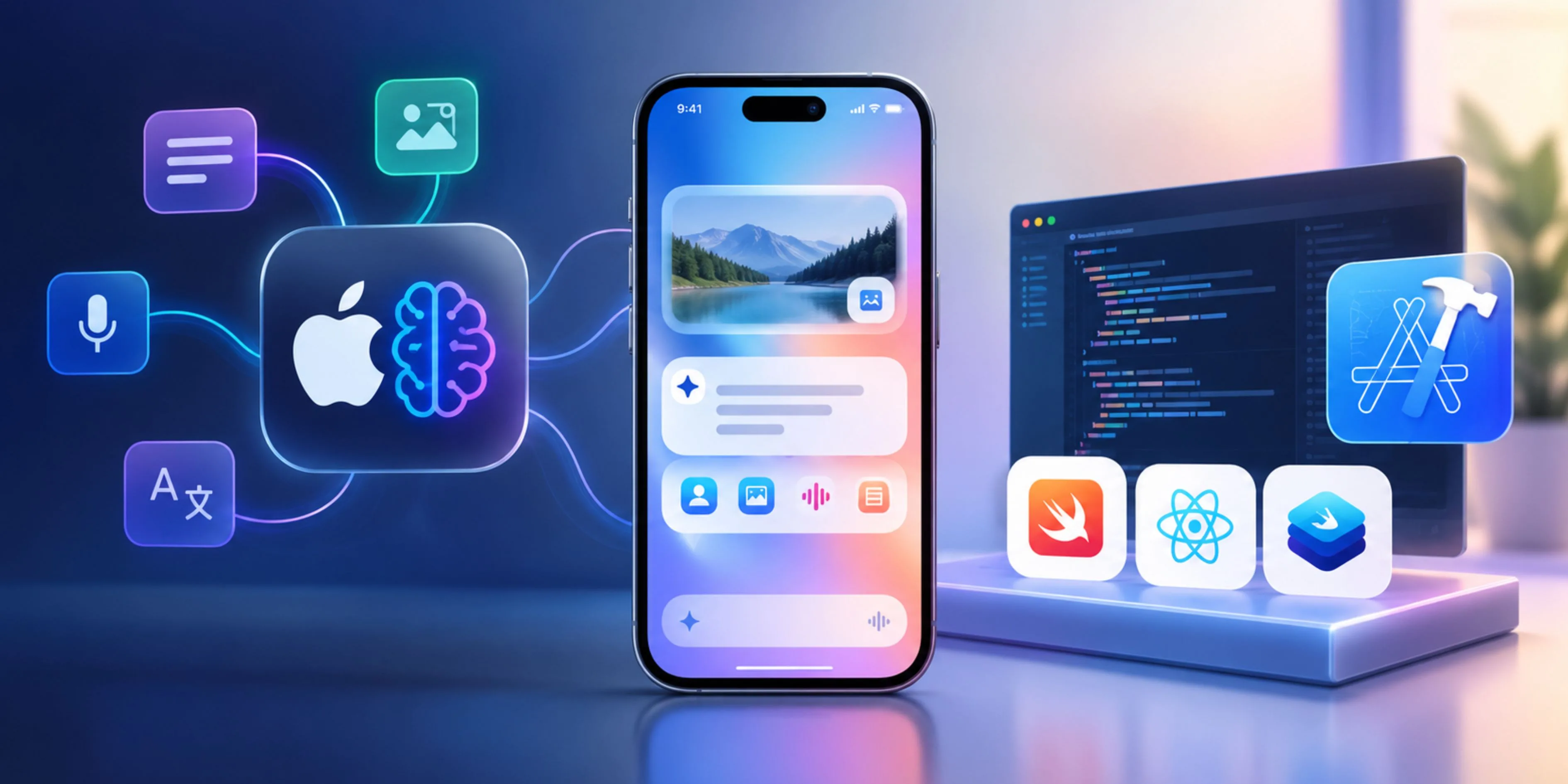
AI is changing iOS development from simply adding an AI-powered feature to designing apps around intelligence from the beginning. In 2026, developers can combine Apple’s Foundation Models framework, Core AI, SwiftUI, App Intents, and traditional iOS frameworks to create experiences that understand text, images, user context, and app actions while keeping much of the processing on-device.
This is a significant shift from the conventional approach of connecting an iOS app to a cloud LLM through an API. Apple’s current direction gives developers more options: use Apple’s models for general intelligence, run specialized models locally with Core AI, or route demanding workloads to server-side models when necessary.
For businesses investing in iOS App Development Solutions, the opportunity is not simply to put a chatbot inside an existing application. The bigger opportunity is to redesign workflows around AI-native interactions.
What Makes an iOS App “AI-Native” in 2026?
An AI-native app treats AI as part of its core product architecture rather than an isolated feature.
For example, a traditional expense application might allow users to manually enter transactions. An AI-native version could let a user photograph a receipt, extract relevant information, categorize the expense, and prepare the transaction automatically.
This distinction matters because AI development in 2026 is moving toward multimodal input, structured output, tool calling, and agent-like workflows rather than simple prompt-and-response chat.
Apple’s Foundation Models framework provides APIs for language understanding, generation, structured outputs, tool calling, and—in the newer generation—image understanding.
1. Start With the AI Workflow, Not the Model
The first step should not be choosing a model. Define exactly what intelligence your application needs.
Break the workflow into four components:
- Input: text, image, audio, app data, or user action
- Reasoning: interpretation, classification, summarization, or generation
- Action: what the application should actually do
- Output: structured data, UI changes, recommendations, or natural language
Consider a field-service application. A technician could photograph equipment and ask, “What should I check first?”
The AI workflow could be:
Image → visual understanding → identify equipment → retrieve relevant service data → recommend diagnostic steps → create maintenance record
The important point is that the model has only one component. The surrounding application logic determines whether the AI experience is genuinely useful.
This also reflects a broader 2026 development trend: AI coding tools can dramatically accelerate implementation, but architecture, product decisions, security, and testing still require engineering judgment.
2. Use Apple Foundation Models for General Intelligence
Apple’s Foundation Models framework provides native Swift access to Apple’s foundation models. Developers can use it for tasks such as summarization, extraction, refinement, dialog, generation, and structured data generation.
A simplified implementation concept looks like this:
import FoundationModels
let session = LanguageModelSession()
let response = try await session.respond(
to: "Summarize this customer's support request."
)
The real value comes from going beyond free-form text.
With guided generation, developers can define Swift data structures that the model should produce. This makes AI output easier to connect to application logic than manually parsing unpredictable text. Apple provides the @Generable approach specifically for strongly structured model output.
For example, instead of asking the model to return:
“The customer appears frustrated and wants a refund.”
An application can request structured information such as:
CustomerIntent
- category
- urgency
- sentiment
- refundRequested
- recommendedAction
That structure can directly drive the application's UI and business workflow.
3. Design Around Tool Calling
Tool calling is one of the most important capabilities for building genuinely useful AI-native applications.
An AI model should not be responsible for directly performing sensitive business operations. Instead, it should decide when a predefined application function needs to run.
For example:
User: “Move my meeting with Sarah to tomorrow afternoon.”
The model can identify the required action and parameters, while the application executes the actual calendar operation.
This architecture separates reasoning from execution.
The same pattern can power:
- Booking appointments
- Searching products
- Creating invoices
- Updating CRM records
- Checking order status
- Generating reports
- Managing reminders
Apple's Foundation Models framework supports tool calling, while App Intents can expose application actions to system intelligence and Siri-related experiences.
That means developers should think beyond the in-app chatbot and make important application capabilities discoverable through structured actions.
4. Add Multimodal Intelligence
One of the biggest developments in Apple's AI stack is the move from text-only interactions toward multimodal experiences.
The newer Foundation Models capabilities support image input, allowing applications to combine text and visual information. Apple has demonstrated image understanding as part of its 2026 Foundation Models updates.
This creates practical use cases such as:
Retail: Upload clothing → identify items → recommend products.
Education: Photograph a problem → understand the question → generate an explanation.
Healthcare administration: Capture a document → extract structured information → populate a workflow.
Field service: Photograph equipment → identify components → suggest troubleshooting steps.
The advantage is that applications don't necessarily need to package their own large vision-language model for every use case.
5. Use Core AI for Specialized Models
Foundation Models and Core AI solve different problems.
Foundation Models: Use Apple's general-purpose intelligence when the application needs language understanding, generation, structured output, or agentic behavior.
Core AI: Use your own specialized models when the application requires a model specifically suited to a particular domain.
Apple describes Core AI as a native framework for running AI models on Apple silicon, with capabilities for model loading, hardware specialization, memory control, and optimized local inference.
For example, a manufacturing application might use:
- Foundation Models for natural-language interaction
- Core AI for equipment defect detection
- Vision for OCR or barcode scanning
- App Intents for application actions
- A cloud model for unusually complex reasoning
This hybrid architecture is more practical than forcing one model to handle every task.
6. Build a Local-First, Cloud-When-Needed Architecture
A major 2026 trend is model routing.
Not every AI request needs a cloud API. Simple, private, low-latency tasks can run locally, while demanding workloads can use Private Cloud Compute or server-side models. Apple's current Foundation Models architecture is increasingly designed around this flexibility.
A production architecture could therefore look like:
User → iOS App → Local Foundation Model → Core AI → Cloud Model when required → Application tools
For example:
- Summarization → on-device
- Classification → on-device
- Receipt extraction → on-device
- Sensitive personal information → local processing
- Large-context analysis → cloud
- Complex enterprise reasoning → server model
This approach can reduce latency and infrastructure dependency while giving the application access to more powerful models when local inference is insufficient.
7. Don't Ignore Context Management
AI-native applications can quickly become expensive—or unreliable—if they continuously send unnecessary context into model sessions.
Apple provides APIs and guidance around managing model context windows and token usage.
Instead of keeping an entire conversation forever, an application should selectively retain:
- Relevant user preferences
- Recent interactions
- Important application state
- Summarized historical context
- Current task information
This produces more predictable AI behavior and helps prevent long-running sessions from becoming bloated.
8. Choose Native Swift or React Native Strategically
For applications that depend heavily on Apple's newest AI capabilities, native Swift and SwiftUI provide the most direct access to Apple's frameworks.
However, cross-platform development remains relevant. React Native can be a strong choice when the product needs iOS and Android from a shared codebase. Apple's expanding on-device AI ecosystem is also becoming increasingly relevant to React Native developers.
Businesses can therefore consider react native app development services when shared cross-platform delivery is a priority, while native Swift is often preferable when deep Apple-specific AI integration is the primary requirement.
Similarly, broader mobile app development services can combine native modules with cross-platform interfaces when the product requires both platform reach and specialized AI capabilities.
9. Test the AI Layer Like Production Software
AI features cannot be tested only by checking whether the app compiles.
Create evaluation cases for:
- Incorrect model outputs
- Missing information
- Ambiguous prompts
- Tool-call failures
- Unsupported devices
- Offline conditions
- Long conversations
- Sensitive inputs
- Unexpected images
- Model-version changes
This is particularly important because Apple's on-device model can change as operating-system versions evolve. Apple explicitly recommends testing prompts against newer model versions because model behavior can change with OS updates.
The 2026 AI-Native iOS Development Stack
A practical architecture can combine:
LayerTechnologyUISwiftUIGeneral AIFoundation ModelsSpecialized AICore AIVisionVision frameworkApp actionsApp IntentsLocal storageSwiftData / Core DataCloud backendAPIs, databases, server infrastructureAdvanced reasoningCloud LLM when requiredTestingXcode + real-device testingThe key is not to use every technology. Select each layer according to the actual product requirement.
Final Thoughts
Building AI-native iOS applications in 2026 is less about embedding an LLM and more about designing intelligent workflows around the operating system.
Foundation Models can provide general-purpose intelligence, structured generation, tool calling, and multimodal understanding. Core AI can handle specialized local models. App Intents can expose application capabilities to system intelligence, while cloud models can provide additional capacity when local inference is not enough.
For businesses evaluating iOS App Development Solutions, the strongest strategy is therefore to start with the user workflow, determine which decisions AI should handle, decide what must remain on-device, and then select the appropriate model and execution path.
Companies such as Debut Infotech can use this architecture to build AI-powered iOS products that are not simply traditional mobile applications with a chatbot attached, but applications where intelligence is embedded directly into the product experience.