The idea of building a high-performance workstation at home has moved from being a requirement strictly for IT professionals to becoming something everyone should have if they want to maximize productivity, comfort, and efficiency. Whether you’re working remotely, creating content, or managing multiple tasks, the right setup can significantly enhance your daily workflow. The key lies in selecting the right combination of tools that work seamlessly together.
Start with a Strong Foundation
Every great workstation begins with the basics. A reliable processor, adequate RAM, and fast storage form the backbone of your setup. Invest in a system that can handle multitasking without any lag to ensure that your workflow remains uninterrupted. Pair this with a stable internet connection, and you’ve already covered the essentials for a smooth experience.
Display Upgrades That Boost Efficiency
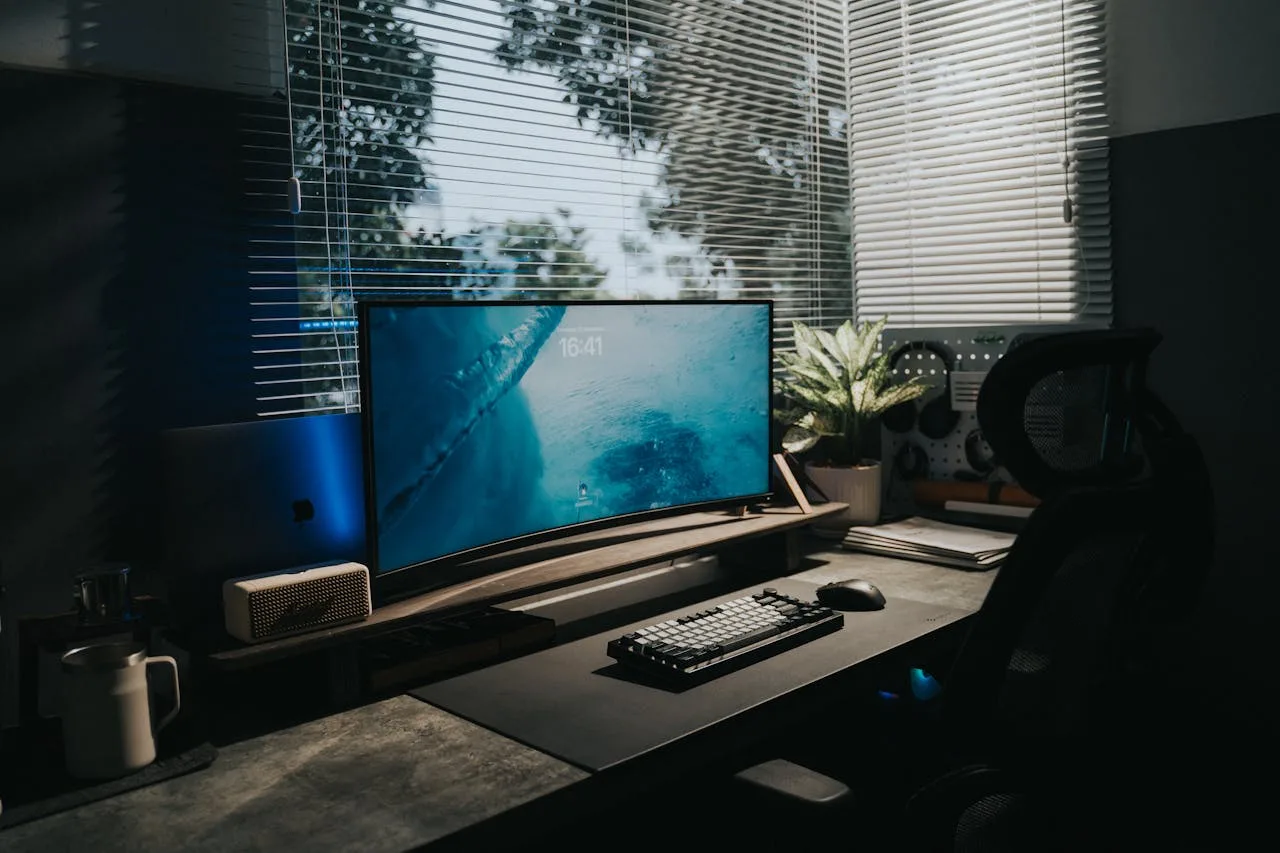
Your computer screen forms the major interface, meaning that upgrading it can make a noticeable difference. A high-resolution display not only enhances clarity but also reduces eye strain during long working hours. Select a QHD monitor to benefit those who juggle multiple windows or work on detail-oriented tasks such as design, editing, or coding. The added screen real estate and sharper visuals help streamline your workflow and improve accuracy.
Ergonomics: Comfort Meets Productivity
No matter how powerful the system may be, it is not complete without ergonomic considerations. An adjustable chair, a desk at the right height, and accessories like wrist supports can avoid fatigue and long-term health issues. Place your screen at eye level and maintain a comfortable posture to ensure that you can work efficiently for a longer duration without discomfort.
Accessories That Make a Difference
Often overlooked, the right accessories can upgrade your workstation experience. A responsive keyboard, precision mouse, and quality audio setup can significantly improve both productivity and comfort. Cable management tools and docking stations also help keep your workspace organized, reducing distractions and enhancing focus.
Lighting and Ambience Matter More Than You Think
Good lighting isn’t just about aesthetics; it directly impacts your performance. Natural light is perfect, but if that’s not an option, buy adjustable desk lighting that reduces glare and shadows. A well-lit workspace combined with a clean, clutter-free environment can boost concentration and overall efficiency.
Optimizing for Multitasking and Creativity
If your work involves handling various applications simultaneously, your setup should support it effortlessly. A QHD monitor plays a crucial role here, providing the clarity and space that is needed to manage different tasks side by side. This makes it easier to switch between projects, compare data, or edit content without constantly resizing windows.
Future-Proofing Your Setup
Technology evolves quickly, so it’s wise to build a workstation that can adapt to new requirements. Select elements and accessories that are compatible with upgrades, ensuring that your setup remains relevant for years to come. This approach not only saves money in the long run but also keeps your productivity at its peak.
Bringing It All Together
Building a high-performance workstation at home is about more than just powerful hardware - it’s about making an environment that supports your goals. By focusing on performance, comfort, and smart upgrades, you can design a workspace that improves both efficiency and creativity. With the right setup, your home workstation can become a place where great work happens daily.