
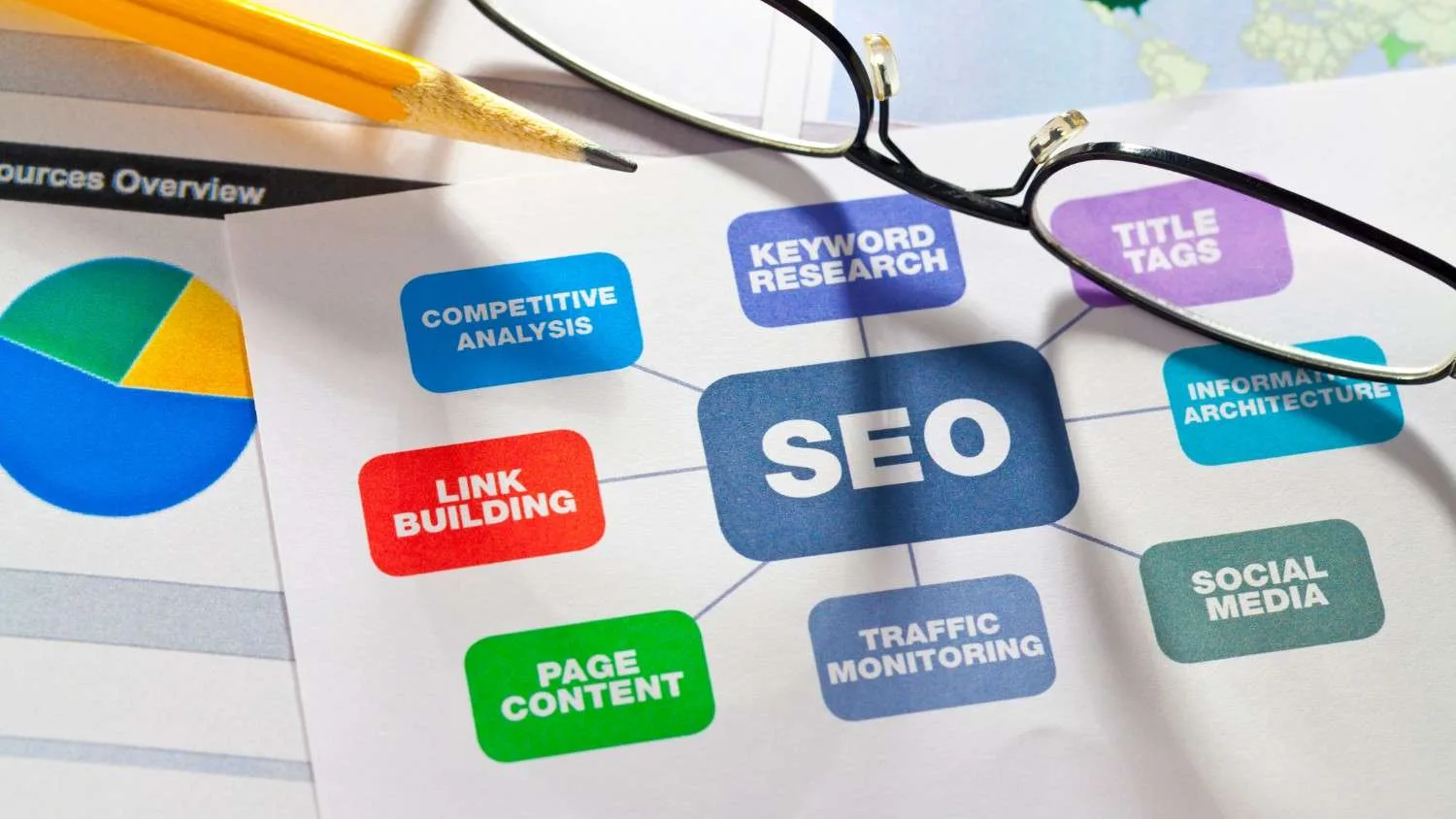
Technical SEO mistakes such as slow page speed, poor mobile usability, indexing issues, broken links, incorrect redirects, duplicate content, missing schema markup, and crawlability problems can significantly affect a website's visibility in Google Search. Even high-quality content may struggle to rank when search engines cannot efficiently crawl, understand, render, and index website pages.
Regular technical SEO audits can help businesses identify and resolve these issues before they negatively affect rankings, organic traffic, and lead generation.
Why Is Technical SEO More Important Than Ever?
Many businesses invest heavily in content creation, social media marketing, and backlink building while paying less attention to technical SEO. However, technical SEO provides the foundation that enables search engines to discover, understand, and rank website content.
Think of technical SEO as the infrastructure of a building. Even when the interior looks impressive, structural problems can create serious issues.
Over the years, websites across different industries—from eCommerce stores and SaaS companies to healthcare providers and local service businesses—have experienced ranking declines because of technical problems that remained unnoticed.
What Is Technical SEO?
Technical SEO refers to optimizing a website's infrastructure to improve crawling, indexing, rendering, and overall search engine performance.
It focuses on:
- Website speed
- Mobile responsiveness
- XML sitemaps
- Crawlability
- Indexability
- Structured data
- Site architecture
- HTTPS security
- Internal linking
- Core Web Vitals
The primary goal is simple: make it easier for search engines and users to access and understand your content.
How Can Technical SEO Mistakes Affect Rankings?
Technical problems can create several challenges for website rankings:
- Search engines may be unable to discover important pages
- Valuable content may remain unindexed
- Slow websites can increase bounce rates
- Poor user experiences can reduce engagement signals
- Crawl budget may be wasted
- AI search engines may struggle to understand content structure
Ultimately, these issues can lead to lower organic visibility and missed business opportunities.
Mistake #1: Slow Website Speed and Poor Core Web Vitals
Why Does Page Speed Matter?
Google has repeatedly indicated that page experience signals are relevant to search performance.
A slow-loading website can:
- Increase bounce rates
- Reduce conversions
- Lower user engagement
- Affect crawl efficiency
Common Causes
Some common reasons for poor website speed include:
- Unoptimized images
- Excessive JavaScript
- Poor hosting infrastructure
- Unused CSS files
- Large page sizes
Real-World Example
An online retailer reduced its page load time from 6.5 seconds to under 2 seconds and experienced a significant increase in organic traffic and completed purchases within three months.
How to Fix It
Businesses can improve website performance by:
- Compressing images
- Enabling caching
- Using a CDN
- Optimizing code
- Upgrading hosting
Mistake #2: Ignoring Mobile-First Indexing
What Is Mobile-First Indexing?
Google primarily uses the mobile version of a website for indexing and ranking.
If a website performs poorly on mobile devices, its search performance can suffer.
Common Mobile SEO Problems
- Tiny fonts
- Unclickable buttons
- Content wider than the screen
- Slow mobile load times
- Intrusive pop-ups
Best Practice
Test your website across multiple devices rather than depending only on desktop previews.
Mistake #3: Website Pages Not Being Indexed
Why Are Pages Missing From Google?
Businesses sometimes publish new content without checking whether Google has successfully indexed those pages.
Common causes include:
- Noindex tags
- Robots.txt restrictions
- Poor internal linking
- Duplicate content
- Thin content
Action Steps
To address indexing problems:
- Monitor indexing through Google Search Console
- Submit XML sitemaps
- Strengthen internal linking
- Remove unnecessary noindex directives
Mistake #4: Broken Links and 404 Errors
Broken pages can create poor user experiences while also wasting crawl resources.
Common Causes
- Deleted pages
- Incorrect URL updates
- Website migrations
- Typographical errors
How to Fix Them
Businesses should:
- Regularly audit internal links
- Redirect removed pages appropriately
- Update outdated URLs
Mistake #5: Incorrect Redirect Implementation
Redirects are important when URLs change, but incorrect implementation can create technical SEO problems.
Common Problems
Redirect ChainsPage A → Page B → Page C
Redirect LoopsPage A → Page B → Page A
Wrong Redirect TypeUsing temporary 302 redirects when a permanent 301 redirect is required.
Best Practice
Keep redirects direct, relevant, and clean.
Mistake #6: Duplicate Content Issues
Duplicate content can confuse search engines and dilute ranking signals.
Common Sources
- URL parameters
- HTTP and HTTPS versions
- WWW and non-WWW versions
- Product filters
- Printer-friendly pages
Solution
Use appropriate canonical tags and consolidate duplicate URLs where necessary.
Mistake #7: Missing Canonical Tags
Canonical tags help search engines understand which version of a page should be treated as the primary version.
Without proper canonicalization:
- Ranking signals can become divided
- Duplicate pages may compete with each other
- Indexing issues can increase
Recommendation
Important pages should have a self-referencing canonical tag where appropriate.
Mistake #8: Poor XML Sitemap Management
An XML sitemap helps search engines discover important website content.
Common Sitemap Mistakes
- Broken URLs
- Redirected URLs
- Non-indexable pages
- Missing recently published content
Best Practice
Keep the XML sitemap clean and updated, and submit it through Google Search Console.
Mistake #9: Robots.txt Errors
A single incorrect directive in robots.txt can accidentally prevent search engines from crawling important website pages.
Common Mistakes
- Blocking important directories
- Blocking CSS and JavaScript files
- Disallowing key landing pages
Recommendation
Review the robots.txt file after every major website update to ensure critical resources and pages remain accessible for crawling.
Mistake #10: Poor Website Architecture
What Is Website Architecture?
Website architecture refers to how website pages are organized and connected with one another.
Signs of Poor Structure
- Important pages buried deep within the website
- Weak internal linking
- Orphan pages
- Confusing navigation
SEO Benefits of Good Architecture
A well-planned website structure can support:
- Better crawling
- Faster indexing
- Improved user experience
- Stronger topical authority
Many businesses partnering with a professional Best SEO Agency in PCMC can improve rankings by restructuring site architecture and strengthening internal linking.
Mistake #11: Missing Structured Data
Structured data helps search engines understand the context and meaning of website content.
Benefits
- Rich snippets
- Enhanced search visibility
- Better AI search understanding
- Increased click-through rates
Recommended Schema Types
Depending on the website and content, businesses can consider:
- Organization
- Local Business
- FAQ
- Article
- Breadcrumb
- Product
- Review
Mistake #12: JavaScript Rendering Problems
Modern websites often depend heavily on JavaScript. However, poor implementation can make it difficult for search engines to render important website content.
Common Issues
- Hidden content
- Delayed rendering
- Blocked resources
Solution
Ensure critical content remains accessible within the rendered HTML.
Mistake #13: HTTPS and Website Security Problems
HTTPS provides an important layer of website security and user trust.
Common Security Issues
- Mixed content warnings
- Expired SSL certificates
- Non-secure forms
Why Does It Matter?
Security problems can reduce user confidence and may negatively affect the overall website experience and search performance.
Mistake #14: Ignoring Crawl Budget Optimization
Large websites can waste crawl resources on low-value URLs.
Examples
- Faceted navigation URLs
- Parameter pages
- Duplicate archives
Optimization Tips
Businesses can improve crawl efficiency by:
- Consolidating duplicate pages
- Improving internal linking
- Blocking unnecessary crawl paths
Mistake #15: Not Preparing for AI Search Engines
Google AI Overviews, ChatGPT, Gemini, and Perplexity are increasingly influencing how users discover and consume information online. Well-structured and accessible content is therefore becoming increasingly important.
AI-Friendly Technical SEO Checklist
Businesses should focus on:
- Clear heading hierarchy
- Structured data implementation
- Fast page loading
- Mobile optimization
- Strong topical clustering
- Accessible content structure
Businesses that invest in AI-ready SEO can establish a stronger foundation for future search visibility.
Technical SEO Audit Checklist for 2026
Before publishing new content or making major website updates, businesses should verify:
✓ Website loads quickly
✓ Mobile responsive design
✓ XML sitemap submitted
✓ Robots.txt configured correctly
✓ No broken internal links
✓ Canonical tags implemented
✓ HTTPS enabled
✓ Structured data validated
✓ Core Web Vitals optimized
✓ Pages indexed properly
✓ Internal linking optimized
✓ AI search readiness verified
Frequently Asked Questions
What Is the Biggest Technical SEO Mistake?
Poor indexing management can be one of the most damaging technical SEO issues because pages cannot rank when search engines are unable to index them.
How Often Should a Technical SEO Audit Be Performed?
Most businesses should conduct a comprehensive technical SEO audit every quarter while monitoring critical technical issues on a monthly basis.
Can Technical SEO Improve Rankings Without Creating New Content?
Yes. Resolving crawlability, indexing, website speed, and site structure problems can contribute to ranking improvements without requiring businesses to publish additional content.
Does Page Speed Still Matter for SEO in 2026?
Yes. Faster websites can provide a better user experience while supporting Core Web Vitals, crawl efficiency, and conversion performance.
Is Technical SEO Important for Local Businesses?
Absolutely. Local businesses targeting regional searches can benefit from better mobile performance, structured data, local schema, and faster page speeds.
Final Thoughts
Technical SEO can be the difference between a website that struggles to achieve visibility and one that consistently generates organic traffic and leads. Although content and backlinks remain important, search engines must first be able to crawl, understand, render, and trust your website.
By addressing common technical SEO mistakes—including indexing problems, slow page speed, poor mobile usability, duplicate content, broken links, redirect issues, and schema errors—businesses can create a stronger foundation for long-term search performance.
For businesses targeting competitive local markets such as Pune, Pimpri-Chinchwad, Mumbai, or Maharashtra, partnering with an experienced Best SEO Agency in PCMC can help identify hidden technical issues and develop a website that is better prepared for Google Search, AI Overviews, voice search, and emerging AI-powered answer engines.