

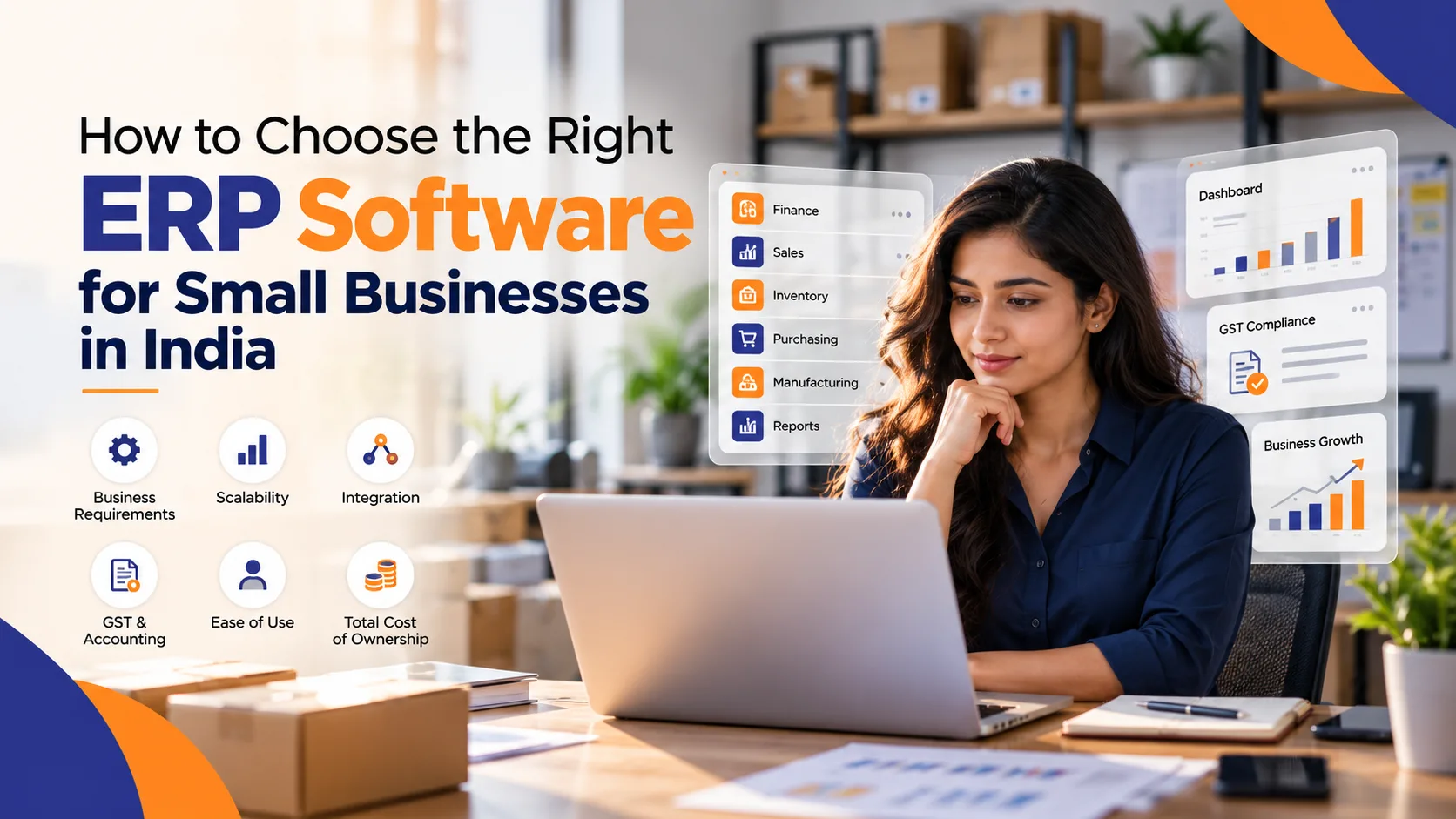
For many small and growing businesses, managing sales, accounting, inventory, purchasing, customer information, and daily operations through separate tools can quickly become difficult. As the business grows, spreadsheets and disconnected applications often create duplicate data, manual work, and limited visibility.
This is where an Enterprise Resource Planning (ERP) system can make a difference.
An ERP brings multiple business functions together on a single platform. Instead of maintaining separate systems for finance, inventory, sales, and operations, businesses can manage these processes through an integrated system.
However, choosing the right ERP is not simply about selecting the software with the most features. Small businesses need to consider their budget, business processes, scalability, industry requirements, ease of use, and implementation needs.
Why Small Businesses Are Considering ERP Software
ERP software was traditionally associated with large enterprises, but modern cloud-based ERP platforms have made integrated business management more accessible to small and medium-sized businesses.
A suitable ERP system can help businesses:
- Centralize business information
- Reduce repetitive manual data entry
- Improve inventory visibility
- Manage sales and customer information
- Automate financial processes
- Track purchasing and expenses
- Generate business reports
- Improve coordination between departments
- Support business growth
For Indian businesses, taxation and compliance are also important considerations. An ERP solution should support the organization's accounting and invoicing requirements while fitting its specific operational processes.
What Should Small Businesses Look for in an ERP?
Before selecting an ERP system, business owners should evaluate several factors.
1. Business Requirements
Start by identifying the problems the ERP needs to solve.
For example, a trading company may primarily need inventory, purchasing, sales, and accounting capabilities. A manufacturer may require additional functionality for production planning, bills of materials, quality management, and shop-floor operations.
Creating a list of current processes and pain points can make the software evaluation much easier.
2. Scalability
A business may have only a few employees today but could grow significantly over the next few years.
The ERP should therefore be capable of supporting additional users, warehouses, products, branches, and business processes without requiring a complete replacement.
Scalability is particularly important because migrating from one ERP system to another later can involve significant time, cost, and operational disruption.
3. Integration
Businesses rarely operate using a single technology.
An ERP may need to connect with payment systems, e-commerce platforms, CRM applications, banking tools, reporting platforms, or other business software.
Good integration capabilities can reduce duplicate data entry and create a more connected workflow.
4. Accounting and Tax Requirements
Financial management is one of the most important ERP functions for many small businesses.
Businesses should evaluate whether the ERP can support their accounting processes, invoicing requirements, taxation workflows, financial reporting, and other compliance-related needs.
Indian businesses should also evaluate how well the system fits their GST-related processes rather than assuming that every ERP will work identically out of the box.
5. Ease of Use
A technically powerful ERP can still create problems if employees find it difficult to use.
Before making a decision, businesses should evaluate the user interface, workflow simplicity, reporting dashboards, mobile accessibility, and training requirements.
A system that employees can understand and adopt effectively is more likely to deliver value.
Popular ERP Options for Small and Growing Businesses
There is no universal ERP solution that works for every organization.
Different platforms target different business requirements and company sizes.
Odoo is known for its modular approach and provides applications covering areas such as CRM, sales, accounting, inventory, manufacturing, projects, and e-commerce.
Microsoft Dynamics 365 Business Central is designed for small and medium-sized businesses that need integrated financial, sales, inventory, purchasing, and operational management, particularly organizations already working within the Microsoft ecosystem.
SAP Business One is another ERP platform designed specifically for small and midsize businesses and provides capabilities across financial management, sales, purchasing, inventory, and operations.
Other platforms, including industry-focused and cloud-based ERP solutions, may also be appropriate depending on the company's size, industry, budget, and technical requirements.
Businesses can compare different platforms based on functionality, implementation requirements, scalability, integrations, support, and total cost of ownership. A detailed comparison of ERP software for small businesses in India can help business owners understand how different solutions compare before starting the selection process.
Cloud ERP vs. On-Premise ERP
Deployment is another important decision.
With a cloud ERP, the software is hosted by the provider and accessed through the internet. This can reduce the need for businesses to maintain their own infrastructure.
On-premise ERP systems, on the other hand, are installed and managed within the organization's infrastructure.
Cloud ERP can be attractive to small businesses because it can provide easier accessibility and reduce some infrastructure responsibilities. However, businesses should still evaluate data security, customization, integrations, subscription costs, and vendor support before selecting a deployment model.
Don't Ignore ERP Implementation
Choosing software is only one part of an ERP project.
Implementation can have a significant impact on the final outcome. Poorly configured workflows, insufficient employee training, incomplete data migration, or unclear project requirements can create problems even when the underlying ERP is capable.
A structured implementation process generally includes:
- Requirement analysis
- Process mapping
- ERP configuration
- Data preparation and migration
- Integration
- User training
- Testing
- Go-live
- Post-implementation support
Businesses should therefore evaluate not only the ERP product but also the implementation and support capabilities available to them.
Calculate the Total Cost of Ownership
Software licensing or subscription fees are not the only expenses involved in ERP adoption.
Businesses should consider:
- Software subscription or licensing
- Implementation
- Customization
- Data migration
- Integration
- Employee training
- Support and maintenance
- Additional users or modules
- Infrastructure, where applicable
Looking at the total cost of ownership provides a more realistic picture of the investment.
Final Thoughts
Selecting an ERP system is an important decision for a small business because the software can become part of its core operational infrastructure.
Instead of choosing an ERP simply because it is popular, businesses should evaluate their own processes, growth plans, industry requirements, budget, integration needs, and employee capabilities.
The right ERP can help create a more connected business environment where information is easier to access and operational processes are easier to manage.
For businesses comparing different platforms, creating a shortlist and evaluating each ERP against clearly defined requirements is a practical starting point. This approach can help organizations identify a solution that fits their current needs while providing room for future growth.


