For website owners and bloggers, managing broken links is a constant challenge, especially when those links are outdated and no longer lead anywhere useful. If you’ve been using goo.gl shortlinks in the past, you’re likely dealing with a large number of 404 errors on your site, thanks to Google’s decision to shut down the URL shortening service. This not only affects the user experience but can also harm your website’s SEO performance and traffic.
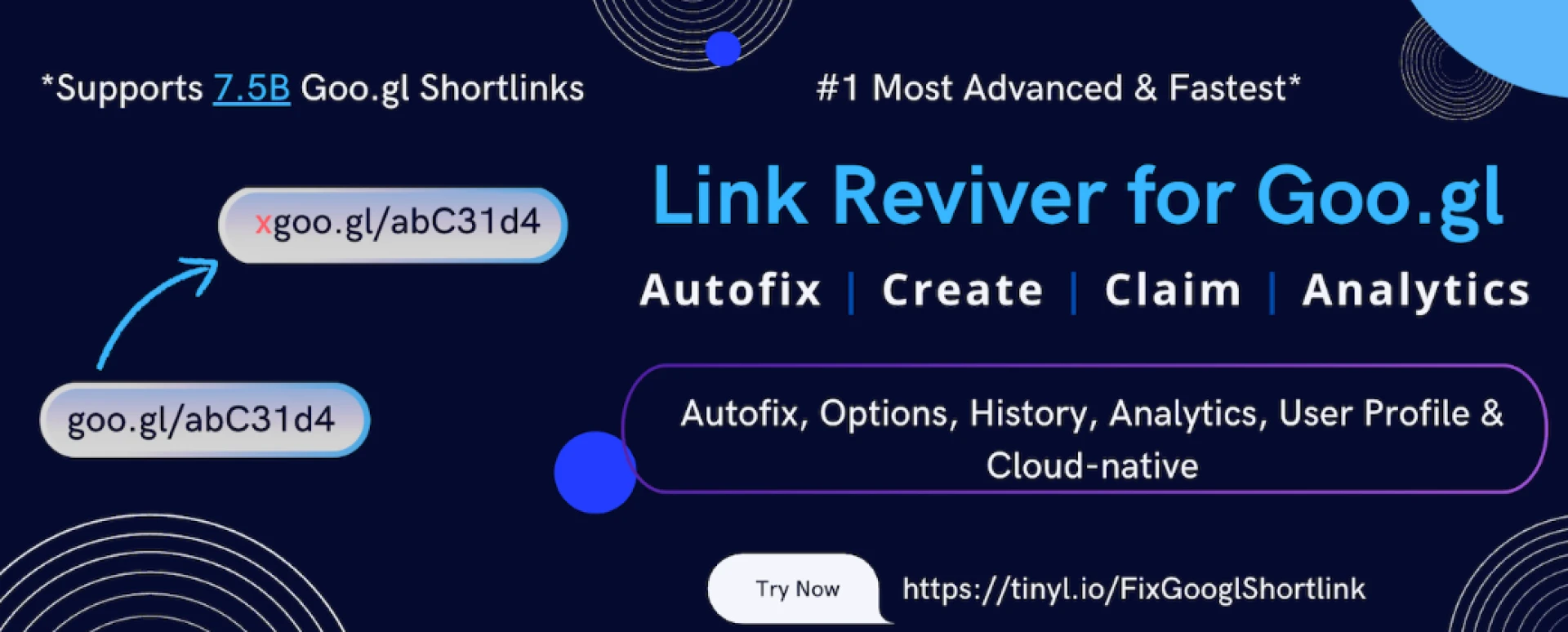
The good news? Link Reviver offers a straightforward solution. This Chrome extension not only restores the functionality of your old goo.gl links but also provides useful tools to track and measure their performance. With Link Reviver, you can recover lost traffic, improve the user experience, and monitor how those old links are still driving engagement.
In this post, we’ll break down how Link Reviver can help you manage your old goo.gl links, track their clicks, and ensure your website remains SEO-friendly—all with minimal effort.
Why the goo.gl Shutdown Affects Your Site
If you’ve been using goo.gl to shorten URLs for blog posts, social media shares, or marketing campaigns, you know how convenient it was. But after Google’s decision to shut down the service in 2019, all goo.gl links have been broken. This creates several problems for webmasters:
- Broken Links Lead to 404 Errors: Clicking on a goo.gl link now leads to a 404 page instead of the original content, frustrating users and diminishing trust.
- SEO Penalties: Search engines like Google take notice when they find broken links on your website. High numbers of 404 errors can damage your SEO and lower your rankings.
- Lost Traffic: Those goo.gl links that once helped you generate traffic are no longer doing their job. Any link you’ve shared in the past via social media, emails, or blogs is now useless, and you’re missing out on valuable visits.
- Missed Marketing Opportunities: If you relied on goo.gl links in email campaigns or ads, all that marketing effort is now wasted as the links no longer lead anywhere.
Without action, the damage to your traffic and SEO can be significant. Fortunately, Link Reviver makes it easy to fix this problem.
What Is Link Reviver and How Does It Work?
Link Reviver is a simple Chrome extension designed to fix broken goo.gl links across your website. When you install Link Reviver, it automatically detects all the goo.gl shortlinks on your site and redirects them to their original URLs. But the benefits don’t stop there. Link Reviver also helps you track and monitor the performance of your links with detailed analytics, so you can keep tabs on how much traffic your old links are still generating.
Here’s a closer look at how Link Reviver works:
- Automatic Redirection: When a visitor clicks on an old goo.gl link, Link Reviver will automatically redirect them to the original destination, ensuring they don’t land on a 404 error page.
- Analytics and Tracking: Link Reviver doesn’t just fix links—it also helps you track clicks on those links. You can see how often your old goo.gl links are clicked, where your traffic is coming from, and much more.
- Maintain SEO Health: Keeping your links intact is crucial for SEO. Broken links can hurt your rankings by increasing bounce rates and decreasing your site’s credibility. By redirecting goo.gl links, Link Reviver ensures your website remains SEO-friendly.
Why Link Reviver is Essential for Website Owners
If you’re wondering how much of an impact the goo.gl shutdown has had on your website, the answer is simple: it’s significant. Here’s how Link Reviver can help:
1. Fixes Broken Links Automatically
Rather than manually checking every goo.gl link across your site and replacing it, Link Reviver does the work for you. Once the extension is installed, it automatically redirects your broken goo.gl links to their intended URLs.
2. Tracks and Measures Link Performance
Link Reviver comes with built-in analytics tools that allow you to track how well your old goo.gl links are performing. You can monitor the number of clicks, see where the traffic is coming from, and understand which content is still engaging your audience.
3. Boosts Your SEO Rankings
Search engines prefer websites that don’t have broken links. By redirecting goo.gl links and maintaining a healthy link structure, Link Reviver helps protect your site from potential SEO penalties that can arise from 404 errors.
4. Improves User Experience
A website filled with broken links creates a poor user experience. By ensuring your goo.gl links are always redirected properly, you keep visitors happy and engaged, encouraging them to spend more time on your site.
How to Use Link Reviver
Getting started with Link Reviver is easy. Here’s how you can install it and start benefiting from its features right away:
Step 1: Install the Chrome Extension
Visit the official Link Reviver page and add the extension to your Chrome browser. The installation process is quick and simple.
Step 2: Start Scanning Your Site
Once installed, Link Reviver will automatically scan your website for broken goo.gl links. It will display a list of links that need to be redirected.
Step 3: Activate Redirects
Link Reviver will immediately begin redirecting all broken goo.gl links to their original destinations. No additional configuration is necessary.
Step 4: Track and Analyze Traffic
Once your links are up and running again, you can monitor their performance via the built-in analytics dashboard. See how many people are clicking on your links, where they’re coming from, and which content is driving the most traffic.
Track Your Traffic and Gain Insights
One of the most powerful aspects of Link Reviver is its ability to track the performance of your old goo.gl links. Here’s how this can help you:
- Click Tracking: You’ll get detailed information on how many clicks your old links are getting, so you can measure their continued effectiveness.
- Referral Sources: Find out whether your links are being clicked via social media, search engines, or other referral sources.
- Geographic Data: Link Reviver lets you know where your traffic is coming from, helping you understand the demographics of your audience.
- Real-Time Analytics: The ability to track link performance in real time means you can quickly make adjustments to your content and marketing strategy based on what’s working.
By understanding which links are still driving traffic, you can focus your efforts on optimizing your high-performing content and improving areas that need attention.
Conclusion
The shutdown of goo.gl left many website owners and marketers scrambling to fix broken links, recover lost traffic, and restore their SEO health. However, with Link Reviver, you don’t have to worry about those broken links anymore. The extension automatically redirects your old goo.gl links, restores their functionality, and provides you with detailed analytics to track how they’re performing.
Link Reviver is an invaluable tool for anyone looking to ensure their website is running smoothly, maintain SEO health, and keep track of their traffic, all while saving time and effort. Whether you’re a blogger, marketer, or business owner, this tool helps you maintain a professional online presence without the headache of dealing with old, broken links.