Imagine waking up one morning to find that your bank account has been drained, your social media accounts hijacked, and your email locked out. Sounds like a nightmare, right?
Unfortunately, this happens every day due to weak or reused passwords. Cybercriminals love easy targets, and if you’re still using “password123” or storing your login details in a notebook, you’re at risk.
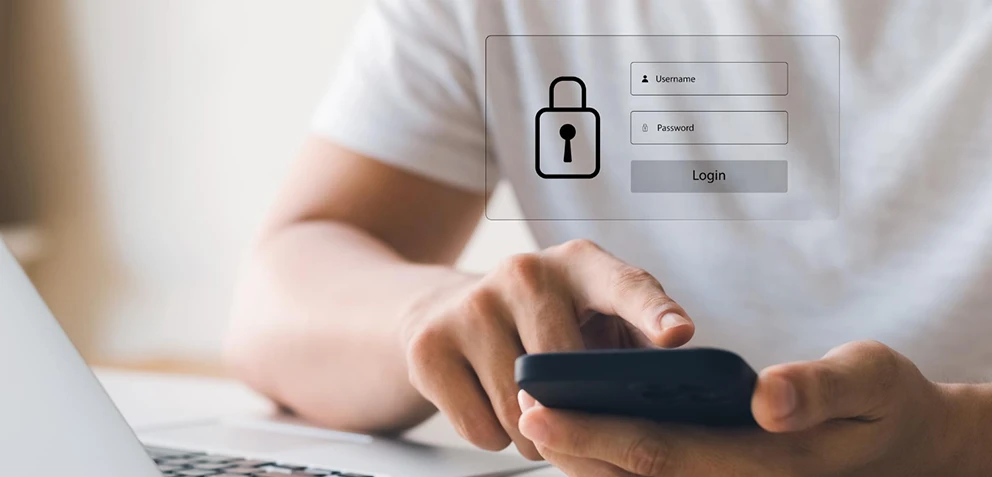
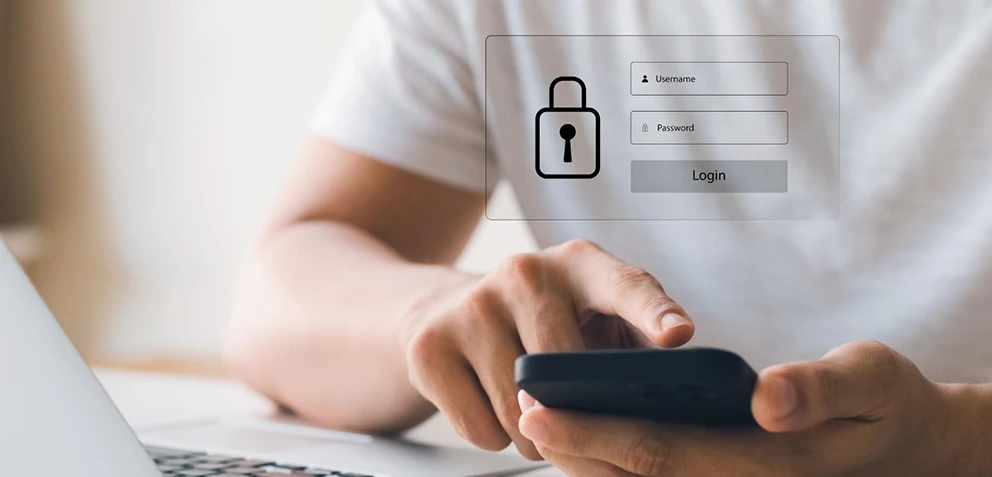
That’s where a password manager comes in. It acts as a password keeper, securely storing and managing your credentials so you don’t have to remember them all.
According to Verizon’s 2023 Data Breach Investigations Report, over 81% of hacking-related breaches were due to weak or stolen passwords. This means most cyberattacks could have been prevented simply by using strong, unique passwords stored in a password manager.
But how does it work, and how does it keep you safe? Let’s break it down.
What is a Password Manager?
A password manager is a tool that helps you store, generate, and manage passwords securely. Instead of remembering dozens of complex passwords, you only need to remember one master password.
The manager keeps all your credentials in an encrypted password vault, making it nearly impossible for hackers to access them.
How Does a Password Manager Work?
Using a password vault may sound complex, but it’s actually quite simple. Here’s how it works:
1. Secure Storage in an Encrypted Vault
When you log in to an account, the password manager securely stores your credentials in an encrypted database. This means even if a hacker gains access to your device, they won’t be able to read your stored passwords.
2. Auto-Fill & Auto-Login
No more struggling to type long, complex passwords. Your online password manager automatically fills in login details for websites and apps, saving you time.
3. Password Generation
Weak passwords are an open invitation to hackers. A password manager can generate strong, unique passwords for each account, reducing the risk of a data breach.
4. Cross-Device Syncing
Whether you're on a Mac, Android, or Windows device, the best password managers ensure you have access to your credentials anytime, anywhere. Looking for the best password manager for Mac or the best password manager for Android? A good manager will support multiple platforms seamlessly.
5. Phishing Protection
Cybercriminals use fake websites to steal passwords. A password manager detects phishing attempts and warns you before you enter your credentials on a fraudulent site.
How AVP Suite’s Password Manager Keeps Your Passwords Safe
Not all password managers are created equal when it comes to password security. AVP Password Manager, part of AVP Suite, offers advanced features beyond just storing credentials.
1. Military-Grade Encryption
AVP Suite uses grade-one encryption, the same level banks and governments use, ensuring your password vault is virtually impenetrable.
2. Dark Web Monitoring
AVP Password Manager scans the dark web for any sign of your leaked credentials. If your passwords are compromised, you’ll get an instant alert.
3. One-Tap Autofill & Secure Sharing
No more manually typing or sharing passwords via text. Securely store and share credentials with trusted contacts without exposing them.
4. Multi-Device Compatibility
Available for Mac, Android, iOS, and Windows, AVP Suite ensures your passwords are always accessible yet completely secure.
5. Social Media Security
Hackers love targeting social accounts. AVP Password Manager ensures your social media security by preventing unauthorized access.
By choosing AVP Password Manager, you’re not just storing passwords—you’re locking out cybercriminals and securing your digital life.
Final Thoughts: Take Control of Your Online Security
Cyber threats are growing, and your passwords are the first line of defense. A password manager is the easiest way to protect your online privacy, secure your accounts, and prevent identity theft.
Experience unmatched security and convenience effortlessly.
Secure Your Digital Life with AVP Password Manager