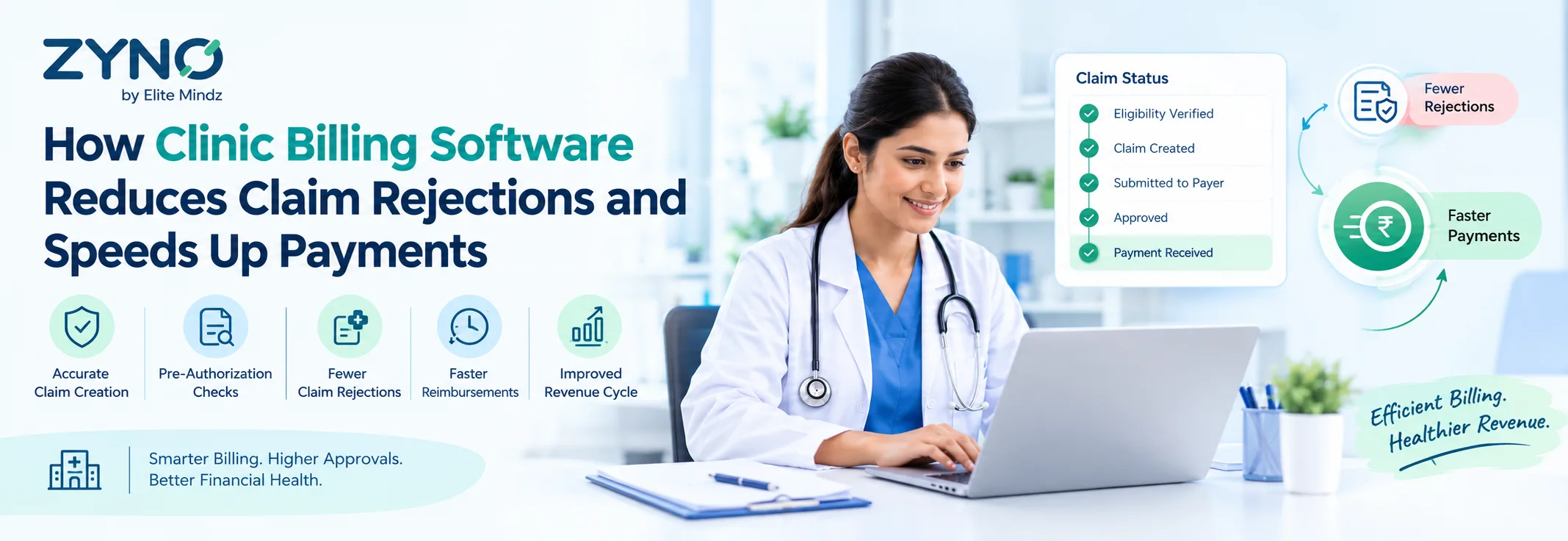
Every rejected insurance claim means extra work for the clinic and a longer wait for payment. Small mistakes, such as a wrong code or a missing detail, can send a claim back and delay income for weeks. Using clinic billing software is one of the simplest ways to prevent these problems before they happen. Understanding how it works helps clinics get paid faster and with less stress.
Why Do Insurance Claims Get Rejected?
A claim is rejected when the insurance company finds a problem and sends it back without paying. Most of these problems are small and easy to avoid, but they are hard to catch when billing is done by hand. Clinic billing software is built to spot them early, so the claim is right the first time.
The most common reasons for rejection are:
- Wrong or missing patient details
- Incorrect service or diagnosis codes
- Expired or unverified insurance
- Missing documents or approvals
- Duplicate claims
- Claims sent after the filing deadline
How Billing Software Prevents Rejections
Advanced software checks the claim at every step, from the patient visit to the final payment. This means errors are fixed early instead of after the claim is rejected.
1. Insurance Verification
The software checks whether the patient's insurance is active and what it covers before the visit or before the claim is sent. This avoids surprise rejections for expired or unsupported plans.
2. Automatic Code Suggestions
The system matches services with the right billing codes. This lowers the chance of coding mistakes, which are one of the biggest causes of rejected claims.
3. Built-In Error Checks
Before a claim is submitted, the software scans it for missing fields and incorrect details. Staff get a clear alert and can fix the issue in minutes.
4. Claim Status Tracking
Clinics can see whether each claim is submitted, approved, pending, or rejected. If a claim is rejected, it can be corrected and sent again quickly.
5. Deadline Reminders
The software reminds staff about filing deadlines and unpaid claims, so no claim is forgotten or sent too late.
Without Software vs With Software
The table below shows how common billing problems are handled in each case.
Common ProblemWithout Billing SoftwareWith Billing SoftwareWrong patient detailsFound only after rejectionFlagged before submissionCoding errorsDepends on staff checking manuallySuggested and checked automaticallyInsurance not activeDiscovered lateVerified in advanceLost or forgotten claimsEasy to missTracked with remindersRejected claimsSlow to find and fixVisible at once and easy to resendPayment delaysCommonReduced with cleaner claimsIn simple terms, the software catches mistakes at the start, not at the end.
Benefits of Fewer Rejected Claims
- Faster payments: Clean claims are processed sooner, so money reaches the clinic earlier.
- Better cash flow: Steady payments make it easier to pay staff, rent, and supplies.
- Less rework: Staff spend less time fixing and resending claims.
- Lower stress: Fewer surprises and delays for the billing team.
- More time for patients: Staff can focus on care instead of paperwork.
Tips to Get the Best Results
Billing software works best when the clinic uses it properly. A few simple habits help:
- Train all staff to use the system correctly.
- Enter patient details carefully at the front desk.
- Review error alerts every day.
- Check rejected claims weekly and look for patterns.
- Keep the software updated with the latest billing rules.
Conclusion
Rejected claims slow down payments and add extra work for every clinic. Good clinic billing software reduces these problems by checking insurance, suggesting correct codes, spotting errors before submission, and tracking every claim until it is paid.
For a clinic that wants faster payments and fewer billing headaches, moving to an advanced billing system is a practical and smart step.