
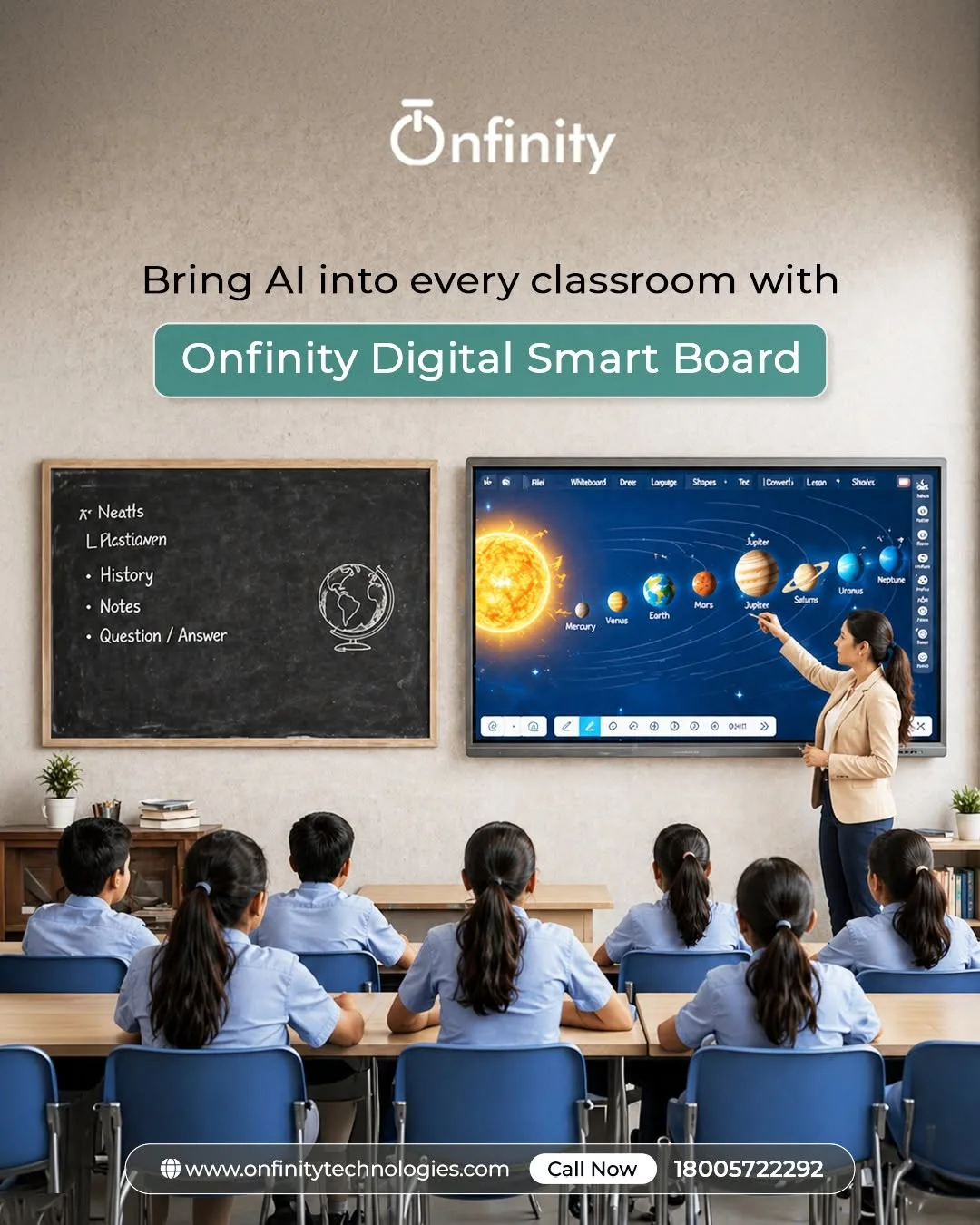
Modern classrooms are changing rapidly as schools adopt technology that makes lessons more interactive, visual, and collaborative. Instead of relying only on textbooks and traditional whiteboards, teachers can now use digital tools to create more dynamic learning experiences. A smart board for classroom is one such technology that can help teachers present information in engaging ways while encouraging students to participate actively.
Onfinity Technologies Pvt. Ltd. provides interactive flat panel solutions designed to support smart classrooms, with features such as 4K displays, multi-touch functionality, content sharing, built-in tools, and device integration.
What Is a Smart Board for Classroom?
A smart board for classroom is an interactive digital display that allows teachers and students to interact directly with educational content. Unlike a conventional whiteboard, an interactive display can show videos, presentations, diagrams, websites, images, documents, and other digital resources.
Modern interactive flat panels can also support touch-based interaction, allowing teachers to write, draw, annotate, move objects, and interact with content directly on the screen. These capabilities can turn a conventional lecture into a more participatory classroom activity.
Research on interactive whiteboards has found that students and teachers can perceive benefits related to motivation, interaction, and classroom learning experiences, although research also indicates that the technology itself does not automatically guarantee better learning outcomes. How teachers use the technology remains important.
1. Makes Lessons More Visual
Students often understand concepts more easily when information is presented through a combination of text, images, diagrams, animations, and videos. A digital classroom display allows teachers to combine these formats within a single lesson.
For example, a science teacher can display an animated diagram of the human body, while a mathematics teacher can demonstrate geometric concepts using interactive visuals. History and geography lessons can incorporate maps, timelines, photographs, and videos.
This variety can make lessons more visually stimulating and help maintain students’ attention.
2. Encourages Active Participation
One of the biggest advantages of interactive classroom technology is that students can become participants rather than simply listeners.
Teachers can invite students to solve problems on the interactive display, label diagrams, arrange objects, answer questions, or demonstrate solutions. Multi-touch functionality can also allow interaction with digital content directly on the screen.
When students are given opportunities to interact with lesson materials, classroom activities can become more collaborative and engaging. Research has reported positive associations between interactive whiteboard use and student engagement in some classroom settings.
3. Supports Different Learning Activities
Every classroom includes students with different interests, learning preferences, and levels of understanding. An interactive display gives teachers more flexibility in how they explain a concept.
A teacher can combine written explanations with videos, illustrations, digital worksheets, demonstrations, and interactive exercises. This allows the same topic to be explored through multiple formats rather than depending on a single teaching method.
For schools developing a smart learning environment, this flexibility can make classroom instruction more adaptable.
4. Makes Collaborative Learning Easier
Learning becomes more engaging when students work together. A smart board for classroom can support group activities by giving students a shared digital space where they can contribute ideas and solve problems.
For example, students can work together to complete a mind map, solve a mathematical problem, analyze an image, or organize information on the screen. Teachers can also use screen-sharing capabilities to bring content from other devices onto the main display.
Onfinity’s interactive flat panels are designed with multi-touch support, screen sharing, and collaboration features to support interactive learning environments.
5. Helps Teachers Explain Complex Concepts
Some concepts are difficult to explain using only a textbook or static board. Digital teaching tools allow educators to break complicated subjects into smaller visual steps.
For example, a physics teacher can use animations to explain motion, while a biology teacher can display detailed diagrams of biological processes. In mathematics, teachers can demonstrate calculations and graphical concepts directly on the display.
By combining visual explanations with teacher narration and student interaction, difficult topics can become easier to explore.
6. Keeps Classroom Content Dynamic
Traditional board work often requires teachers to erase information before moving to a new topic. Digital displays provide greater flexibility for switching between resources.
Teachers can move from a presentation to a video, then to a website, digital worksheet, or interactive activity without changing the primary teaching setup. This can help create a smoother lesson flow and reduce unnecessary interruptions.
Onfinity’s interactive flat panels include features such as built-in tools, integrated Android functionality, front-loading USB access, and optional PC configurations, supporting different classroom workflows.
7. Creates Opportunities for Immediate Interaction
Engagement can increase when students receive opportunities to respond during a lesson rather than waiting until the end. Teachers can use interactive displays for questions, demonstrations, quick activities, and classroom discussions.
Studies have explored interactive whiteboards alongside response or voting systems as tools for increasing interaction during teaching.
However, technology should support the teaching strategy rather than replace it. Effective lesson planning, meaningful questions, student participation, and teacher guidance remain essential.
Choosing the Right Interactive Classroom Technology
Schools considering a smart board for classroom use should look beyond screen size alone. Important factors can include display quality, touch responsiveness, built-in teaching tools, connectivity, screen sharing, software compatibility, ease of use, durability, and after-sales support.
The right solution should fit the school’s teaching requirements and existing technology infrastructure.
Conclusion
A smart board for classroom can transform the way teachers present information and students participate in lessons. By combining visual content, touch interaction, multimedia resources, collaboration, and digital teaching tools, interactive displays can create a more engaging learning environment.
For schools looking to modernize their classrooms, Onfinity Technologies Pvt. Ltd. offers interactive flat panel solutions designed to support smart classroom environments and collaborative learning.
The most important factor, however, is not simply having advanced technology in the classroom. When teachers use interactive tools purposefully — with well-planned activities and opportunities for student participation — the technology can become a valuable part of a more engaging and interactive learning experience.